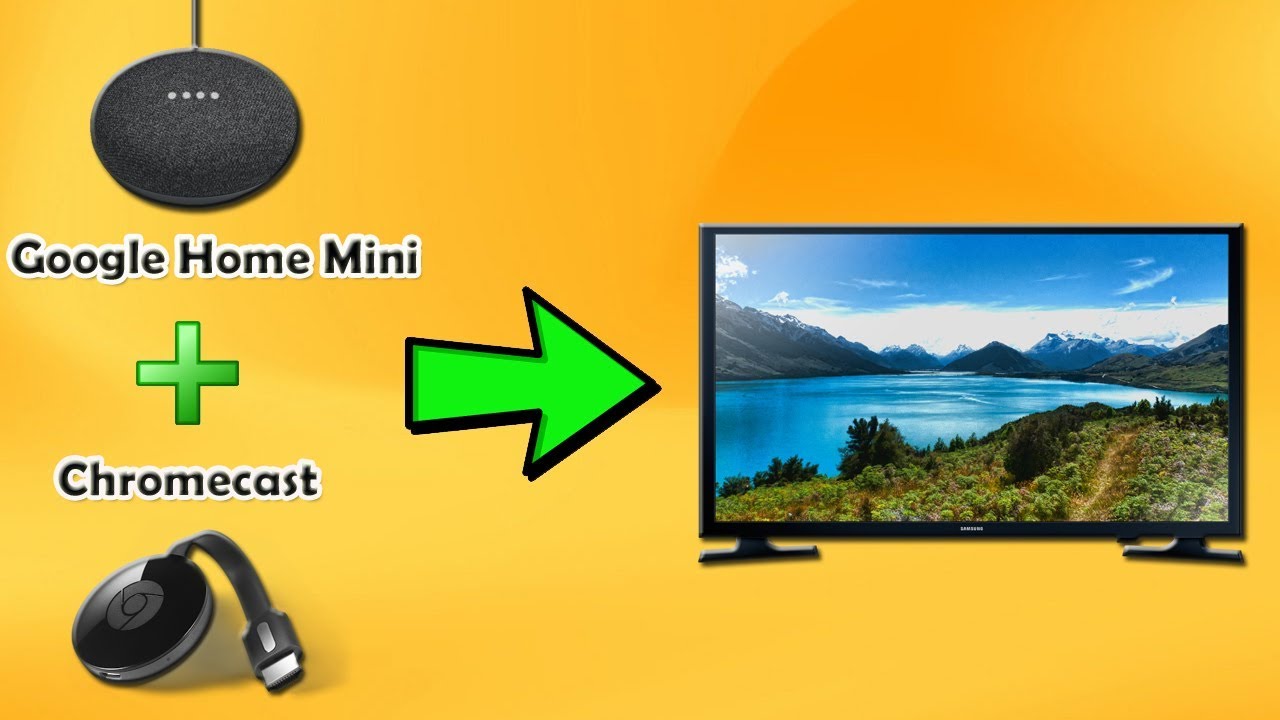
How To Connect Google Home Mini To Google Home
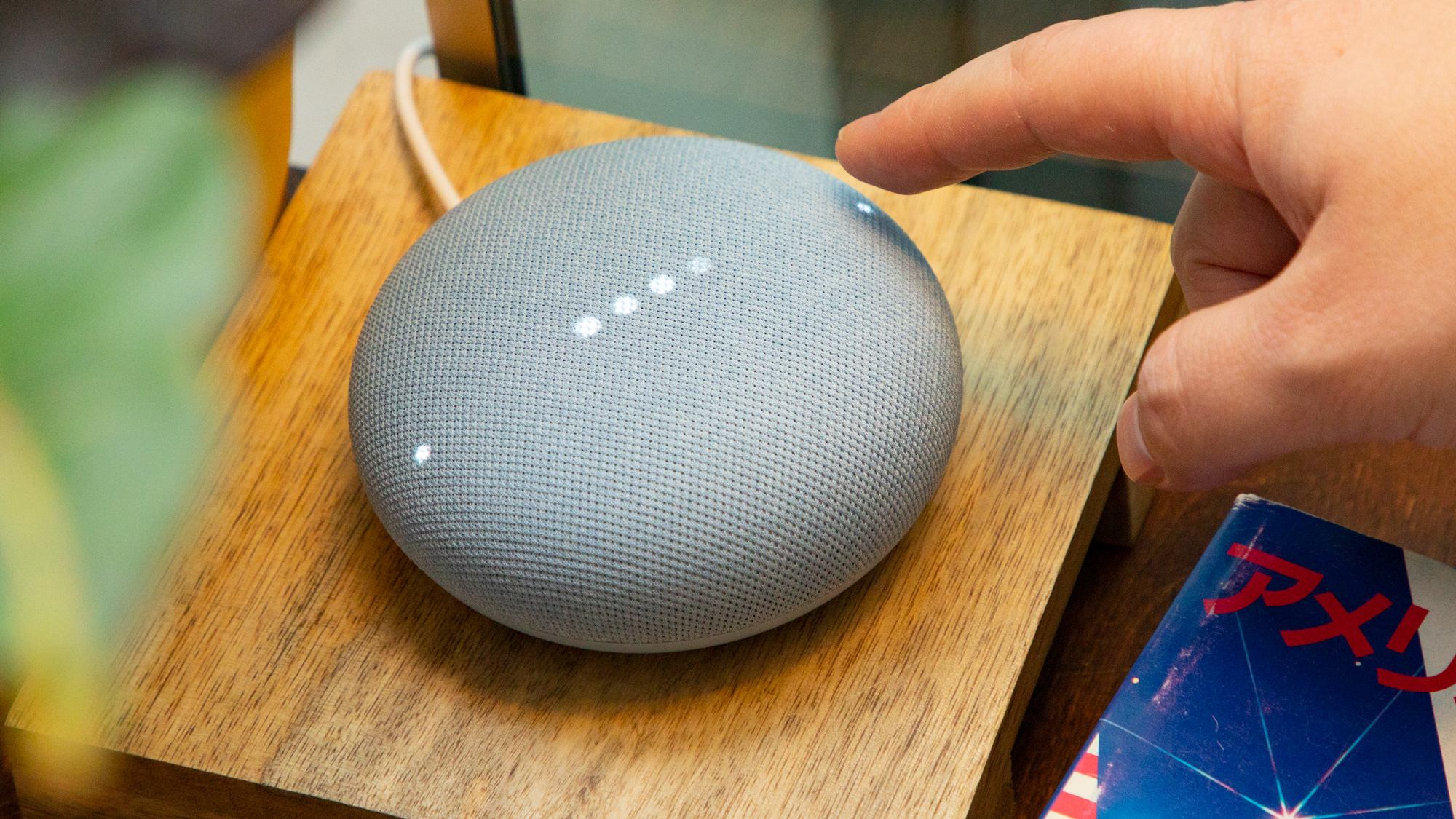
Ah, the Google Home Mini! It's like that endlessly enthusiastic, pocket-sized sidekick ready to leap into action. Small yet mighty, these little pucks of smartness have found their way into countless homes, bringing a dash of futuristic charm to our everyday lives. But what if we told you that this adorable tech companion could unlock an even greater symphony of sound and smarts by joining forces with its bigger sibling, the original Google Home? Get ready to unleash the true power of your smart home ecosystem and create an immersive audio experience that's both intuitive and utterly delightful!
Connecting your Google Home Mini to your main Google Home isn't just a tech trick; it's a gateway to enhancing your daily rhythms and fostering a more connected environment. For the casual learner, imagine audiobooks following you from the kitchen where you’re prepping lunch, right into the living room as you settle down to eat. For the budding artist or passionate hobbyist, this setup creates a multi-room audio paradise. Picture yourself painting in your studio space with ambient music flowing seamlessly from both devices, or perfecting a new recipe while a podcast about culinary history echoes gently through your entire ground floor. It’s about creating an atmosphere that supports your creative flow and keeps you in tune with what matters, no matter where you roam in your home.
The beauty of this connection lies in its versatility. You can create a "whole-house" audio experience, perfect for hosting gatherings where music fills every nook and cranny. Or perhaps a more focused setup, like a "bedroom-office" group for consistent background noise while you work or relax. Think about those morning routines: you can have your news brief start in the bedroom, then follow you into the bathroom as you get ready, and finally land in the kitchen while you brew your coffee. No more pausing, no more missing a beat! Whether it's the latest pop hits, a calming classical playlist, or an engaging podcast, your audio content becomes wonderfully ubiquitous.
Must Read
Ready to try this magic at home? It's surprisingly simple! Here’s how you connect your Mini to your Home and create that glorious multi-room audio experience:
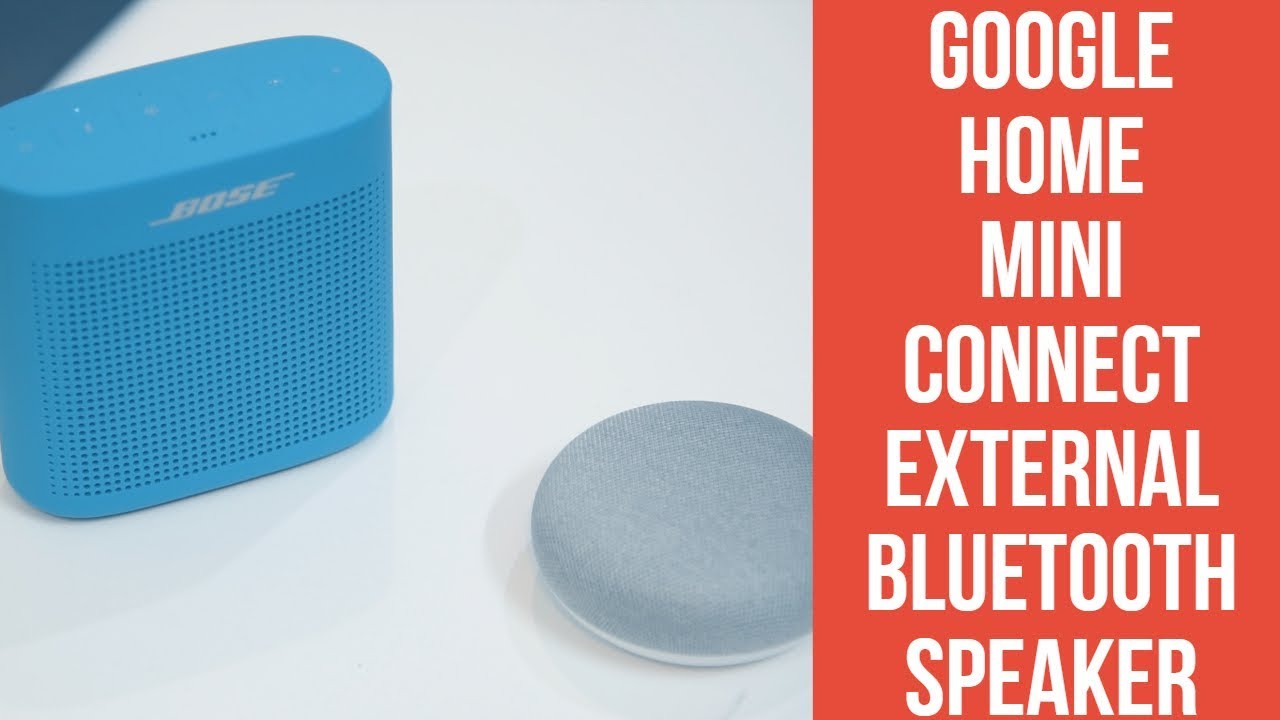
- First, ensure both your Google Home and your Google Home Mini are plugged in and connected to the same Wi-Fi network. This is crucial for them to "see" each other.
- Open the Google Home app on your smartphone or tablet.
- Tap the plus icon (+) at the top left, then select "Create speaker group."
- Now, you'll see a list of your available Google Nest/Home devices. Select both your main Google Home and your Google Home Mini (and any other compatible devices you wish to include!).
- Give your new speaker group a fun, memorable name like "House Party Vibes," "Zen Zone," or "Everywhere Music."
- Tap "Save." And just like that, you're set!
To use it, simply say, "Hey Google, play [your favorite music/podcast] on [your speaker group name]." The sound will magically synchronize across all selected devices, creating an expansive audio landscape.
The joy of connecting your Google Home Mini to your Google Home is the feeling of having a truly intelligent, harmonious home. It’s about more than just playing music; it’s about crafting an environment where sound enriches every moment, bringing seamless sound and ultimate convenience to your fingertips. So go ahead, give your devices a buddy, and prepare to be delighted by the expansive world of sound you've just unlocked!

:max_bytes(150000):strip_icc()/google-home-with-urc-5ab2f1d5a474be00194a2191.jpg)