
How To Change The Garage Keypad Code

Hey there, digital guardian of your garage kingdom! Ever felt that little twitch... a tiny whisper in your ear saying, "Psst, maybe it's time to change that garage keypad code?"
Maybe you just had a contractor over, your neighbor borrowed a tool (and maybe your code, just kidding... mostly!), or perhaps your super-sleuth kid figured out your birthday is also your entry code (oops!).
Whatever the reason, fret not! Changing your garage keypad code is one of those tasks that sounds like it requires a rocket science degree but is actually simpler than making toast. And I'm here to walk you through it, friend, with zero fuss and maybe a chuckle or two.
Must Read
Get ready to feel like a master of your domain in just a few easy steps!
Before We Begin: A Little Prep Talk
First things first, let's gather our intel. You'll need to locate your garage door opener unit. You know, that big boxy thing usually hanging from the ceiling in the middle of your garage, connected to the door.
It's the brains of the operation, the Grand Poobah, the head honcho. Don't worry, it doesn't bite. Probably.
You might need a small step ladder. Safety first, folks! We're aiming for a new code, not a new concussion. And maybe a flashlight if your garage lighting is more 'moody' than 'functional'.
Also, make sure the door is closed. We don't want any unexpected surprises, like the door deciding to go for a joyride while you're halfway through programming.
Find the Magical "Learn" Button
Now, for the star of the show: the 'Learn' button. This magical little button is your ticket to code-changing freedom.
It's usually pretty easy to spot. Look on the back or side panel of your opener unit. It's often a different color than the unit itself – think red, yellow, purple, or green.
It might be labeled 'Learn,' 'Smart,' or just have a little light next to it. If you're scratching your head, a quick peek at your opener's brand manual (or a speedy Google search like 'Chamberlain learn button location' or 'LiftMaster learn button color') will be your best friend. Seriously, Google knows everything.
Got it? Good! Give it a little wink. This is where the magic happens.
The Grand Code Transformation: Step-by-Step!
Okay, deep breaths! Here’s where we get down to business. It’s a bit of a dance, but you’ve got rhythm.
Step 1: Press the 'Learn' Button. Gently press and release the learn button. Don't hold it down forever; just a quick tap. You should see an indicator light come on, usually blinking. This means the opener is now in 'listening' mode, ready for its new command. Think of it as putting your garage door in 'training' mode.
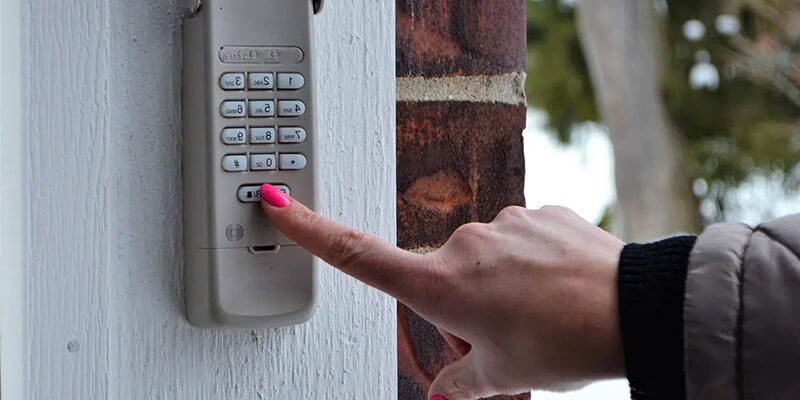
Step 2: Head to Your Keypad. Now, you have about 30 seconds (give or take, depending on your model) to sprint (or casually stroll, if you're feeling brave) to your outdoor keypad.
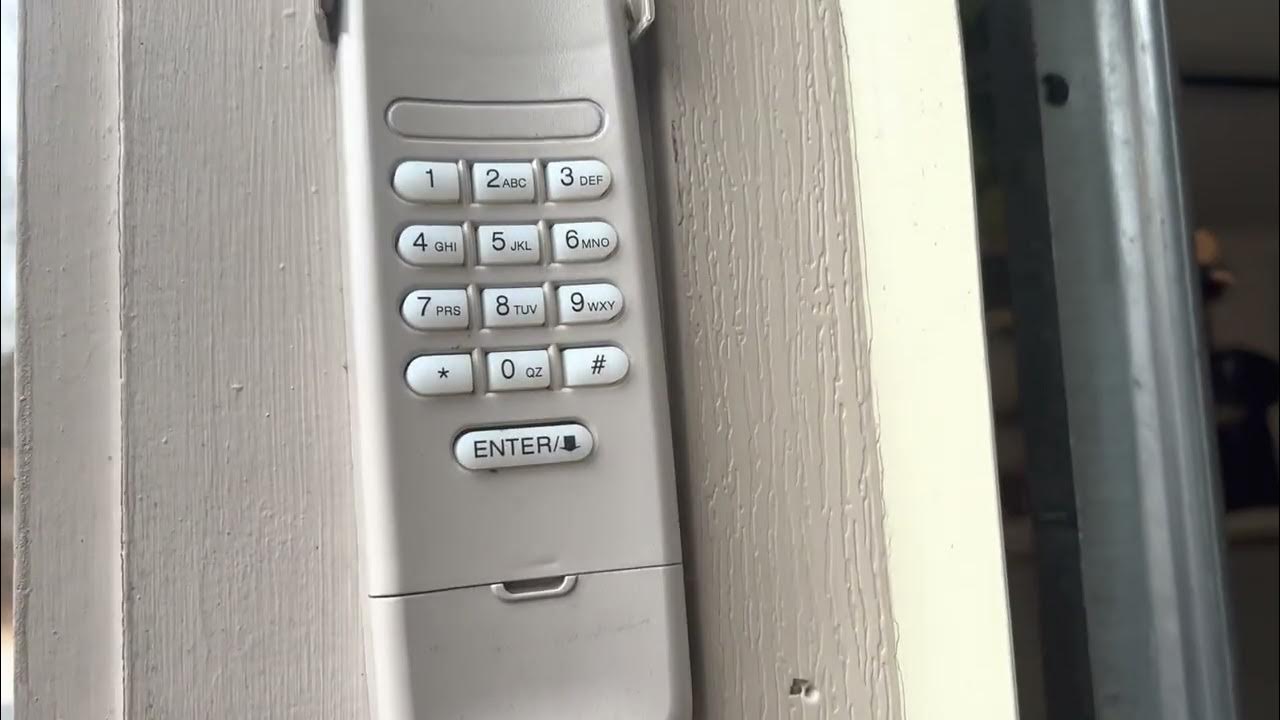
Step 3: Enter Your New Code. On the keypad, enter your brilliant, brand-new, super-secret code. Make it something memorable but not obvious, okay? Not '1234' or '0000' – unless you want the neighborhood squirrel to open your garage.

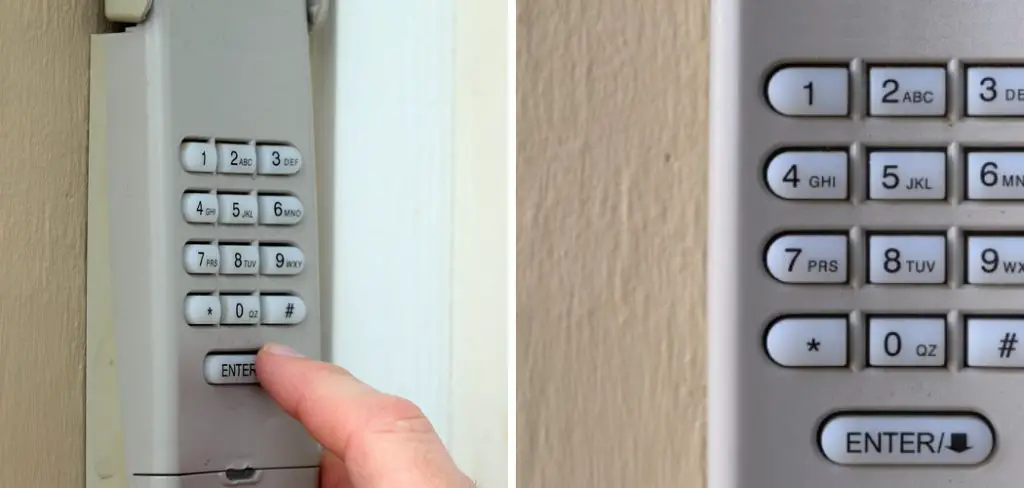
Step 4: Press the 'Enter' or '#' Button. After typing your new code, press the 'Enter' or '#' button on the keypad. Some keypads might have a 'Program' button instead. This tells the opener, 'Yep, this is the one! Lock it in!'
You should hear the garage door opener click or see its light flash, confirming it's accepted the new code. Success! You've just taught an old dog new tricks!
Troubleshooting & Testing: The Victory Lap (or Rerun)
Alright, moment of truth! Step back, take a dramatic pause, and then test your new code on the keypad. Did the door open or close? Fantastic!
What if it didn't work? Don't panic! Even the pros have 'oops' moments. Here are a few quick fixes:
- Did you press the 'Learn' button long enough, but not too long? Just a quick tap!
- Did you make it to the keypad within the 30-second window? Sometimes those seconds fly by when you're feeling important.
- Are the keypad batteries fresh? A classic culprit! Pop in some new ones, it's often the simplest solution.
- Try the whole process again. Sometimes, a fresh start is all it needs. You're basically restarting the 'computer,' garage-style.
- Still no luck? Consult your specific opener's manual. Or, as a last resort, bribe a tech-savvy friend with cookies. Everyone loves cookies.
A Quick Word on Security (The Serious-ish Part)
One last friendly nudge: make your new code unique and strong. Avoid birthdays, anniversaries, or sequential numbers. Think of it like your secret handshake with your garage. You want it secure, right?
Change it up every now and then, especially if you've had guests or service people who knew the old one. It's like giving your garage a fresh suit of armor!
You Did It! High Five!
See? That wasn't so scary, was it? You just successfully navigated the high-tech world of garage door programming. Give yourself a pat on the back, or maybe even a celebratory dance!
You've not only boosted your home's security but also gained a new superpower: the ability to master your home technology. Who needs a remote when you've got your smarts and a perfectly programmed keypad?
Now go forth and enjoy the peace of mind that comes with knowing your garage is safe, secure, and uniquely yours. You're a rockstar, and your garage knows it!