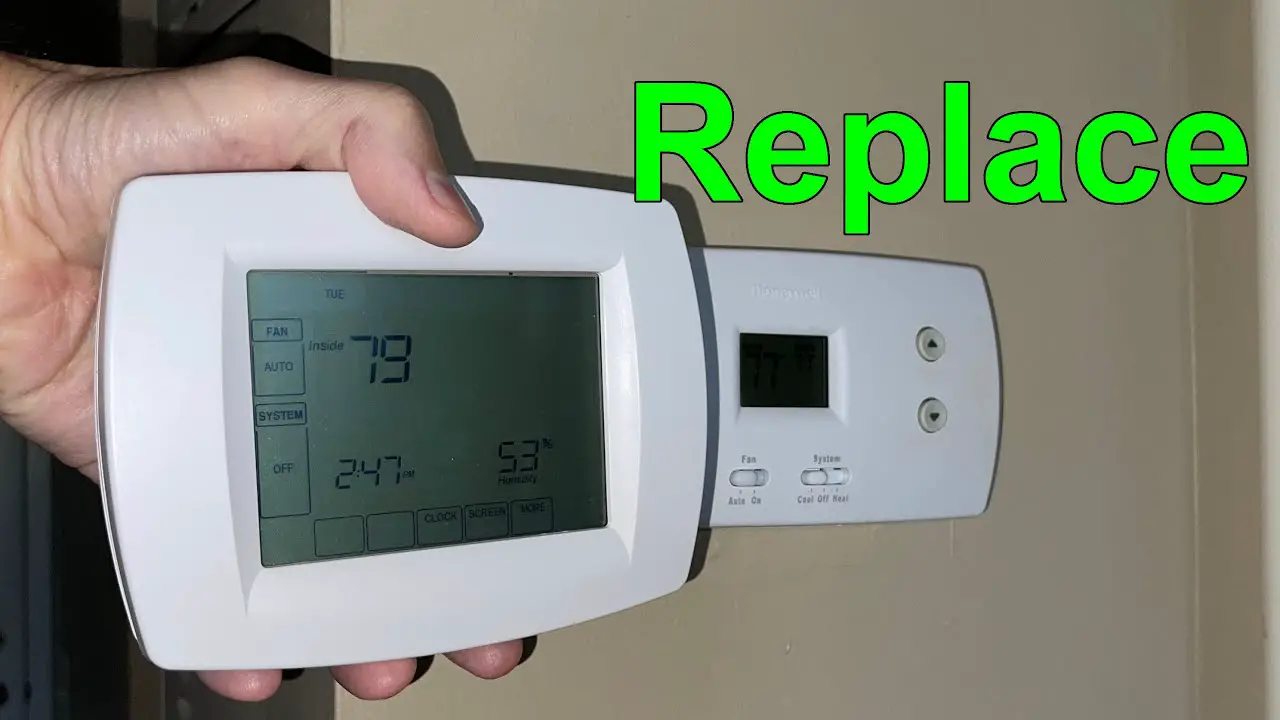
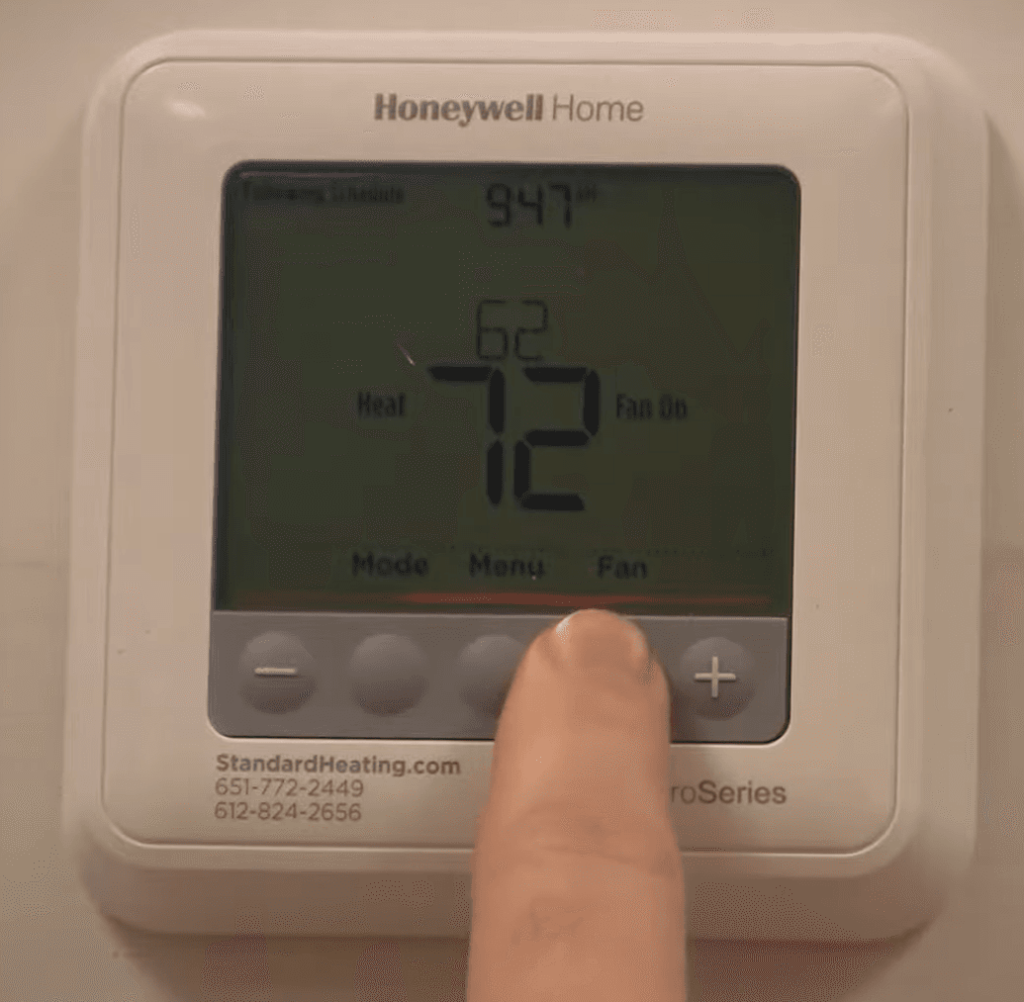
How To Change A Honeywell Thermostat

Ever found yourself staring at that little box on your wall, the one that dictates your home's comfort, and wondered about its inner workings? Or perhaps you've dreamt of a smarter home, one that greets you with the perfect temperature after a long day? Changing a thermostat, especially a common Honeywell model, might sound like a daunting task reserved for the pros, but I'm here to tell you it's often a surprisingly empowering and achievable DIY project. It’s like unlocking a new level of home mastery, and the journey itself can be quite a fascinating exploration into your home's nervous system.
So, what’s the big deal with swapping out a thermostat? Its primary purpose is to act as the brain of your heating and cooling system, telling your furnace or air conditioner when to kick in and when to rest. The benefits of upgrading, particularly from an older, perhaps less efficient model to a modern one, are simply fantastic. Imagine enjoying greater comfort with precise temperature control, no more hot spots or cold drafts. Beyond comfort, the biggest draw for many is significant energy savings. New thermostats, especially smart ones, learn your habits, sense when you're away, and can be programmed with intricate schedules, leading to a noticeable drop in your utility bills. It's about taking control, making your home more responsive, and often, more eco-friendly.
The practical applications are endless. In daily life, think about the convenience: adjusting the heat from your bed on a chilly morning, or turning on the AC remotely as you leave work so you walk into a perfectly cooled home. If you forget to adjust the temperature before a weekend trip, no worries – just whip out your phone and save some energy (and money!). For those with varying schedules, a programmable thermostat truly shines, ensuring comfort when you're home and efficiency when you're not. From an educational perspective, tackling this project offers a hands-on lesson in basic home electrical systems (it's low voltage, don't worry!), understanding HVAC components, and even a practical introduction to the Internet of Things (IoT) if you opt for a Wi-Fi enabled smart thermostat. It's a journey into understanding how your home truly works.
Must Read
Ready to explore? Here are some practical tips to get you started on your Honeywell thermostat adventure. First and foremost, safety is paramount: always, always, always turn off the power to your HVAC system at the breaker box before touching any wires. This isn't just a suggestion; it's a golden rule! Next, before disconnecting anything, take a few clear photos of the existing wiring. This visual roadmap will be your best friend during reinstallation. Also, consider labeling each wire with its corresponding letter as you disconnect it – a simple piece of painter's tape does wonders. Don't be afraid to consult the manuals for both your old and new thermostats; they contain a wealth of system-specific information. Finally, YouTube is your friend! There are countless step-by-step video guides that can walk you through the process for various Honeywell models. Taking your time and being methodical will ensure a smooth, successful upgrade, leaving you with a fantastic sense of accomplishment and a perfectly optimized home.