How To Add A Company To Crunchbase

So, picture this: I was at a networking event, crammed into a room buzzing with entrepreneurs. I strike up a conversation with this guy, super passionate about his startup, a groundbreaking (allegedly!) AI-powered dog walking service. He hands me his card, all sleek and minimalist, and I'm thinking, "Okay, cool." Later, I'm back home, trying to remember exactly what his company did, and I think, "Crunchbase! Duh!" I go to look him up, and... nothing. Total ghost. That's when it hit me: getting on Crunchbase is like officially existing in the startup universe. It's your digital handshake with the world, and apparently, this guy skipped that step.
That got me thinking. How easy is it to actually add a company to Crunchbase? Is it some kind of Herculean task reserved for tech wizards? Turns out, it's not. And that's what we're diving into today. Let's get your (or that dog-walking AI's) company on the map!
Why Bother with Crunchbase Anyway?
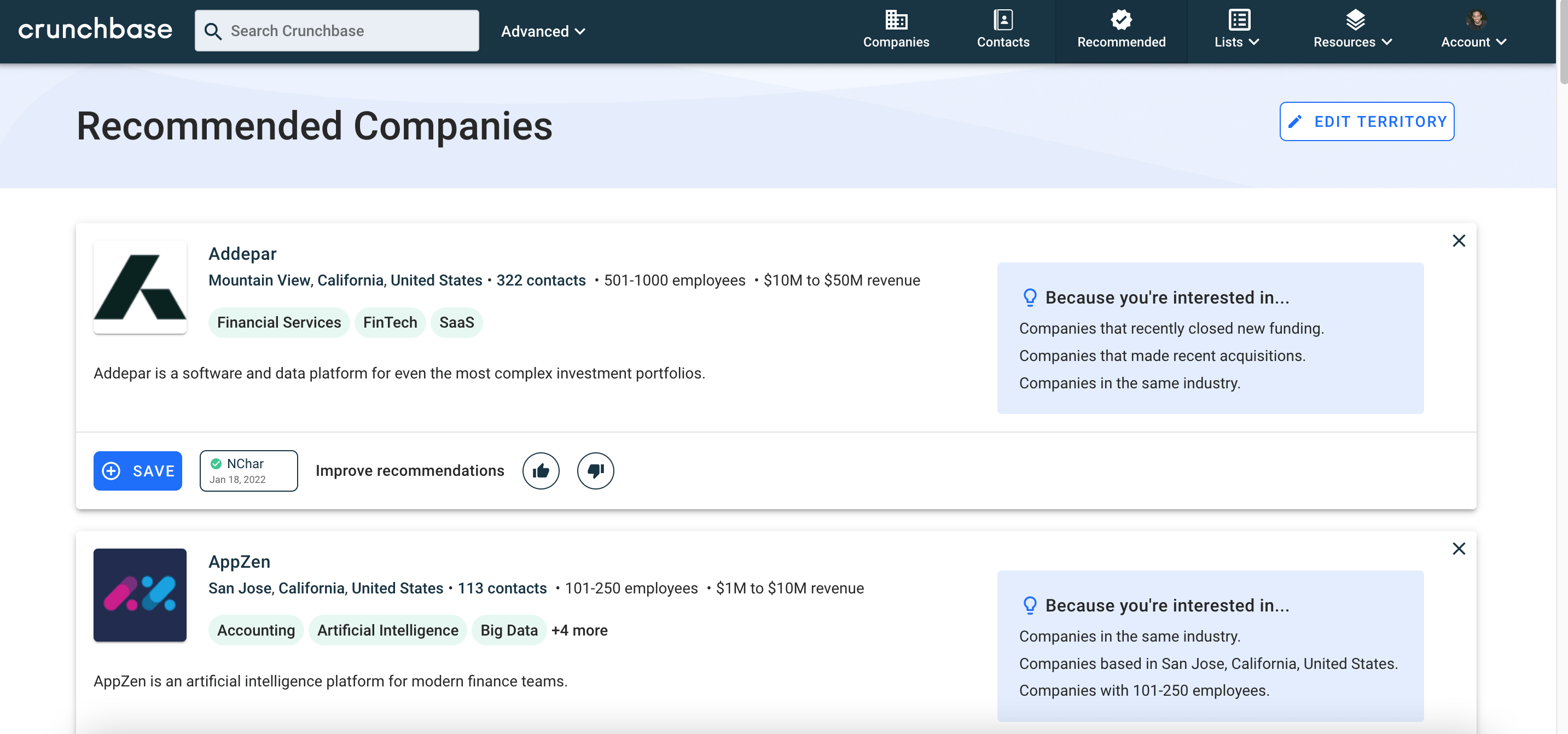
Before we get into the "how," let's address the "why." Crunchbase isn't just a directory; it's a powerful tool. Think of it as Wikipedia for the business world, but with more funding data. It’s got tons of potential perks:
Must Read
- Visibility: Investors, potential employees, and even the media use Crunchbase to find companies.
- Credibility: A well-maintained Crunchbase profile adds a layer of legitimacy to your business.
- SEO: A link from Crunchbase can boost your website's search engine ranking. Seriously, Google loves a good backlink.
- Competitive Intelligence: You can use Crunchbase to research your competitors and see what they're up to. (We all do it, don't deny it!)
Basically, it's free (well, mostly – more on that later) marketing and a great way to control your company's narrative online. So, yeah, it's worth bothering with.
The Nitty-Gritty: Adding Your Company
Alright, let's get to the good stuff. Here’s a step-by-step breakdown of how to add your company to Crunchbase:
- Create an Account (If You Haven't Already): Head over to Crunchbase.com and sign up. You can use your email or connect through LinkedIn or Google.
- Search First!: Before you get all excited and start typing, search to make sure your company isn’t already listed. Duplicate profiles are a no-no.
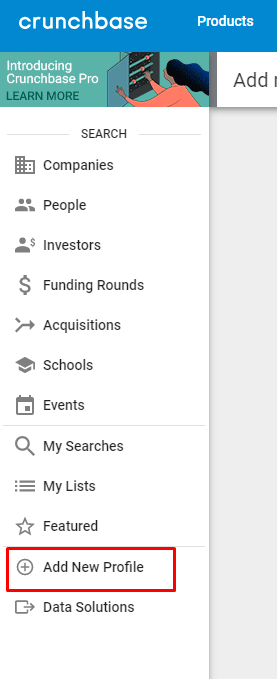
- Find the "Add Organization" Button: Once you’re logged in, look for the "Add Organization" button. It might be hidden in a dropdown menu (those sneaky user interface designers!).
- Fill Out the Form: This is where the fun begins (or the tedium, depending on your personality). You'll need to provide information like:
- Company Name: Obvious, but make sure it's accurate!
- Website URL: A must-have.
- Industry: Be specific! "Technology" is way too broad.
- Company Description: This is your chance to shine! Write a concise and compelling summary of what your company does. Think elevator pitch, but longer.
- Headquarters Location: Where's home base?
- Founded Date: When did you officially launch?
- Number of Employees: An estimate is fine.
- Funding Information (if applicable): If you've raised money, include the details! This is what Crunchbase is famous for.
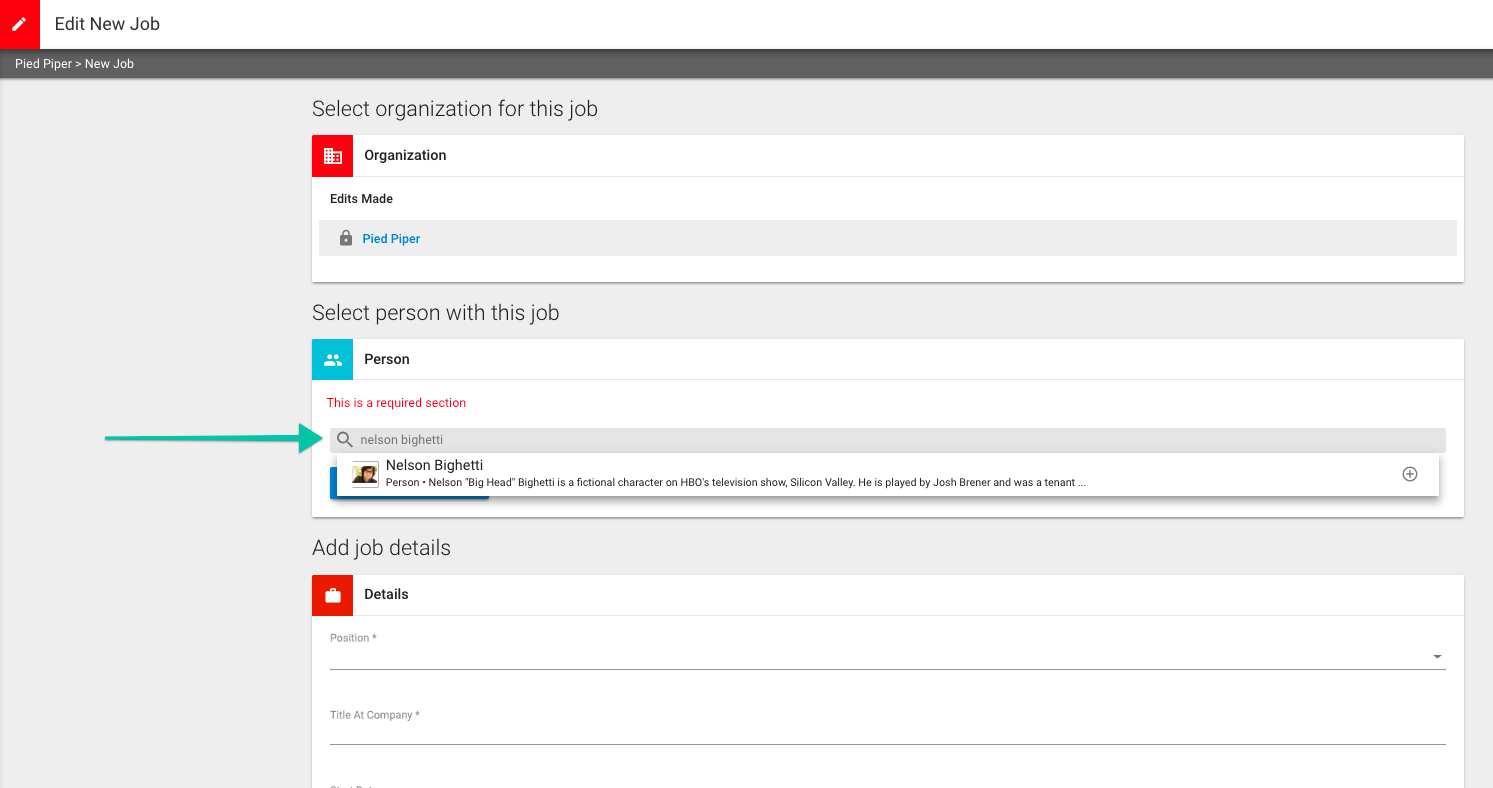
- Add People: Include key team members like the CEO, founders, and other executives. This helps build credibility and makes your company more visible.
- Submit for Review: Once you're satisfied with your profile, submit it for review. Crunchbase has a team that checks submissions for accuracy.
- Wait (Patiently): The review process can take a few days. Just sit tight and try not to refresh the page every five minutes.
Free vs. Paid: What's the Deal?
Crunchbase offers both free and paid plans. The free plan is perfectly adequate for getting your company listed and providing basic information. However, the paid plans unlock additional features like:
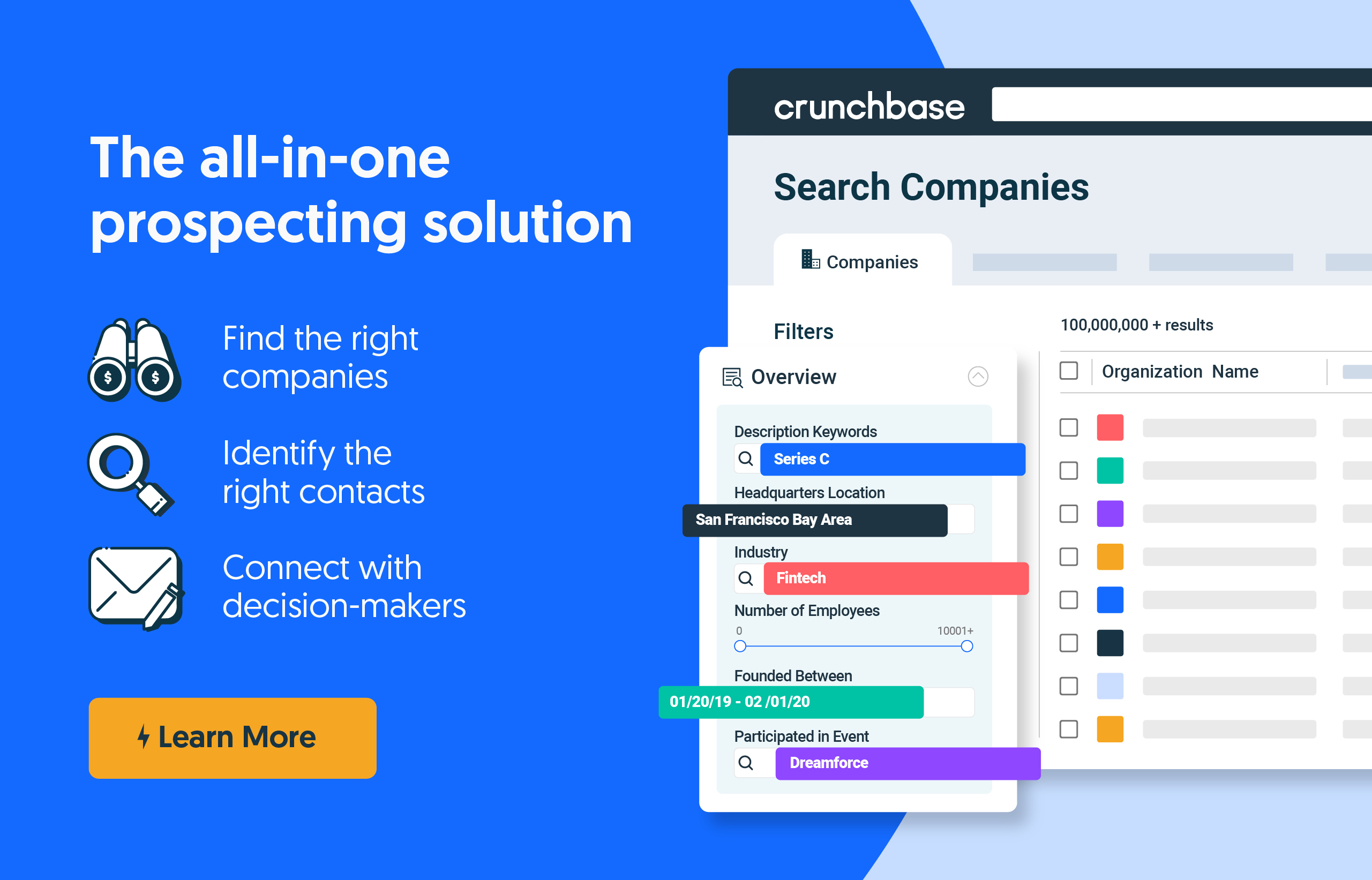
- Advanced Search Filters: Find specific types of companies and investors.
- Analytics: Track who's viewing your profile.
- Data Export: Download Crunchbase data for your own analysis.
For most startups, the free plan is a great starting point. You can always upgrade later if you need more features. Think of it like this: get your foot in the door with the free version, then upgrade to a penthouse suite when you're rolling in dough.
Final Thoughts
Adding your company to Crunchbase is a relatively simple process that can have a significant impact. It's a crucial step in building your online presence and attracting investors, employees, and customers. So, what are you waiting for? Get out there and put your company on the map!
And hey, if that AI-powered dog walking service ever gets listed, let me know. I might need a walker for my...uh...cat. Yeah, cat.