
How Do You Boost Wifi Signal In House
Ah, the modern dilemma! You’re snuggled on the couch, ready for that epic movie marathon, or maybe you’re in the kitchen trying to follow a complex recipe video. And then it hits: the dreaded buffering wheel. Or perhaps your video call with Grandma keeps freezing, leaving her wondering if you've turned into a pixelated ghost. Sound familiar? You’re not alone!
In our increasingly connected world, a sluggish WiFi signal isn't just an inconvenience; it's a genuine buzzkill. It's like having a super-fast car but being stuck in gridlock traffic. Why should you care about boosting your WiFi? Because a strong, reliable signal means smoother streaming, seamless video calls, faster downloads, and generally, a much happier digital life. No more digital sighs of frustration! Let's get that WiFi humming like a contented cat.
Give Your Router the VIP Treatment: Location, Location, Location!
Think of your WiFi router as the lead singer of a band. Would you hide the lead singer in a cramped closet behind a pile of laundry? Of course not! You want them front and center, belting out those tunes for everyone to hear. Your router is no different.
Must Read
Many of us tuck our routers away in a corner, under a desk, or in a cabinet, hoping they'll just magically work. But WiFi signals are like tiny, invisible radio waves that don't particularly enjoy obstacles. For the best performance, try to place your router:
- Centrally: In the middle of your home, if possible. This allows the signal to spread out evenly in all directions.
- High Up: On a shelf or mounted on a wall. Signals tend to travel downwards, so giving it a little lift helps it reach further.
- Out in the Open: Away from walls, furniture, or other clutter that might block its path. Think open space, clear lines of sight.
Remember that time you tried to whisper a secret across a crowded room? The further away and more obstructed you are, the harder it is to be heard. Your router feels the same way!

Banish the Bad Vibes: Mind the Interference
WiFi signals are a bit sensitive, and certain household items can really throw a wrench in their flow. It’s like trying to have a serious conversation next to a blaring stereo – difficult, right?
Common culprits for WiFi interference include:

- Other Electronics: Cordless phones, microwaves (oh, the dreaded microwave!), baby monitors, Bluetooth devices, and even smart home gadgets can emit signals that clash with your WiFi.
- Thick Walls & Metal Objects: Concrete walls, large mirrors, refrigerators, filing cabinets, and even fish tanks can absorb or reflect WiFi signals, weakening them significantly. Metal is a particularly tricky foe.
I once had my signal mysteriously drop every time someone heated up a snack. Turns out, my microwave and router were having a silent, invisible battle for signal dominance! Try to keep your router a good distance away from these signal-squashing foes.
The Classic Fix: A Good Old Reboot
You know how sometimes all you need is a good night's sleep to feel refreshed? Or how restarting your computer magically fixes most minor glitches? Your router is no different! It’s working hard, day in and day out, handling all your internet traffic.
Give it a little break! Unplug your router (and your modem, if it's separate) from the power outlet for about 30 seconds, then plug them back in. This simple act of rebooting can often clear up minor issues, refresh its connection, and get it working at its best again. It’s the IT crowd’s most famous advice for a reason – because it often works!
Change the Channel: Finding a Clearer Path
Imagine driving on a multi-lane highway, and suddenly everyone decides to cram into the same lane. Traffic jam! WiFi works on different "channels," and if your router is using the same channel as all your neighbors' routers, it can get pretty crowded and slow.
Most modern routers can automatically select the least congested channel, but sometimes they need a little nudge. You can usually access your router's settings through a web browser (check the back of your router for login details, or search online for your specific model). Look for a setting related to "WiFi Channel" or "Wireless Settings." Experiment with different channels (often 1, 6, or 11 are good choices for 2.4GHz) or set it to auto-select. Finding a less crowded channel can make a surprising difference!
Level Up Your Network: Upgrade Options
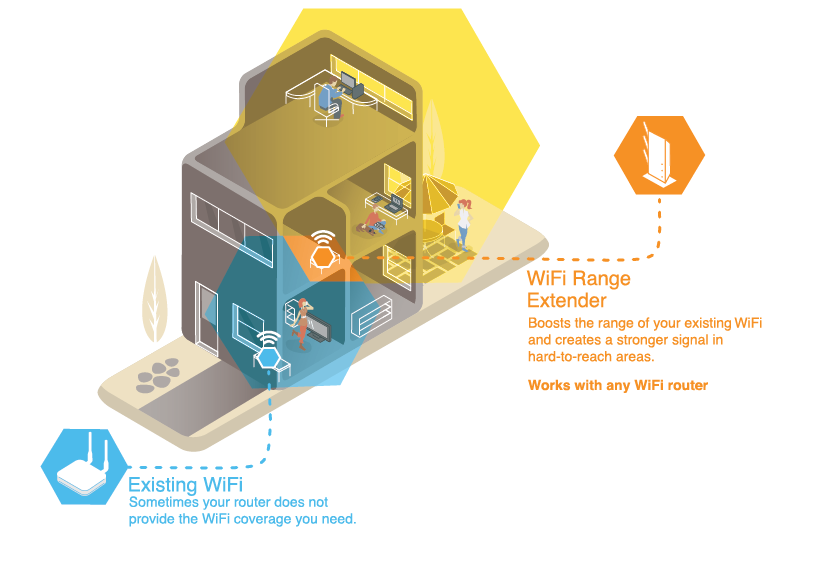
Sometimes, despite all your best efforts, your trusty old router might just not be up to the task of covering your entire home, especially if it’s large or has many walls. Think of it like trying to fill a swimming pool with a garden hose – eventually, you might need a bigger pump!
- Mesh WiFi Systems: These are the dream team of home networking. Instead of one central router, you get several "nodes" that work together to create a single, strong WiFi network throughout your home. No more dead zones! It’s like having a mini-router in every corner of your house.
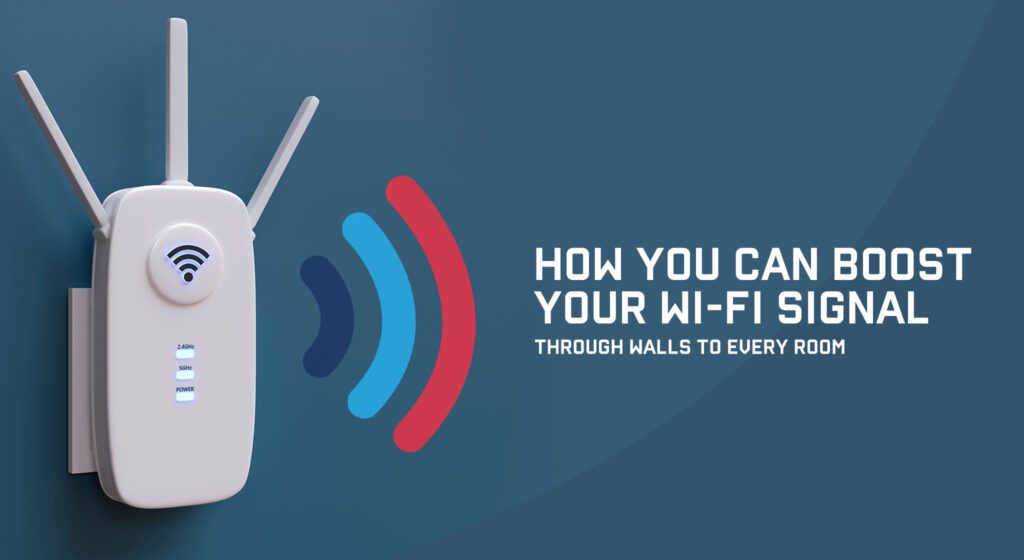
- WiFi Extenders/Boosters: These are like helpful assistants that grab your existing WiFi signal and re-broadcast it, extending its reach into areas where it's weak. Great for covering specific dead zones.
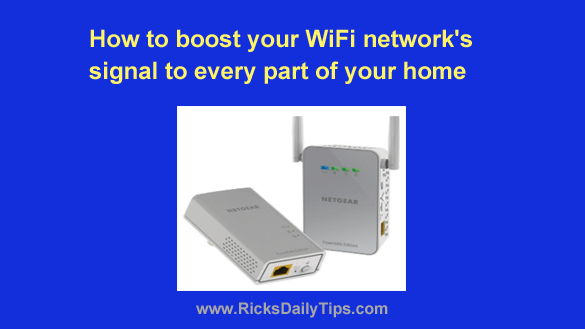
- Powerline Adapters: These clever gadgets use your home’s existing electrical wiring to extend your network. Plug one into an outlet near your router, connect it with an Ethernet cable, and then plug another one into an outlet in a distant room. Voila! You have a wired internet connection there, perfect for gaming consoles or PCs.
Boosting your home WiFi doesn't have to be a daunting task involving complicated tech jargon. Often, a few simple adjustments and a bit of TLC can make a world of difference. So, next time that buffering wheel appears, don't just sigh in defeat. Try giving your WiFi a little boost, and get back to enjoying all the digital wonders our connected world has to offer. Happy surfing!