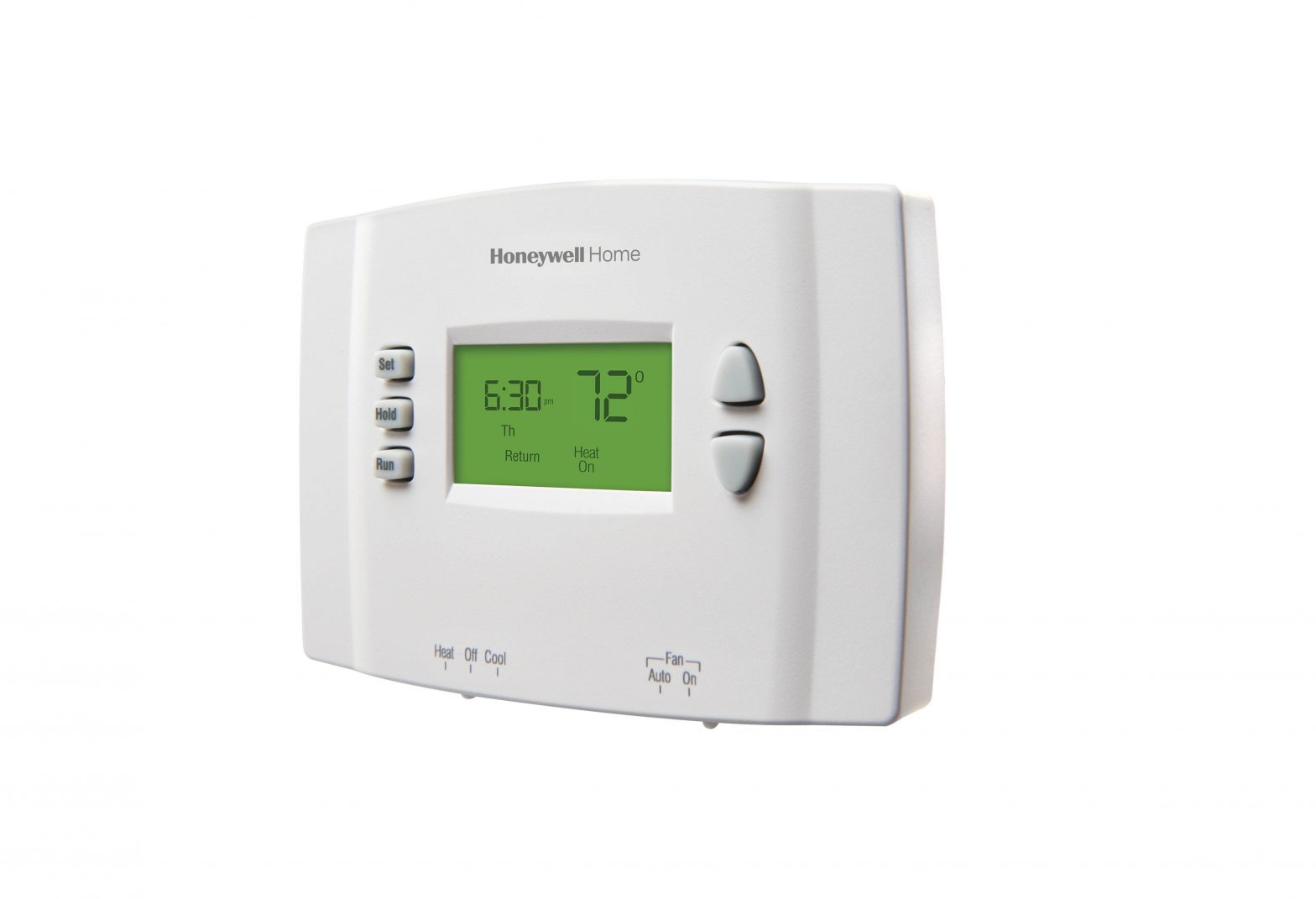
Honeywell Thermostat Not Working After Battery Change
Ah, the humble thermostat! It’s one of those unsung heroes of our daily lives, a silent guardian against the tyranny of extreme temperatures. We often take it for granted, until... we don't. Think about it: that delightful rush of cool air on a sweltering summer day, or the cozy embrace of warmth when winter is trying its best to nip at your nose. This isn't just about survival; it's about comfort, about making our homes the sanctuaries they're meant to be. Our thermostats, especially those reliable Honeywell models, are our tiny, mighty climate captains, ensuring our living spaces are always just right.
The beauty of a well-functioning thermostat extends far beyond mere temperature control. It's a key player in our everyday comfort, certainly, but also in our wallets! By precisely managing heating and cooling cycles, it helps us be more energy-efficient, saving us money on those pesky utility bills. It offers peace of mind, allowing us to set schedules that adapt to our routines, or even remotely adjust the temperature from our phones while on vacation. No more coming home to a freezing house or worrying about pipes bursting in the depths of winter. From smart thermostats learning our habits to programmable ones dutifully following our commands, they transform a house into a truly personalized environment.
And then, the inevitable happens. That little low-battery icon starts flashing, a gentle reminder that even heroes need a power-up. You grab some fresh batteries, eager to restore your climate commander to full health. You pop out the old ones, slide in the new, and… nothing. The screen stays stubbornly blank. The silence is deafening. A wave of panic washes over you. "My Honeywell thermostat isn't working after battery change!" you cry out internally. Fear not, fellow home comfort enthusiast, for this common household hiccup often has a simple fix.
Must Read
When your trusty Honeywell thermostat decides to play coy after a battery swap, here’s how to coax it back to life and enjoy its benefits more effectively:
- Double-Check Battery Orientation: This is the classic culprit! In the rush to get things working, it’s incredibly easy to insert batteries the wrong way. Give them a quick flip if needed. Ensure the positive (+) and negative (-) ends are aligned correctly according to the markings in the battery compartment.
- Brand New Batteries (Seriously!): Resist the urge to use those "almost dead" batteries from the remote. Always opt for fresh, quality alkaline batteries right out of the package. Old or weak batteries might provide just enough juice to seem like they’re working, but not enough to power the thermostat’s display or functions reliably.
- The Good Old Reset: Sometimes, the thermostat just needs a soft reboot. Remove the batteries completely, wait about 2-5 minutes (this allows any residual charge to dissipate), and then reinsert the fresh batteries correctly. This can often clear any internal glitches.
- Check Your Circuit Breaker: While less common for a battery issue, it's worth a quick look. Your heating and cooling system's main power might be off at the breaker. Head to your electrical panel and ensure the breaker labeled for your HVAC system is in the "on" position.
- Patience, Young Grasshopper: Some thermostats take a few moments to boot up and display information after a battery change, especially if they have advanced features. Give it 30 seconds to a minute after reinstalling batteries before declaring it deceased.
- Tighten Connections (If You're Brave!): If you're comfortable and feel confident, gently ensure the wires connecting to the thermostat's backplate are secure. Be careful and always turn off power to your HVAC system at the breaker first if you're touching any wiring!
By following these practical tips, you’ll not only revive your Honeywell thermostat but also gain a better understanding of how to maintain this crucial component of your home's comfort system. Regular battery changes (ideally once a year, before they die completely!) and an occasional dust-off will ensure your climate captain stands ready to serve, keeping your home perfectly comfortable, season after season.