
Honeywell Thermostat Flashing Heat On
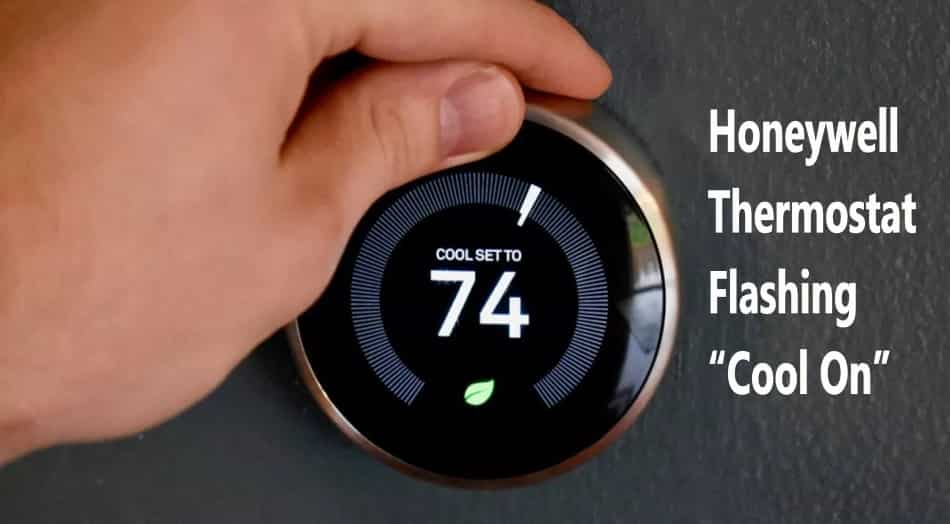
You wake up, ready for that first sip of coffee, maybe a cozy morning scroll, and then you see it: your trusty Honeywell thermostat, usually so stoic and dependable, is flashing "Heat On". But... it's not actually on. Or maybe it is, but the house isn't warming up. Ugh. It's that little hiccup in your perfectly planned day, a tiny tech-glitch sending a ripple through your calm. Deep breaths, my friend. This isn't a five-alarm fire, just a little domestic mystery we're about to solve together.
Honeywell, bless its heart, has been the unsung hero of home comfort for generations. It’s like the little black dress of thermostats – reliable, ubiquitous, and always there when you need it (or, in this case, when you think you need it to be). When it starts flashing "Heat On" without delivering the goods, it’s usually trying to tell you something. Think of it as your home's climate conductor raising a tiny, digital eyebrow.
The Diagnosis: What Does "Flashing Heat On" Actually Mean?
Typically, a flashing "Heat On" or "Heating" message on your Honeywell thermostat isn't an SOS; it’s more of a "Hey, I'm trying to start the heating cycle, but something's holding me up" signal. It often indicates that the thermostat has sent the command to your furnace or heat pump, but for one reason or another, the system isn't responding immediately, or it's in a safety lockout mode. It’s a bit like pressing the "play" button on a remote, but the TV screen stays blank for a moment.
Must Read
First Things First: The Easy Peasy Checks
Before you dive into a full-blown detective mission, let’s tackle the most common culprits. You'd be surprised how often the simplest solutions are the right ones.
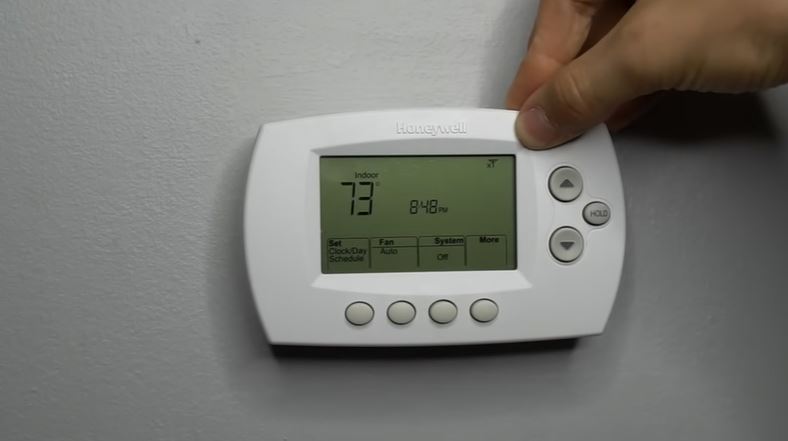
1. The "Off" Switch Reflex: Believe it or not, sometimes the easiest fix is a quick reset. Try switching your thermostat from "Heat" to "Off" for about 30 seconds, then back to "Heat." This can sometimes clear minor glitches, just like restarting your phone.
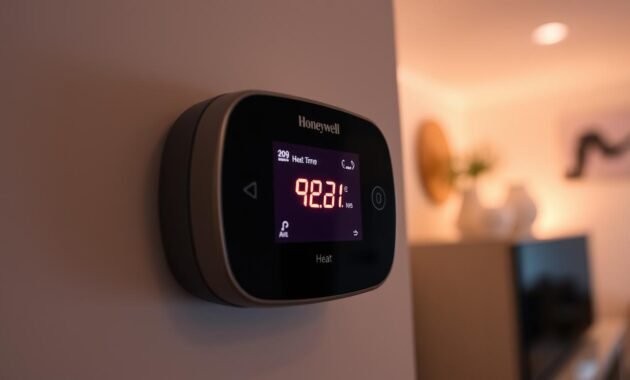
2. Battery Power-Up: This is the classic. Many Honeywell models use batteries (AA or AAA) to power the display and internal clock. When these get low, the thermostat can act a little wonky. A flashing message might be its subtle plea for new juice. Pop open the cover, replace those batteries, and see if your thermostat snaps back to its usual self. It’s the equivalent of giving your smart device a full charge – pure magic!
3. The Furnace Filter Fiasco: Your furnace is the lungs of your heating system, and a clogged filter is like trying to breathe through a heavy blanket. A very dirty filter can restrict airflow so much that your furnace overheats and automatically shuts down as a safety measure. If your furnace isn't running, your thermostat will keep trying to call for heat, leading to that flashing message. Check and change your filter if it's looking grimy. It’s a good habit anyway, like flossing for your HVAC system.
Stepping Up Your Troubleshooting Game
If the easy fixes didn't do the trick, let's explore a couple more layers to this home comfort onion.
4. The Circuit Breaker Check-Up: Go to your electrical panel (often in a basement, garage, or utility closet). Look for the breaker labeled "Furnace," "HVAC," or "A/C." Sometimes, a circuit breaker can trip, cutting power to your heating system. Flip it completely off, wait 10 seconds, and then flip it firmly back to the "On" position. This is the tech-world equivalent of a hard reset for your entire system.
5. Inspect the Outdoor Unit (for Heat Pumps): If you have a heat pump, which both heats and cools your home, step outside and give your outdoor unit a quick visual inspection. Is it covered in ice? Is there debris blocking it? Heat pumps can struggle in very cold weather or if they're not properly maintained. You might see a defrost cycle indicator, which is normal, but excessive ice could be an issue.
6. The Condensate Drain Line (High-Efficiency Furnaces): Modern high-efficiency furnaces produce condensation during operation. This water drains away through a PVC pipe. If this drain line gets clogged with algae or debris, a safety switch can trip, shutting down your furnace to prevent water damage. You might find a small pan of standing water near your furnace. Clearing this line (often by sucking it out with a wet/dry vac or gently flushing with a bleach solution) can be the fix, but if you’re unsure, this might be a sign to call in the pros.
When to Call in the Cavalry (aka the HVAC Pro)
If you've tried all these steps and your Honeywell is still giving you the flashing cold shoulder, it’s probably time to bring in an HVAC technician. There could be a more complex issue at play – maybe a faulty igniter, a pressure switch problem, or an issue with your thermostat itself that goes beyond a simple battery swap. Think of them as the Sherlock Holmes of home heating, equipped with all the specialized tools to uncover the root cause.
A Warm Reflection
It's funny how these small domestic glitches can throw us off. But solving them, even the little mystery of a flashing thermostat, gives a surprising sense of accomplishment. It's a reminder of how much we rely on our homes to keep us comfortable, safe, and warm. And when everything is running smoothly again – the heat is gently kicking on, the thermostat is displaying a steady, reassuring temperature – you truly appreciate the silent, consistent hum of a well-functioning home. So, next time your Honeywell flashes "Heat On" without the goods, remember you've got this. You're not just fixing a thermostat; you're restoring a little slice of cozy, domestic bliss.
