
Honeywell Pro Series Thermostat Screen Blank
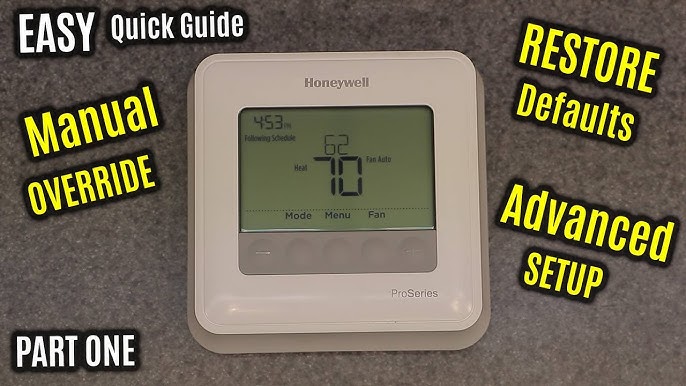
Ever woken up on a chilly morning, groggily reached for your coffee, and then realized your teeth are chattering a bit too much for comfort? Or maybe you’ve walked into a steamy living room, feeling like you’ve just stepped off a plane in a tropical paradise, when all you wanted was a cozy evening? We’ve all been there. Our home’s climate control is one of those things we mostly forget about, until it decides to stage a silent protest.
And if you’re a proud owner of a Honeywell Pro Series Thermostat, that silent protest might sometimes come in the form of a rather dramatic, blank screen. Yep, just like your phone when it decides it's had enough for the day, or your TV remote after a particularly long binge-watching session – completely dark, utterly unresponsive. It’s like it’s gone on a little vacation without telling anyone!
What's the Big Deal About a Dark Screen?
You might be thinking, "So what? It's just a screen." But oh, dear reader, it's so much more! This little digital window is your home’s command center for comfort. When it goes dark, it's not just a minor inconvenience; it’s your connection to cozy warmth in winter and refreshing cool in summer that's suddenly gone AWOL.
Must Read
Imagine this: it’s the peak of summer, and your beloved Labrador, Buster, is panting like he's just run a marathon, despite having done nothing but snore all morning. Or maybe it’s the depths of winter, and your delicate houseplant collection, which you’ve lovingly nurtured, is starting to look a little…crispy. These are the stakes! Your blank thermostat isn't just ignoring you; it's potentially leaving your pets uncomfortable, your plants unhappy, and your own toes turning into icicles (or puddles!).
Beyond comfort, there's the wallet factor. A thermostat that's gone rogue with a blank screen might be stuck blasting heat or AC even when it shouldn't be. That's like leaving the fridge door open all day – a silent, expensive drain on your energy bill. So, tackling that blank screen isn't just about getting your living room back to "just right"; it’s about peace of mind and saving a few pennies, too!

The Usual Suspects Behind the Blank
Before you panic and imagine your entire HVAC system spontaneously combusting, let’s talk about the common, often simple, reasons your Honeywell Pro Series thermostat might be playing hide-and-seek with its display:
1. The Case of the Missing Juice (Batteries!): This is the absolute, number one culprit. Seriously, it's like troubleshooting a TV remote for 15 minutes only to realize the batteries went on a silent vacation. Many Honeywell Pro Series thermostats run on good old AA or AAA batteries. When they're low or dead, the screen simply won't light up. It’s their way of saying, "Hey, a little power over here, please!"
2. A Little Nap (Power Interruption): Sometimes, your thermostat just needs a reset. Maybe a brief power flicker, a tripped circuit breaker for your HVAC system, or even just a little electronic hiccup can cause it to go blank. Think of it like your computer needing a good old "turn it off and on again" reboot after a long day.

3. Wires Gone Wild (or Loose): While less common for a sudden blank screen, loose or improperly connected wires can definitely cause power issues. If a wire isn't securely seated, your thermostat might not be getting the consistent power it needs to operate. It’s like trying to charge your phone with a wobbly cable – sometimes it works, sometimes it doesn’t, and sometimes it just gives up entirely.
4. The Old Timer (Thermostat's Retirement): Like all good things, sometimes a thermostat simply reaches the end of its lifespan. If it's an older unit and none of the easier fixes work, it might just be time for a shiny new replacement. It's not giving up on you, just heading into well-deserved retirement!
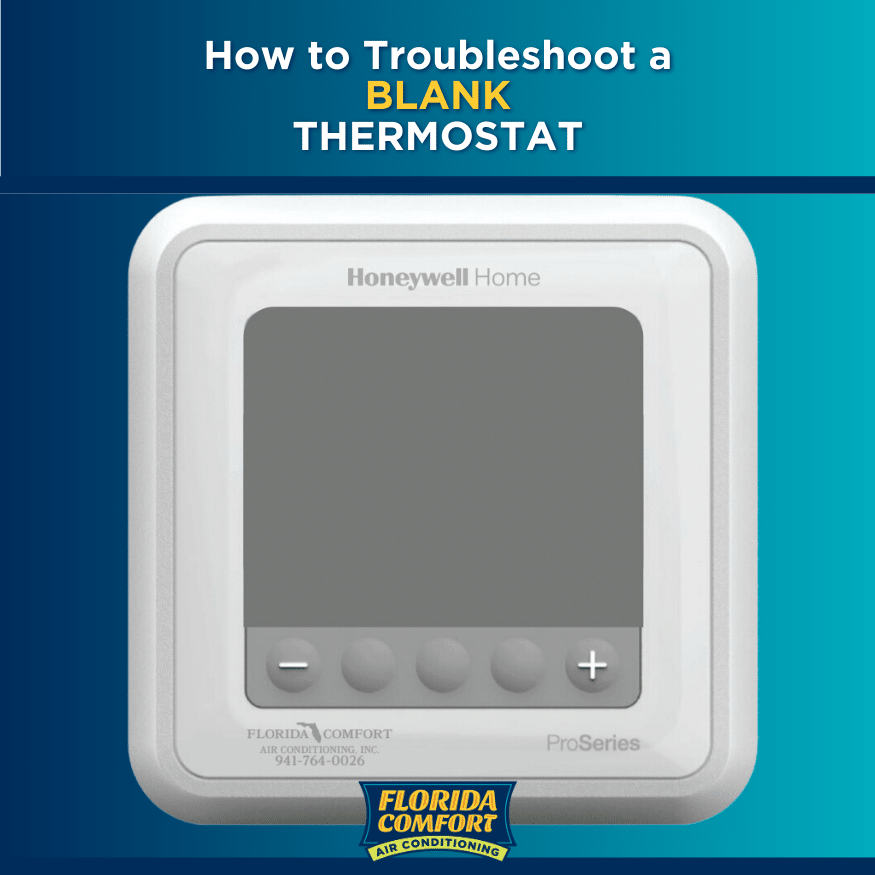
So, What's a Homeowner to Do?
Don't fret! Here are some friendly first steps to get your thermostat back in the game:
First and Foremost: Check Those Batteries! Seriously, pull off the front cover (it usually just snaps off or slides up/down) and swap out the old batteries for fresh ones. This is the fix most of the time. It’s quick, easy, and satisfying!
The "Off and On Again" Trick: Head to your home's main circuit breaker box. Find the breaker labeled for your "furnace," "HVAC," or "air handler" (it might be a double-wide switch). Flip it to the "off" position, wait about 30 seconds, then flip it back to "on." This can often reset the entire system and bring your screen back to life.
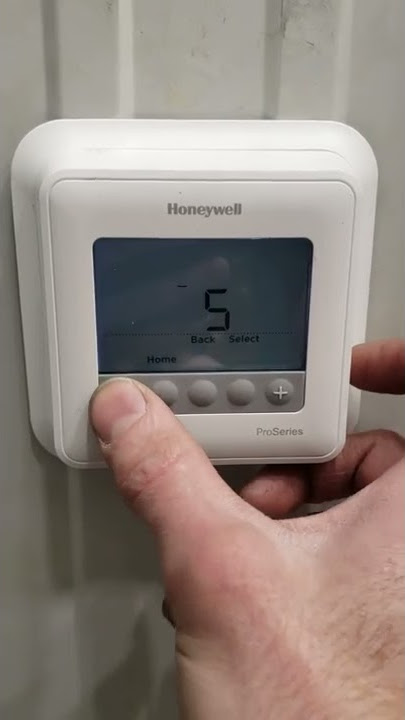
A Gentle Nudge (Wiring Check): If you’re comfortable, and after you’ve turned off the power at the breaker first (safety first!), you can gently check the wires connecting to the back of the thermostat. Make sure they’re all securely inserted into their terminals. If anything looks loose, gently push it back into place.
When to Call in the Cavalry: If you've tried all these friendly maneuvers and your Honeywell Pro Series thermostat screen is still giving you the cold shoulder (pun intended!), it might be time to call in a professional. HVAC technicians are like detectives for your home's climate system – they can diagnose deeper issues, check for electrical problems, or recommend a replacement if your thermostat has decided it's truly time to clock out.
Dealing with a blank thermostat screen might feel like a mini-crisis, especially when your comfort is on the line. But more often than not, it's a simple fix. So, take a deep breath, grab some fresh batteries, and give these tips a try. You'll have your home's comfort command center back in action and your household humming happily in no time!