
Honeywell Home Thermostat Factory Reset

Ever had one of those days where your smart home feels less "smart" and more like it's plotting against you? You know the drill: the lights are on a disco setting, the coffee maker is stubbornly silent, and your thermostat… well, let's just say it's having a moment. In a world increasingly run by algorithms and Wi-Fi signals, sometimes all we need is a good old-fashioned reset. And if your Honeywell Home thermostat is acting a bit like a moody teenager, a factory reset might just be the digital equivalent of a deep breath and a fresh start.
Think of it as a digital cleanse for your home's brain. Just like Marie Kondo tidying up your closet, a factory reset clears out all the old, unnecessary data, bringing your thermostat back to its pristine, straight-out-of-the-box state. It's not as intimidating as it sounds, promise! In fact, it's often the quickest route to restoring harmony in your indoor climate.
Why Hit That Reset Button?
So, why would you want to wipe the slate clean on your trusty temperature controller? There are a few compelling reasons:
Must Read
- Troubleshooting Odd Behavior: Is your thermostat refusing to follow schedules? Displaying strange error codes? Or perhaps it’s just gone rogue and decided 85 degrees is the new cozy? A reset often fixes these mysterious glitches, banishing those digital gremlins.
- Moving House: If you’re selling your home, a factory reset is an act of kindness to the new occupants. It ensures they start fresh with their own settings, rather than inheriting your intricate summer schedule from three years ago. It’s like clearing your browser history before handing over your laptop – good etiquette!
- Major Wi-Fi Changes: Did you upgrade your router or change your network password? Sometimes, rather than wrestling with reconnection settings, a full reset can be the path of least resistance to get your smart thermostat back online.
- A Fresh Start: Maybe you just want to redesign your home's temperature strategy. A reset lets you build your climate control from the ground up, perhaps with new insights into energy efficiency or daily routines.
Before You Begin: Prep Work is Power!
Before you dive headfirst into the reset abyss, a little preparation goes a long way. This isn't brain surgery, but a few quick steps will save you future headaches:
First and foremost, know your model. Honeywell Home has a fantastic array of thermostats, from the sleek T-Series to the classic round designs. The reset process can vary slightly between them. A quick search on the Honeywell Home website with your specific model number will often lead you straight to the digital manual, which is your holy grail for this mission.
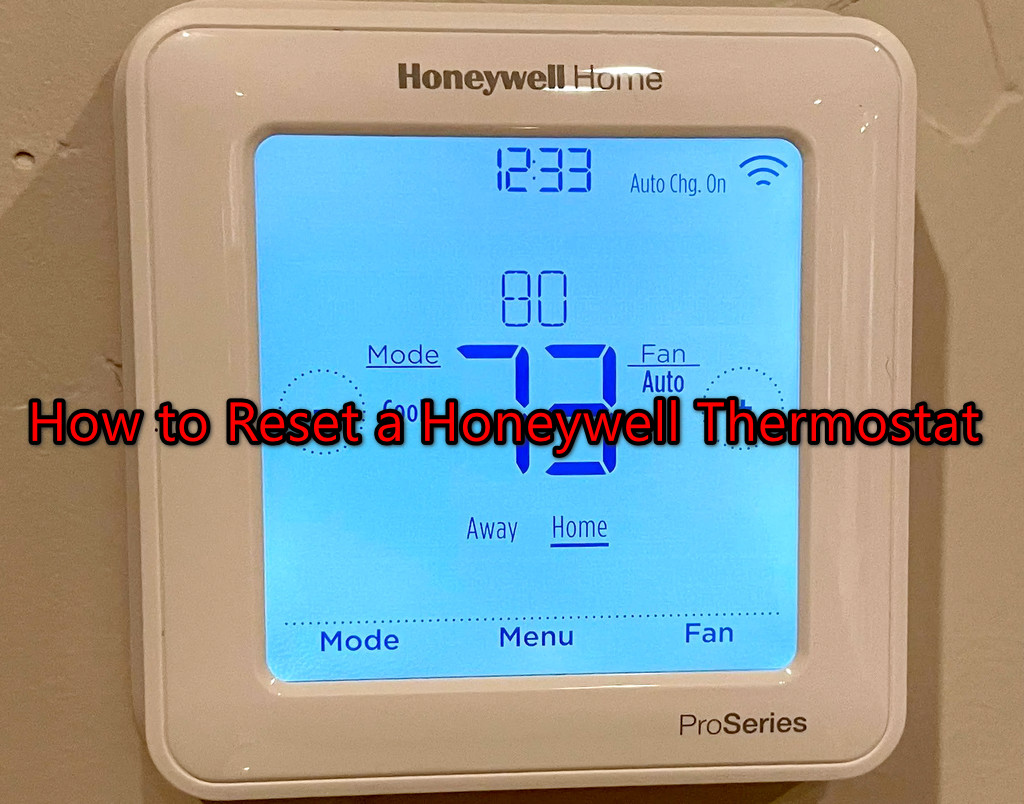
Next, grab your smartphone and snap a few photos of your current settings. Seriously, do it! Especially if you have a complex schedule or specific fan settings. Future you, who's trying to remember if "Auto" or "On" was best for the fan, will thank past you for this foresight. It’s like taking a "before" picture for your digital transformation.
Finally, ensure you have your Wi-Fi network name and password handy. You'll need it to reconnect your thermostat to the digital world after its rebirth.

The Act of Resetting: Your Step-by-Step Compass (Generally Speaking!)
While the exact steps depend on your model, here’s a common approach for many Honeywell Home thermostats. Remember, always refer to your specific manual for the definitive guide!
For many programmable models, the journey often involves a combination of menu navigation:
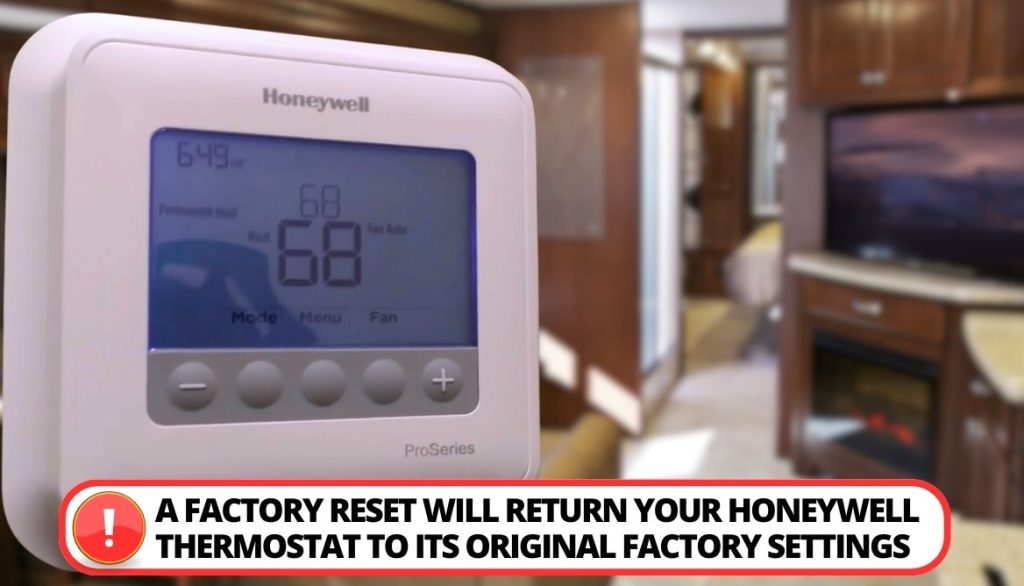
- Start by pressing the System or Mode button to ensure the thermostat isn't actively heating or cooling.
- Look for a Menu or Settings option. This might require holding a button for a few seconds.
- Navigate through the menu using arrow buttons until you find an option like Reset, Factory Reset, or Installer Options. Sometimes, you might need to enter a simple installer code (often 0000 or 1234, but check your manual!).
- Once you find the reset option, confirm your choice. The screen might flash or go blank momentarily, indicating success. Voila! Your thermostat has just been to digital therapy.
For simpler, non-smart models, sometimes a reset involves removing the batteries for a minute or finding a tiny recessed reset button you might need a paperclip for. It’s like hitting Ctrl+Alt+Del for your home’s climate!
After the Reset: Reconnecting and Reimagining
Once your Honeywell Home thermostat has undergone its digital metamorphosis, it’s time to bring it back into the fold.
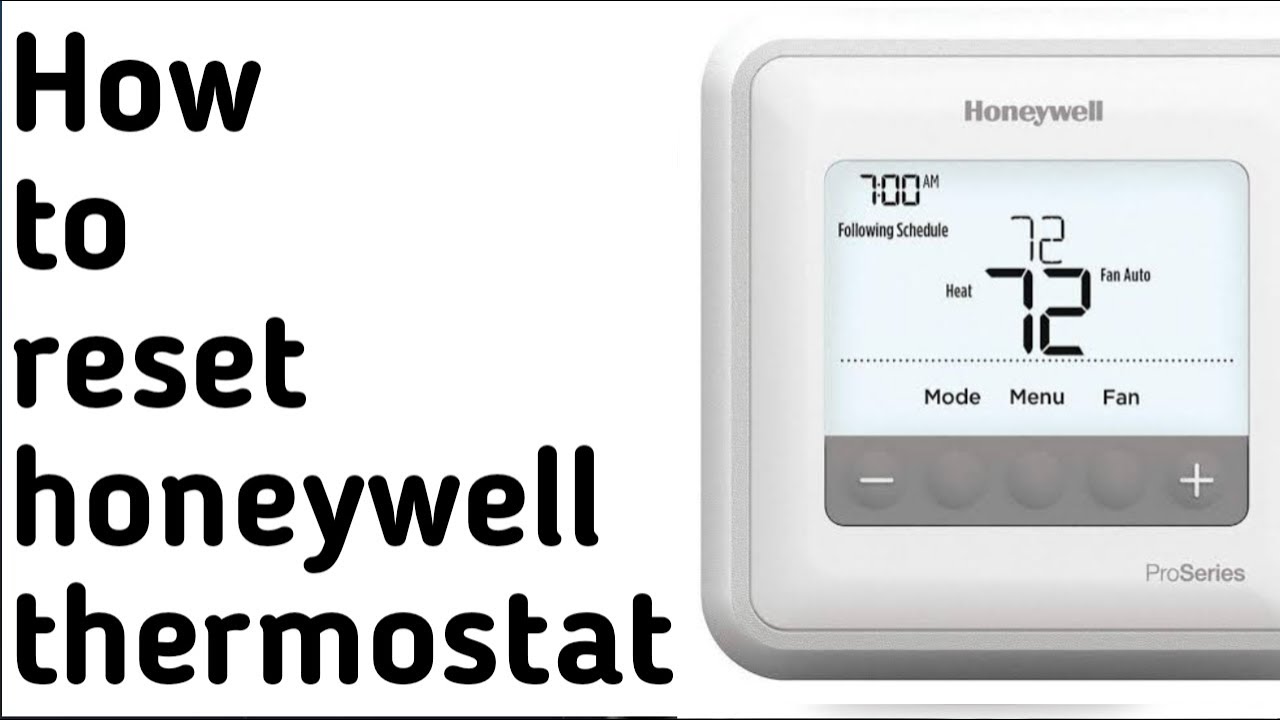
The first step will usually be to reconnect it to your home's Wi-Fi network. Follow the on-screen prompts, which typically involve selecting your network and entering your password. This is where those earlier preparations pay off!
Next, it’s time to re-enter your desired settings and schedules. This is your chance to fine-tune your home's climate for optimal comfort and energy efficiency. Remember those photos you took? Now they come in handy, serving as a reference point as you build your new, improved temperature strategy.
In our increasingly connected lives, it's easy to feel overwhelmed by the gadgets and gizmos that promise to make our lives easier. But sometimes, a simple act like performing a factory reset on your Honeywell Home thermostat is a powerful reminder that we are still the masters of our digital domains. It’s not just about setting the temperature; it's about reclaiming control, ensuring efficiency, and cultivating a little peace in our personal microclimates. So go ahead, embrace the reset button, and enjoy the harmonious hum of a perfectly re-calibrated home.