
Honeywell Home Pro Series Thermostat Flashing Cool On
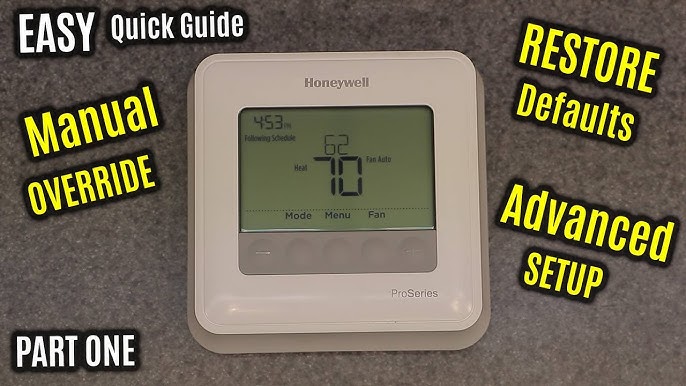
Ah, the classic summer scenario: you walk in the door after battling the heat outside, probably with melting ice cream or a sweat-soaked brow, and all you want is that glorious blast of cool air. You march right up to your Honeywell Home Pro Series thermostat, punch in your desired arctic temperature, and then... blink, blink... it flashes "Cool On". Your heart might sink a little. Is it broken? Is the AC dead? Is this the end of all cool things?
Take a deep breath, my friend. Put down the emergency fan. That little blinking message isn't a sign of impending doom or a secret code indicating your AC unit has gone on strike. In fact, it's quite the opposite! Your Honeywell thermostat is actually being incredibly smart and doing its job to protect your precious air conditioning system. Think of it as a brief, thoughtful pause, like your friend saying, "Hold on, I just need a second to gather my thoughts," before launching into a brilliant plan.
Why the Wink and Not the Whir? It's a Safety Dance!
So, what's really happening behind that flashing text? Your Honeywell Home Pro Series thermostat has a built-in safety feature often called a minimum compressor off-time or a compressor short cycle delay. Now, don't let those techy terms scare you! Let's break it down in a way that makes you smile, not scratch your head.
Must Read
Imagine your air conditioner's compressor (the big, hardworking engine of your AC unit, usually outside) as a champion marathon runner. This runner needs a proper warm-up before a sprint and a good cool-down period after. If you made that runner stop and start, stop and start, over and over again every few seconds, they'd be exhausted and probably get injured pretty quickly, right?
It's the same for your AC compressor! When the compressor tries to start too soon after just turning off, or if it's forced to cycle on and off rapidly, it puts an enormous amount of stress on its internal components. This rapid on-off action is called "short-cycling," and it's basically a one-way ticket to a broken, expensive-to-fix AC unit. You definitely don't want that! It's like trying to restart your car engine right after you've just turned it off – it grinds and groans, and you know it's not happy.

This is where your clever Honeywell thermostat steps in like a watchful guardian. When you ask for cool air, and it sees that the compressor might have just finished running (or perhaps it just started, and you quickly changed your mind about the temperature), it initiates a brief safety delay. During this delay, it flashes "Cool On" to let you know it's received your command, but it's just taking a moment to ensure everything is safe before giving the "all clear" to the compressor.
When Does This Little Light Show Happen?
You'll typically see this friendly blinking message in a few common scenarios:
- After a Power Outage or Reset: The power flickers, your thermostat reboots, and it needs a moment to ensure the compressor is ready to go.
- Quick Mode Changes: You just switched from "Heat" to "Cool," or vice-versa. The system needs to ensure the compressor has fully powered down from its previous task before jumping into a new one.
- Rapid Temperature Adjustments: Maybe someone (ahem, a mischievous child?) bumped the temperature setting way up, then instantly brought it back down. Your thermostat says, "Whoa there, cowboy! Let's give it a minute."
- Right After Installation or Battery Change: When the thermostat first powers up, it often needs a moment to establish its initial safety protocols.
So, What's Your Role in This Cooling Comedy?
This is the best part: you don't have to do anything! Seriously. Just relax. That flashing "Cool On" message usually lasts for about 3 to 5 minutes, though sometimes it can be a tad longer depending on your specific model and the circumstances. Think of it as waiting for your coffee machine to brew that first glorious cup, or for your favorite TV show to return after a commercial break. It feels like an eternity when you're desperate, but it's really just a blink in the grand scheme of keeping your home comfy.
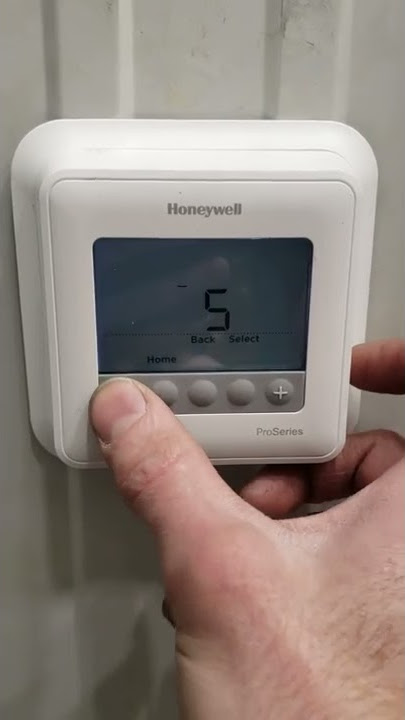
During this short wait, your Honeywell thermostat is silently counting down, ensuring the pressures inside your AC system equalize and the compressor is fully rested and ready for its next big effort. Once the delay is over, the "Cool On" will likely become solid, and you'll soon hear that beautiful, familiar hum of your AC kicking into gear, sending glorious cool air your way.
It's a testament to good engineering, really. Your thermostat isn't just a fancy on/off switch; it's a mini-guardian, preventing costly wear and tear on one of the most expensive appliances in your home. So, next time you see that flashing "Cool On," instead of groaning, give a little nod of appreciation to your smart thermostat. It's looking out for your wallet and your comfort!

When to Blink Back (and Potentially Call for Backup)
While the flashing "Cool On" is almost always a sign of normal, healthy operation, there are rare instances when it might hint at a bigger issue. You should pay closer attention if:
- The "Cool On" flashes continuously for more than 10-15 minutes, and the AC never actually turns on.
- You consistently get no cool air, even after the delay, and other parts of your AC don't seem to be working.
- You notice other weird things happening, like strange noises from your outdoor unit or an unexpected increase in your energy bill.
In those cases, it might be time to call a professional HVAC technician to take a peek. But for the vast majority of "Cool On" blinks, it's just your Honeywell thermostat being the diligent, protective little brain of your home comfort system.
So, go ahead, enjoy that cool breeze. Your smart thermostat has got your back, ensuring your home stays a refreshing oasis, one thoughtful blink at a time!
