
How Do You Install Wireless Security Cameras
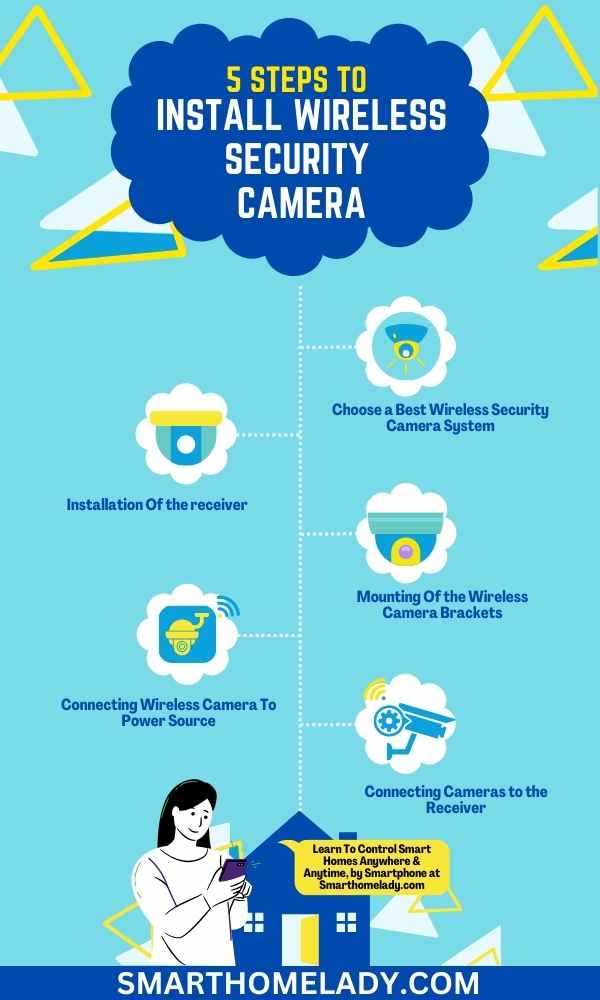
Alright, settle in, grab your imaginary latte, because we're about to embark on a truly epic journey. You know that feeling when you hear a bump in the night and immediately imagine a ninja cat burglar with tiny, silent feet? Or maybe you just want to know which family member keeps "borrowing" your fancy artisanal cheese from the fridge. Either way, you've decided it's time for a wireless security camera. And let me tell you, installing one is less like defusing a bomb and more like assembling IKEA furniture after three espressos. Fun, slightly confusing, but ultimately rewarding!
First off, let's clear up a common misconception, shall we? When we say "wireless" security camera, what most companies actually mean is "wire-free for data transmission, but still probably needs a power cable like a hungry little robot." It’s like saying your phone is "wireless" because it doesn't have an ethernet cable. Yeah, but it still needs to be charged, doesn't it? So, tuck that little fact away for later, it'll save you a future existential crisis.
Picking Your Digital Eyeballs
Before you even think about drilling holes or climbing questionable ladders, you need a camera. And oh boy, are there choices! Do you want one that looks like a cute little robot? Or one so discreet it could be mistaken for a very confused smoke detector? Some even come with two-way audio, so you can yell "Hey, get off my lawn!" at squirrels, or have a surprise chat with the delivery person. Others offer motion detection that's so sensitive, it'll alert you if a dust bunny dares to defy gravity.
Must Read
Think about where it's going. Is it an outdoor camera, bracing against the elements like a tiny, vigilant superhero? Or an indoor camera, quietly judging your snack habits? This will dictate features like weatherproofing and night vision. Pro tip: if you just want to monitor your dog's questionable life choices, you probably don't need military-grade night vision. Unless your dog is a vampire. Then, maybe.
The Pre-Game Ritual: Gather Your Tools (and Your Sanity)
Okay, you've got your camera. Now, let's talk about the absolute essentials. You'll need a smartphone (duh, for the app), a drill (because walls aren't going to magically accept screws), a screwdriver, a pencil, and possibly a step ladder. A stable step ladder. We're aiming for surveillance, not a trip to the emergency room. Also, if you live in a house with a spouse, maybe tell them your plans beforehand. Surprising them with a new hole in the wall is generally not recommended for marital bliss.

And here's a surprising fact: did you know that visible security cameras can deter up to 60% of potential burglars? It's not just about catching them; it's about making them go, "Nah, too much effort," and moving on to the next house. So even the act of installing them is already winning!
Power Play: Where Do These "Wireless" Wonders Get Their Juice?
Remember our little chat about "wireless"? This is where it comes into play. Most battery-powered cameras will last a few weeks or months depending on activity, but then they need charging. Forever. If you're going for a plug-in camera, identify the nearest outlet. And yes, sometimes this means a strategically placed extension cord that you'll try to camouflage like a chameleon on a plaid blanket. It's an art form.
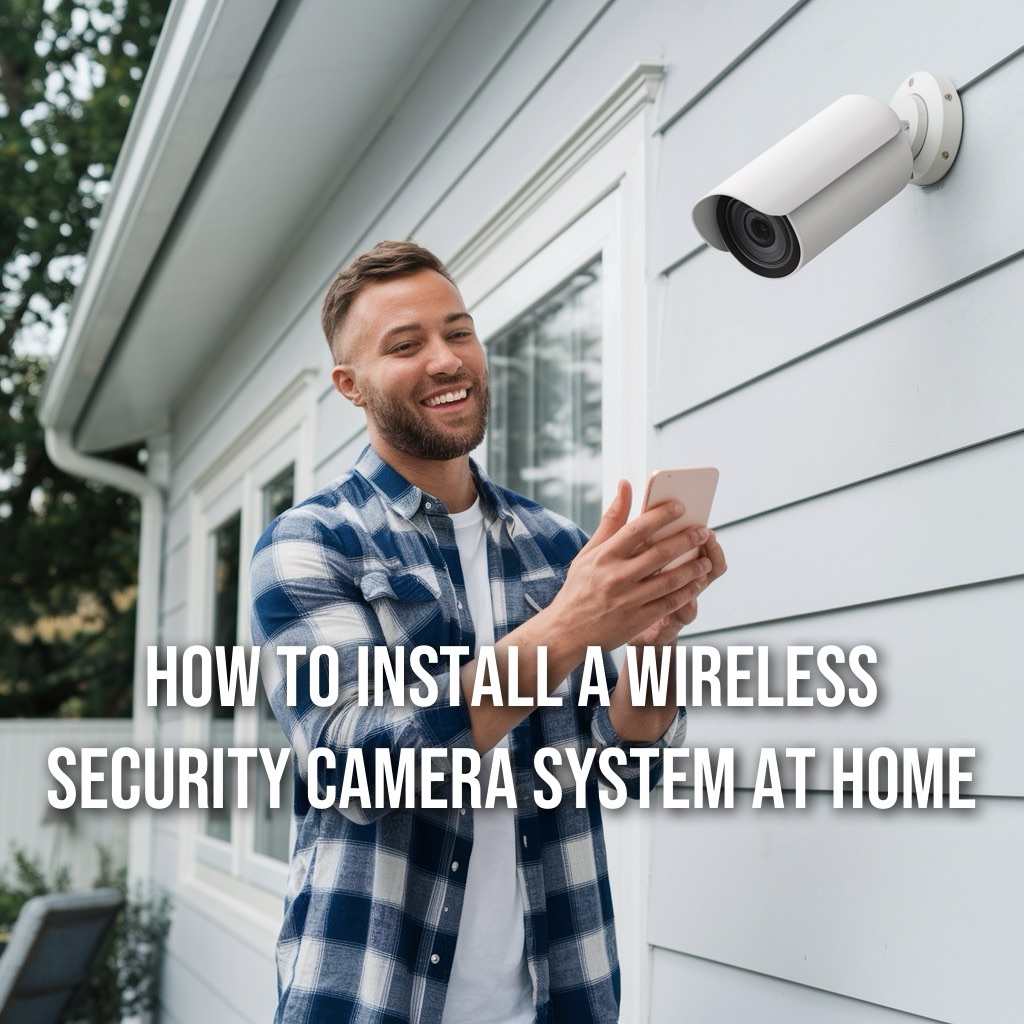
For outdoor cameras, this can be tricky. You might need an outdoor-rated outlet, or consider a camera with solar panel capabilities. Imagine, surveillance powered by the giant fiery ball in the sky! Take that, energy bill!
The Wi-Fi Waltz: Dancing with Your Router
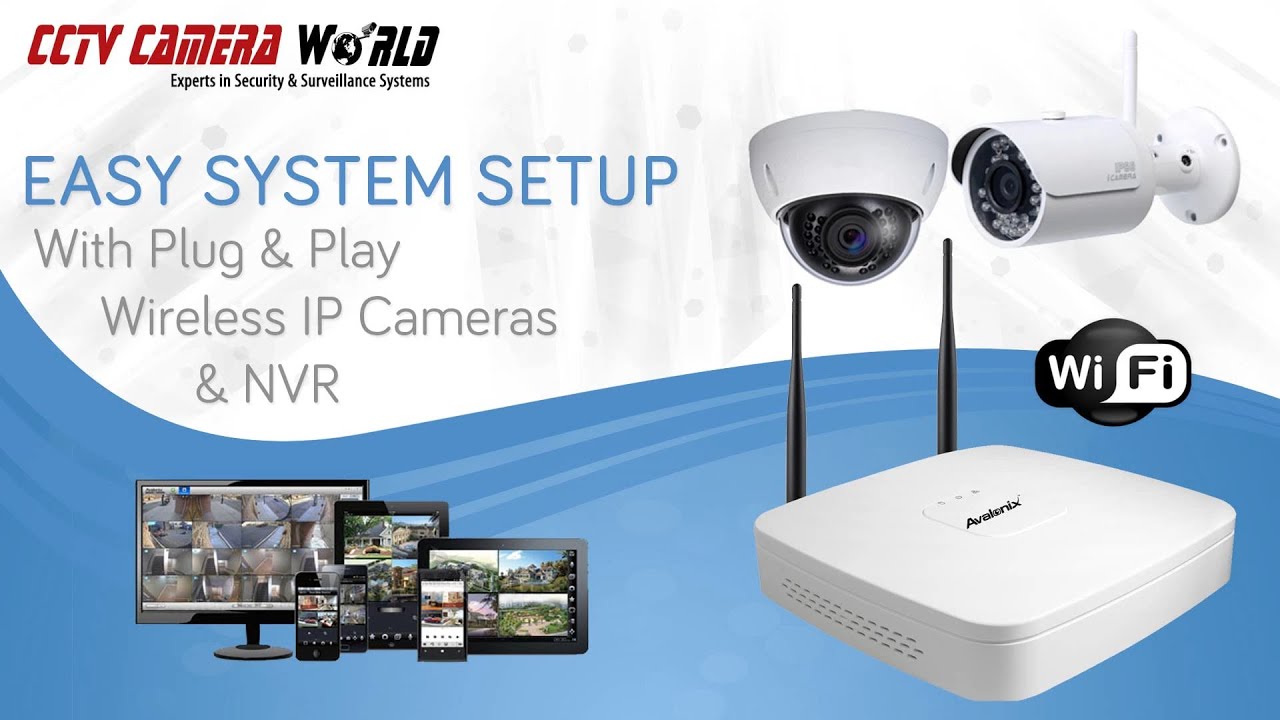
This is arguably the most crucial step: getting your camera to talk to your internet. First, download the camera's app to your phone. It's usually a straightforward process. Then, you'll pair the camera to your Wi-Fi network. Sometimes this involves scanning a QR code, sometimes the camera lets out a little "ping" noise to announce its presence. It's adorable, like a digital puppy.
Here's the catch: Wi-Fi signal strength. Your camera needs a good connection. If you're trying to install it at the very edge of your property, your router might be giving it the digital cold shoulder. Before you mount anything permanently, test the camera's signal strength right where you plan to put it. You don't want to drill a bunch of holes only to find out your camera is more interested in talking to your neighbor's toaster than your router.
Mounting Mania: The Grand Finale
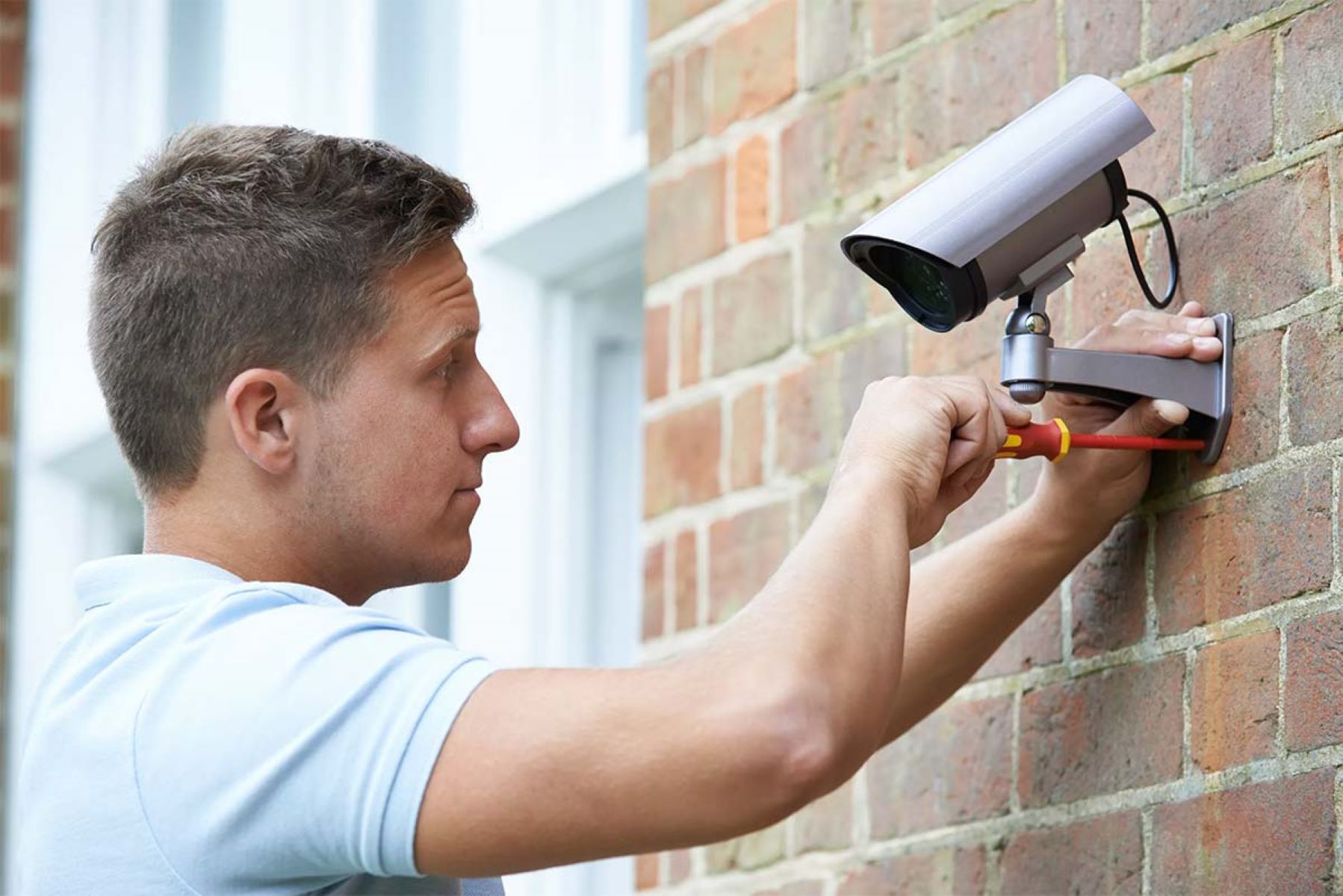
Okay, everything's talking, everything's powered. Now for the physical act! Hold the camera up to your chosen spot. Use that pencil to mark where the screws go. Then, the moment of truth: the drill. Remember, measure twice, drill once. Unless you enjoy filling holes with spackle. If it's an outdoor camera, angle it to avoid direct sunlight into the lens during prime hours; glare is the nemesis of clear footage.
Mount the bracket, then attach the camera. Adjust its angle using the app, ensuring you're covering the area you want to see. Maybe do a little dance in front of it to test the motion detection. Or have a friend walk by. Anything to make sure it's actually working. You’ve just given your home an extra set of eyes! Congratulations!
The Inevitable Hiccups (and How to Laugh at Them)
Things might not go perfectly. The Wi-Fi might drop, the battery might die faster than expected, or your cat might decide the camera is a new perch. Don't panic! Most issues are easily solved by restarting the camera, checking your Wi-Fi, or giving your cat a stern talking-to (they never listen, do they?).
And there you have it! From anxious observer to a home security guru, you've successfully installed your wireless camera. Now you can finally figure out who's been sneaking bites out of the cake in the middle of the night. (Spoiler: it's probably you.) Enjoy your newfound peace of mind, and the endless entertainment of monitoring your own glorious, slightly absurd, life!