Does Your Alarm Go Off On Do Not Disturb
Ever woken up in a cold sweat, heart pounding, convinced your alarm didn't go off? You reach for your phone, only to see that pesky Do Not Disturb icon glaring back at you. It’s a classic modern dilemma, isn't it? This common tech conundrum isn't just about avoiding a missed meeting; it's about the peace of mind of knowing your phone is working with you, not against you, to start your day right. Understanding how your alarm and DND settings interact can turn potential morning chaos into smooth sailing, and honestly, it’s a pretty fun little tech mystery to solve!
So, why bother understanding this digital dance? Well, the benefits are clear for just about everyone. For beginners to smartphone settings, figuring this out means you’ll never second-guess your wake-up call again. No more scrambling to explain why you're late! For families with diverse schedules, mastering DND allows one parent to wake for an early shift without disturbing sleeping kids, or ensures a teen's weekend alarm doesn't accidentally rouse the entire house. And for the tech-curious hobbyist, it’s all about optimizing your device for peak performance – ensuring a truly undisturbed night's sleep while still guaranteeing those vital alerts (like, you know, getting out of bed!) break through.
The good news is that for most modern smartphones, alarms are usually pretty smart. They're designed to be persistent. This means that, by default, your alarm should always go off, even if your phone is in Do Not Disturb mode. However, there are variations! Some custom DND settings, especially on Android, allow you to be very specific about what can and cannot "interrupt." For instance, you might have a "Silent All Sounds" option, which could potentially mute your alarm if you're not careful. On iPhones, "Bedtime Mode" (part of Focus settings) usually has its own dedicated alarm rules. It's also crucial to distinguish between your ringer volume (for calls and notifications) and your alarm volume, which are often separate controls. Just because your phone is silent for calls doesn't mean your alarm is!
Must Read
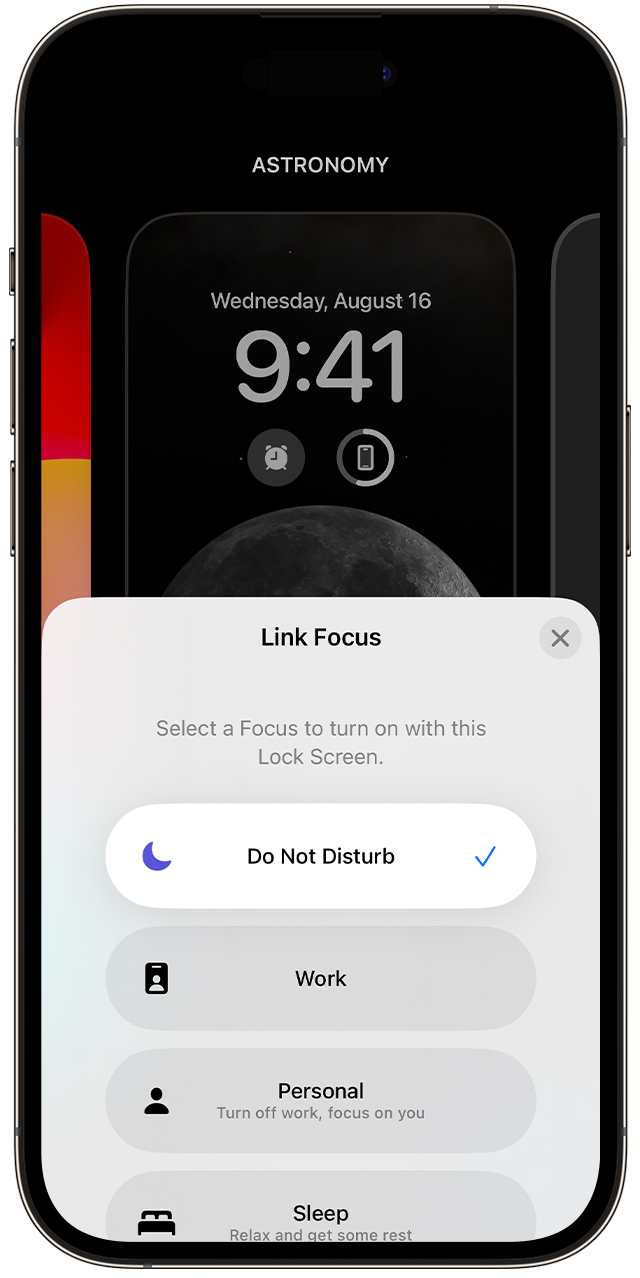
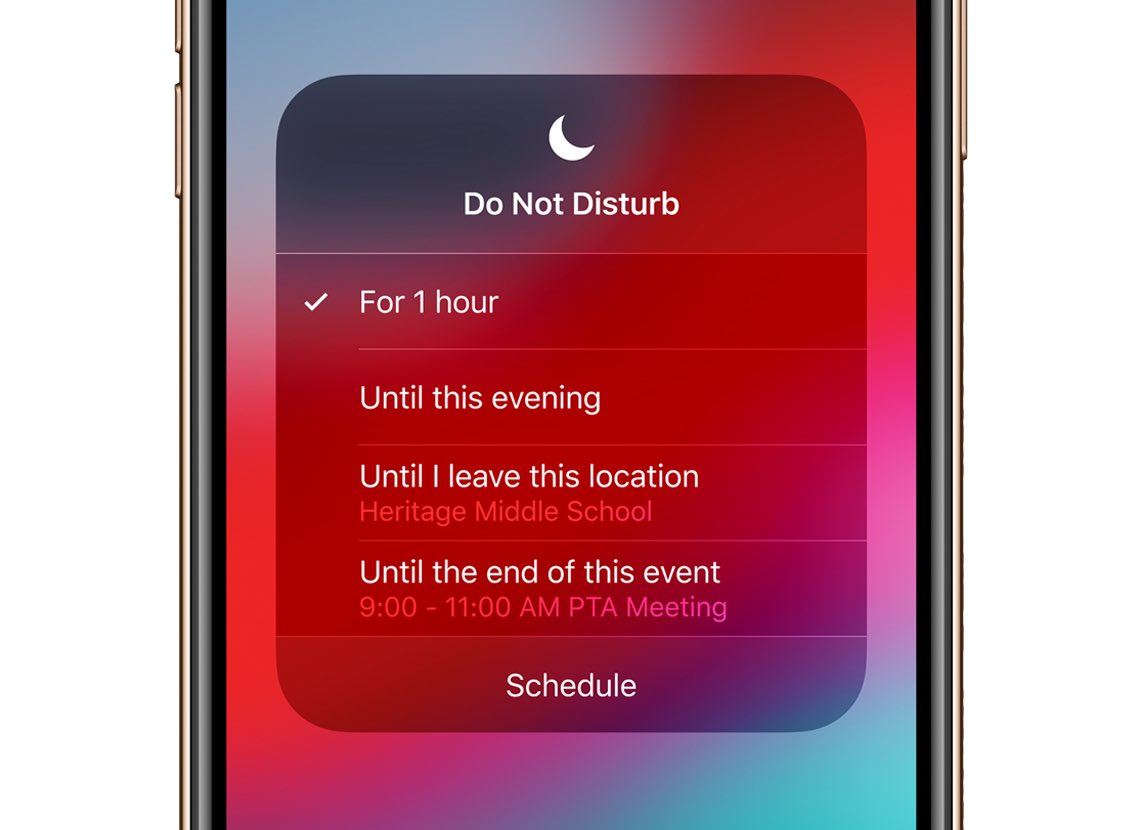
Ready to put your mind at ease? Here are some simple, practical tips to ensure your alarm always sings its morning song. First and foremost: test it! Set a reminder alarm for just a few minutes in the future, activate your DND mode, and see what happens. This hands-on check is the most reliable method. Next, dive into your phone’s settings. On iPhone, check "Settings" > "Focus" > "Do Not Disturb" and look for "Allowed Notifications" > "People" or "Apps" to ensure "Clock" (or your specific alarm app) isn't accidentally blocked. On Android, go to "Settings" > "Sound & vibration" > "Do Not Disturb" and look for "Alarms & other interruptions." Make sure "Alarms" are allowed. Always keep your phone's operating system updated, as newer versions often come with improved and clearer DND/alarm interactions. And remember to keep your dedicated alarm volume slider up, regardless of your ringer volume!
Mastering the interplay between your alarm and Do Not Disturb truly offers a small but significant victory in your daily tech life. It’s about more than just waking up on time; it’s about gaining control over your device and ensuring it serves your needs effectively. So go ahead, tweak those settings, enjoy the peace of mind, and get ready to wake up feeling refreshed and on schedule, knowing your alarm will always have your back.