
Do Liquid Coolers Need To Be Refilled

Hey there, fellow tech enthusiast! Ever gazed into the shimmering depths of your PC, admiring the tubes and glowing goodness of your liquid cooler, and wondered, "Uh oh, do I need to top that thing off?" Well, pull up a chair (or maybe just don't fall out of yours!) and let's dive into this question, shall we?
So, the Big Question: Refill or No Refill?
Okay, here's the short and sweet answer: it depends! DUN DUN DUUUUN! (Sorry, had to add a little drama).
There are generally two types of liquid coolers we're talking about here: All-in-One (AIO) coolers and custom liquid cooling loops.
Must Read
AIOs are the closed-loop systems, the ones that come pre-assembled and ready to rock. Think of them as the low-maintenance houseplants of the PC world. Custom loops? Those are your intricate bonsai trees that require constant pruning (and, you know, coolant refills).
AIO Coolers: The Closed-Loop Champions
The beauty of AIO coolers is that they're usually sealed systems. That means, in theory, you shouldn't ever need to refill them. They're designed to have enough coolant for their entire lifespan, which, depending on the brand and model, can be several years. Consider it a "set it and forget it" kind of deal. Unless you really like fiddling with things... then maybe a custom loop is for you?
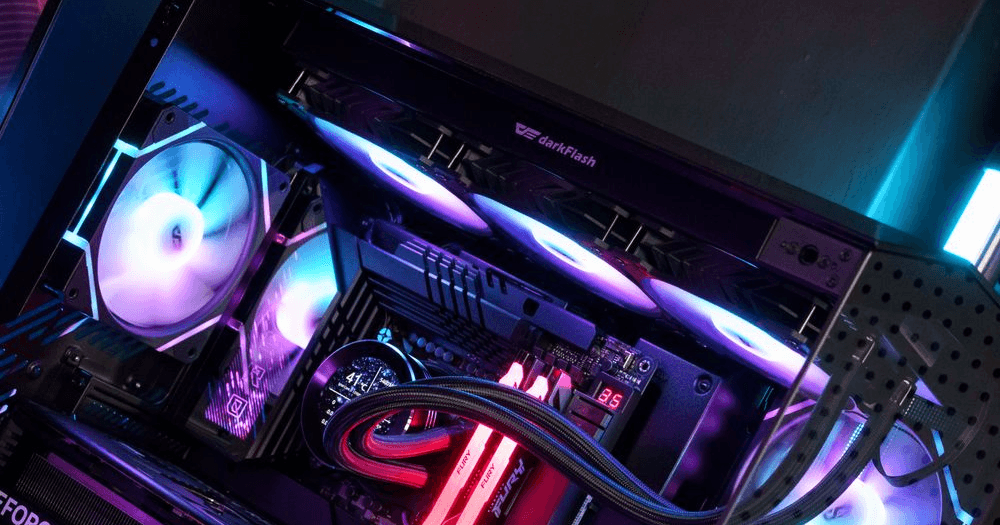
Think of it like this: the coolant is constantly circulating within the loop, absorbing heat from your CPU and dissipating it through the radiator. It's a beautiful, closed-off ecosystem.
However (there's always a "however," isn't there?), over time, a small amount of coolant can evaporate. It's a slow process, but it happens. This is where things can get a bit tricky.
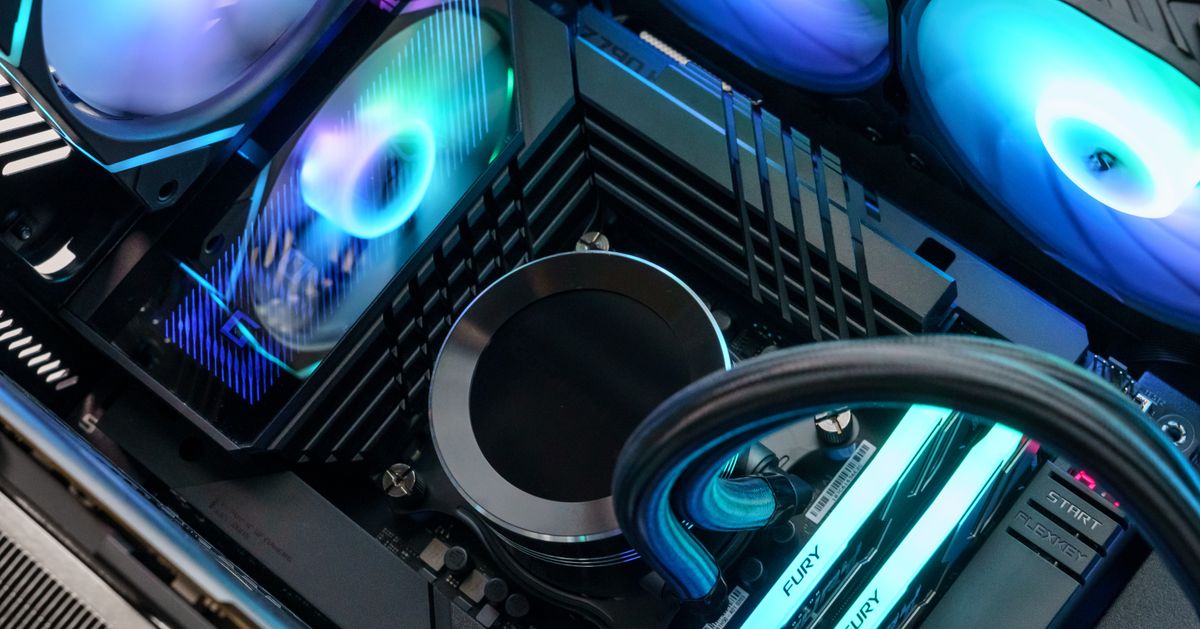
When Might an AIO Need Attention?
So, how do you know if your AIO is running low on coolant if it's supposed to be sealed? Keep an eye out for these warning signs:
- High CPU Temperatures: This is the big one! If your CPU is running hotter than usual, especially under load, it could be a sign that your cooler isn't performing as efficiently as it should.
- Strange Noises: Gurgling or bubbling sounds coming from your cooler could indicate air trapped in the system, which could be due to coolant loss. It's like your PC is trying to tell you a story in a series of burps.
- Reduced Cooling Performance: Maybe your system isn't crashing, but you're noticing that your gaming performance is taking a hit due to thermal throttling.
If you suspect your AIO is running dry, don't attempt to open it up yourself unless you're absolutely sure you know what you're doing! You could void your warranty or even damage the cooler. Instead, contact the manufacturer. Many AIOs aren't designed to be refilled, and trying to do so could cause more harm than good. Often, it's just time for a replacement.

Custom Loops: The Refilling Renegades
Now, let's talk about custom liquid cooling loops. These are the DIY projects of the cooling world. You get to choose every component, from the water blocks to the tubing to the reservoir. They look incredibly cool (pun intended!), but they require more maintenance than AIOs.
With a custom loop, you will need to regularly check and refill the coolant. The frequency depends on the size of your reservoir, the type of coolant you're using, and how often you run your system, but it's typically recommended to check every few months.

Refilling a custom loop involves carefully adding coolant to the reservoir until it's at the appropriate level. It's a bit of a process, but it's part of the fun (or the chore, depending on your perspective!).
In Conclusion: Keep Cool and Carry On!
So, there you have it! AIO coolers generally don't need refilling, but keep an eye out for signs of trouble. Custom loops, on the other hand, require regular coolant checks and refills. No matter which type of cooler you have, proper maintenance will help keep your system running smoothly and prevent any overheating headaches.
Remember, a happy CPU is a productive CPU (and a happy gamer!). So, take care of your cooling system, and it will take care of you. Now go forth and conquer those digital worlds, knowing you've got a handle on your liquid cooling situation! You're a PC building rockstar!