Changed Batteries In Thermostat And Now Heat Not Working
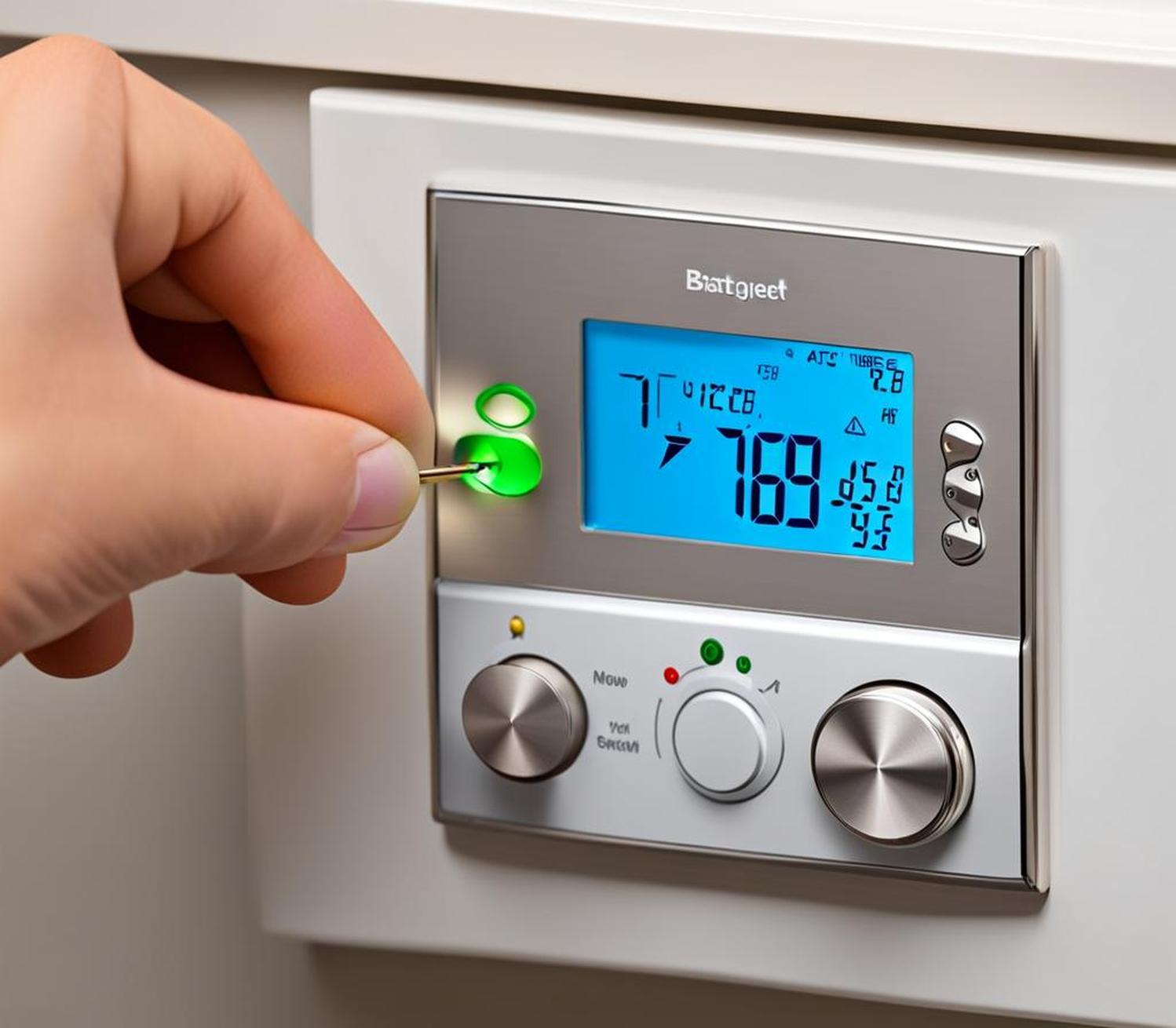
Ever found yourself in that classic "aha!" moment, only to have it swiftly followed by an "uh oh..."? You know the drill: the thermostat display goes blank, you dutifully swap in some fresh batteries, and then... crickets. Your heat, which was just fine moments ago, is now playing hide-and-seek. Don't worry, you're not alone! This little domestic mystery is incredibly common, and honestly, figuring it out can be surprisingly satisfying. It's like being a detective in your own home, solving a low-stakes, high-comfort puzzle. Plus, who doesn't love the idea of fixing something themselves and avoiding a potentially pricey service call?
This article isn't just for the technically savvy; it’s for everyone. For beginners, it's a fantastic introduction to basic home troubleshooting, empowering you to tackle common household hiccups with confidence. Think of it as your first step towards becoming a DIY superstar! For busy families, a quick fix means getting the house warm again without delay, keeping everyone cozy and happy. And even for casual hobbyists, it’s a neat little challenge that builds your practical knowledge of how your home's systems tick. The biggest benefit? You save time, money, and gain a real sense of accomplishment knowing you brought the warmth back with your own two hands.
While often the fix is delightfully simple, it's helpful to know that sometimes the problem might seem related but actually has other causes. For instance, sometimes you change the batteries, and still no heat, but the real culprit is a tripped breaker for your furnace, or perhaps an older system's pilot light went out. It could even be something as simple as the thermostat's programming getting reset with the battery change, leaving it in an unexpected "off" or "hold" mode. Less commonly, it might be an issue with the wiring or the furnace itself, but don't jump to conclusions just yet. Most of the time, the solution is right under your nose!
Must Read
So, where do you start when your heat won't fire up after a battery change? Here are some simple, practical tips:
- Double-Check Those Batteries (Seriously!): This is the absolute first step. Ensure they are inserted with the correct polarity (+ and - sides match). Are they brand new and fresh? Sometimes older batteries, even if unused, can be weak. Make sure they are the correct type (usually AA or AAA).
- Give Your Thermostat a Quick Reset: Many smart thermostats, and even some older digital ones, can get a little confused. Try removing the batteries for about 60 seconds, then reinsert them. This often forces a soft reset.
- Check Your Furnace/HVAC Unit: Head down to your furnace. Is the power switch (usually a light switch on the side of the unit or nearby wall) set to ON? Is the breaker in your electrical panel for the furnace/HVAC tripped? Flip it off then on again to reset.
- Review the Thermostat's Settings: Did the battery change reset your programming? Is it set to "Heat" mode? Is the temperature set above the current room temperature? Sometimes there's a "Hold" or "Away" setting that needs to be overridden.
- Consult the Manual: Yes, that dusty old pamphlet! The manufacturer's manual often has specific troubleshooting steps or reset procedures unique to your model. It’s a goldmine of information you might be overlooking.
There’s a real joy in solving these little household puzzles. Not only do you get your cozy heat back, but you also gain a fantastic sense of self-reliance. The next time a small household issue pops up, you’ll be much more likely to think, "I can handle this!" instead of reaching for the phone. So, take a deep breath, follow these simple steps, and enjoy the warmth of a job well done!