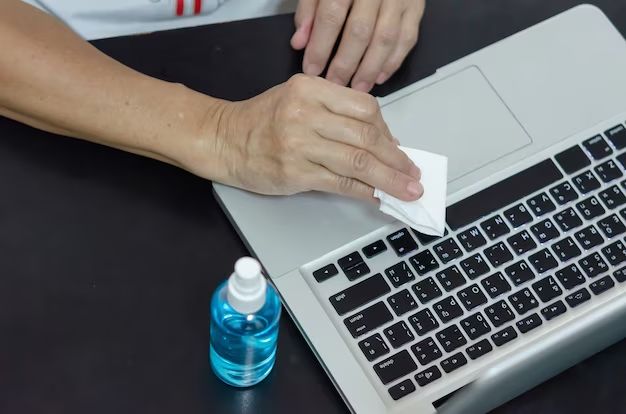
Can You Clean Electronics With Alcohol

Okay, quick story time. I once tried cleaning my dusty old keyboard with... wait for it... window cleaner. Yeah, I know. Dumb, right? The keys were sticky for weeks. Let's just say, I learned my lesson the hard way about using the wrong cleaning products on my precious tech. Which brings me to the burning question: Can you clean electronics with alcohol?
The short answer is: sometimes. But like everything in life, there are nuances, caveats, and potential for utter disaster if you're not careful. (Don't want a sticky keyboard, do we?)
The Allure of Alcohol: Why We're Tempted
Think about it: alcohol evaporates quickly. This is crucial because water + electronics = a very bad day. Alcohol also has decent cleaning properties, dissolving grease and grime. Plus, you probably already have some lying around – perhaps a bottle of hand sanitizer that smells suspiciously like tequila? (Just kidding... mostly.)
Must Read
The Right Kind of Alcohol: Isopropyl Alcohol to the Rescue!
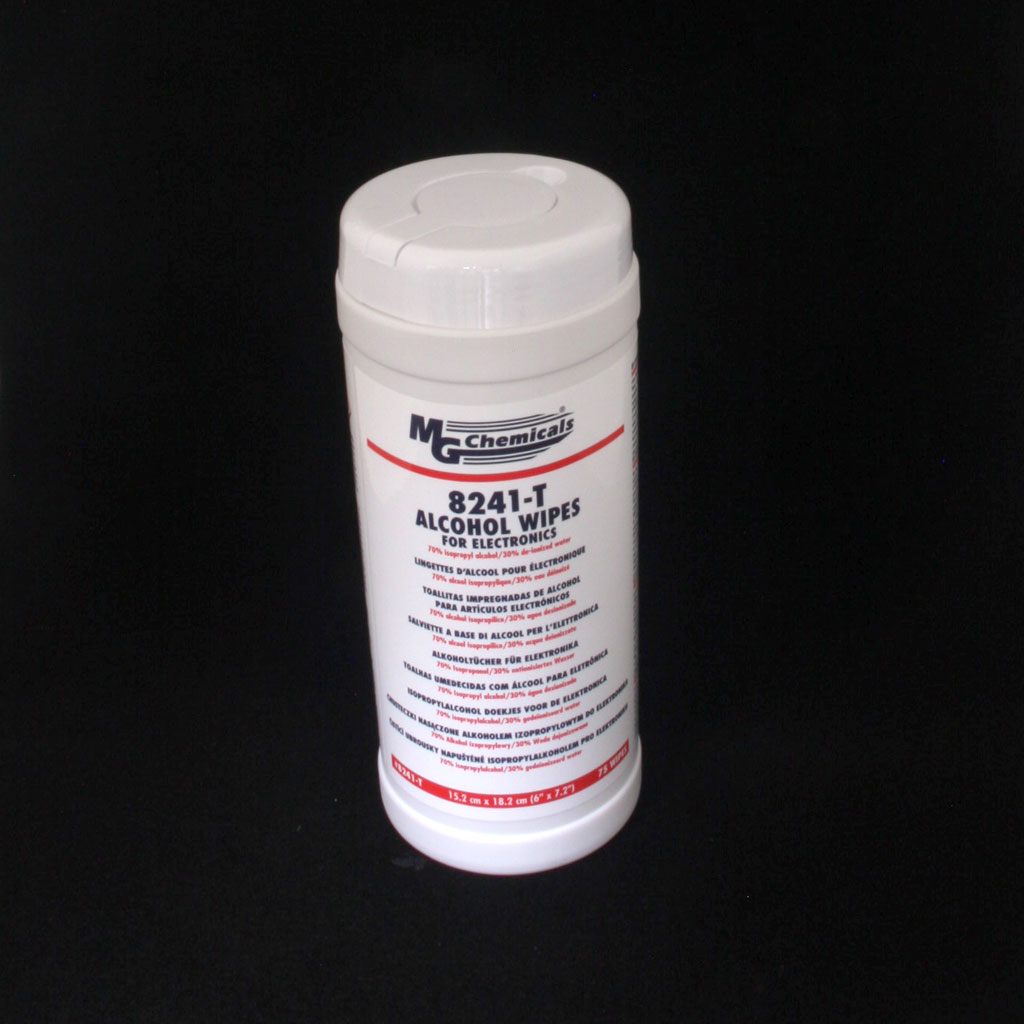
Now, before you go dousing your phone in vodka (seriously, don't), you need to understand the type of alcohol we're talking about: isopropyl alcohol (IPA). Specifically, we're aiming for a concentration of 90% or higher. Why so picky?
Lower concentrations have too much water. Remember what we said about water and electronics? Avoid! The higher the percentage, the less water content, and the faster it evaporates. You can usually find 90%+ IPA at pharmacies or online retailers. Think of it as a small investment in your tech's long-term health.
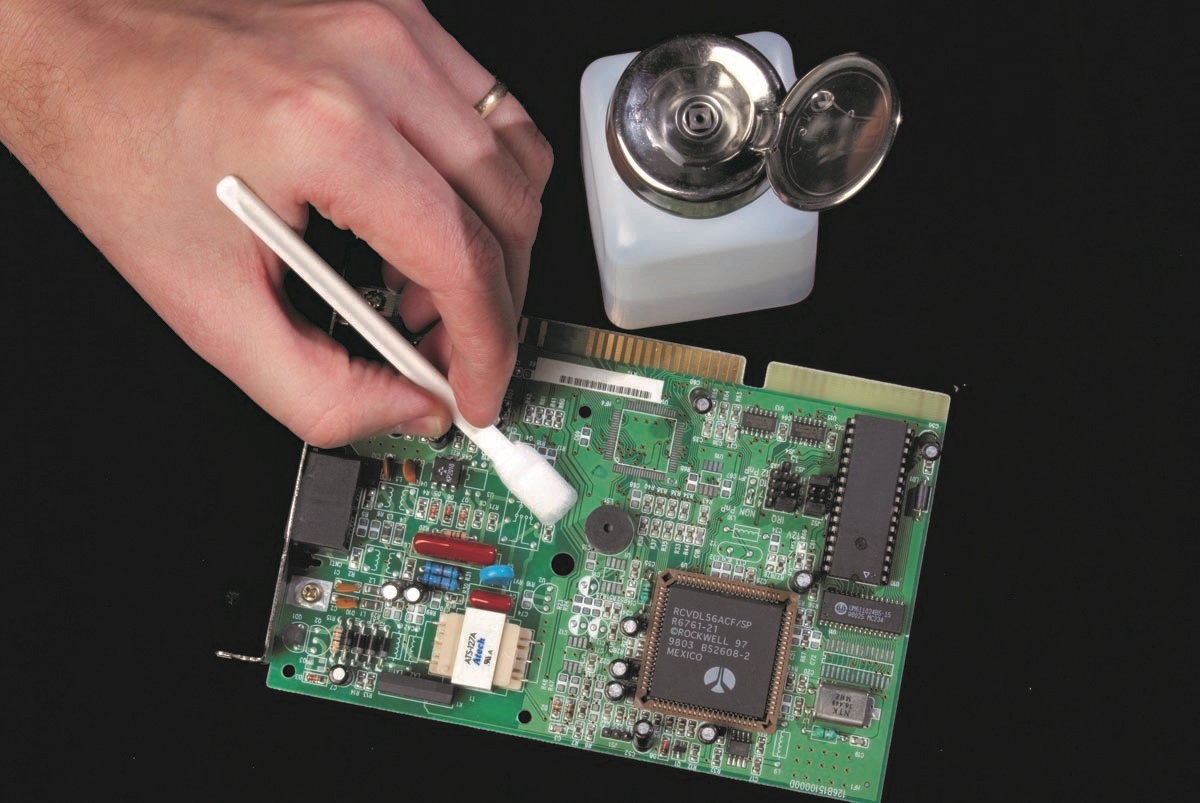
When Alcohol is a Good Idea: Tech Cleaning Scenarios
So, when is IPA your tech-cleaning superhero? Here are a few scenarios:
- Keyboards and Mice: These collect crumbs, dust, and the occasional mystery goo. A lightly dampened cloth (never directly spraying the device!) with IPA can work wonders.
- Computer Cases: Those dusty, grimy computer cases can benefit from a good wipe-down, especially around vents. Make sure the computer is completely powered off before you start cleaning! I can't stress that enough.
- Smartphone Screens (with caution!): While some argue against using alcohol on phone screens due to potential damage to the oleophobic coating (that fingerprint-resistant layer), a very lightly dampened microfiber cloth can be okay. Just be extremely gentle and avoid getting any liquid into ports. Seriously, be CAREFUL.
- Game Controllers: Sticky buttons? Grimy grips? IPA can help. Again, lightly dampened cloth only!
When to Avoid Alcohol Like the Plague
There are times when alcohol is not your friend:
- Anything with an LCD or LED screen: Unless you are absolutely sure the manufacturer approves, steer clear. You risk damaging the screen's coating.
- Inside Electronics: Unless you're a trained technician, do not go poking around inside your devices with alcohol. You could cause serious damage and void your warranty. Leave that to the professionals.
- Speakers: Alcohol can damage speaker cones. Just use a dry brush or compressed air to remove dust.
- Anything that's already damaged or malfunctioning: If your device is already acting up, cleaning it with alcohol might just push it over the edge.
Important Safety Tips (Don't Skip These!)
Before you start your tech-cleaning spree, remember these crucial safety tips:
- Power Off and Unplug: This is non-negotiable. Electricity + liquids = bad news.
- Ventilation: Work in a well-ventilated area. IPA fumes can be strong.
- Avoid Direct Spraying: Never spray alcohol directly onto your devices. Always use a lightly dampened cloth.
- Test in an Inconspicuous Area: Before cleaning the entire device, test the alcohol on a small, hidden area to make sure it doesn't cause any discoloration or damage.
- Patience is Key: Let the alcohol evaporate completely before turning the device back on.
The Bottom Line: Proceed with Caution (and Common Sense!)
So, can you clean electronics with alcohol? Yes, sometimes. But it's not a free pass to go crazy with the IPA. Use the right type of alcohol, follow the safety precautions, and when in doubt, err on the side of caution. A slightly dusty device is better than a bricked one, right? And hey, if all else fails, there's always professional cleaning services. Just, please, skip the window cleaner.