
Battery Replacement For Adt Security System
Alright, settle in, grab your beverage of choice. We need to talk about that tiny, persistent, utterly maddening beep. No, not your phone reminding you about your uncle's cat's birthday – I'm talking about the infamous ADT security system low battery alert. You know the one. It starts subtly, a gentle suggestion. Then it escalates, becoming the soundtrack to your existential dread, until you're convinced your house is about to self-destruct.
Fear not, my friend! You are not alone in this auditory purgatory. And here's the kicker: silencing that digital banshee is often as simple as, well, changing a battery. Yes, you can do it yourself. And no, you won't accidentally trigger a global security incident. Probably.
The Great Beep Mystery: What's Even Bleeping?
Before we dive in, let's play detective. Your ADT system isn't just one big brain; it's a network of vigilant little soldiers, and each one needs juice. When that incessant chirp starts, your first challenge is figuring out which one of your faithful guardians has decided to stage a power protest.
Must Read
It could be:
- The main control panel (the big box, usually in a closet or utility room, that looks like it's guarding state secrets).
- A door or window sensor (the small magnets that tell your system if someone's trying to make an impromptu visit).
- A motion detector (the little eye watching your living room like a hawk).
- Your keypad itself (though usually, if the keypad is beeping, it's often reporting on another sensor).
- A smoke or CO detector (these often have their own backup batteries).
The good news? Your keypad will usually tell you! Look for a "Trouble" or "Low Batt" message, often followed by a zone number or sensor description. This is your first clue, so pay attention!
The Main Panel Battery: The Big Kahuna
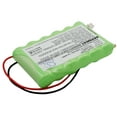
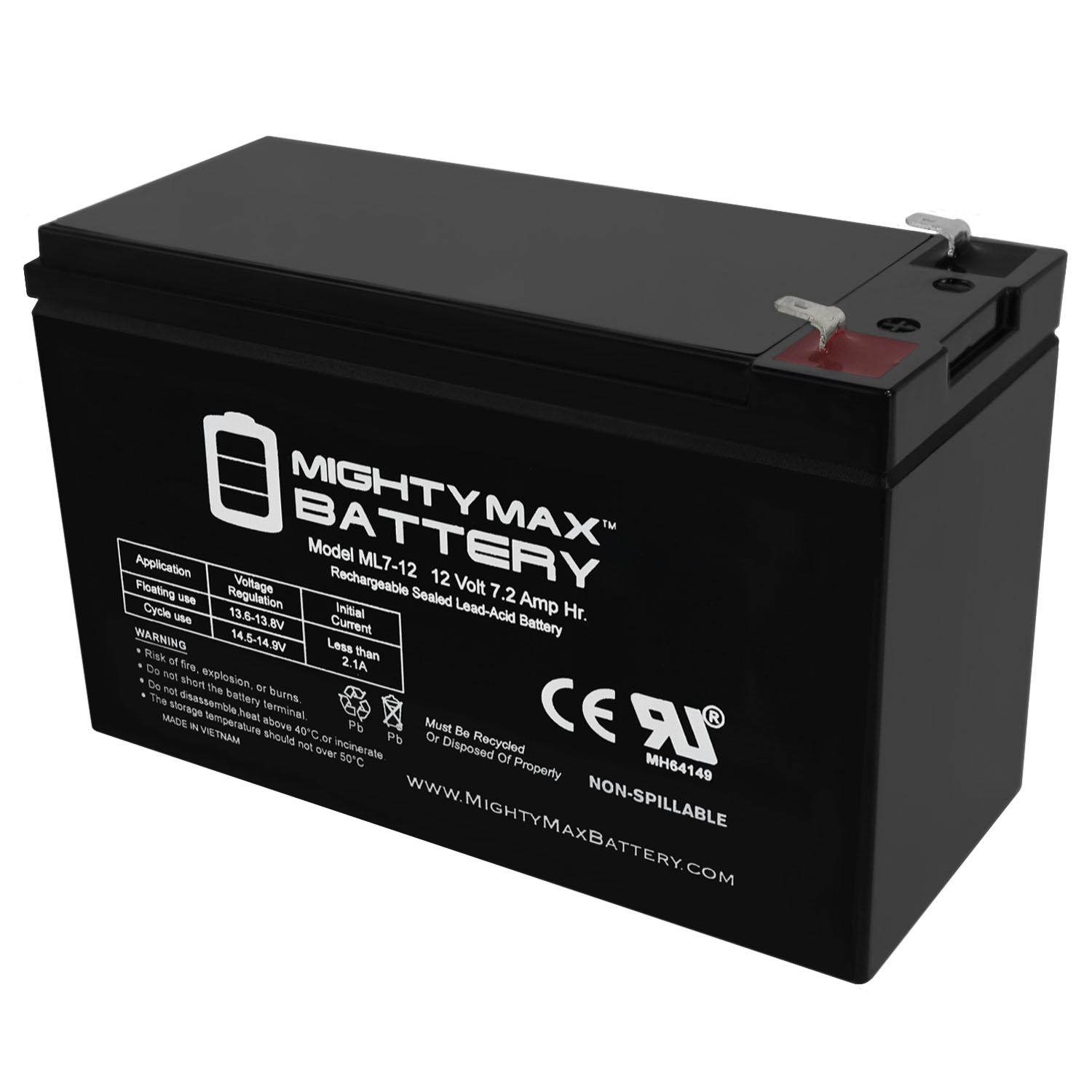
This is often the primary culprit for a persistent, system-wide "low battery" warning. It's usually a rechargeable sealed lead-acid battery, about the size of a brick, and looks like it belongs in a golf cart. This bad boy is what keeps your system alive during power outages. When it's low, your system feels vulnerable, like a superhero without their cape.
Replacing it is surprisingly straightforward:
Step 1: Disarm and Unplug!
First, disarm your system. You don't want any unexpected alarms while you're rummaging around. Then, locate the main control panel box. It's often off-white or beige, mounted to a wall in a less conspicuous spot. Once found, look for the transformer plugged into a nearby wall outlet. It's usually a big, clunky plug. Unplug that bad boy! This cuts the AC power to your system. Don't worry, the backup battery is still doing its job, but we're about to put it out of its misery.
Step 2: Open the Box of Secrets
Most main panel boxes have a latch or, sometimes, a tiny key lock. Open it up! You might hear a tamper alarm. Just enter your disarm code to silence it. Inside, you'll see a mess of wires (don't touch those unless you're sure!) and, prominently, the chunky battery.
Step 3: The Surgical Procedure
You'll see two terminals on the battery: red (+) and black (-), each with a wire connected to it. Gently disconnect the black wire first, then the red wire. You might hear a tiny spark – totally normal, unless it's accompanied by flashing lights and a dramatic explosion. (It won't be.) Now, carefully slide the old battery out. It might be snug, and it's heavier than you'd expect for something that just sits there.
Step 4: The New Heart
Grab your shiny new battery (make sure it's the correct voltage and ampere-hour rating – usually 12V 4Ah or 12V 7Ah, check your old one!). Slide it into place. Now, connect the red wire to the red terminal, and the black wire to the black terminal. This isn't rocket science, but reversing them will not end well. Red to red, black to black. Remember that, even if you've had too much coffee.
Step 5: Power Up and Silence
Close the control panel door. Plug the transformer back into the wall outlet. Your system should start powering back up. The keypad might show "AC Loss" for a minute or two, but that should clear. Within a few minutes, that infernal "Low Batt" message and the beeping should disappear. Ah, the sweet sound of silence! You've just saved yourself an ADT service call fee, which feels pretty good, right?
Smaller Sensors: The Minions of Security
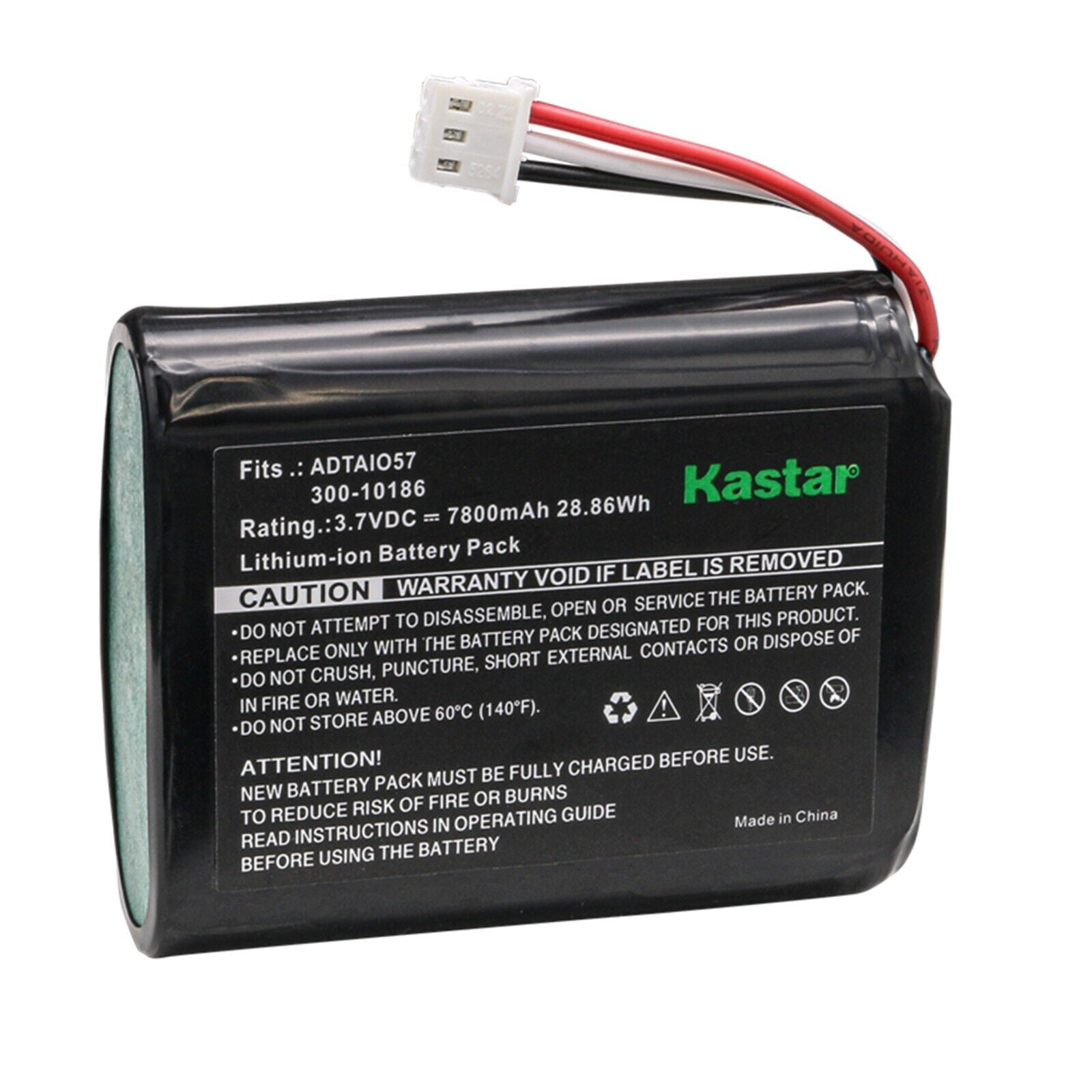
What if it's not the main panel? What if it's a door sensor, a window sensor, or a motion detector? These little guys use a variety of smaller batteries, often:
- CR123A lithium batteries (common for motion detectors and some door/window sensors)
- CR2032 or CR2025 coin cells (tiny, flat, like a button, common for door/window sensors)
- AA or AAA alkaline batteries (sometimes used in older sensors or keypad backups)
- 9V batteries (often for smoke/CO detectors)
The process is usually similar for all:
1. Locate the specific sensor that's complaining (your keypad tells you!).
2. Gently open the casing. This usually involves a small screw on the side or bottom, a tab you press, or simply sliding the cover off. Be careful, some are delicate!
3. Note the battery type. It's usually printed right on the battery itself, or inside the compartment. This is crucial for buying the correct replacement.
4. Pop out the old battery.
5. Insert the new one, observing polarity (+ and -). This is important! Don't force it if it doesn't fit.
6. Close the casing securely.
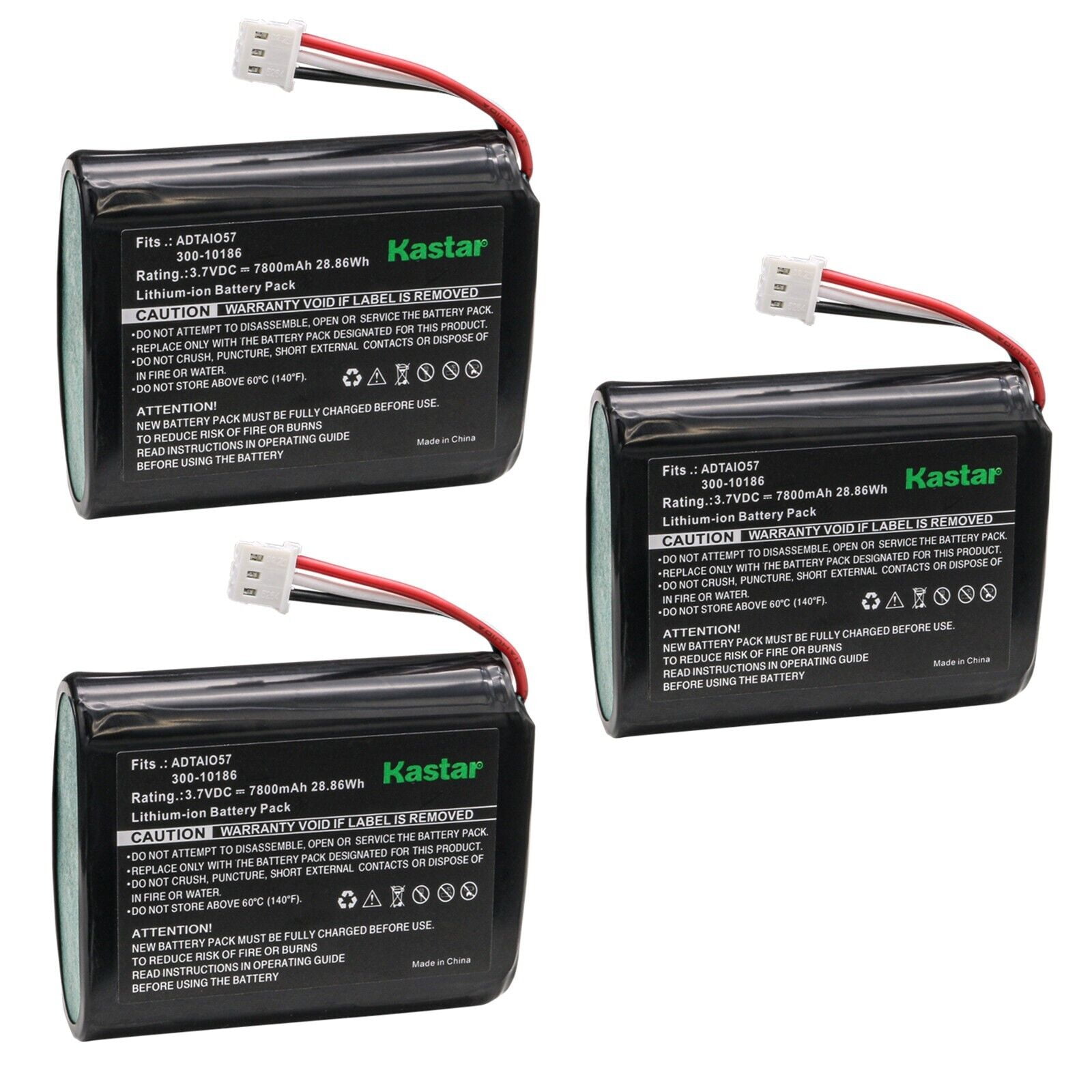
Once you've replaced the battery, your keypad should eventually clear the "low battery" message for that specific sensor. If it doesn't clear immediately, try arming and disarming your system a few times. Sometimes it just needs a little nudge.
Where to Get Your Juices Flowing (aka, Where to Buy Batteries)
Don't run to the convenience store expecting to find a 12V 7Ah lead-acid battery next to the candy bars. For the main panel battery, you'll likely need to order online from Amazon, a specialty battery store, or pick one up at a dedicated electronics or battery shop. For the smaller batteries, most hardware stores and supermarkets carry CR123As, coin cells, and standard AA/AAA. Just be sure to match the exact type and voltage!
Pro Tip: Buy good quality batteries. Cheap batteries in your security system are like hiring a guard dog that's afraid of squirrels. Not ideal.
You're a DIY Hero!
See? That wasn't so bad, was it? You've wrestled with wiring (briefly!), performed minor surgery on your home security, and, most importantly, brought blessed silence back into your home. You've outsmarted the incessant beep, saved some cash, and gained a newfound respect for those humble power cells. So, next time that beep starts up, don't panic. Just remember this little chat, grab your tools, and silence that digital drama queen like the pro you now are!