Battery Backup For Surveillance Cameras

Ever had that sinking feeling when the lights flicker, and you realize your home surveillance system just went dark? It’s like having a superhero without their superpowers! That’s why diving into the world of battery backup for surveillance cameras isn't just a techy pursuit; it's about gaining serious peace of mind. It’s surprisingly fun to set up and incredibly useful, turning potential worries into "no big deal" moments. Think of it as giving your cameras an extra life, ensuring they're always on watch, come rain, shine, or power outage.
For beginners, understanding this topic means realizing you don't need to be an electrician. It's about empowering yourself with simple solutions that keep an eye on things when you can't. The main purpose is continuous vigilance. For families, it means that even during a brief power blip, you’ll still capture footage of the kids playing in the backyard or know if a package arrived. No more gaps in your security timeline! And for the hobbyists among us, it’s an exciting challenge to optimize power efficiency, ensuring your smart home ecosystem remains robust and truly autonomous. The benefit? Uninterrupted security and priceless confidence, knowing your watchful eyes never blink, even when the grid does.
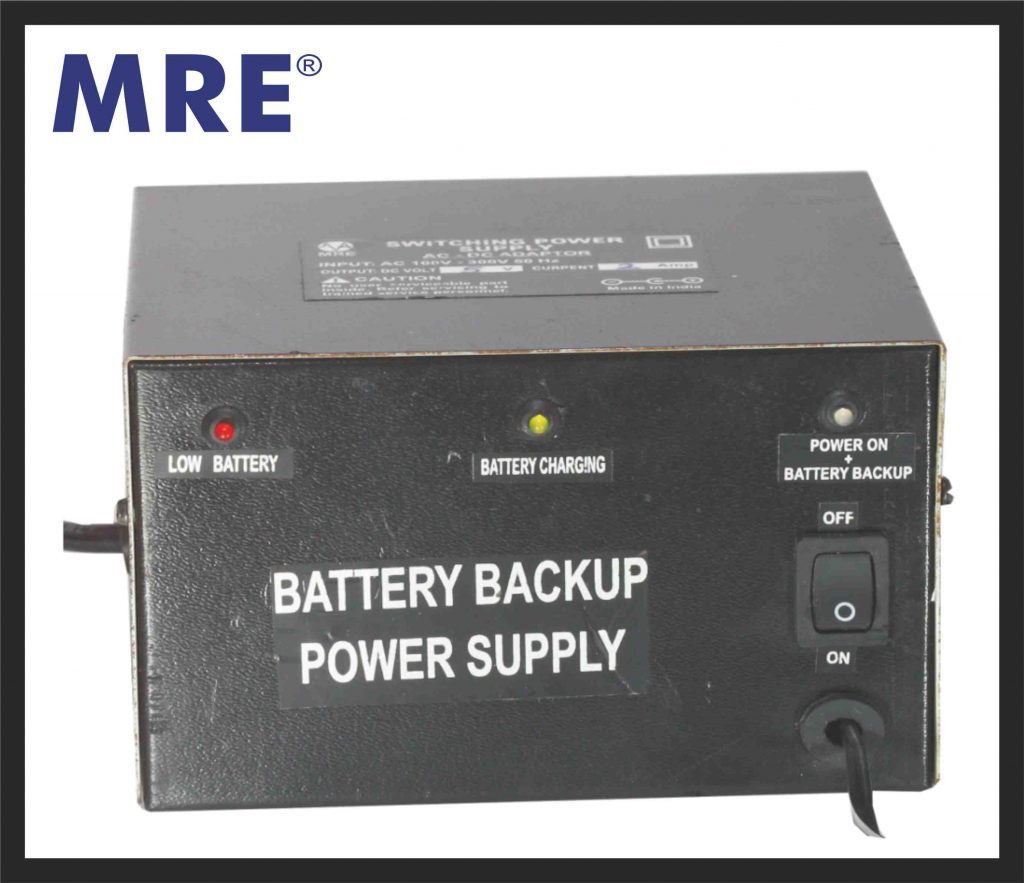
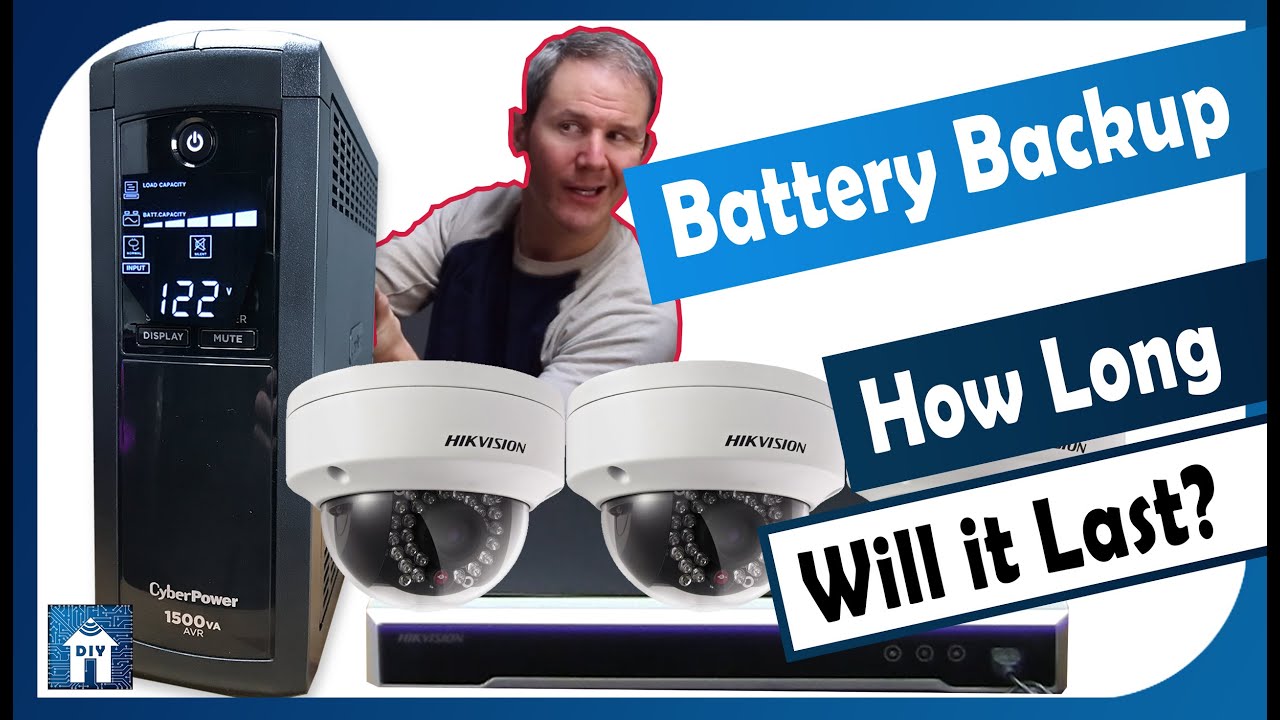
There are a few cool ways to achieve this seamless power transition. The most common is a UPS (Uninterruptible Power Supply). This is like a big, smart power strip that has a battery inside. You plug your NVR (Network Video Recorder) or DVR (Digital Video Recorder) into it, along with your internet modem and router, and boom – instant backup for your entire system and connectivity. For individual Wi-Fi cameras, a simple portable power bank or even a small, dedicated camera battery pack can work wonders, keeping that specific camera online for hours. Some advanced setups even integrate solar panels with a battery bank for truly off-grid camera power, perfect for remote locations or the ultimate DIY project.
Must Read
Ready to get started? It's easier than you think! First, assess your needs. How many cameras do you have, and how long do you want them to run during an outage? A short flicker might only need a small UPS, while longer outages require more juice. Next, check your camera's power requirements. Look for voltage (V) and amperage (A) on its power adapter. This helps you choose a compatible battery backup. Remember to also backup your Wi-Fi router and modem; cameras often need an internet connection to send alerts or save footage to the cloud. Finally, test your setup regularly. Unplug the main power to your UPS or power bank once a month to ensure it kicks in reliably. It’s like a fire drill for your security system!
Embracing battery backup for your surveillance cameras isn't just about avoiding dark screens; it's about investing in absolute assurance. It's the silent guardian for your silent guardians, offering complete peace of mind that your home is continuously monitored. So go ahead, give your cameras the power to persevere, and enjoy the comforting thought that you're always protected.