
Why Is My Tv Not Finding Channels With An Antenna

The Great Antenna Channel Hunt: A Mystery You Can Solve!
So, you've ditched cable and embraced the glorious world of free, over-the-air TV. Fantastic! But your TV is stubbornly refusing to find any channels. Don't panic! It's a common problem, and often, the solution is surprisingly simple.
Think of it like a treasure hunt, except the treasure is your favorite sitcom or that crucial news update. Let's explore some possible reasons why your TV is playing hide-and-seek with those channels.
Antenna Placement: Location, Location, Location!
Your antenna is your lifeline to those free channels. Where you put it matters big time. Signals need a clear path, so avoid hiding your antenna behind big objects. It's like trying to listen to music with earplugs in!
Must Read
Experiment with different spots. Higher is generally better, especially indoors. Think of it like this: your antenna wants to shout "Hello!" to the TV towers, but buildings and trees are like noisy neighbors.
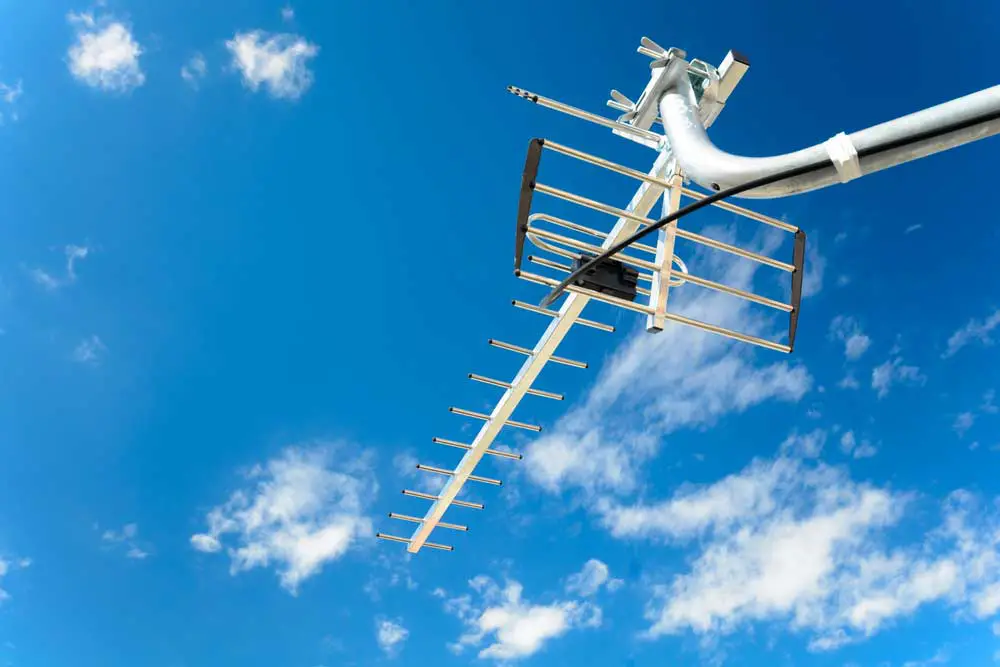
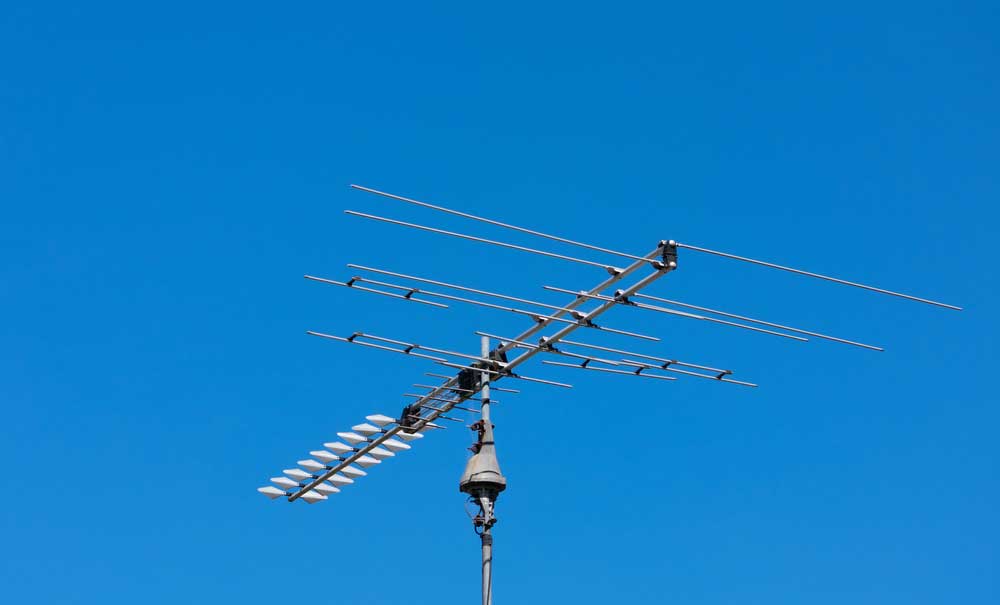
Consider an outdoor antenna if indoor placement just isn't cutting it. These guys are built to grab signals from further away and are less affected by indoor obstacles.
Rescan: The Magic Refresh Button
TV channels sometimes shift around like furniture. Your TV needs to know where to find them. That's where the rescan comes in!
Find the "Channel Scan," "Auto Program," or similar option in your TV's menu. It's like giving your TV a new map of the airwaves. Let it do its thing, and hopefully, voila! Channels appear!
You might need to rescan periodically, especially if you live in an area where stations are still transitioning frequencies. It's like keeping your GPS updated!
Antenna Type: Not All Antennas Are Created Equal
Is your antenna up to the task? Small, flat antennas might be fine if you're close to the broadcast towers. If not, you might need something with a bit more muscle.
Think about the distance to the broadcast towers in your area. You can easily find this information online. An antenna designed for longer distances will naturally perform better.
Consider a directional antenna. These antennas are designed to point directly at the broadcast towers. Imagine it as a focused beam of channel-grabbing power!
Cables and Connections: The Unsung Heroes
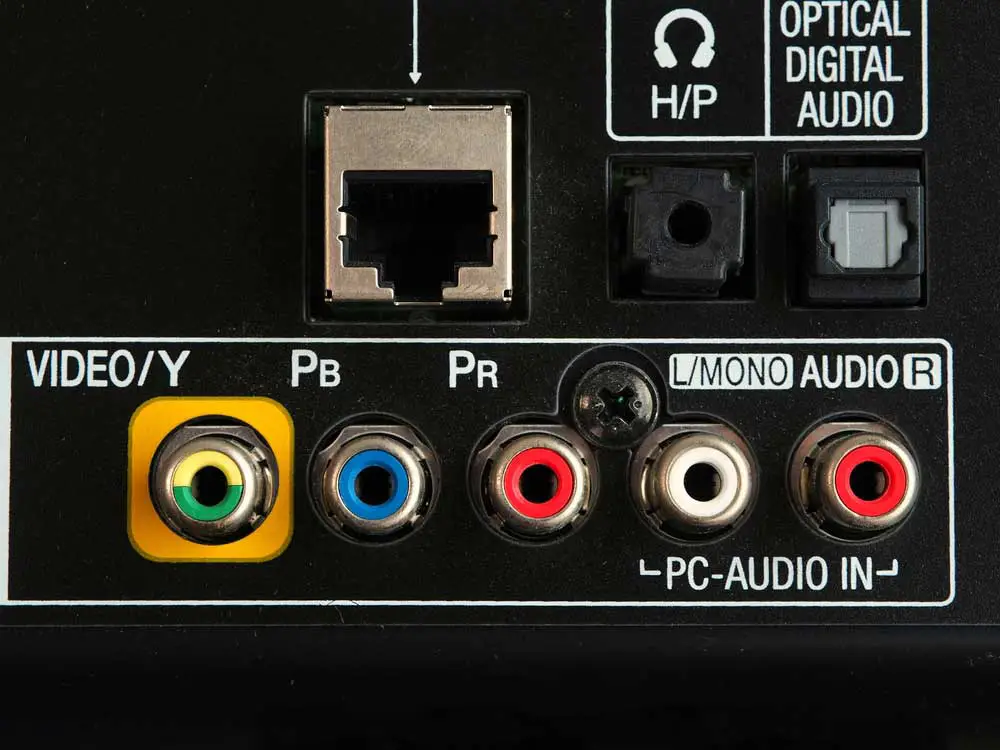
A loose or damaged cable can wreak havoc on your signal. Check that the cable connecting your antenna to your TV is securely plugged in. It's like making sure your car has gas before a road trip!
Inspect the cable itself. Is it frayed or damaged? A damaged cable is like a leaky pipe – you're losing precious signal. Replacing a faulty cable is a cheap and easy fix.
Consider using a coaxial cable splitter if you're running the signal to multiple TVs. But remember, splitting the signal can weaken it, so you might need an amplified antenna.
Interference: The Invisible Enemy
Electronic devices can sometimes interfere with TV signals. Microwaves, cordless phones, and even some LED lights can be culprits. It's like trying to have a conversation in a noisy room.
Try moving these devices away from your antenna and TV. See if that improves your channel reception. Sometimes, a little distance makes all the difference.
Walls made of concrete, metal siding, or energy-efficient materials can also block signals. These materials act like signal shields. An outdoor antenna is your best bet in these situations.
The Digital Cliff: Understanding the Signal
Digital TV signals are different from the old analog signals. With analog, you might get a snowy picture. With digital, it's all or nothing. It's called the digital cliff.
If your signal is weak, you won't get a picture at all. It's not like the gradual fading of analog. It's just…gone.
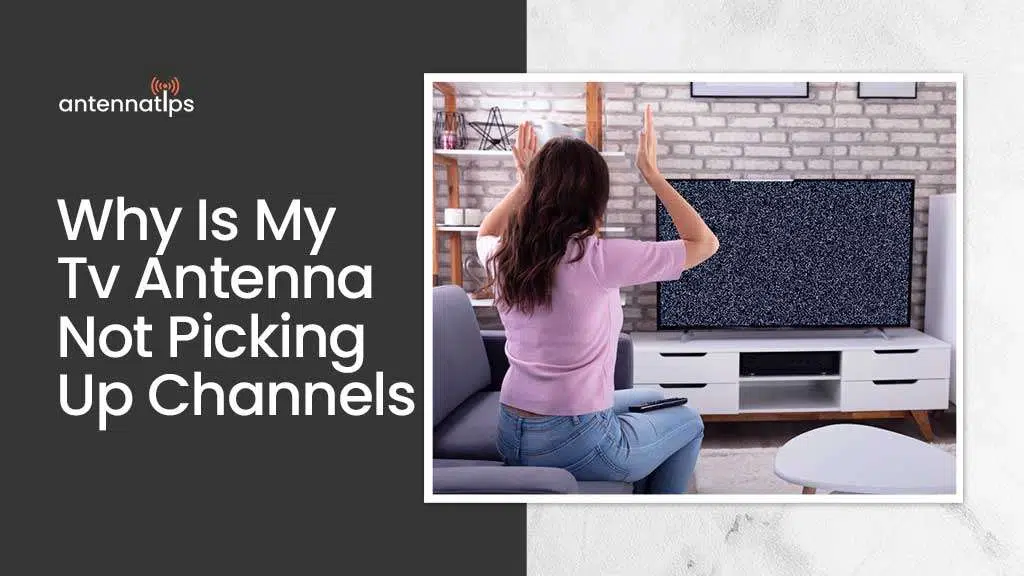
This makes antenna placement and strength even more crucial. You need a strong enough signal to clear that digital cliff.
Still No Channels? Don't Despair!
If you've tried all these tips and still can't find channels, it might be time to consult a professional. A local antenna installer can assess your specific situation and recommend the best solution. It's like hiring a detective to solve your channel mystery!
Enjoy the thrill of the hunt and the satisfaction of finally unlocking those free TV channels! Happy viewing!
Remember to check out the Federal Communications Commission website for more information on signal strength and distance!