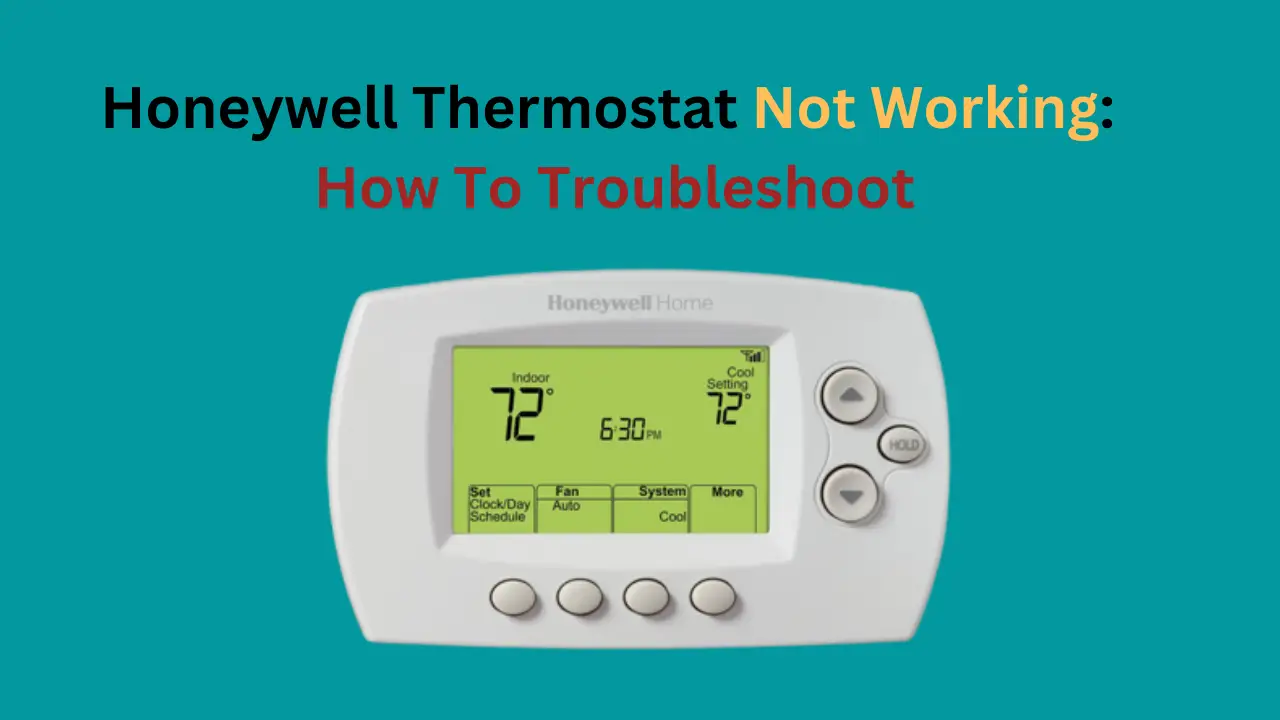
Why Is My Honeywell Thermostat Not Working

Picture this: You wake up, ready to conquer the day, and you step out of bed. Instantly, you know something’s off. Is it too hot? Too cold? You shuffle over to your trusty Honeywell thermostat, ready to adjust the temperature to perfection, only to find… nothing. A blank screen. Or maybe it’s showing a temperature but refusing to budge. A slight panic sets in, doesn't it? "My sanctuary! My comfort zone! What is happening?!"
Before you throw your hands up in exasperation and declare war on inanimate objects (we've all been there, no judgment!), take a deep breath. This isn't a catastrophe; it's an adventure! Think of yourself as a home comfort detective, donning your metaphorical trench coat and magnifying glass. You're about to embark on a thrilling quest to restore domestic harmony, and trust us, it’s going to be surprisingly fun.
The Case of the Missing Comfort: Simple Solutions First!
Most "thermostat mysteries" have surprisingly simple explanations. And guess what? Solving them yourself is incredibly empowering. You’ll feel like a tech wizard, a home hero, and frankly, you'll save yourself a potential service call (and who doesn't love saving a little cash?).
Must Read
Let's start with the absolute basics, shall we?
1. The Dreaded Dead Batteries.
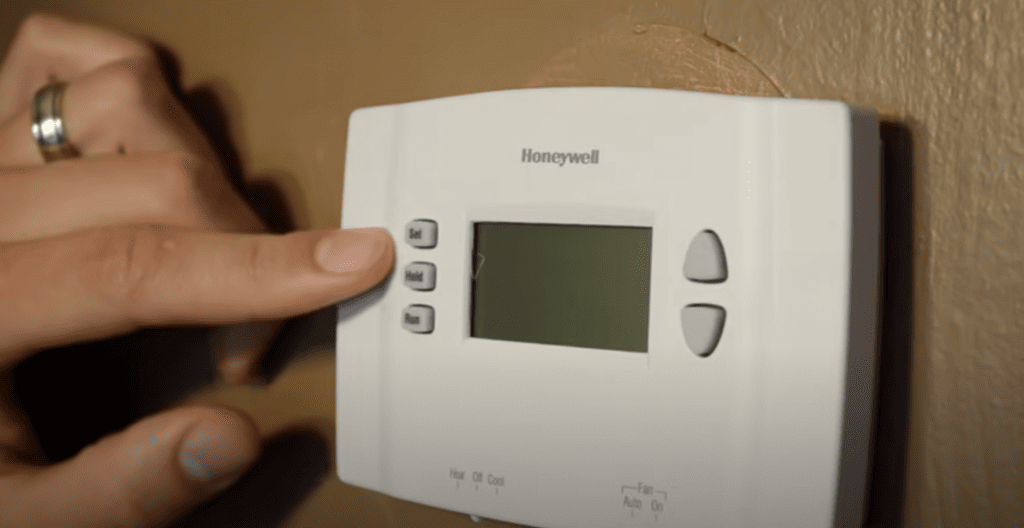
"Is it really that simple?" you ask, incredulously. Oh, my friend, often, yes! Many Honeywell thermostats, especially older programmable models, run on AA or AAA batteries. When they run low, the screen might dim, flicker, or go completely blank. It’s like your phone giving you that annoying "low battery" warning, but with more dramatic flair.
Your mission: Pop open the battery compartment (usually on the side or by pulling the front panel off), swap out the old batteries for fresh ones, and watch the magic happen. The screen illuminates, life returns! And just like that, you've already won your first battle. Feels good, doesn't it?
2. The Power Play: Breakers and Switches.
Your thermostat is connected to your entire HVAC system, and that system needs power. Sometimes, the problem isn't with the thermostat itself but with its power supply.
Your mission: Head to your circuit breaker box. Look for the breaker labeled "Furnace," "AC," or "HVAC." Sometimes, these trip, cutting power. Flip it off, wait a few seconds, then flip it back on. While you're at it, check the furnace itself for a power switch (often near the unit) that might have been accidentally turned off. A simple flip can be all it takes to bring everything back to life. You’re not just solving a thermostat problem; you’re understanding your home’s electrical nervous system!
3. Rogue Settings and the "Hold" Function.
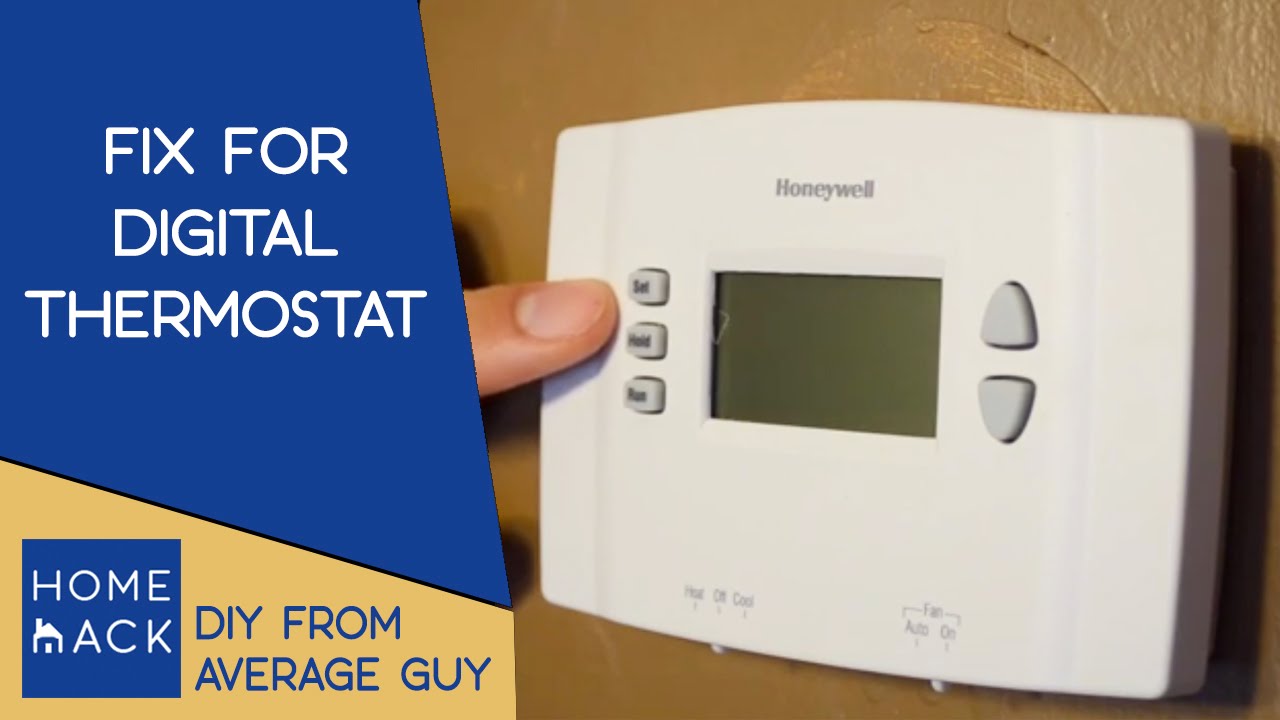
Modern thermostats are smart, perhaps a little too smart sometimes. It’s incredibly easy to accidentally hit the "Hold" button, which overrides your programmed schedule and keeps the temperature at a specific setting indefinitely. Or maybe a curious finger (a child's, a guest's, or even your own sleepy morning fumble) changed the mode from "Heat" to "Cool" or vice-versa without you realizing.
Your mission: Take a moment to actually read the screen. Look for "Hold," "Permanent Hold," or "Temporary Hold." Cancel it! Check the mode setting. Ensure the fan is set to "Auto" unless you want it running constantly. You're not just fixing a problem; you're becoming fluent in the secret language of your home's climate control!
4. The Unsung Hero: Your Air Filter.
While not directly a thermostat issue, a clogged or dirty air filter can cause your entire HVAC system to work inefficiently, or even shut down to prevent damage. If the system isn't running, the thermostat might seem like it's not working because it's calling for heat/cool but nothing is happening.
Your mission: Locate your furnace/air handler and check the air filter. Is it gray and furry? Change it! A clean filter dramatically improves air quality, system efficiency, and can often resolve mysterious system shutdowns. You’re practically a wellness guru for your HVAC system!
5. The Fiddly Wires: A Quick Peek.
This one requires a tiny bit more bravery, but it’s still often manageable. Occasionally, a wire can come loose from the back of the thermostat.
Your mission: First, turn off the power to your HVAC system at the circuit breaker! Safety first, always! Carefully remove your thermostat from the wall plate. Take a good look at the wires connected to the terminals. Are any loose? Gently push them back into place, ensuring a snug connection. Reattach your thermostat. If this fixes it, you've just performed minor home surgery and saved yourself a bundle!

Embrace the Inner Home Hero!
See? That wasn't so scary, was it? In most cases, these simple checks will have your Honeywell purring like a contented cat (or blasting cool air like a polar bear, depending on the season!). And the best part? You didn't just fix a problem; you gained knowledge. You demystified a piece of technology that controls your daily comfort.
Of course, there might be times when the problem is more complex – a faulty sensor, a dying circuit board, or an issue deep within your HVAC system itself. In those instances, it's perfectly okay and wise to call in a qualified HVAC technician. They are the true masters of the intricate systems. But even then, knowing these basic troubleshooting steps means you can communicate more effectively with them, potentially saving diagnostic time and money.
So, the next time your Honeywell thermostat decides to throw a little tantrum, don't fret. See it as an invitation to learn, to grow, and to take a little more ownership of your living space. Every small mystery you solve in your home makes you a more capable, confident, and ultimately, happier homeowner. Go forth, home comfort detectives, and conquer those cozy conundrums! You've got this!