
Why Is My Google Nest Camera Offline

You know that little pang of panic, right? You pull out your phone, open the Google Home app, ready to peek in on your furry friend, check if the kids are actually doing their homework, or just make sure that package made it safely to the porch. And then you see it: a greyed-out icon, a little message saying your Google Nest Camera is Offline. Ugh! It's like calling your best friend and getting their voicemail – where are they? What are they doing?!
Before you start imagining worst-case scenarios (like a tiny gnome unplugging your router in the dead of night), let's take a deep breath. Most of the time, your Nest camera going offline is like a minor hiccup in the digital universe. It's usually something super simple, easily fixed, and definitely not the end of the world. But why should you even care, beyond just wanting to see if your cat is still asleep in that ridiculously cute position?
The Great Disconnect: Why Your Camera Might Be Ghosting You
Think of your Nest camera as a little digital detective, constantly sending postcards (video feeds) back to your phone. If it goes offline, it’s like your detective lost its pen, the mailman went on strike, or the post office moved. Here are the usual suspects:
Must Read
1. The Fickle Finger of Wi-Fi Fate (Most Common Suspect!)
Your Nest camera is like that friend who absolutely needs a good cell signal to tell their stories. If your Wi-Fi router is having a moment – maybe it's overwhelmed, too far away, or just decided to take a nap – your camera can't connect. It's like trying to talk to someone across a crowded concert hall; there's too much noise, or you're just too far apart. A quick router reset (unplugging it for 30 seconds, then plugging it back in) often works wonders, like giving your Wi-Fi a strong cup of coffee.
2. Oops, Did Someone Unplug It? (The Power Nap)
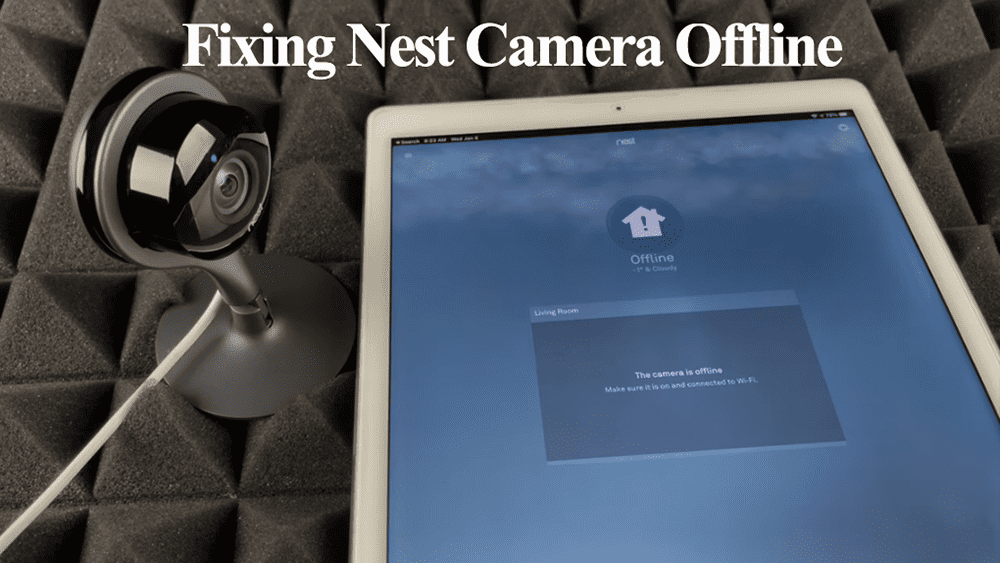
This sounds obvious, but you'd be surprised! Did little hands decide the power cord looked like a fun toy? Did a robot vacuum snag it? Or maybe there was a brief power flicker in your house that temporarily knocked it out. Your Nest camera, bless its heart, needs juice to do its job. It’s like a toy car without batteries – looks pretty, but isn't going anywhere. Always check the power source first!
3. The Internet Superhighway Has a Detour (Your ISP)
Sometimes, your Wi-Fi at home is doing great, but the actual internet coming into your house from your Internet Service Provider (ISP) is taking a coffee break. This is like a massive traffic jam on the main road to your town. Your home network is fine, but it can't get out to the wider internet. Check if other devices are struggling with the internet too. If so, your ISP might be having an "oopsie" moment. A quick chat with their customer service might be in order.

4. Google's Cloud Got a Little Cloudy (Rare, But Possible)
Very occasionally, the issue isn't on your end at all! Google, like any massive tech company, can have server issues. It's like a momentary glitch in the Matrix for everyone. These are usually resolved super quickly, but it means your camera can't send its feed to Google's servers, which then send it to your phone. It’s rare, but sometimes the problem is just a bit higher up in the digital food chain.
5. Your Camera Needs a Reset (The Tech Equivalent of a Nap)
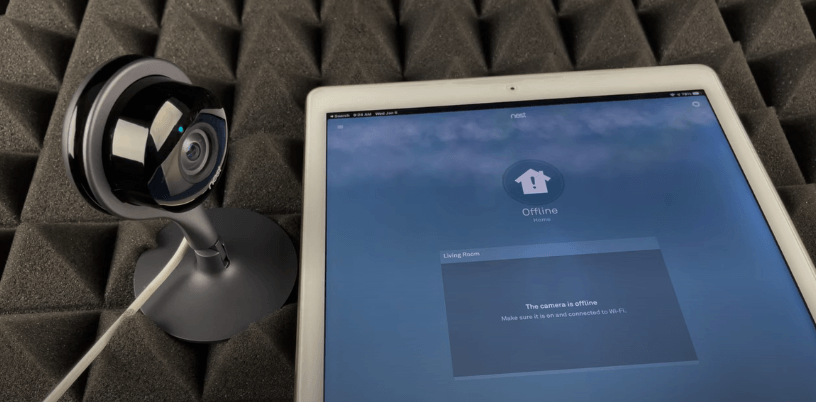
Like any piece of tech, sometimes your camera just needs a good old-fashioned reboot to clear its digital cobwebs. Maybe it got confused, or there was a minor software glitch. Unplugging it for about 10-15 seconds and then plugging it back in can often snap it right back to attention, ready to resume its watchful duties.
Why Should I Even Bother Fixing It? (Beyond Just Curiosity)
Okay, so your camera's offline. Big deal, right? Well, actually, it can be a pretty big deal! And not just for the serious stuff.
The "Did My Package Arrive?" Peace of Mind: Let's be honest, who doesn't love online shopping? But the anxiety of a package sitting unattended on your porch is real. Your Nest cam is your personal guardian against those pesky porch pirates, ensuring your new gadget or favorite book makes it inside safely.

Catching Pet Shenanigans: Ever wonder what your dog does when you're not home? Do they really just sleep, or are they practicing parkour on the furniture? An offline camera means missing out on potential viral video gold or at least knowing who chewed that slipper. Your pets are probably up to something adorable, or mischievous!
Checking In on Loved Ones: For many, Nest cameras are a gentle way to check in on elderly parents, kids coming home from school, or even just making sure the house is quiet and safe. That greyed-out icon isn't just a tech problem; it's a momentary lapse in that comforting connection.
The "Is That a Raccoon in My Trash Can?" Moment: Sometimes it's the silly stuff. The squirrel trying to break into the bird feeder, the neighbor accidentally picking up your mail, or yes, a brazen raccoon raiding your bin. These little daily dramas are part of why we love our cameras, and going offline means missing the show!
So, the next time your Google Nest camera goes offline, don't fret. It's usually a minor glitch, easily fixed, and your little digital sentry will be back on duty, giving you that sweet, sweet peace of mind (and maybe a few laughs) in no time. Happy watching!