Why Does My Nest Thermostat Keep Changing Temperature

Ever walked into a room, shivered, and wondered, "Why on earth is my Nest thermostat doing its own thing again?!" You're not alone! It's a common, often humorous, dance we do with our smart home tech. While it can sometimes feel like your Nest has a mind of its own, secretly plotting against your perfect comfort, understanding its little quirks can turn frustration into fascination. After all, the Nest is designed to be smart, save you money, and make your life easier – even if it occasionally feels like it's training us instead!
The core purpose of a Nest thermostat is to optimize your home's energy usage while maintaining comfort. It's a digital wizard aiming to predict your needs, learn your schedule, and react to your environment. When it "keeps changing temperature," it's usually not a random act of digital mischief. Instead, it's often a sophisticated algorithm at work, trying its best to be helpful and efficient. The benefits are substantial: lower energy bills, a more comfortable home, and the peace of mind that comes from a system working intelligently in the background.
So, let's pull back the curtain on a few common reasons why your Nest might seem to be leading a double life:
Must Read
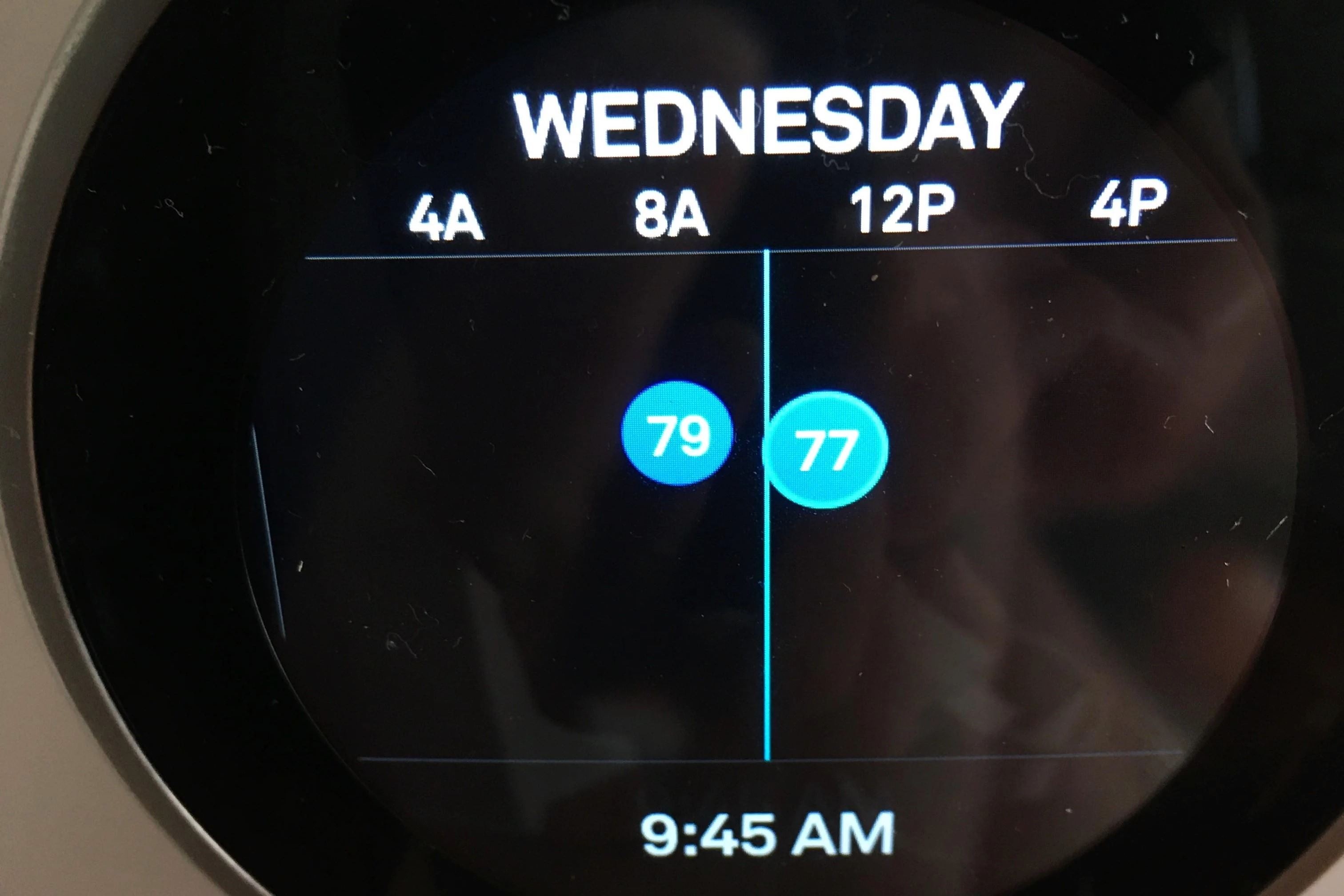
First up is Auto-Schedule. This is Nest's flagship learning feature. It observes your manual adjustments over time and builds a personalized schedule. If you often turn down the heat at 10 PM, Nest will learn to do that automatically. Sometimes, though, our routines change, or we make one-off adjustments that Nest interprets as a new pattern. If you feel it's learning the "wrong" things, you can always manually adjust the temperature for a few days to reteach it, or even temporarily turn off Auto-Schedule in the settings to set a fixed schedule yourself.
Then there's Eco Temperatures. Your Nest is smart enough to know when you're likely away or asleep. Using its built-in sensors and Home/Away Assist feature (which uses your phone's location), it can switch to an energy-saving "Eco Temperature." If you find your home too chilly when you get back, check your Eco Temperature settings in the Nest app and adjust them to a more comfortable range. Ensure Home/Away Assist is accurately configured or disable it if you prefer manual control.
Another sneaky culprit can be the thermostat's physical location. If your Nest is installed in a spot that gets direct sunlight or is near a drafty window or door, its internal sensors can get fooled. It might think the room is warmer or colder than it actually is and adjust accordingly. While you can't always move your Nest, sometimes simple solutions like closing blinds or sealing a draft can make a big difference.
Finally, sometimes the simplest explanation is best: your HVAC system itself. A dirty air filter, a malfunctioning furnace, or an AC unit struggling to keep up can all lead to your Nest appearing to "change" the temperature when it's actually just trying (and failing) to reach your set point. If all else fails, a quick restart of your Nest (via the app or by removing it from its base) can sometimes resolve minor software glitches. If issues persist, it might be time to call in an HVAC professional to check your heating and cooling system.
Understanding these common scenarios empowers you to take control. Your Nest is a fantastic piece of tech, designed to work for you. A little bit of knowledge and a few tweaks can ensure your smart thermostat is always on your side, providing comfort and savings exactly when you need them!