
What Kind Of Battery Does A Key Fob Need
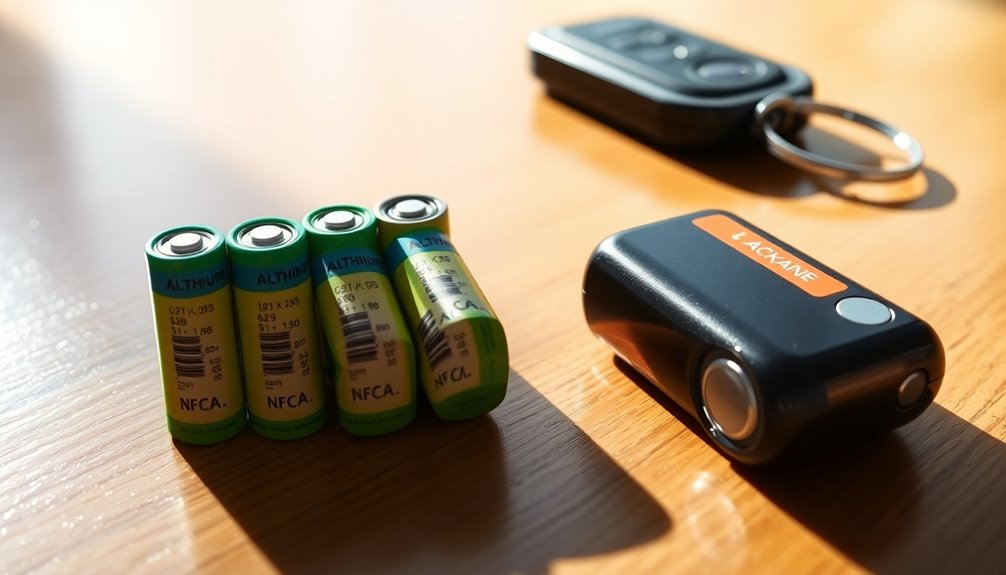
Ever had that little moment of panic? You’re loaded up with groceries, kids are asking "Are we there yet?" before you've even left the parking lot, and you press the unlock button on your key fob… nothing. Absolute silence. Your car just stares back at you, judging. You press it again, maybe a little harder, then start doing the "fob-pointing-at-the-car" dance, getting closer and closer, like you're trying to whisper a secret code to it.
We’ve all been there! And usually, the culprit isn't some high-tech malfunction, but something much simpler: a dead battery in your key fob. It's one of those tiny things in life that, when it works, you don't even think about it. But when it doesn't? Oh boy, that's when the little heroes of the battery world step into the spotlight.
Why Should You Even Care About a Tiny Key Fob Battery?
Beyond the immediate "I need to get into my car now!" crisis, there are a few genuinely good reasons to give a little thought to these unsung powerhouses. First, there's the peace of mind. Imagine you're running late for an important meeting, you've just poured yourself a fresh cup of coffee, and BAM! Your car is a stubborn brick. Knowing you can easily pop in a new battery and be on your way? Priceless.
Must Read
Then there's the money-saving superpower. Seriously! A dealership might charge you a pretty penny to replace a battery that costs a few bucks and takes less than five minutes to swap yourself. Learning this little trick is like finding a secret hack in the game of adulting. You get to feel like a pro, save some cash, and avoid the dreaded "walk of shame" back into the house to grab the spare key – especially when you're already in your PJs at 7 AM.
And let's be honest, it's about convenience. Your key fob is your trusty sidekick, your magic wand for locking, unlocking, and sometimes even starting your car. When it's working, life flows smoothly. When it's not, it's a tiny pebble in your shoe that can quickly become a boulder.
So, What Kind of Battery Are We Talking About?
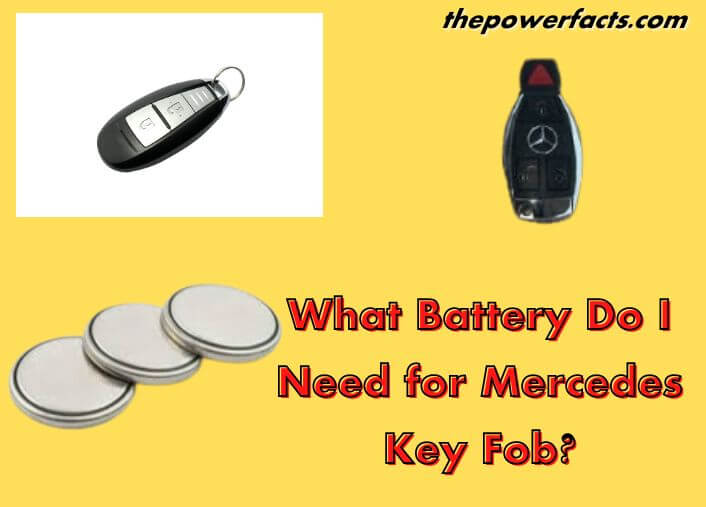
Alright, let’s get down to brass tacks. The vast majority of modern car key fobs use a specific type of battery: a small, round, coin-shaped lithium battery. Think of it like a tiny, shiny button. You've probably seen them before, maybe in a remote control or a small calculator.
The most common types you’ll encounter are the CR2032, CR2025, and CR2016. Now, don't let those numbers intimidate you! They're not secret codes from a spy movie, just a helpful way to identify them.
- The "CR" simply stands for a type of lithium battery.
- The first two digits, "20," tell you the diameter of the battery in millimeters. So, they're all 20mm wide.
- The last two digits? That's the thickness! A CR2032 is 3.2mm thick, a CR2025 is 2.5mm thick, and a CR2016 is a slender 1.6mm thick.
Think of them like siblings in a battery family. They look very similar when laid flat, but their thickness is what makes them unique. You wouldn't try to squeeze a thick book into a thin slot, right? Same idea here – getting the right thickness is key.

How Do You Find Out Which One Your Key Fob Needs?
This is the fun part, and thankfully, it’s not a mystery novel you need to solve. There are a few easy ways to find your key fob's battery soulmate:
1. The Owner’s Manual: Ah, that dusty tome in your glove compartment! It holds a treasure trove of information, including the specific battery type for your fob. It’s the most reliable source, like consulting a wise old sage.
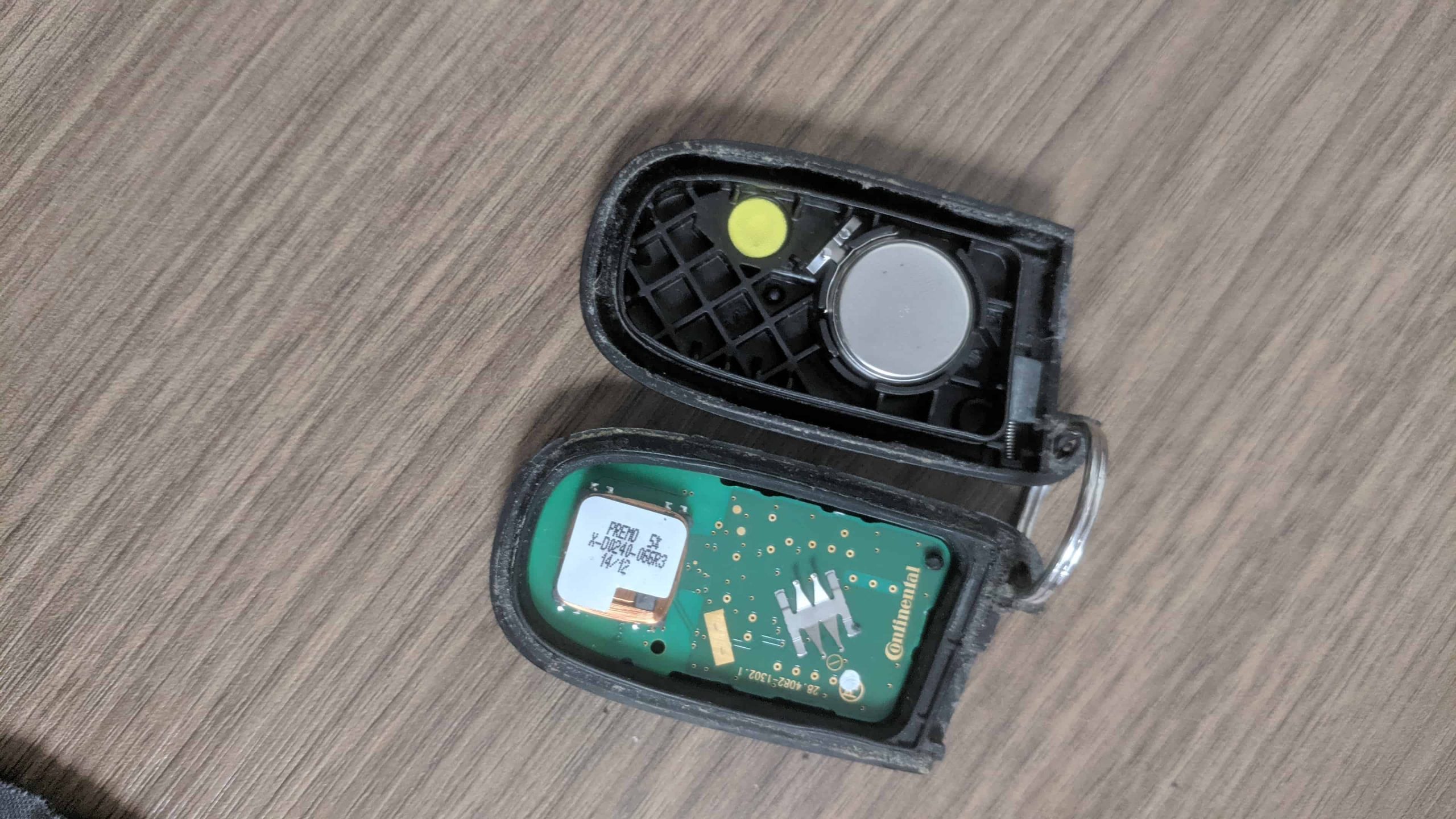
2. Open 'Er Up (Carefully!): Most key fobs are designed to be user-friendly. Look for a small notch or a seam. You can often gently pry them open using a small flathead screwdriver, a coin, or even a guitar pick. Once open, the battery will be staring right at you, usually with its type stamped clearly on it (e.g., "CR2032"). It's a surprisingly satisfying little DIY project, making you feel like a secret agent disarming a tiny gadget.

3. The Google Guru: In a pinch, a quick search for "[Your Car Make] [Your Car Model] key fob battery type" will almost certainly give you the answer. For example, "Honda Civic 2018 key fob battery type." The internet, ever so helpful!
4. Peek at the Old One: Once you've opened your key fob, the old battery is your best friend. It will have the type printed directly on its face. It's like finding a treasure map that tells you exactly what to look for next!
Where Do You Get These Tiny Powerhouses?
The good news is, these batteries are everywhere. You don't need to go on a quest to a specialized battery store (unless you want to!). You can find them at:
- Your local supermarket or grocery store
- Drugstores (like CVS or Walgreens)
- Electronics stores (Best Buy, etc.)
- Hardware stores
- Of course, online retailers like Amazon
Just make sure you’re buying from a reputable brand. While saving a buck is great, super-cheap, no-name batteries might not last as long, leading you back to the "fob-pointing-at-the-car" dance sooner than you'd like. Think of it as investing in your future peace of mind!
A Few Quick Tips for the Battery Swap
Once you have your new battery, the swap is usually a breeze:
- Note the Orientation: Before you pop out the old one, see which side is facing up (usually the side with the writing on it, the positive "+" side). You want to put the new one in the same way.
- No Brute Force: Key fobs are delicate. If it feels stuck, gently re-examine. There’s usually a small clip or slot.
- Responsible Disposal: Don't just toss the old battery in the trash. Many stores have battery recycling bins. It's a small act that makes a big difference for our planet!
So, the next time your key fob gives you the silent treatment, don't despair! Take a deep breath, remember this little chat, and confidently identify and replace that tiny battery. You’ll be back to effortlessly unlocking your car, feeling like the savvy, prepared individual you truly are. And maybe, just maybe, you'll save yourself from a rainy day panic. Go forth and conquer, you battery-swapping superhero!