Trust Wallet Bnb Not Showing On Pancakeswap

Alright, gather 'round, crypto comrades! Let's talk about a digital dilemma that's probably given you a mild heart attack at least once: your BNB playing hide-and-seek between Trust Wallet and PancakeSwap. You stare at your Trust Wallet, BNB is there, clear as day, like that extra slice of pizza you swore you wouldn't eat. But then you hop over to PancakeSwap, ready to buy some obscure token with a picture of a Shiba Inu riding a unicorn, and… BAM! Your BNB has vanished. Poof! Gone to live on a digital farm upstate.
Before you start sacrificing your favorite meme coins to the blockchain gods, let's troubleshoot this like seasoned pros. Think of me as your friendly neighborhood crypto whisperer, minus the questionable fashion choices (mostly).
The Great BNB Escape: Why It Happens
First things first, let's understand why this vanishing act occurs. It's usually not a malicious gremlin stealing your crypto (although, wouldn't that be a fun sci-fi movie?). The most common culprits are:
Must Read
- Network Shenanigans: You know how sometimes your internet acts like a toddler throwing a tantrum? Well, blockchain networks can do the same. Congestion happens, especially during peak trading times. Imagine a digital freeway at rush hour.
- The BEP2/BEP20 Conundrum: This is where it gets a tad technical, but bear with me. BNB exists on two different blockchains: BEP2 (BNB Beacon Chain) and BEP20 (BNB Smart Chain). PancakeSwap only plays nice with BEP20. If your BNB is chilling on BEP2, it's like showing up to a disco in your pajamas – not gonna work.
- Trust Wallet Being… Trust Wallet: Let's be honest, sometimes apps just glitch. It's a fact of digital life, like finding socks in the dryer that don't belong to anyone.
Detective Work: Finding Your Lost BNB
So, your BNB is missing. Don't panic! (Easier said than done, I know.) Here's your detective kit:
- The Obvious: Check Your Balance (Again!): I know, I know, you already did. But humor me. Refresh your Trust Wallet. Maybe close and reopen the app. Pretend you're rebooting a robot.
- Network Status: Is the Binance Smart Chain network having a meltdown? Check their official channels (Twitter is usually a good starting point). A network outage could be the reason your transaction is stuck in limbo.
- BEP2 vs. BEP20: The Ultimate Showdown: This is the big one. How do you know where your BNB is hanging out? In Trust Wallet, you should see two BNB entries: "BNB" and "Smart Chain BNB." The "Smart Chain BNB" is your BEP20 ticket to PancakeSwap glory. If all your BNB is under the regular "BNB" (BEP2), you'll need to…
The Rescue Mission: Converting BEP2 to BEP20
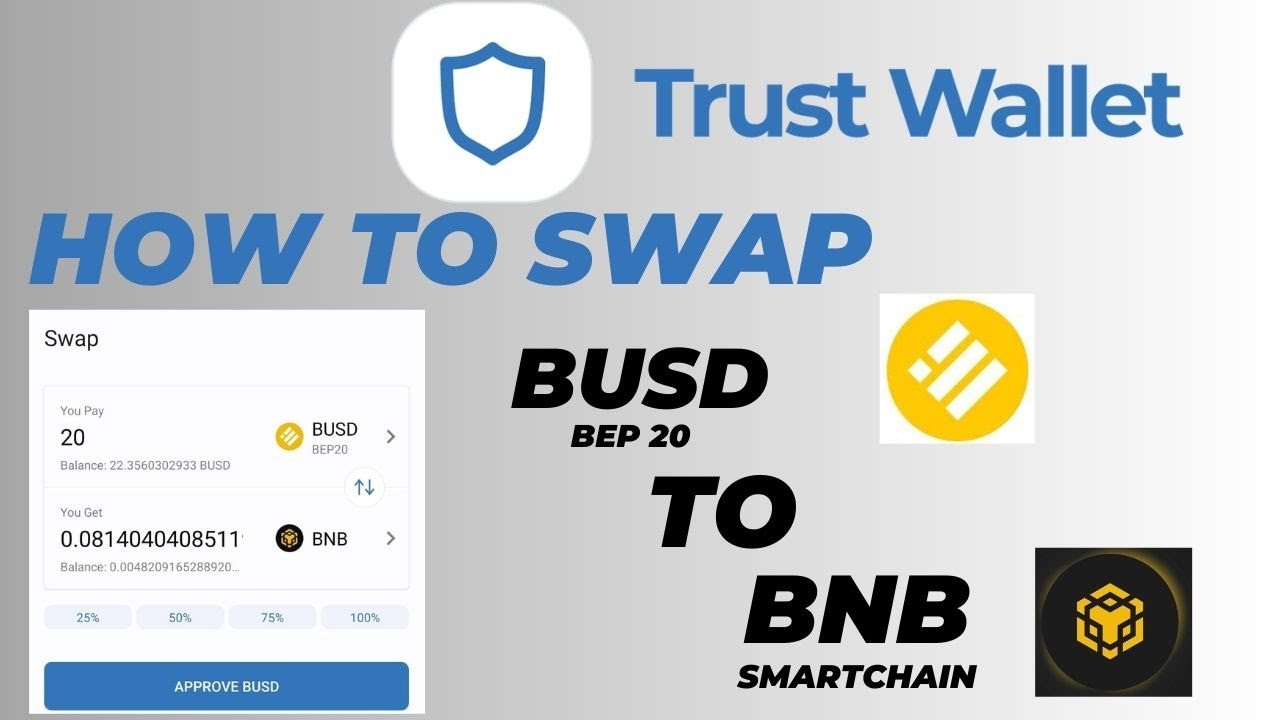
Okay, so your BNB is on BEP2 and needs a vacation to BEP20. Fear not! Trust Wallet has a built-in conversion tool that's surprisingly easy to use.

- Find Your BNB: In Trust Wallet, tap on your regular "BNB" (the BEP2 one).
- The "More" Button: Look for a button labeled "More" (usually at the bottom). It's like the hidden menu item at your favorite restaurant.
- "Swap to Smart Chain": Tap "Swap to Smart Chain." This is where the magic happens.
- Choose Your Amount: Decide how much BNB you want to convert. Remember, only convert what you need for PancakeSwap transactions. Leaving some in BEP2 can be useful for other things, like staking.
- Confirm and… Wait: Review the details and confirm the swap. The transaction will take a few minutes to process. Be patient, young grasshopper.
PancakeSwap: Let's Get This Party Started!
Now that your BNB is happily residing on the Binance Smart Chain (BEP20), head back to PancakeSwap. Connect your Trust Wallet (make sure you're on the Binance Smart Chain network within Trust Wallet's settings – it's usually a little globe icon somewhere). Voila! Your BNB should be visible, ready to be exchanged for that Shiba Inu unicorn token (or whatever your heart desires).
Pro Tips and Parting Wisdom
- Slippage Tolerance: If your transactions keep failing, try increasing the slippage tolerance in PancakeSwap's settings (the little gear icon). This allows for slight price fluctuations during the transaction. But be careful – too much slippage can lead to unexpected costs.
- Gas Fees: Remember that every transaction on the Binance Smart Chain costs a little bit of BNB (gas fees). Make sure you have enough BNB to cover these fees. It's like needing bus fare to get to your destination.
- Stay Calm: Crypto can be stressful, but panicking won't solve anything. Take a deep breath, double-check everything, and remember that most problems have solutions. And if all else fails, there's always Google (or, you know, me).
So there you have it! A hopefully not-too-confusing guide to rescuing your BNB from the clutches of network gremlins and BEP2 blockchain prisons. Now go forth and conquer the crypto world… responsibly, of course. And maybe, just maybe, avoid those Shiba Inu unicorn tokens. Just a suggestion.