
Resetting Smoke Alarm After Battery Change
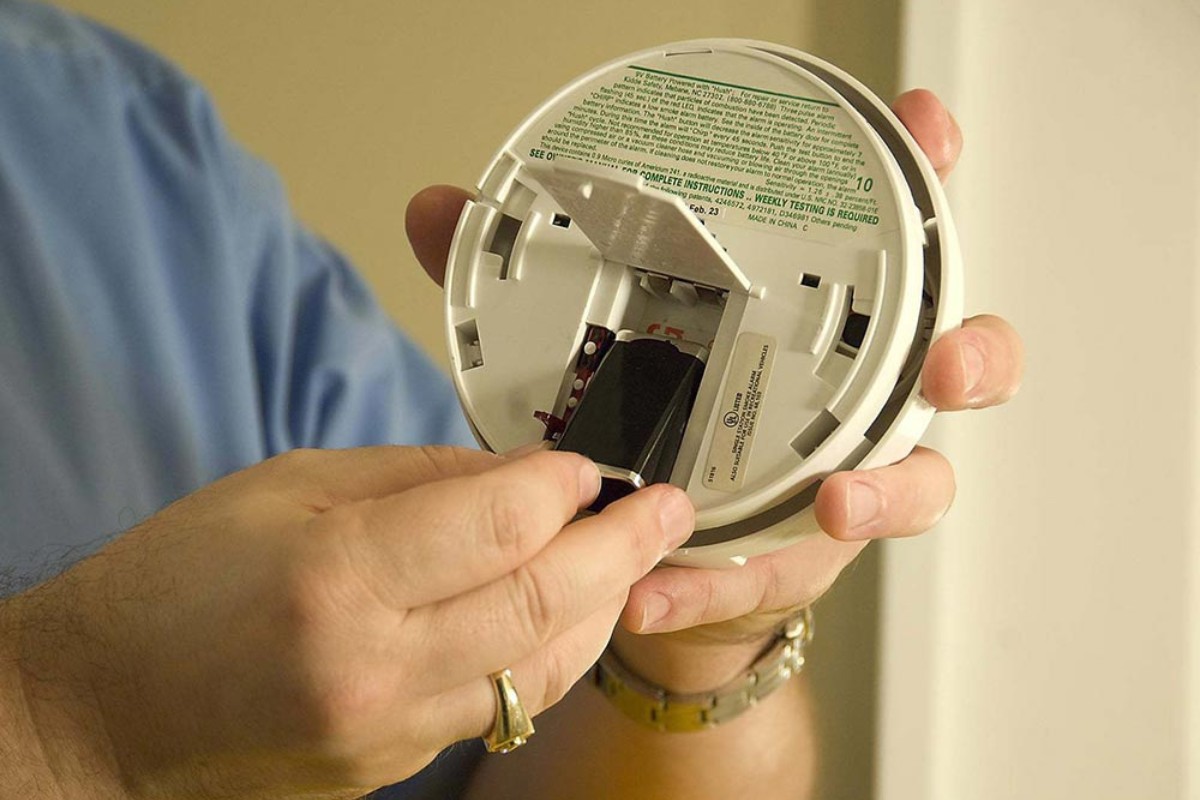
Ah, the infamous chirp. It starts subtly, a ghost in the machine, then escalates into a persistent, high-pitched demand for attention. You know the drill: scramble for the ladder, fumble with the cover, pop in a fresh battery, and then... silence. For a moment. Until that little electronic sentinel decides to give you one more test of patience. The lingering, phantom chirp, or worse, the actual chirp that just won't quit. Don't worry, you're not alone in this domestic drama. Resetting a smoke alarm after a battery change is less a chore and more a mini-ritual, a small but significant step towards a truly peaceful home. Let's conquer it together, shall we?
The Post-Battery Blues: Why the Chirp Persists
You’ve done the right thing – replaced the battery! Gold star for home maintenance! But sometimes, these clever little devices need a moment to truly understand their new lease on life. Think of it like your phone needing a quick reboot after a software update. That persistent chirp isn't usually a sign of a faulty new battery, but rather the alarm's internal system still remembering its "low battery" warning, or perhaps needing to clear its capacitor to fully reset. It’s a bit like a tiny digital memory, holding onto the past until you give it a firm, but gentle, nudge towards the future.
It's also worth noting that many alarms are designed to sound a single, brief chirp every 30-60 seconds for up to seven days after a battery change, just to confirm it's working properly. It's their way of saying, "Hey, I'm alive and well!"—a small price for peace of mind, right?
Must Read
The Simple Reset: Your Path to Silence
Good news: resetting most smoke alarms is incredibly straightforward. You don't need a degree in electrical engineering or a special tool kit. Just a little patience and these simple steps.
Step 1: Disconnect and Power Down
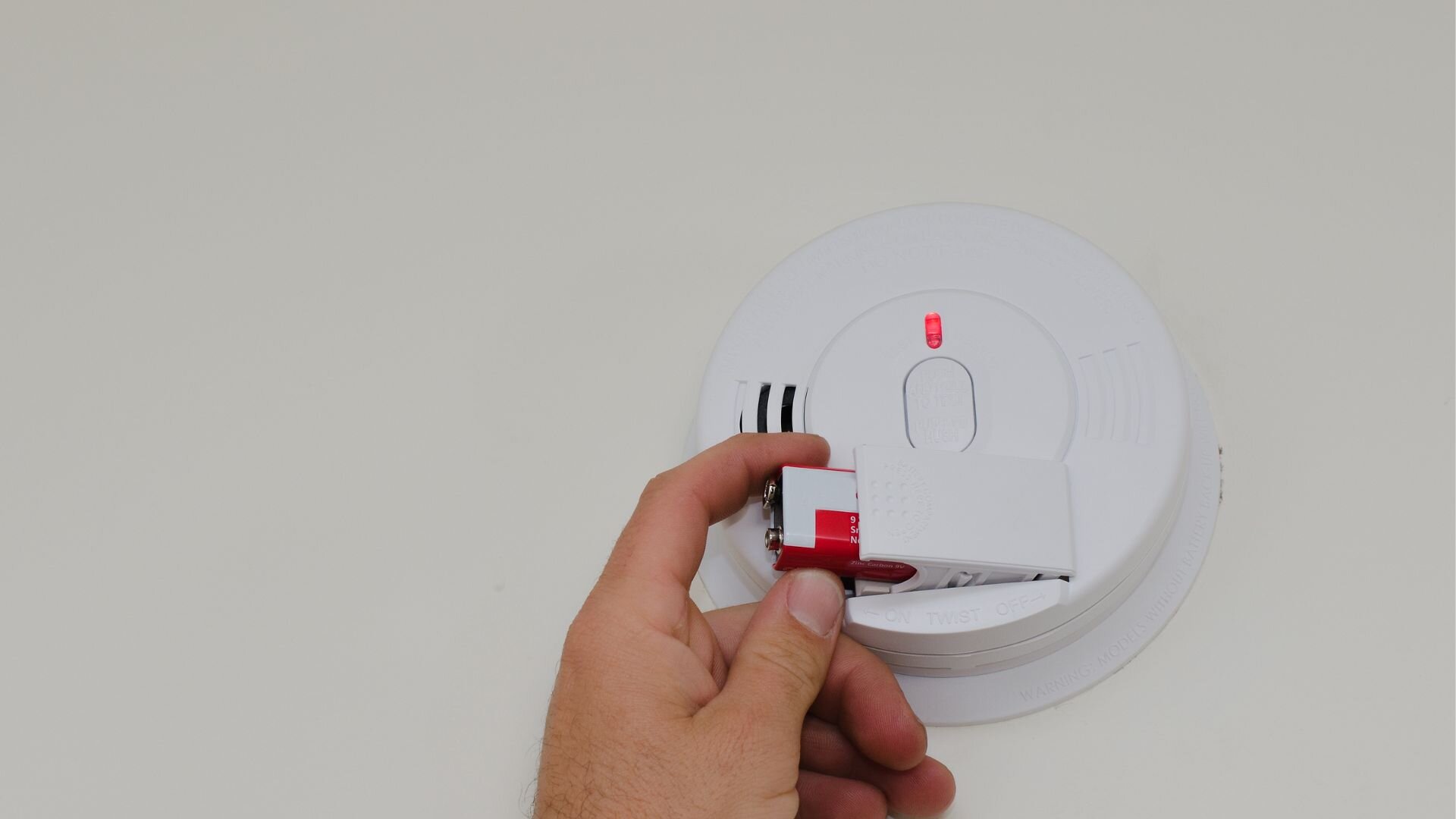
First things first, if your alarm is hardwired (meaning it’s connected directly to your home’s electrical system and usually has a backup battery), you’ll want to carefully twist it off its mounting bracket. This will disconnect it from the main power. If it’s battery-only, simply remove the new battery you just installed for a moment. This ensures a complete power cycle, clearing out any lingering electrical charge.
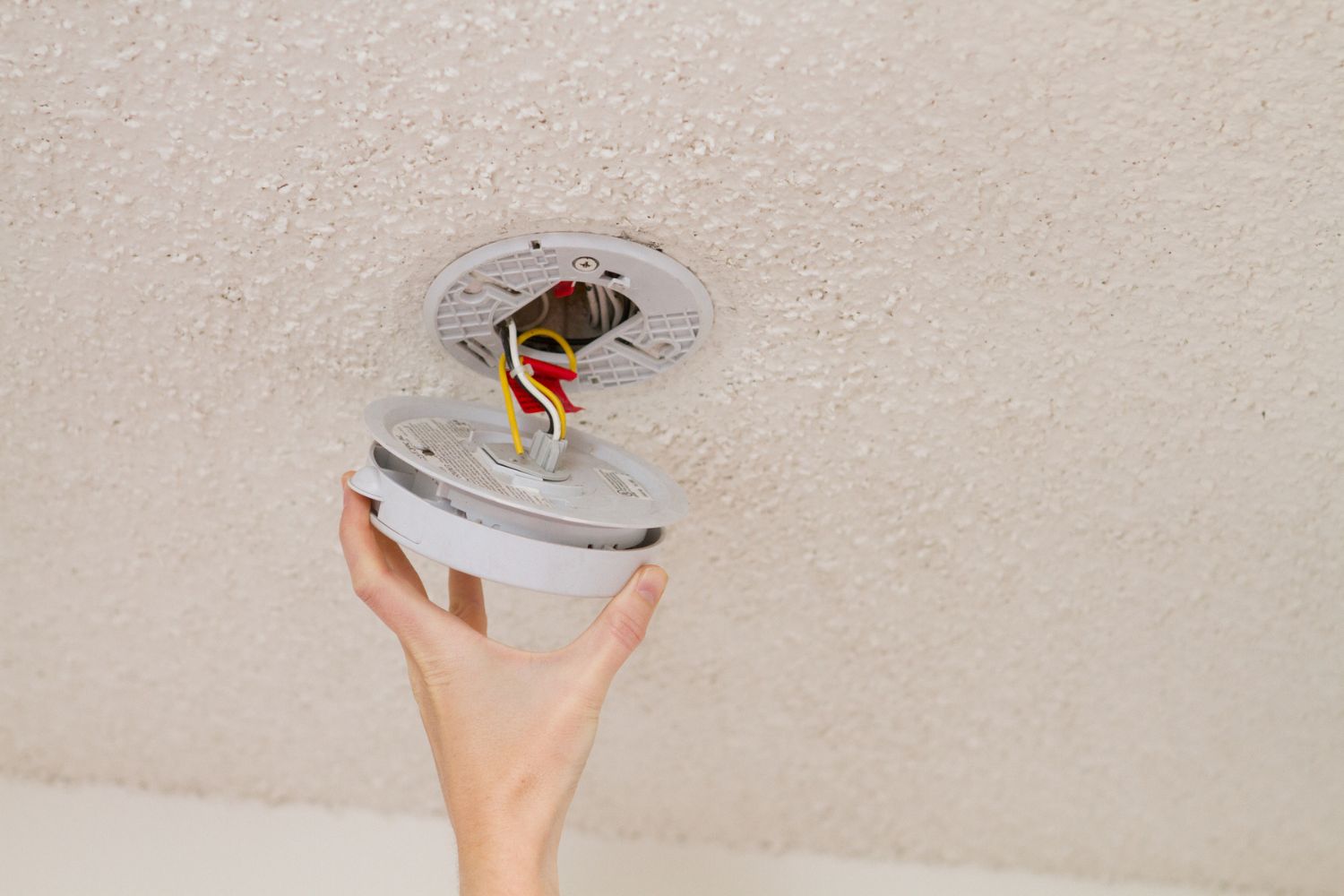
Remember that feeling of unplugging a misbehaving router? Same vibe here. We’re giving it a chance to forget all its troubles.
Step 2: The Magic Button (aka "Test" Button)
Now, locate the "Test" button on your smoke alarm. It’s usually a prominent, easy-to-press button on the face of the unit. With the alarm disconnected or battery removed, press and hold this button for a good 15 to 20 seconds. You might hear a small chirp or two as any residual charge drains away. This step is crucial; it helps fully discharge any remaining energy in the capacitor, essentially clearing the alarm’s memory.
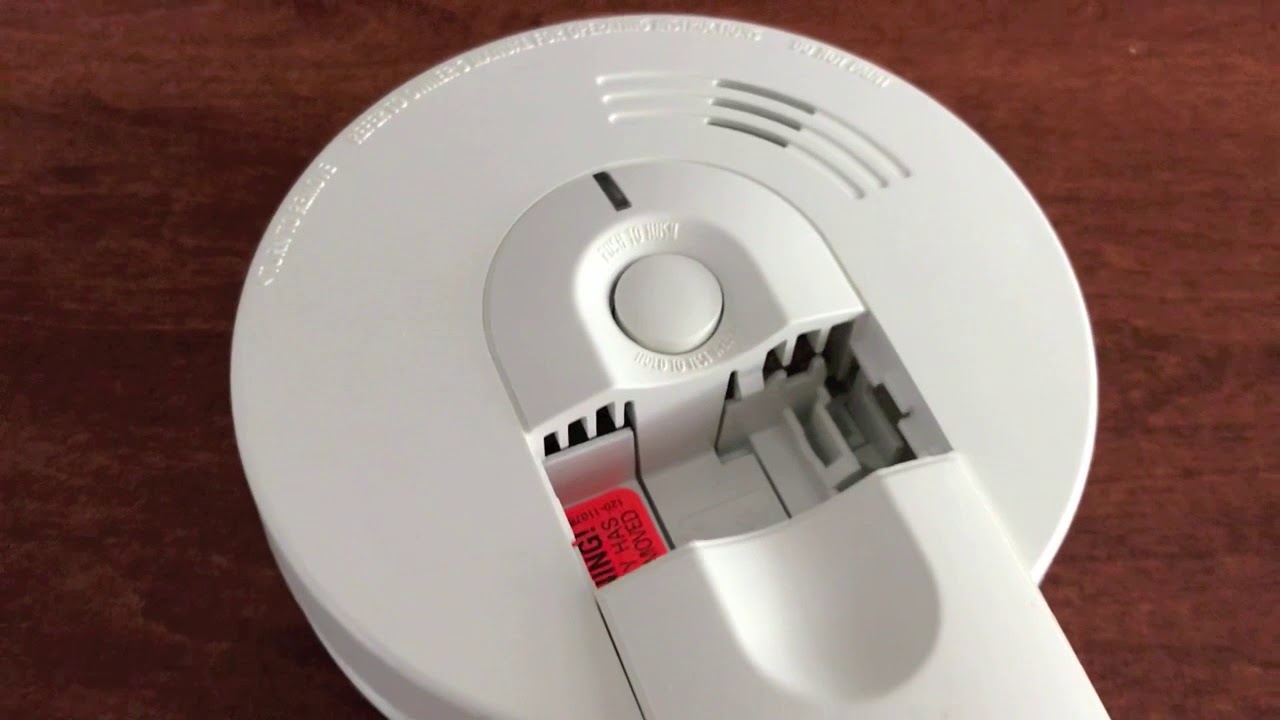
It's a bit like holding down the power button on your phone for a hard reset – a quick, decisive action for a fresh start.
Step 3: Reconnect and Restore Power
Once you’ve held the test button, it’s time to bring your alarm back to life. If it’s a hardwired unit, twist it back onto its mounting bracket. You should hear a satisfying click, and it should reconnect to your home’s power. For battery-only units, simply reinsert the fresh battery, making sure it’s properly oriented (positive to positive, negative to negative).
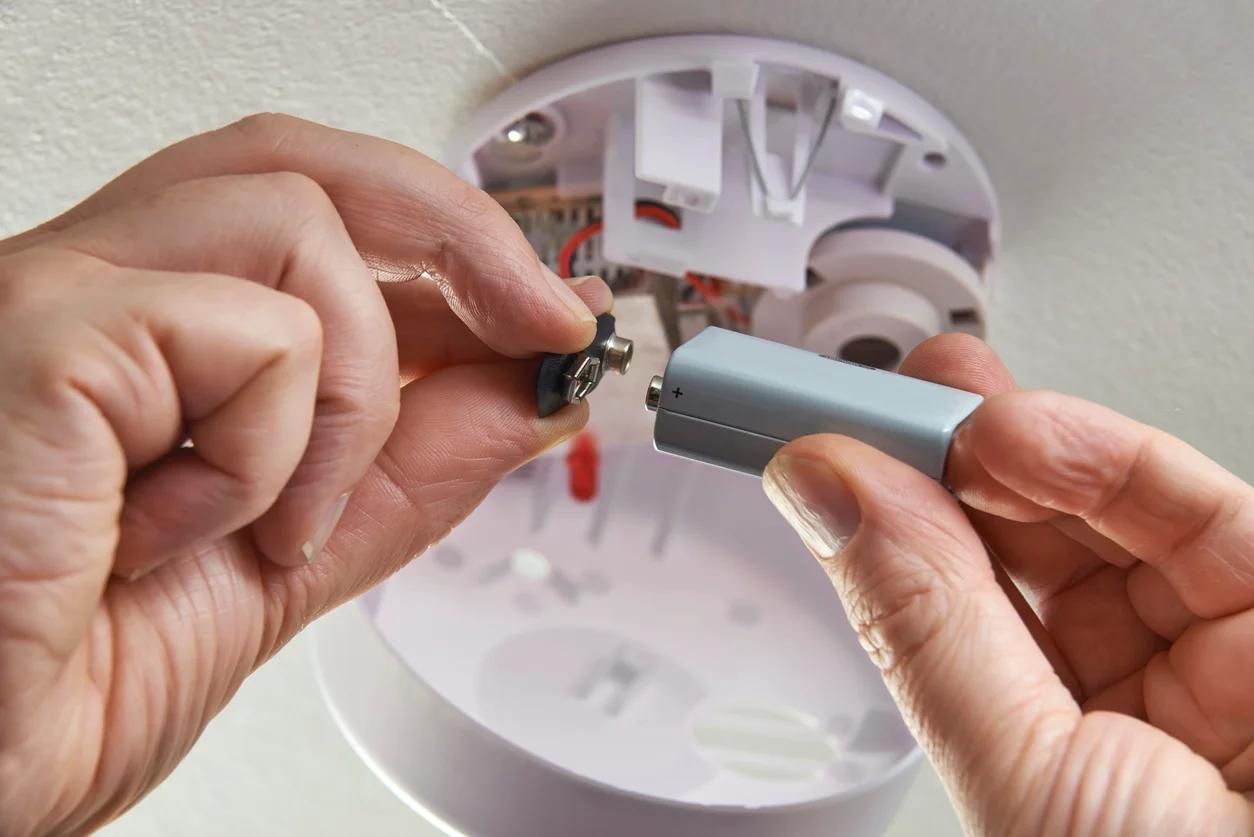
You might hear a brief chirp as it powers up. This is a good sign – it’s a confident "hello!" from your now-refreshed guardian.
Step 4: The Final Test
With power restored, give the alarm another quick press of the "Test" button. You should hear a loud, clear alarm sound. This confirms that the unit is fully operational and ready to protect your home. If it doesn't sound, or if the chirp returns, try the full reset process one more time. Sometimes, these things just need an extra moment to recalibrate.
Beyond the Reset: Pro Tips & Peace of Mind
If your alarm continues to chirp even after a proper reset, it might be signaling something else. Sometimes, dust build-up can interfere with the sensor, causing false alarms or persistent chirps. A quick vacuum around the vents can often resolve this. Also, remember that smoke alarms aren't meant to last forever. Most manufacturers, and fire safety experts, recommend replacing your smoke alarms every 10 years. Look for the manufacture date on the back of the unit. It’s a simple upgrade that offers a massive boost in safety.
Think of it as a small investment in your peace of mind. Just like you replace the tires on your car or the filter in your water pitcher, these safety devices have a lifespan. Keeping them current is a small act of self-care for your home and everyone in it.
And there you have it! What started as a minor household annoyance is now a conquered challenge. You’ve not only silenced a persistent chirp but also reaffirmed the safety of your living space. It’s these small acts of maintenance, these tiny victories over the everyday, that truly make a house feel like a home. So, breathe easy, enjoy the silence, and know you’ve done a good job protecting what matters most.