
Reset Honeywell Thermostat Pro Series
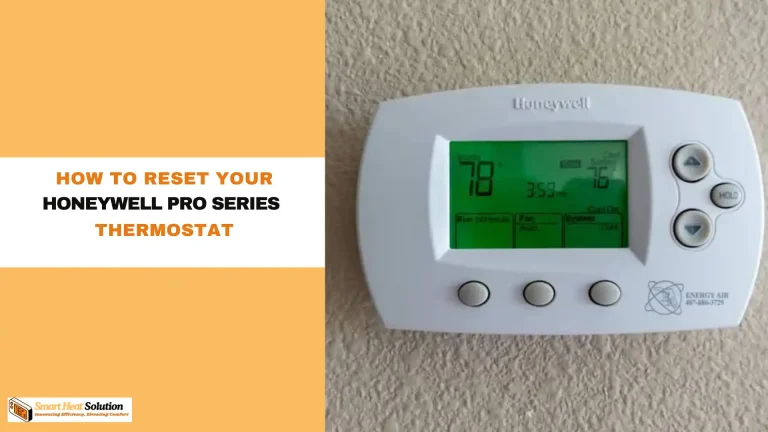
Alright, listen up, because we're about to tackle one of the most satisfying little victories in home comfort: giving your Honeywell Thermostat Pro Series a delightful little brain-refresh! Think of it like a mini-vacation for your home's climate control, a quick reset button for when things feel a tiny bit out of whack. It's simpler than tying your shoes, honest!
Imagine your thermostat, a loyal servant, suddenly acting like it's forgotten its manners. Maybe it's stubbornly sticking to an old schedule or just giving you the cold shoulder (or the hot one!). No worries, because you, yes YOU, are about to become the hero of your HVAC system.
The "Quick Nap" Reset: Our First Line of Defense!
Sometimes, all our beloved devices need is a good old-fashioned power cycle, a quick nap to clear their digital heads. This is your go-to move, the trusty sidekick in your comfort quest! It's wonderfully easy and often works like a charm.
Must Read
Method One: The Circuit Breaker Adventure
First up, we're going on a treasure hunt to your home's electrical panel. Don't worry, no dragons here, just a neat row of switches! Locate the breaker that controls your furnace or air handler, and give it a confident flip to the "off" position.
Now for the dramatic pause! We need to let that little thermostat brain completely de-energize. Count to a slow, deliberate 30 seconds – maybe even hum a happy tune while you wait. This isn't just a pause; it's a moment of zen for your system.
"That magical 30-second wait is like hitting the ultimate refresh button for your thermostat's memory banks!"
After your luxurious 30-second wait, march back to that panel and flip the breaker back to "on." You've just performed digital CPR! Watch your Honeywell Pro Series screen spring back to life, often with a fresh gleam in its digital eye.
Method Two: Battery Power Magic (for the Battery-Operated Superstars)
If your particular Honeywell Pro Series thermostat runs on batteries, well, you're in for an even quicker win! No need to commune with the circuit breaker gods for this one. Simply pop open the front cover of your thermostat.
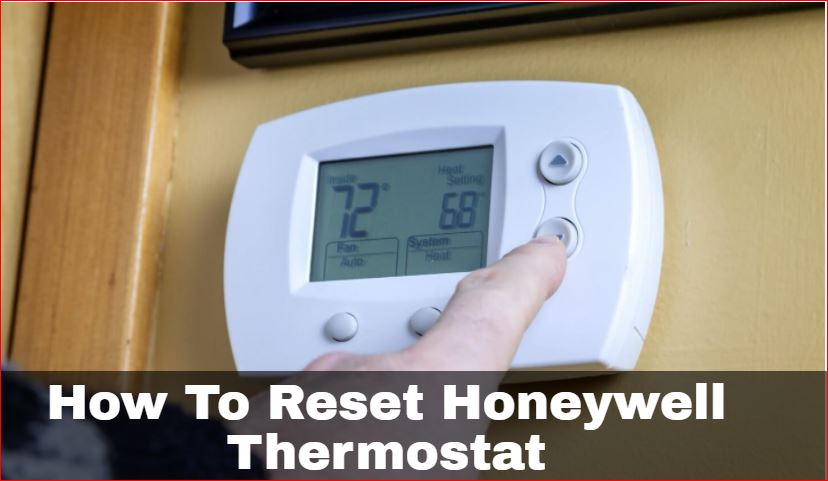
Gently remove the batteries, giving them a little wiggle if they're snug. Just like with the circuit breaker, we need that 30-second dramatic pause here too. Let all residual power drain out; it's like a tiny digital detox.
Once the 30 seconds are up, slide those batteries back in, making sure they're facing the correct way. Close the cover, and behold! Your thermostat should power back up, feeling much more invigorated and ready to serve.
You've just accomplished a quick, satisfying reset. Often, this is all it takes to iron out those little digital kinks and get your home back to perfect comfort. Give yourself a pat on the back; you're doing great!
The "Full Spa Day" Reset: When Your Thermostat Needs a Deep Clean
Okay, so you tried the quick nap, and maybe your thermostat is still being a little stubborn, like a cat refusing to get off the keyboard. Fear not, because we have a slightly deeper, more comprehensive reset available! This is for when your Honeywell Pro Series needs a full "factory refresh," wiping the slate clean.
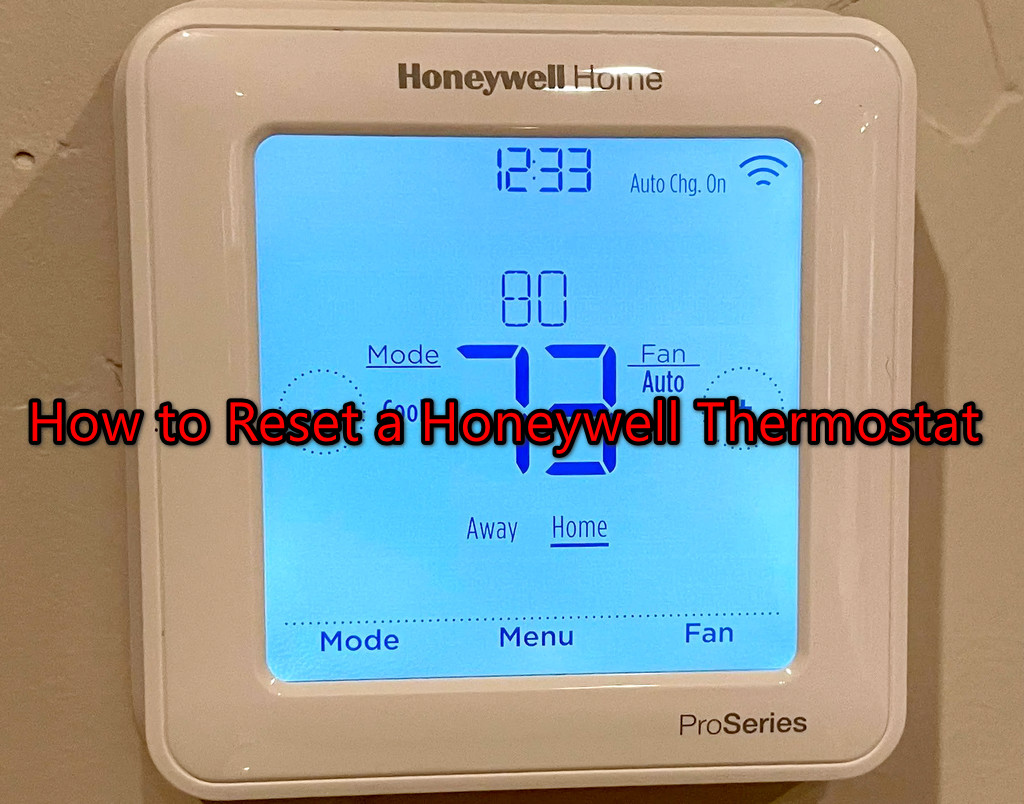
This next level involves diving into the installer settings, which sounds super technical, but trust me, it's just a few button presses. You're about to unlock the hidden powers of your home's comfort control! Get ready to feel like a true tech wizard.
Entering the Secret Lair: The Installer Setup
This part is crucial, and it varies slightly depending on your exact Honeywell Pro Series model, but the principle is the same. You're looking to access a special menu that's usually hidden from everyday use. It's like finding a secret passage!
Typically, you'll need to press and hold a specific button for a few seconds. Common suspects include the "System" button, the "Menu" button, or sometimes a combination like "Fan" and "Up Arrow" simultaneously. Hold it down for about 5-10 seconds until the screen changes.
"Don't be shy! A firm, sustained press is your ticket to the secret installer menu."
When you successfully enter the installer menu, you'll usually see a two-digit or four-digit number on the screen, like "01" or "0170." This means you're in! You've successfully opened the portal to customization heaven (or, in this case, reset heaven).
The Grand Reset Command!
Now, this is where you issue the ultimate "fresh start" command. You'll be looking for a specific function number within this installer menu that controls the factory reset. It’s like finding a special code!

Use the "Up" or "Down" arrows on your thermostat to scroll through the function numbers. Keep an eye out for a function number around "39" or "69," or sometimes it's associated with a four-digit code like "0170." Once you land on the right function, the screen will likely display its current setting.
The magic number you're looking to change the setting to is often "0" or sometimes "1" to initiate the reset. For example, if you find function "0170," you might need to change its value to "0." Use those trusty "Up" or "Down" arrows again to adjust the value.
Once you've set the correct value (usually "0" for a reset), simply press the "Done" or "Run" button. This signals your Honeywell Pro Series to wipe its memory clean and revert to its original, out-of-the-box settings. It's a beautiful moment of digital rebirth!
What Happens Next? The Fresh Start!
After the hard reset, your Honeywell Pro Series thermostat will return to its factory default settings. This means any custom schedules, temperature preferences, or system settings you had will be gone. Think of it as moving into a brand new, perfectly clean house – ready for you to decorate!
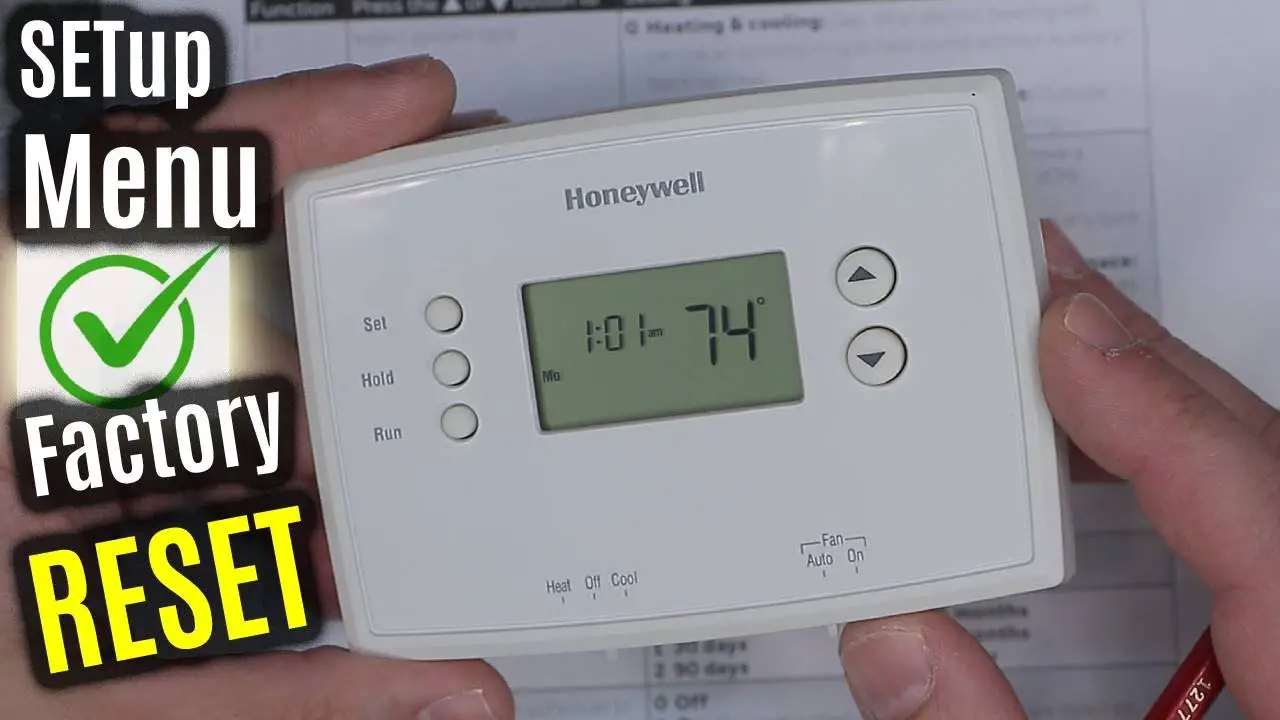
Don't panic! This is a good thing. It gives you a completely fresh canvas to program your preferred temperatures and schedules exactly how you want them. It's your chance to optimize for peak comfort and energy efficiency.
You'll simply go through the initial setup process again, setting the time, date, and your desired schedule. It’s often a very intuitive process, just follow the prompts on the screen. You’ve got this; you’re practically a professional installer now!
You Did It! You're a Home Comfort Champion!
Whether you opted for the quick nap or the full spa day, you've successfully wrestled your Honeywell Thermostat Pro Series back into submission! You've proven that you're the boss of your home's comfort, not the other way around. Feel that surge of empowerment?
It’s a wonderful feeling, isn’t it? Knowing you can troubleshoot and fix these little tech hiccups yourself is incredibly satisfying. No need for frantic calls or endless frustration!
"You've tamed the digital beast and restored harmony to your home's climate. Bravo, comfort commander!"
So go forth, enjoy your perfectly functioning thermostat, and bask in the glory of a well-regulated home. Your Honeywell Pro Series is now sparkling clean and ready to provide you with seamless comfort, all thanks to your amazing efforts! You're officially a home tech superstar.