
Nest Thermostat Doesn't Have Enough Power For Wifi
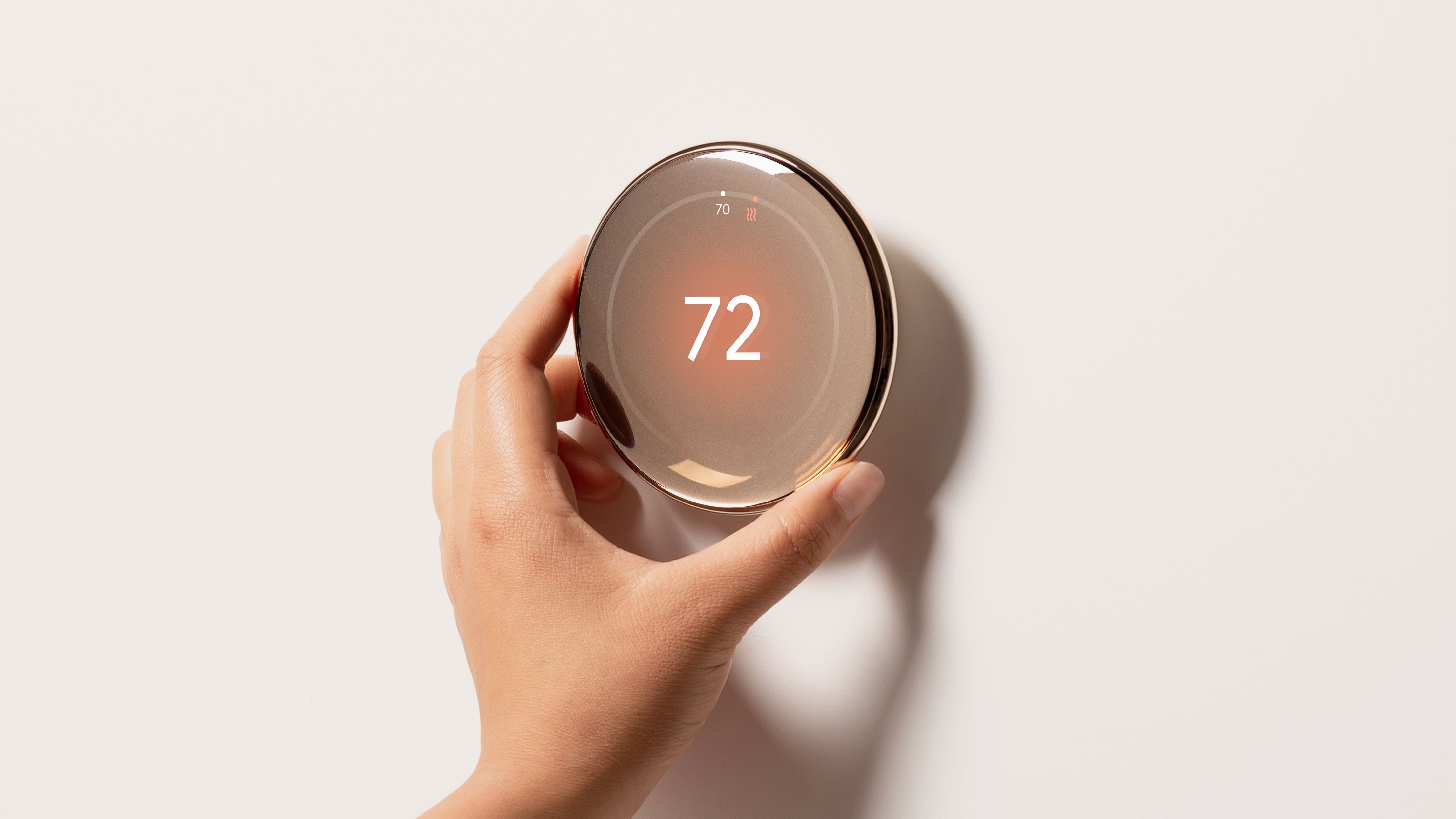
Okay, so picture this: You’ve got your fancy Nest thermostat, right? It’s supposed to be all smart and connected, a little wizard managing your home’s climate. Then, out of nowhere, it starts acting like a grumpy teenager. Wi-Fi keeps dropping, it's constantly saying the battery is low, and you're just like, “What in the actual smart home is going on?”
Sound familiar? Yeah, you’re not alone. It turns out, one of the sneakiest, most head-scratching issues with Nest thermostats often comes down to one thing: it’s just not getting enough juice for its Wi-Fi habit.
The Great Power Predicament
Think about it. Your Nest isn't just a simple on/off switch anymore. Oh no, it's a mini-computer on your wall. It's got sensors, a display, and most importantly for our chat today, a Wi-Fi radio. And that Wi-Fi radio? It’s kind of a power hog. Like that friend who always needs to charge their phone, even if it’s only at 80%.
Must Read
The problem stems from how many older thermostat systems were wired. They usually have two, maybe three wires: one for heating, one for cooling, and sometimes one for the fan. These wires basically tell your furnace or AC, "Hey, turn on!" or "Hey, turn off!" They don't provide a continuous, dedicated power supply for a smart device that needs to be always on and always listening.
So, your Nest tries to "sip" power whenever the heating or cooling system is running. It’s like charging your phone by quickly plugging it in and unplugging it every few minutes. You get some charge, sure, but it’s not really going to sustain anything long-term, especially not something constantly broadcasting signals.

Wi-Fi: A Thirsty Beast
Why is Wi-Fi such a greedy monster? Well, it’s not just sending a signal once a day, is it? Your Nest is constantly checking for updates, talking to the Google servers, letting you tweak settings from your phone, and generally just being a busy little digital bee. All that communication requires consistent energy. If it doesn't get it, guess what's the first thing to go? Yup, the internet connection.
You might see messages like "Wi-Fi disconnected" or "Nest is offline." Then maybe it reconnects for a bit, only to drop again. It's like a bad relationship – hot and cold, on and off. And all the while, the internal battery in your Nest is trying its best to pick up the slack, draining itself in the process. This leads to that infamous low battery warning that pops up way too often.
And when the battery gets really low? Your Nest might start doing some truly bizarre things. Random restarts, temperature swings, or just outright refusing to connect. It’s basically telling you, "I'm tired, boss. No juice for the internet!"
Enter the C-Wire: Your Nest's Best Friend
So, what’s the solution to this power puzzle? Often, it’s the magical C-wire, short for "common wire." This little hero is designed to provide a continuous 24-volt power supply directly to your thermostat. It’s like giving your Nest its own dedicated charger, rather than making it beg for scraps of power from the heating and cooling cycles.
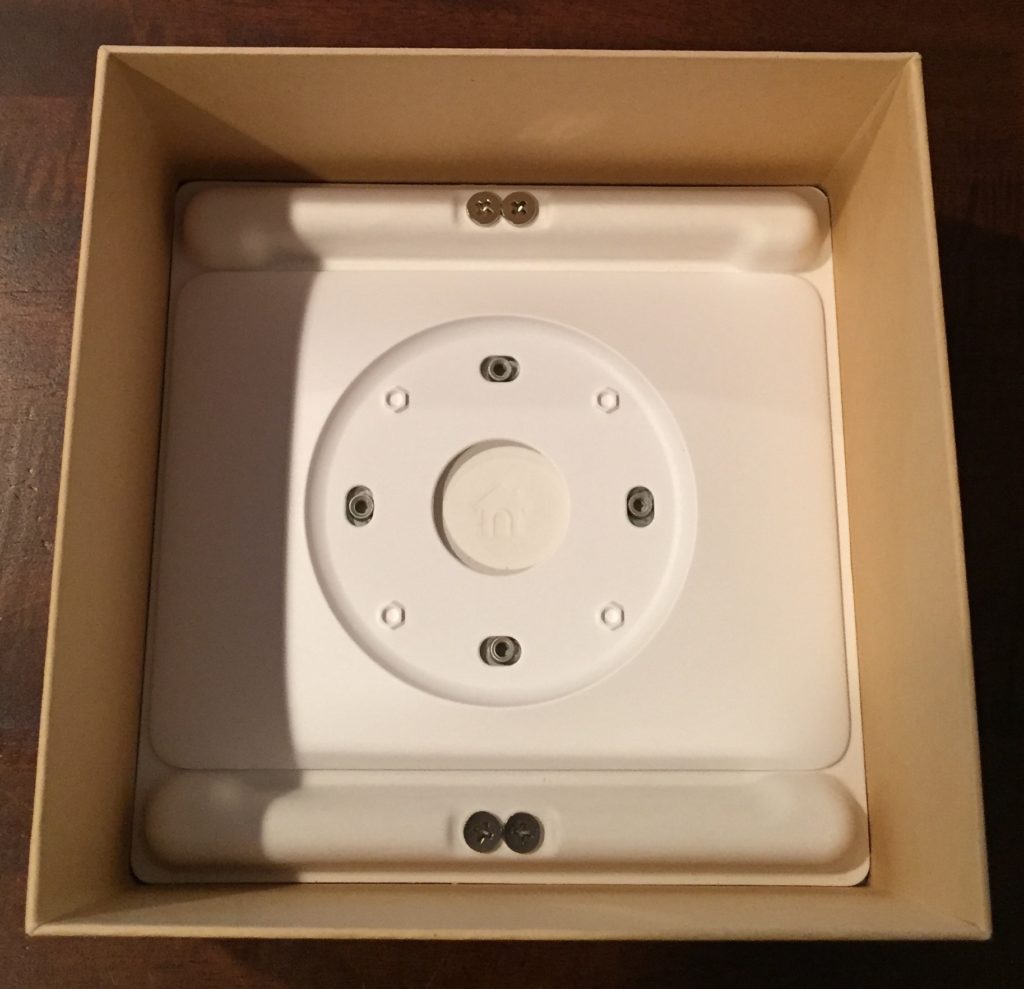
With a C-wire, your Nest has a steady flow of electricity. It doesn't have to rely on its internal battery as much, which means the battery stays charged, and more importantly, the Wi-Fi radio gets all the power it needs to stay connected, strong, and happy. No more dropped connections, no more frantic battery warnings. Just smooth, uninterrupted smart home bliss. Ahh, perfection!
Many older homes don't have a C-wire run to the thermostat, because back then, who needed continuous power for a simple mechanical dial? But for modern smart thermostats, it’s increasingly becoming a must-have. Nest even sells a "Power Connector" specifically for this issue if you don't have a C-wire and don't want to run new wiring.

What To Do If Your Nest Is Power-Starved
First, don't panic! This is a super common issue. Check your current wiring at the thermostat. Can you spot a "C" terminal with a wire in it? If not, that's likely your culprit. You might have an unused wire tucked away in the wall that could be converted to a C-wire – a quick peek behind the thermostat panel can sometimes reveal a hidden gem.
If you're handy and comfortable with a bit of DIY, there are C-wire adapters you can buy. But, and this is a big but, if you're not absolutely confident working with HVAC wiring, please, please call a professional. Messing with your furnace or AC wiring can lead to bigger, more expensive problems than just a dropped Wi-Fi signal. Safety first, always!
Ultimately, a smart thermostat needs a smart power supply. Once you sort out that continuous power, your Nest will go back to being the intelligent, connected little device it was always meant to be. And you? You can go back to enjoying your perfectly tempered home, without the added drama of a digital diva throwing a Wi-Fi fit. Cheers to that!