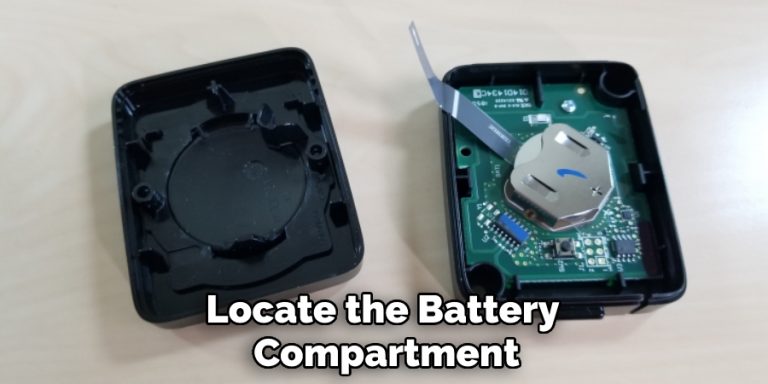
Myq Garage Door Sensor Battery Replacement

Ever had that sudden, nagging doubt after leaving home: "Did I close the garage door?" Thanks to the wonders of smart home technology, specifically devices like MyQ, that moment of panic can be a thing of the past. Imagine checking your phone from anywhere, seeing your garage door status, and closing it with a tap – it’s pure magic! But even magic needs a little maintenance, and today, we're diving into one of the simplest yet most crucial tasks for your MyQ system: replacing the garage door sensor battery. It might sound mundane, but keeping this little powerhouse working ensures your home stays smart, secure, and always at your fingertips. Trust us, it’s not just useful, it’s downright empowering!
So, what exactly does this tiny sensor do, and why is its battery so important? Your MyQ system relies on a small, discreet sensor typically mounted on your garage door itself. This ingenious device acts as the "eyes and ears" for your smart opener. It communicates wirelessly with your MyQ hub, constantly reporting whether the garage door is open or closed. This real-time information is what populates your MyQ app, giving you that invaluable peace of mind whether you're at work, on vacation, or just snuggled on the couch. The benefit is clear: no more wondering, no more turning back around the block, and enhanced security knowing you can always verify and control access to your garage.
The sensor’s ability to communicate hinges entirely on its battery. When that battery starts to wane, your MyQ app might begin to show inconsistent readings, or worse, warn you that the sensor is offline. Don't fret! This is a simple fix, and you don't need to be a tech guru to tackle it. In most MyQ garage door sensors, you'll find a single CR2450 coin cell battery. This isn't some rare, exotic power source; it's readily available at most electronics stores, supermarkets, or online. Keeping a spare on hand is always a smart move!
Must Read
Ready to bring your sensor back to life? Here’s your friendly, step-by-step guide:
First, locate your sensor. It's usually mounted on the top panel of your garage door. It's a small, rectangular or oval-shaped device.

Next, you'll need to open the sensor casing. Most MyQ sensors have a small tab or a seam that you can gently pry open with a flathead screwdriver or even a sturdy guitar pick. Don't be afraid to apply a little gentle pressure; these are designed to be accessible.
Once the case is open, you’ll see the old battery. Note its orientation – specifically, which side is facing up – then carefully remove the old battery. You might need to gently pry it out with a small tool or your fingernail.
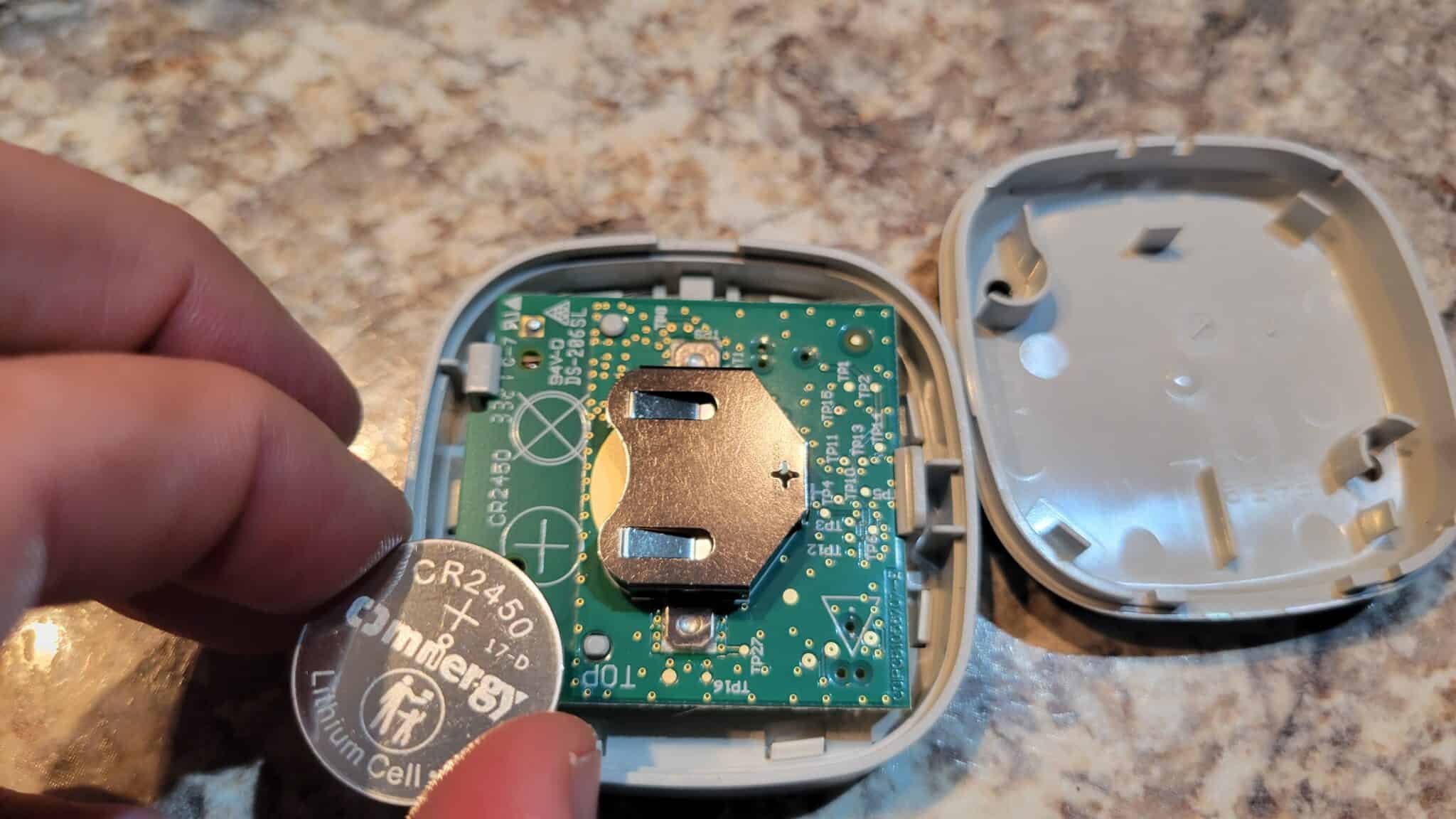
Now, insert the new CR2450 battery, making sure it’s oriented the same way as the old one (the positive (+) side usually faces up). It should snap securely into place.
Finally, close the sensor casing until it clicks firmly shut. Give your MyQ app a few moments to refresh, then test it by opening and closing your garage door. You should see the sensor status update reliably.
See? That wasn't so scary, was it? Replacing your MyQ garage door sensor battery is a quick, easy, and incredibly effective way to ensure your smart garage system continues to provide convenience and peace of mind. It's a small act of maintenance that yields big returns in security and control, keeping your home connected and your worries at bay. Go forth and enjoy your brilliantly smart garage!