
Learn To Code C# For Unity

Hey there, future game dev superstar! Ever dream of building your own epic games, filled with quirky characters and mind-bending puzzles? Well, grab your energy drink (or chamomile tea, no judgment here!) because we're diving headfirst into the wonderful world of C# for Unity.
Why C#? Why Unity? Think of Unity as your amazing Lego set for game development, and C# as the instruction manual that lets you build anything you can imagine. Seriously, anything. From simple platformers to sprawling RPGs, C# is the language that breathes life into your creations.
But I'm a Total Newbie! Help!
Don't sweat it! Everyone starts somewhere. You don't need to be a rocket scientist (unless you are building a rocket scientist game, then maybe some basic physics knowledge would help... just kidding... mostly). The beauty of C# is its accessibility. With a little guidance and a whole lot of practice, you'll be writing scripts like a pro in no time.
Must Read
Think of learning C# like learning a new language. You start with the basics: greetings, introductions, maybe asking where the bathroom is. Then you move onto more complex topics, like ordering coffee (vital for any coder!), or explaining your game's incredibly intricate plot.
The Basic Building Blocks:

Okay, let's break down some key concepts:
- Variables: These are like containers that hold information. Think of them as labeled boxes for your game's data. "playerName," "playerHealth," "numberOfBananasCollected" - you get the idea!
- Data Types: What kind of info are we storing? Is it a number (integer or float), some text (string), or a true/false value (boolean)? Don't worry about memorizing them all at once; you'll pick them up as you go.
- Functions: These are blocks of code that perform specific tasks. Jumping, shooting, talking to a friendly NPC – all handled by functions. They're like little recipes for your game!
- Conditional Statements (if/else): These let your game make decisions based on certain conditions. "If playerHealth is less than zero, then game over!" See? Simple!
- Loops (for/while): Need to do something repeatedly? Loops are your best friend. "For each enemy, check if it's within attack range." Boom! Efficiency!
Where Do I Even Start?
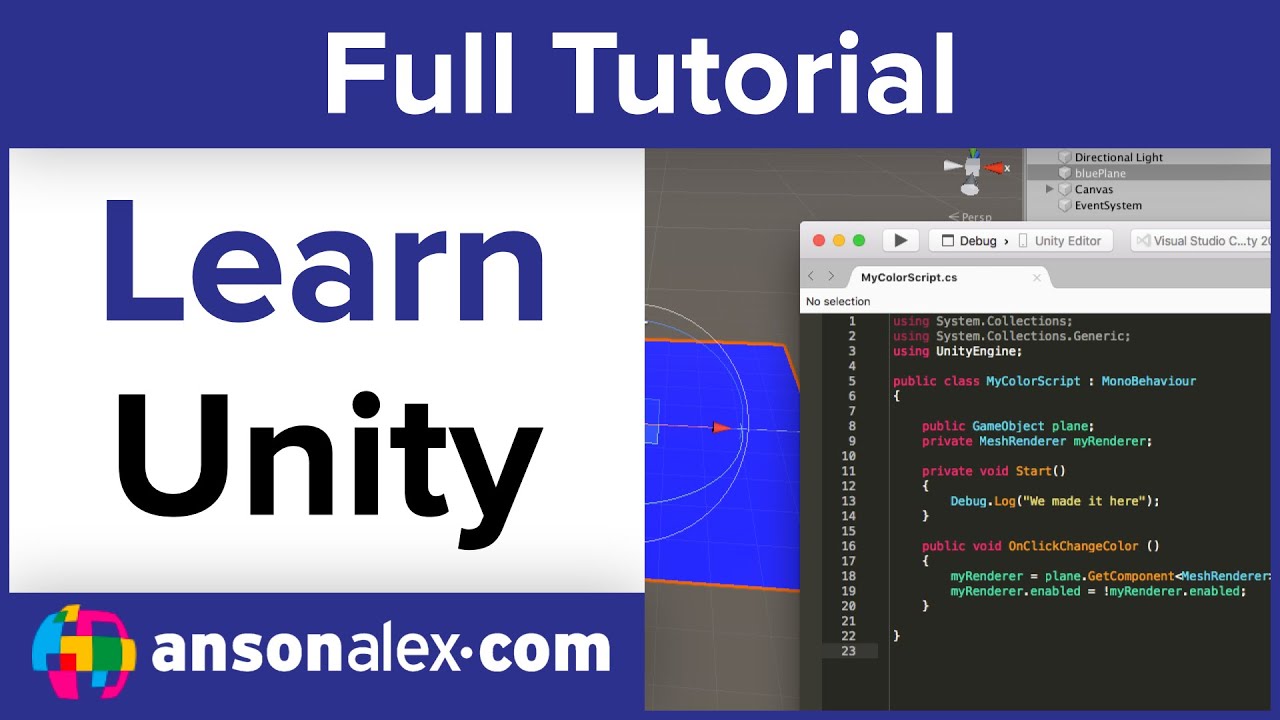
The good news? There are tons of resources available online. Here are a few suggestions:
- Unity's Official Tutorials: These are a great starting point, walking you through the basics of both Unity and C#.
- Online Courses (Udemy, Coursera, etc.): These often offer structured learning paths and hands-on projects.
- YouTube Channels: Many talented developers share their knowledge for free on YouTube. Search for "Unity C# tutorial" and prepare to be amazed!
- Documentation: The official C# and Unity documentation are invaluable references as you progress.
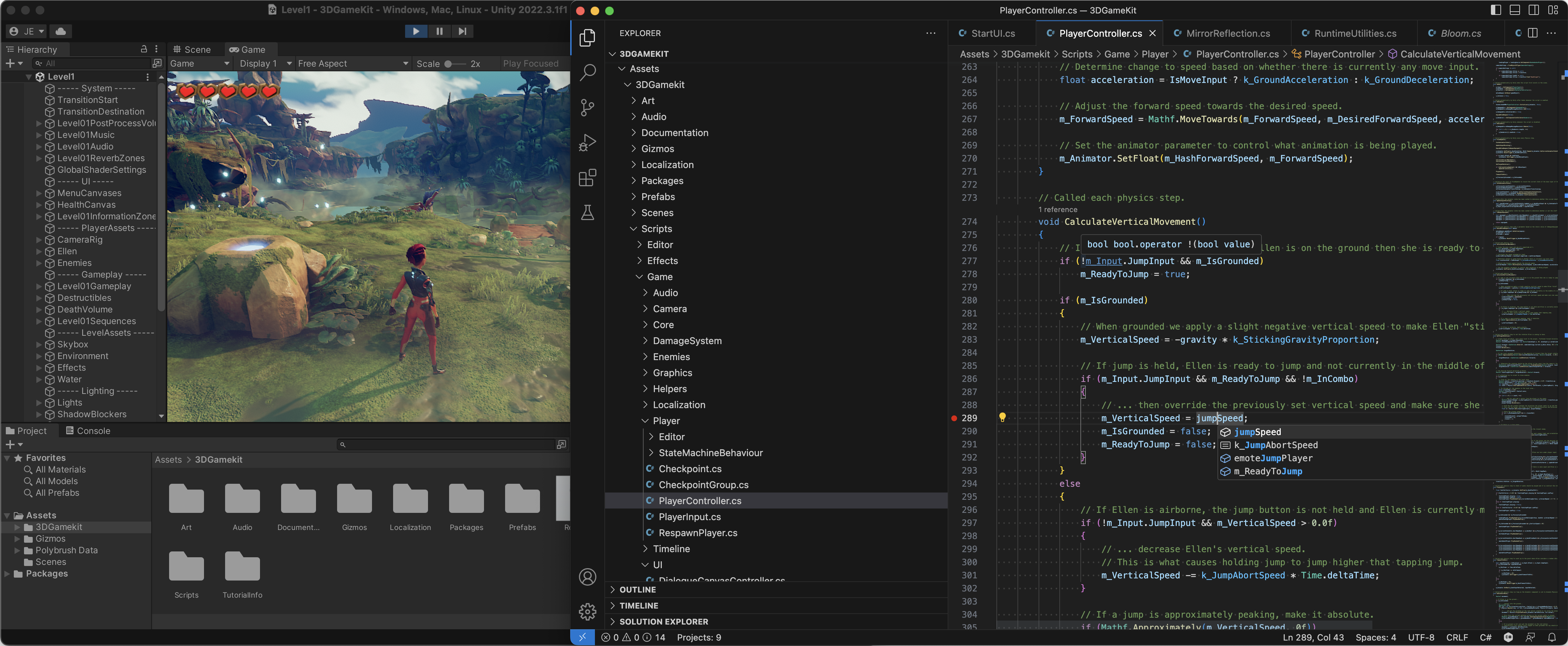
Pro Tip: Don't be afraid to experiment! The best way to learn is by doing. Try modifying existing code, writing your own scripts, and seeing what happens. And don't worry about breaking things – that's how you learn! (Just make sure you save your work first, okay?) Also, don't be afraid to Google. Seriously, everyone Googles. Even the pros.
Common Mistakes (and How to Avoid Them)
We all make mistakes, especially when learning something new. Here are a few common C# blunders and how to sidestep them:
- Typos: A single misplaced character can bring your entire game to a screeching halt. Double-check your spelling and capitalization! (And maybe invest in a better keyboard.)
- Forgetting Semicolons: C# loves semicolons. They're like the periods of your code. Don't forget to add them at the end of most lines! (Trust me, you'll forget them. We all do.)
- NullReferenceExceptions: This dreaded error occurs when you try to access something that doesn't exist. Always make sure your variables are properly initialized before using them.
- Getting Discouraged: Learning to code can be challenging, but don't give up! Celebrate your small victories, learn from your mistakes, and keep pushing forward.
Keep it Fun!

Most importantly, have fun! Game development should be an enjoyable process. Experiment, get creative, and don't be afraid to try new things. Build that crazy idea you had about a cat piloting a spaceship made of pizza. Why not?
And remember, the game development community is incredibly supportive. If you're stuck, don't hesitate to reach out to other developers for help. We've all been there!
So, what are you waiting for? Download Unity, fire up your code editor, and start building your dream game. I believe in you! You've got this! Now go forth and create something awesome. The world needs your games!