Javascript Create Array Of Numbers In Range

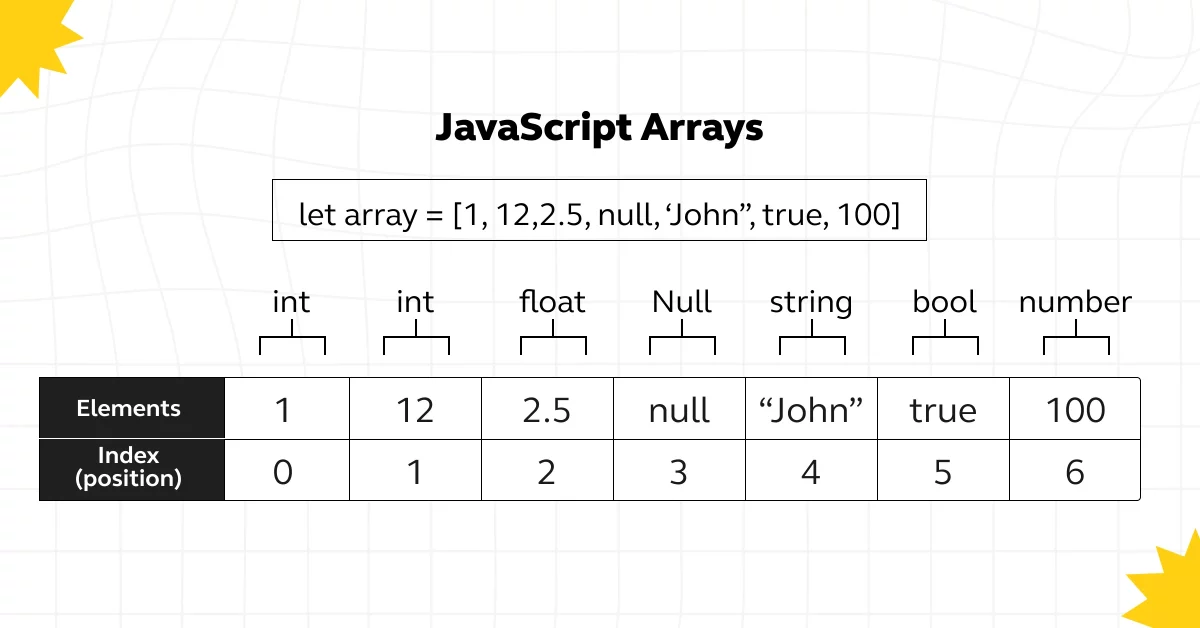
Hey there, fellow code dabblers! Ever find yourself needing a list of numbers? Like, maybe you're figuring out how many cookies you can bake for your friends, or perhaps you're simulating dice rolls for your super intense board game night. Well, in the land of JavaScript, making a list (or an array, as we techy folks like to call it) of numbers within a specific range is surprisingly easy. And trust me, it's a skill that'll come in handy more often than you think!
Why should you even care about creating number arrays? Imagine planning a potluck. You need to know how many people are coming (let's say between 5 and 15), so you can calculate how much food to make. Using JavaScript, you could easily generate a list of numbers (5, 6, 7...15) to help you with your calculations. Or think about a game where you need to randomly select a number between 1 and 100. Knowing how to create an array of numbers is the first step!
The "Old School" Loop Method
Let's start with the classic approach: the trusty for loop. This is like the old family recipe passed down for generations – reliable, if a little verbose. Think of it as manually writing each number down on a piece of paper, one after the other.
Must Read
Here's how it works:
function createNumberArray(start, end) {
  let array = []; // Our empty cookie jar, ready to be filled!
  for (let i = start; i <= end; i++) {
    array.push(i); // Adding one cookie (number) at a time
  }
  return array; // Here's your jar full of yummy numbered cookies!
}

let myNumbers = createNumberArray(1, 5); // Generates [1, 2, 3, 4, 5]
console.log(myNumbers);
See? We define a function createNumberArray that takes a start and end value. The for loop then iterates from the start number to the end number, adding each number to the array using the push method. This is like adding flour, sugar, and eggs to a bowl, one ingredient at a time, to make your delicious cookies.
The Elegant Spread Operator and Array.from Method
Now, let's get a bit fancier. Imagine you have a super-efficient cookie-making machine that can crank out dozens of cookies at once. That's kind of what the spread operator and Array.from method are like in JavaScript.
Here's the code:
let numbers = Array.from({length: 5}, (_, i) => i + 1); // Generates [1, 2, 3, 4, 5]
console.log(numbers);
Okay, I know, it might look a bit intimidating at first. But break it down! Array.from creates a new array from an array-like or iterable object. The {length: 5} part creates an object with a length of 5. The second argument, (_, i) => i + 1, is a mapping function. For each element, it takes the index (i) and returns i + 1. Thus, it creates numbers from 1 to 5.
Or another similar example:
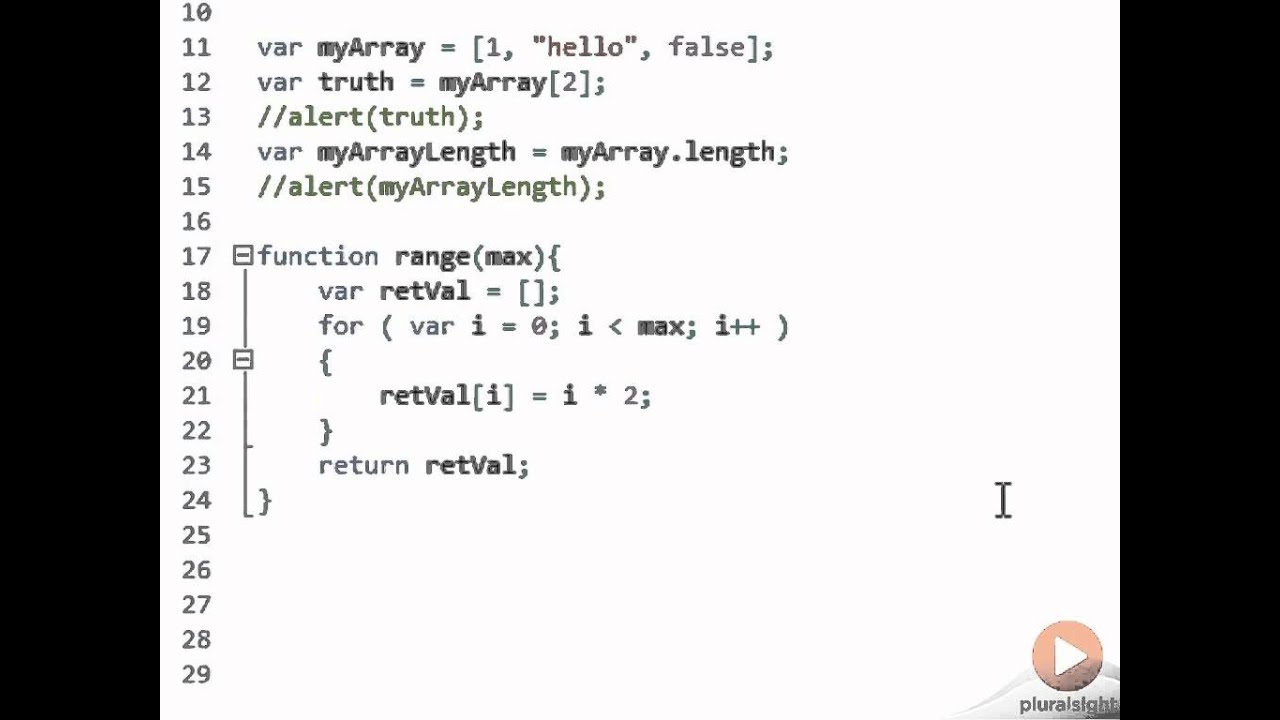
function range(start, end) {
  return Array.from({ length: (end - start + 1) }, (_, i) => start + i);
}

let myRange = range(5, 10); // Generates [5, 6, 7, 8, 9, 10]
console.log(myRange);
This is like having a magic wand that instantly creates your number array. It's more concise and, once you understand it, super powerful. The (end - start + 1) part calculates the length of the array. So if start is 5 and end is 10, the length will be 6.
Why Bother with the "Fancy" Method?
You might be thinking, "Hey, the loop works just fine! Why learn this spread operator stuff?" Well, the fancy method is often more readable and concise, especially when your range gets bigger. It shows that you understand JavaScript's more advanced features and makes your code look a little more...well, elegant! Think of it as upgrading from a rusty old bicycle to a sleek, modern scooter. Both get you where you need to go, but one does it with a bit more style and efficiency.
More importantly, understanding concepts like Array.from and the spread operator opens up a whole new world of possibilities in JavaScript. You'll start seeing them used everywhere, and you'll be able to understand and use them confidently!
So, there you have it! Two easy ways to create an array of numbers within a range in JavaScript. Whether you're planning a potluck, simulating dice rolls, or building the next big web app, this is a skill that will definitely come in handy. Happy coding, and may your arrays always be filled with the right numbers!