
How To Turn On Ac Honeywell Thermostat
Okay, picture this: it’s the middle of summer, the kind of heat that makes you question all your life choices. You’ve just moved into a new place, or maybe you’re visiting a friend’s house, and suddenly, the mercury outside is having an absolute party, and you’re definitely not invited. You walk into the living room, your brow already beaded with sweat, and there it is: that unassuming, often mysterious little box on the wall. The Honeywell thermostat. You stare at it, it stares back, silently judging your rapidly increasing core temperature. "How hard can it be to turn on the AC?" you think, optimistically. Turns out, sometimes it feels like cracking the Da Vinci Code when all you want is a little chill!
You’re probably here because you’ve had a similar moment, right? That moment of frantic button-pushing or dial-twisting, wondering if you're going to accidentally launch a rocket instead of just getting some blessed cool air. Don’t worry, you’re not alone. And the good news? Turning on your Honeywell AC is usually pretty straightforward once you know the secret handshake. Let’s get you from "sweating profusely" to "comfortably cool" in no time.
First Things First: The Obvious (and Not-So-Obvious) Checks
Before we dive into the nitty-gritty, let’s rule out the super basic stuff. Think of this as your pre-flight checklist for comfort.
Must Read
- Is your thermostat actually on? Some older models have a small power switch on the side.
- Is the screen lit up? If not, it might be a battery issue. Seriously, batteries are the unsung heroes and often the culprits! Honeywell thermostats often use AA or AAA batteries, and a low battery warning might just be a faint icon on the screen.
- Is your entire house powered? (Okay, that one's a bit extreme, but you get the idea – rule out general power outages or tripped breakers.)
Deciphering Your Honeywell – A Mini Guide
Honeywell makes a ton of different thermostats – from the super simple analog dials that look like they belong in a vintage movie, to sleek digital models, and even fancy smart ones you can control from your phone. But the core principles for getting cool air flowing are often the same.
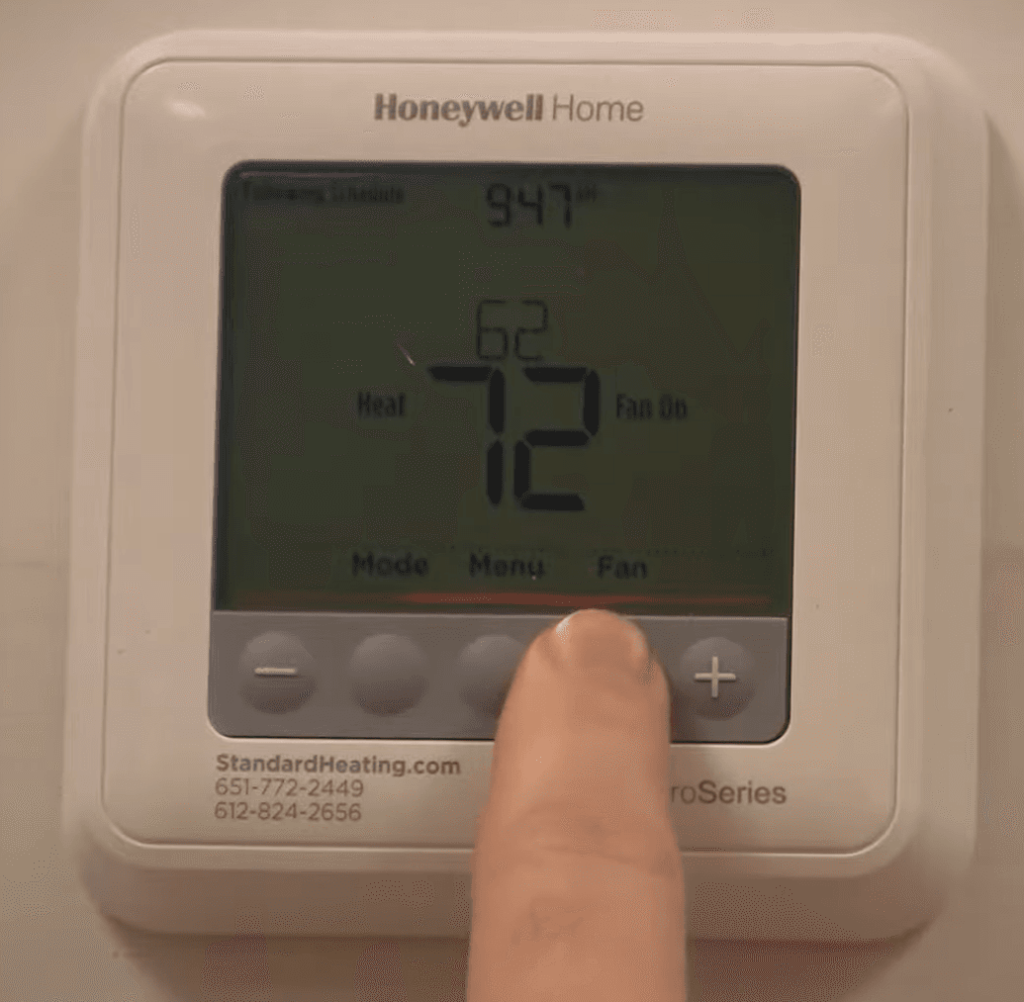
Most digital Honeywells will have a screen and a few buttons, typically labeled `SYSTEM`, `MODE`, `FAN`, and `TEMP` (or up/down arrows).

Step-by-Step: The "Cool" Mission
Alright, let’s get down to business. Assuming your thermostat is powered up and ready for action, here’s how you generally kick that AC into gear:
Step 1: Find the Mode or System Switch/Button
This is arguably the most crucial step. Look for a button or a physical slider that says `SYSTEM` or `MODE`. You’ll typically see options like:
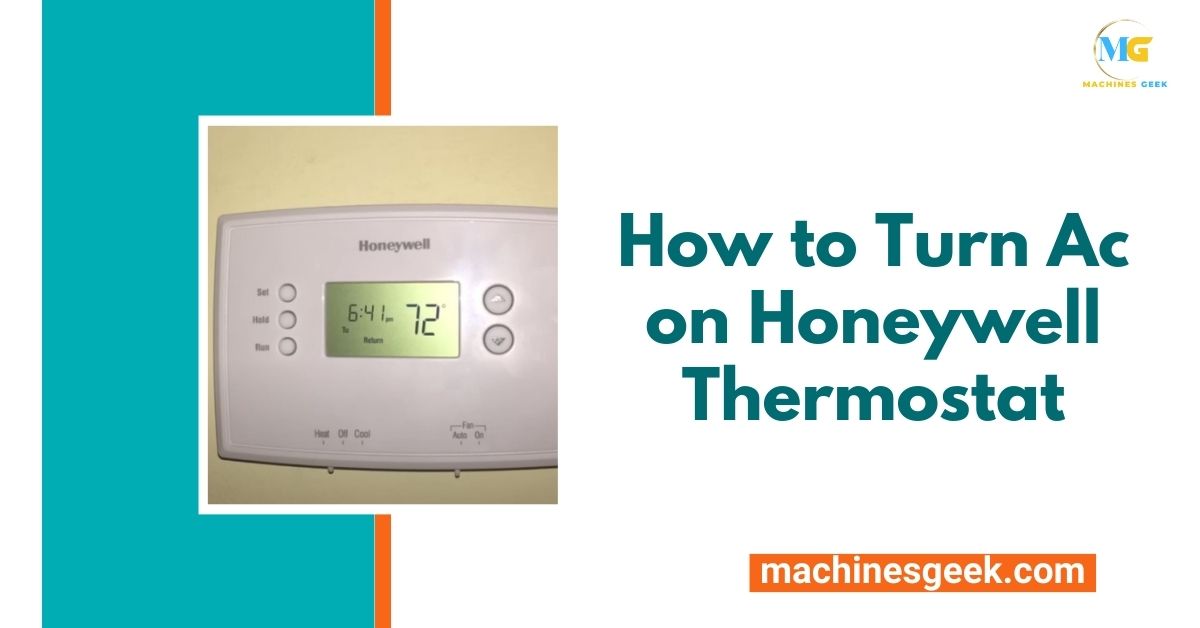
- OFF
- HEAT
- COOL (or AC)
- AUTO (this means it’ll switch between heat and cool as needed to maintain your set temperature)
- EMERG HEAT (for heat pumps, usually not what you want for AC!)
Your mission, should you choose to accept it (and you totally should), is to select COOL.
Step 2: Set Your Desired Temperature
Once you’ve got it in `COOL` mode, you'll see a temperature displayed on the screen. There will be UP and DOWN arrows (or a dial on older models). This is where you tell your thermostat just how chilly you want things to be.

To turn on the AC, you need to set the temperature lower than the current room temperature. For example, if it's 80°F in your house, and you set your thermostat to 72°F, the AC will know it has a job to do. If you set it to 85°F, it's just going to shrug at you and do nothing, because it's already "cool enough" by your definition. Mind-blowing, right?
Step 3: Consider Your Fan Setting (Auto vs. On)
You’ll usually find a `FAN` button or switch with two common options:

- AUTO: This is usually your best bet. The fan will only run when the AC compressor is running to cool your home, then it’ll shut off. It's energy efficient and quieter.
- ON: The fan will run continuously, regardless of whether the AC is actively cooling. This circulates air constantly, which can be nice for air quality, but it uses more electricity and can be noisier.
For most people just wanting to turn on the AC, leave it on AUTO.
Step 4: Wait (Patiently, Sort Of)
Once you’ve set the mode to COOL and the temperature to your desired chill level, give it a moment. You should hear a gentle click from the thermostat, and then, if everything's working, the hum of your AC unit outside (or in your attic/basement) kicking into gear. Cool air should start wafting through your vents shortly after.
Common Pitfalls & "Aha!" Moments
- The "Hold" Function: Some Honeywell thermostats have a `HOLD` button. If your AC isn't sticking to your desired temperature, it might be stuck on a "Hold" setting from a previous schedule. Press `RUN` or `CANCEL HOLD` to get it back to its normal schedule or manual control.
- Time Delays: Your AC unit isn't meant to short-cycle (turn on and off rapidly). Many units have a built-in time delay (usually 3-5 minutes) to protect the compressor. So, if you just adjusted the temperature and nothing happened immediately, give it a few minutes!
- Smart Thermostats: If you have a fancy Honeywell Home smart thermostat (like a T9, T10, or Lyric), you might also be controlling it via an app on your phone. The principles are the same – find the mode, set the temp, but your finger gymnastics might be on a screen rather than a physical button.
There you have it! You've navigated the perplexing world of thermostat controls and emerged victorious, probably a few degrees cooler already. Go forth and enjoy your perfectly chilled living space. You’ve earned that moment of crisp, cool bliss. And the next time someone asks you how to turn on the AC on a Honeywell, you can confidently tell them, "I got this."