
How To Turn Off Home Security System
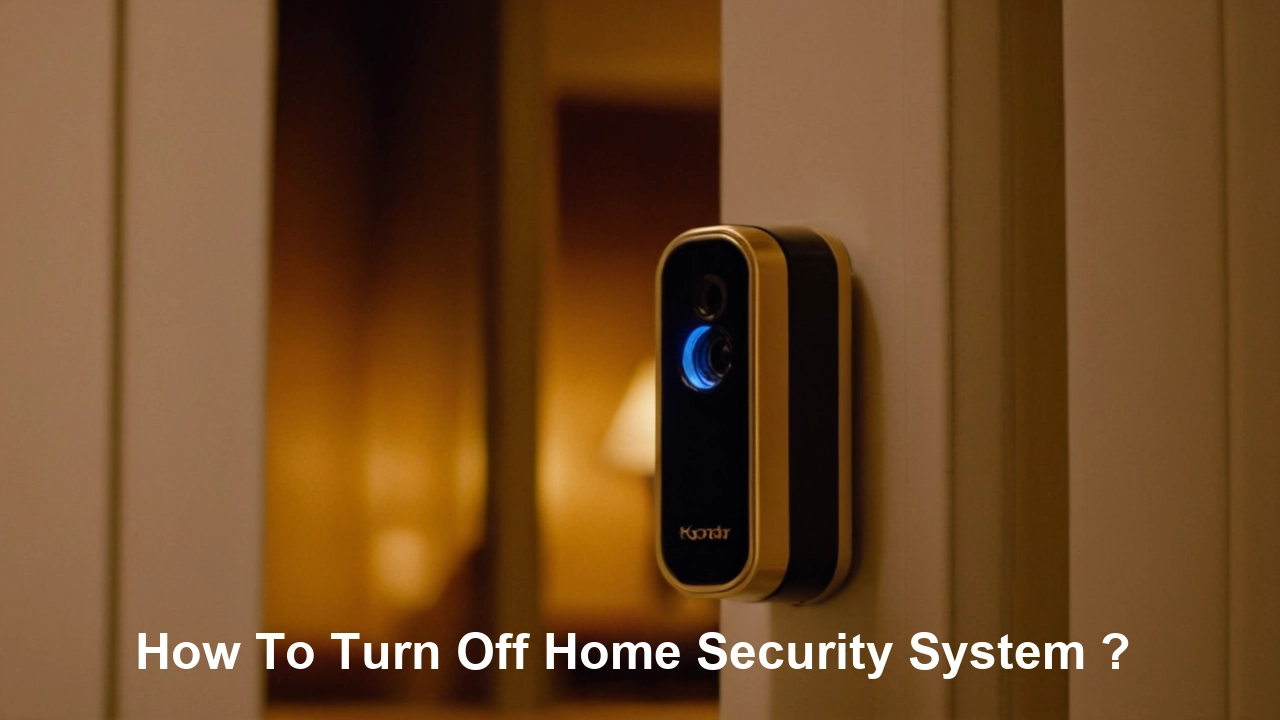
Alright, pull up a chair, grab your imaginary latte, because we're about to delve into one of life's truly nail-biting, heart-pounding mysteries: How to turn off your home security system. No, no, I'm not talking about grand larceny tips here! I'm talking about that all-too-common scenario where you, a perfectly law-abiding citizen, accidentally trigger the alarm in your own home. You know the one. The siren wails, the dog goes from zero to a hundred in a split second, and you suddenly feel like a B-movie villain caught red-handed trying to steal your own artisanal sourdough starter.
It's a moment of pure, unadulterated panic. Your blood runs cold, your palms get sweaty, and you can practically hear the judgmental whispers of your neighbors through the walls. "Is that... a robber? Or just Barry trying to make toast again?" Trust me, Barry, we've all been there. And the key to gracefully navigating this domestic disaster? Knowing your system. Intimately.
The Keypad: Your Trusty (or Tricky) Command Center
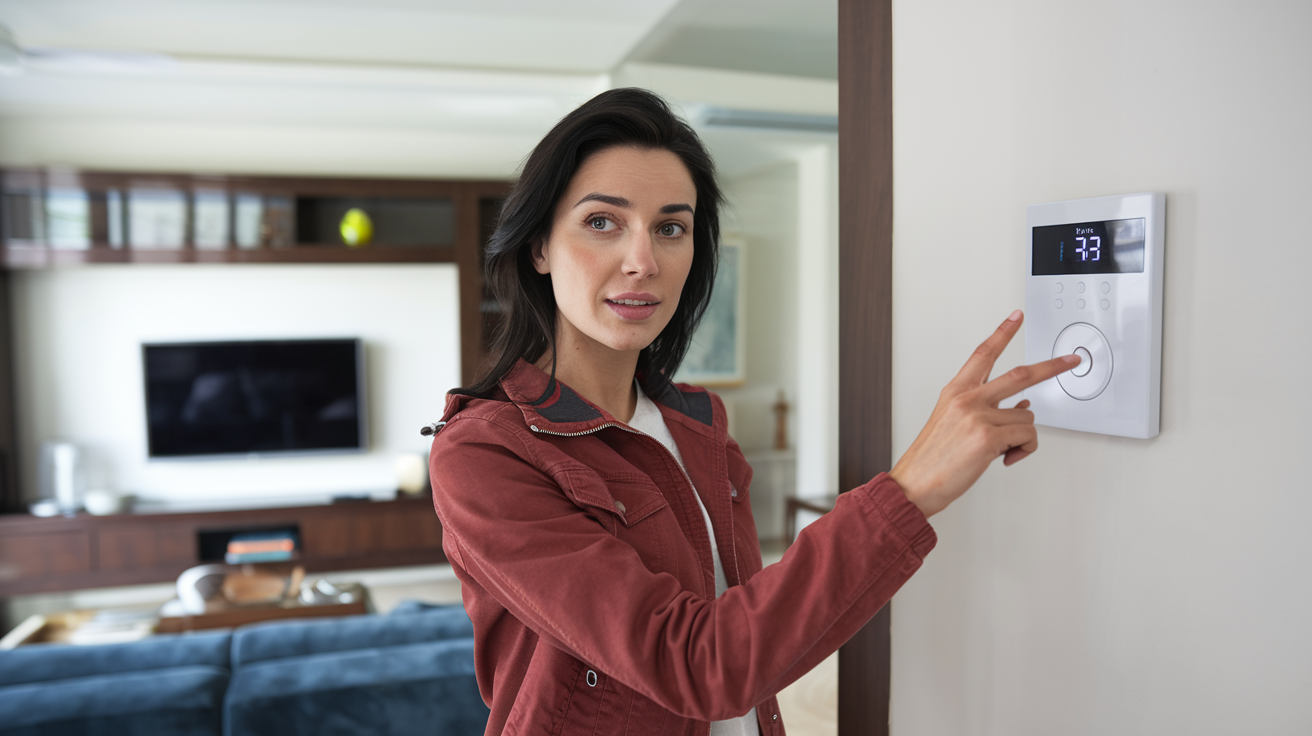
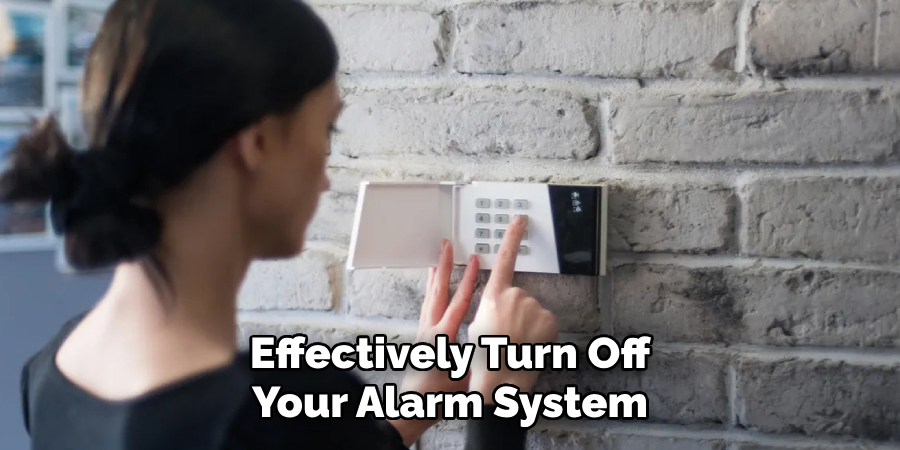
Let's start with the OG: the keypad. This is usually mounted by your main entry points, staring at you with its array of buttons, silently judging your memory. Most systems require a numeric code to disarm. Think of it like your ATM PIN, but instead of getting cash, you're preventing a full-scale SWAT team from rappelling through your living room window to confiscate your Netflix account.
Must Read
Typically, you'll punch in your four-to-six-digit code, followed by a specific button – often "Disarm," "Off," or a simple checkmark. Easy, right? Unless you've just woken up, are holding three grocery bags, and have a cat draped over your head. Then suddenly, 1-2-3-4 feels like cracking the Enigma code.
Pro Tip: Many systems have different codes. There's your main "Disarm" code, maybe a "Stay" code (arms perimeter, but you can still wander indoors), and an "Away" code (everything armed). Some even have a "duress" code – a secret number you enter that looks like it disarms the system, but actually silently alerts the monitoring company that you're in danger. It's like the secret handshake of emergency services! Don't forget your main one, though. Forgetting it is like forgetting your own name during a job interview – deeply embarrassing and potentially catastrophic.
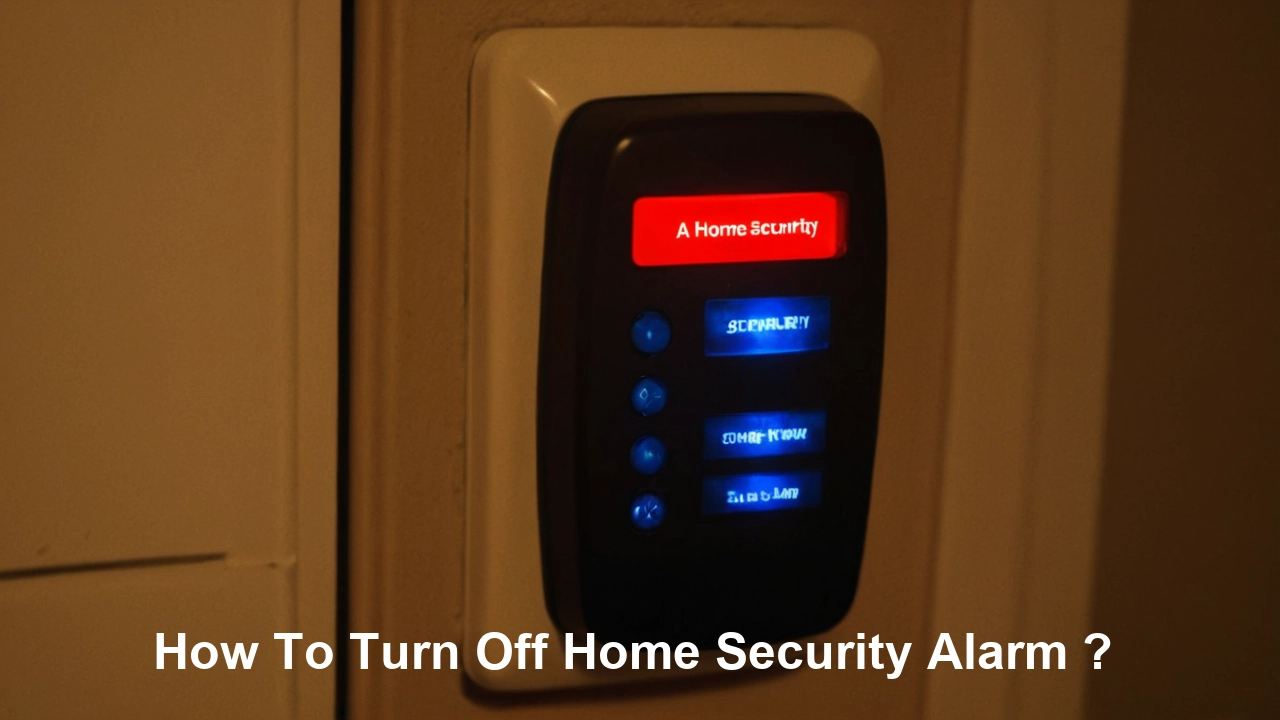
The Mobile App: The Remote Control for Your Entire Existence
Ah, the mobile app. For those of us who carry our entire lives in our pockets, this is a godsend. Most modern security systems come with a sleek, intuitive app that lets you arm or disarm your system from pretty much anywhere with a cell signal. Did you leave for work and suddenly wonder, "Did I arm the house, or did I just stare blankly at the keypad for five minutes and then leave?" Panic averted! Just whip out your phone, tap a button, and boom – peace of mind. Or, you know, realize you left your front door wide open, which is a whole other article.
The beauty of the app is its convenience. You can be at the grocery store, disarming the system for the dog walker, or sitting on a beach in Fiji, turning off the alarm because your neighbor promised to water your extremely high-maintenance orchids. It’s like having a tiny, virtual superhero in your pocket, always ready to prevent an accidental siren serenade. Just make sure your Wi-Fi is working, because a security system app without internet is about as useful as a chocolate teapot.
The Key Fob: Your Pocket-Sized Powerhouse
Remember car remotes? The key fob for your security system is essentially that, but for your house. It’s a small, unassuming device, usually with a few buttons: "Arm," "Disarm," and often a terrifying "Panic" button. This little guy is designed for quick, easy access when you’re fumbling with keys, kids, or a pizza box after a long day.
Keep it on your keychain, or somewhere equally accessible, but not too accessible. I once knew a guy who kept his in his pajama pocket. One unfortunate roll-over in bed, and his entire neighborhood woke up to a screaming alarm at 3 AM. The "Panic" button is particularly notorious. It's usually a large, tempting button, just begging to be accidentally pressed by a curious toddler or an overzealous elbow. Press it, and you're not just disarming; you're sending out an SOS signal that will have the monitoring company calling you before you can even say, "Oopsie!"
Voice Assistants: "Alexa, Don't Call the Cops on My Cat!"
Welcome to the future, where you can literally talk your way out of an alarm situation. Many smart home security systems integrate with voice assistants like Amazon Alexa or Google Assistant. Imagine the scene: you burst through the door, arms full, and casually intone, "Alexa, disarm the security system." A truly futuristic flex.
Of course, this comes with its own set of hilarious pitfalls. What if Alexa mishears "disarm" as "start a dance party"? Or what if your parrot decides to mimic your voice and disarms the system while you're out? (I'm only half-joking; those feathered fiends are clever.) Make sure you've set up a voice PIN or code for this feature. Otherwise, anyone who shouts loudly enough could potentially disarm your home. Or worse, accidentally trigger the alarm while asking for the weather forecast. "Hey Google, what's the forecast for... [Siren wails] ...never mind!"
When All Else Fails: The "Oh, Crap" Contingency Plan
So, you've tried the keypad, the app's frozen, the fob is under the couch, and your voice assistant is busy playing whale sounds. What then? Don't despair, brave homeowner!
![How To Turn Off Home Security System? [A Guide For Beginner] | Happy](https://happyhomeplanet.com/wp-content/uploads/2022/07/How-To-Turn-Off-Home-Security-System.webp)
Most modern systems have a battery backup. This means if the power goes out, your system will still function for a significant period. So, you can't use "the power's out!" as an excuse to ignore the wailing banshee that is your alarm. If the alarm is triggered and you simply cannot disarm it, the monitoring company will usually call your primary contact number. Be ready to answer, confirm your identity with a verbal password (separate from your disarm code!), and explain the situation. This prevents a costly false alarm dispatch – did you know false alarms cost municipalities millions annually and account for a significant portion of police call-outs? So, getting it turned off correctly isn't just about your sanity; it's about not being a public nuisance!
Worst-case scenario? If the monitoring company can't reach you, they might dispatch emergency services. That's when you get to explain to a very patient police officer why your alarm thinks your dog's tail is a master burglar. Again, we've all been there (mostly).
So, there you have it. The grand ballet of disarming your home security system. It's not just about punching numbers; it's about understanding your tech, remembering your codes, and having a good sense of humor when your house decides to throw an impromptu siren party. Because let's face it, your home is your castle, and sometimes, even castles need a good mute button.