
How To Turn Off Auto Schedule On Nest
Ever felt like your smart home is a little too smart? Like your Nest thermostat, bless its energy-saving heart, has developed a mind of its own? We get it. Modern life is a delightful dance between embracing cutting-edge tech and occasionally, lovingly, telling it who's boss. And when it comes to your home's climate, sometimes you just want to take the wheel.
Your Nest thermostat is a brilliant little cookie, designed to learn your habits and save you energy without you lifting a finger. It watches when you adjust the temperature, notes the time, and builds a personalized schedule. It's like having a meticulous, climate-controlled butler. But what if your schedule is less "meticulous" and more "modern, fluid, and a little bit chaotic"? That's where Auto-Schedule, while well-intentioned, might not always align with your ever-evolving needs.
Why Hit Pause on Auto-Schedule?
There are plenty of reasons why you might want to switch off Nest's auto-learning feature. Maybe you're working from home one day, traveling the next, and your routine is about as predictable as a British summer. Or perhaps you're a meticulous planner, preferring to set your own, precise schedule that no algorithm could ever truly grasp.
Must Read
It's about reclaiming control. Think of it as the digital equivalent of decluttering your closet à la Marie Kondo, but for your home's climate. You want your comfort curated, not dictated. Turning off Auto-Schedule means you dictate every single degree, every minute of the day. It's about empowering you to truly personalize your energy usage and, ultimately, your peace of mind.
Plus, sometimes you just know best. Maybe you've got a pet who needs a specific temperature when you're out, or you're trying a new energy-saving strategy that Auto-Schedule hasn't quite "learned" yet. Whatever your reason, taking command is surprisingly simple.

The How-To: Turning Off Auto-Schedule
Ready to take charge? Here’s how to politely tell your Nest to stop learning and let you be the sole temperature architect. We'll cover both the device itself and the app.
On Your Nest Thermostat Device:
This is for those sleek, round marvels on your wall.
- Wake it up: Press the ring to bring up the main menu.
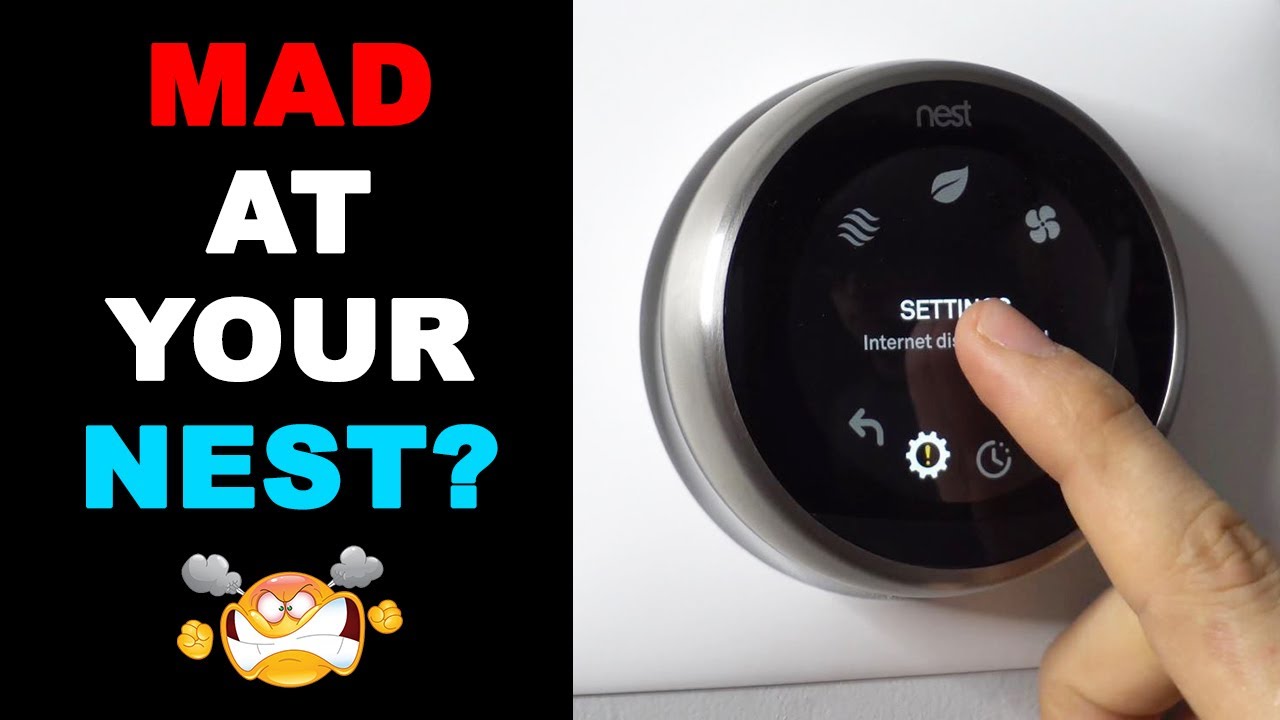
- Navigate to Settings: Turn the ring until you highlight the "Settings" gear icon (⚙️) and press to select.
- Find Nest Sense: Scroll down and select "Nest Sense." This is where a lot of the 'smart' features live.
- Select Auto-Schedule: You'll see "Auto-Schedule" as an option. Select it.
- Turn it Off: Choose "Off" and confirm your selection.
Voila! Your Nest will now stick to whatever schedule you've manually set or whatever temperature you've last adjusted it to.

Using the Nest or Google Home App:
For those who prefer the tap-and-swipe method from the comfort of their couch (or anywhere else!).
- Open the App: Launch the Nest app or the Google Home app (if your Nest is managed there).
- Select Your Thermostat: Tap on your Nest thermostat from the main screen.
- Go to Settings: Look for the "Settings" gear icon (⚙️), usually in the top right corner, and tap it.
- Find "Schedule" or "Learning": Depending on your app version, you might see "Schedule" or "Learning." Tap on it.
- Toggle Off Auto-Schedule: You should find an option to enable or disable "Auto-Schedule" or "Learning." Toggle it to the Off position.
And just like that, you've regained digital dominion over your home's climate from your phone. Easy peasy!
Practical Tips & Fun Facts Post-Auto-Schedule
Once Auto-Schedule is off, you're in charge. This is a great time to set up your own custom schedule that perfectly matches your life.
- Build Your Own Schedule: Now that learning is off, manually input your desired temperatures for different times of day and days of the week. This ensures your home is always comfortable when you're there and saving energy when you're not.
- Don't Forget Eco Mode: Even without Auto-Schedule, your Nest can still save energy. Manually set an "Eco" temperature for when you're away or sleeping, and activate it with a tap on the device or app.
- Home/Away Assist: Remember, turning off Auto-Schedule doesn't affect Nest's Home/Away Assist, which uses your phone's location and motion sensors to know if you're home. This feature is still super useful for automatically switching to an Eco temperature when the house is empty.
- Fun Fact: Did you know the first modern thermostat, designed for controlling room temperature, was invented by Warren Johnson in 1883 for a school classroom? Talk about a glow-up from a simple brass strip to a sleek, learning AI!
A Small Act, A Big Feeling
Turning off Auto-Schedule isn't just about tweaking a setting on a gadget; it's a small, satisfying victory in a world constantly vying for our attention and offering to "optimize" our lives. It's a reminder that while technology is incredible, the ultimate control—and the ultimate comfort—still rests with us.
So, whether you're meticulously planning every degree or simply enjoying the freedom to adjust on a whim, taking command of your Nest is a quiet nod to intentional living. Go ahead, reclaim that comfort, one conscious decision at a time. Your perfectly climate-controlled sanctuary awaits.
![Google Nest Thermostat Schedule Not Working [FIXED]](https://smartacsolutions.com/wp-content/uploads/2023/10/Nest-Auto-Schedulent-turn-off-1024x633.jpg)