
How To Take Fire Alarm Off

Alright, friend, let's talk about that moment. You know the one. You're chilling, maybe making some questionable culinary choices (burnt toast, anyone?), or perhaps it's 3 AM and your house suddenly sounds like a possessed parrot. Yes, we're talking about the fire alarm. The guardian of your safety, but also, let's be honest, the occasional ear-splitting nemesis.
Fear not, fellow human! We've all been there, staring up at that little white disc, wondering if we should grab a broomstick or just move out. This isn't about disabling a vital safety device forever (unless you're a cartoon villain, in which case, different article needed). This is about gracefully, safely, and temporarily silencing that electronic banshee when it's giving you a false alarm or, even worse, the dreaded low battery chirp.
First Things First: Safety (But Make It Fun!)
Before we dive into becoming an alarm-whisperer, a quick, important note: fire alarms are there for a reason! They save lives. So, this guide is strictly for those "oops, I overcooked the popcorn" moments or the incessant "change my battery!" beeps. Never permanently disable a working fire alarm. Unless you truly enjoy surprise visits from local fire departments and paying for smoke-damaged possessions. And who wants that?
Must Read
Diagnosing the Dino-Roar (or Tiny Chirp)
First, figure out why your alarm is having a tantrum:
-
Full-blown ear assault? This is usually a real alarm. Check for smoke, steam from a shower, or that aforementioned burnt toast. Sometimes even dust can trigger them!
-
The sporadic, annoying single chirp? Ah, my friend, you've met the infamous low battery warning. It's like a passive-aggressive roommate, demanding attention, usually in the dead of night.
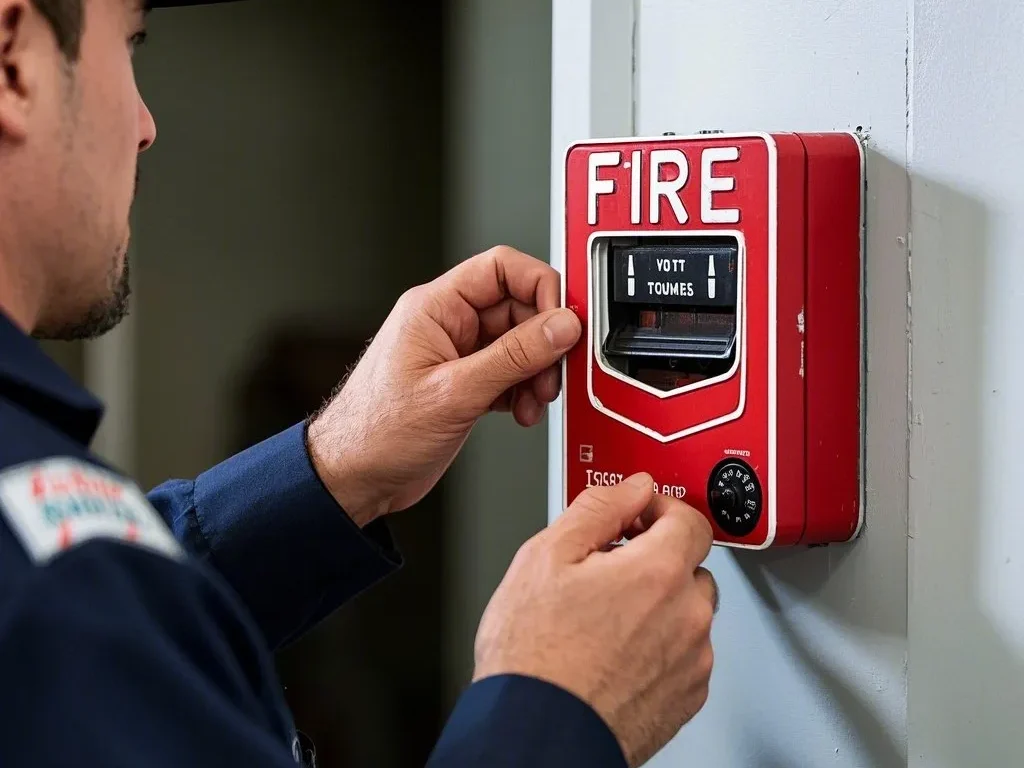
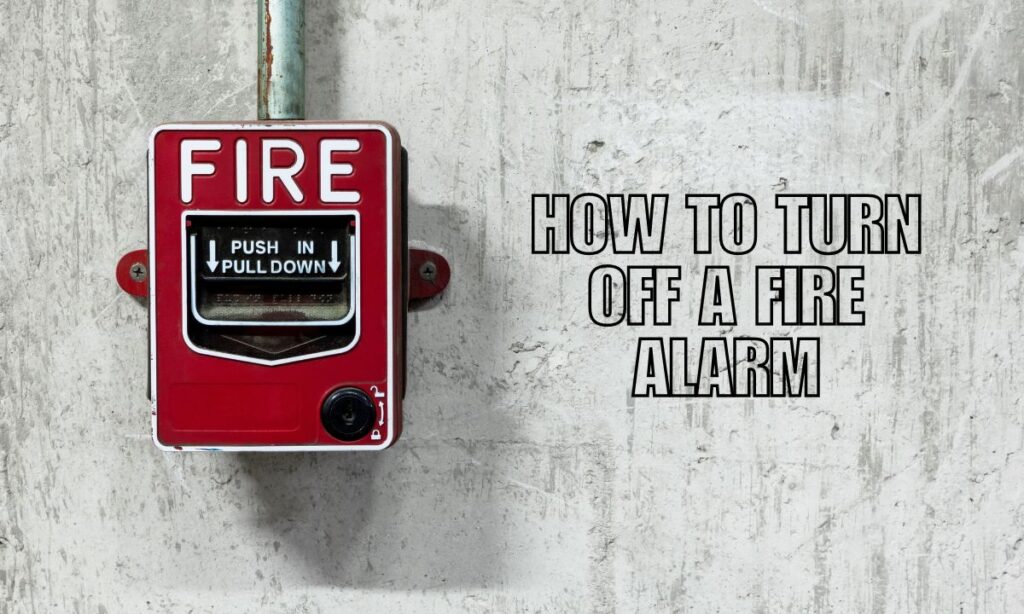
Silencing the Scream: Your Friendly Guide on How to Turn Off a Fire Alarm -
It just won't stop beeping after you know it's clear? Could be an older unit, or it just needs a good reset.
How to Tame the Full-Blown False Alarm
So, your kitchen just declared war on a bagel? Here's your action plan:
Step 1: Don't Panic! (Mostly.) Unless you see actual flames, it's probably just an overreaction from your sensor. Breathe.
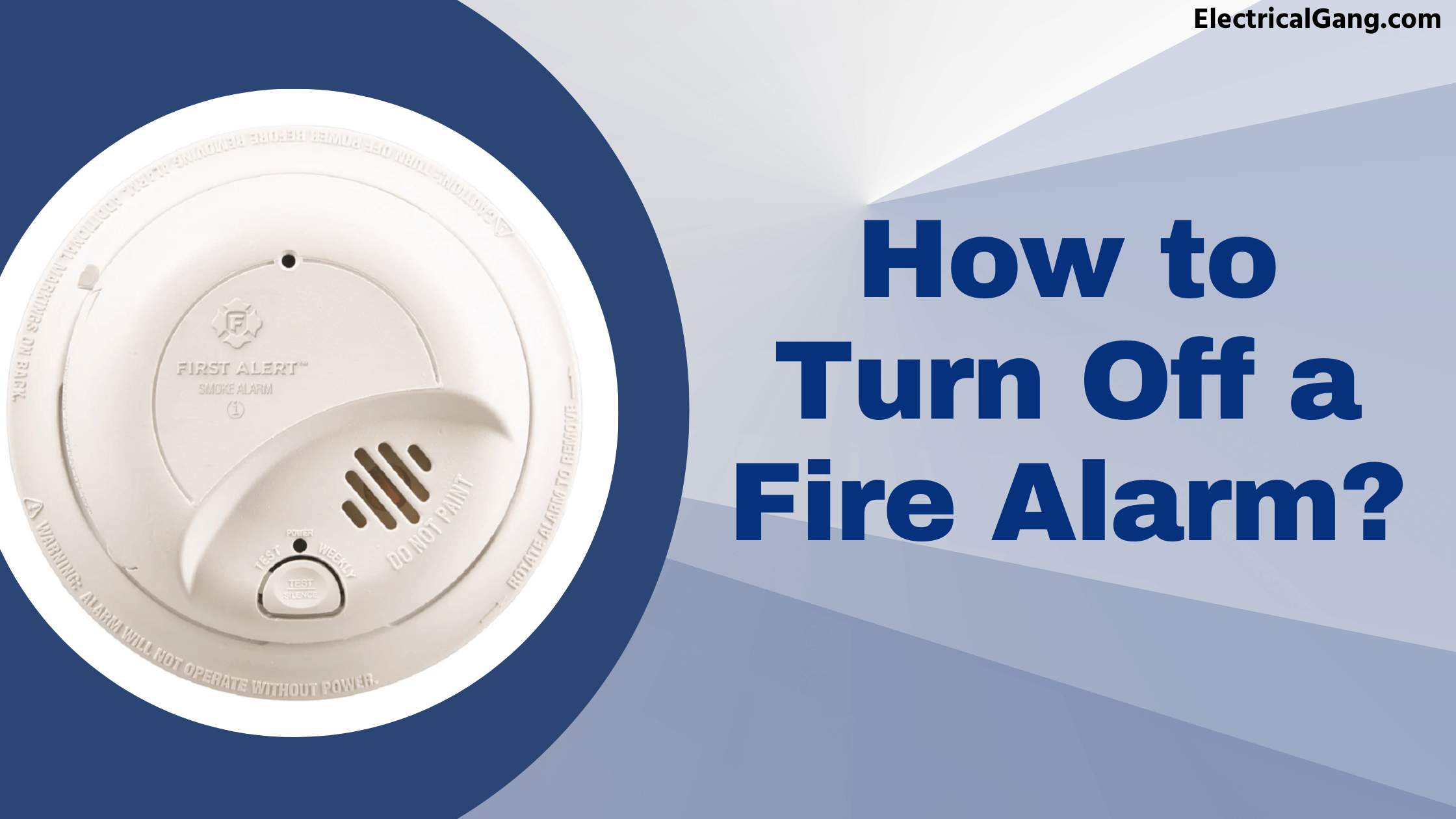
Step 2: Find the "Silence" Button. Many modern alarms have a prominent "Hush" or "Silence" button. Press and hold it for a few seconds. This should pause the alarm for a few minutes, giving you time to clear the air.

Step 3: Ventilate, Ventilate, Ventilate! Open windows, turn on a fan, or wave a dish towel like you're conducting an orchestra of fresh air. Get that smoky culprit out of there! Once the air clears, the alarm should reset itself.
Step 4: Reset (If Needed). If it's still grumbling after the air clears, some alarms have a small reset button. If not, briefly disconnecting power (see battery steps below) can often do the trick, but only if you've confirmed there's absolutely no danger.
Conquering the Chirp: The Low Battery Blues
This is where most of us become reluctant fire alarm technicians. That midnight chirp is personal.
Step 1: Identify the Culprit. If you have multiple alarms, the chirp often comes from one specific unit. Play "Where's Waldo?" with your ears to pinpoint it. Trust me, it's worth it.
Step 2: Grab a Safe Stepping Stool or Ladder. Safety first! No wobbling on a stack of encyclopedias. Get yourself eye-level with the noisy little devil.
Step 3: Twist and Shout (Just Twist). Most alarms twist counter-clockwise off their mounting bracket. Some might have clips or latches. Give it a gentle but firm twist. It should detach fairly easily.
Step 4: The Battery Swap! Open the battery compartment. This usually involves a small tab or sliding cover. Remove the old battery. This is key to stopping the chirp immediately! Insert a fresh, brand-new 9-volt or AA/AAA battery (check your alarm for the correct type). Don't try to "save" that old battery for a remote control; it's practically dead.
Step 5: The Test. Before remounting, press the "Test" button. It's usually a small button on the alarm. It should blare loudly for a second, confirming the new battery is working. If it doesn't, double-check battery orientation or try a different new battery.
Step 6: Reattach and Enjoy the Silence. Twist or clip it back onto the mounting bracket. Give it a gentle tug to ensure it's secure. Then, bask in the glorious, glorious silence.
A Note on Hardwired Alarms (The Slightly Trickier Cousins)
If your alarm is wired into your home's electrical system, it still likely has a backup battery (usually a 9V). You'll replace this backup battery just like a regular one. The main power will keep it running, but the battery ensures it works during a power outage. If a hardwired alarm is chirping, it's almost always the backup battery.
When in Doubt, Call a Pro (or Your Landlord!)
If you've tried everything, or if your alarm is ancient (they have an expiration date, usually printed on the back!), or if you're just not comfortable fiddling with it, don't hesitate to call for help. Your landlord, building maintenance, or a professional electrician can assist. No shame in it!
You Did It!
Congratulations, you magnificent problem-solver! You've faced down the electronic monster, quelled the chirp, and brought peace back to your domain. Whether it was saving a batch of cookies or simply reclaiming your precious sleep, you're now a certified fire-alarm whisperer. Go forth and enjoy your quiet, safe home, knowing you've mastered one of life's more annoying little challenges. Now, about that burnt toast smell... perhaps a scented candle?