
How To Stop A Wired In Smoke Alarm From Beeping
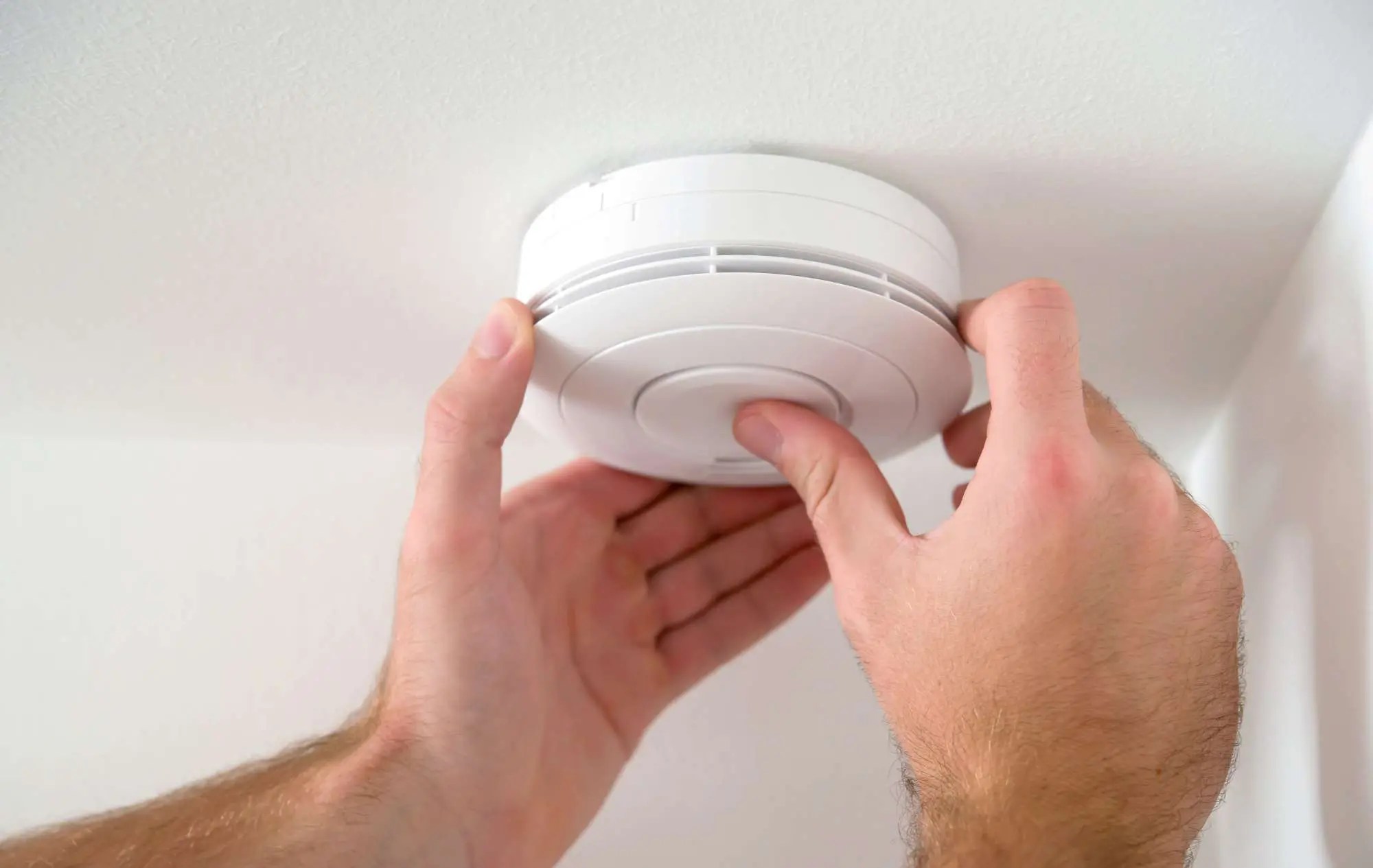
Okay, so picture this: It's 3 AM. You're in a deep, beautiful sleep, probably dreaming about puppies or winning the lottery. Suddenly, a high-pitched, insistent "BEEP! ... BEEP! ... BEEP!" shatters the peace. Your eyes fly open. Your heart rate skyrockets. You fumble for your phone, thinking it's an alarm you forgot, but nope. It's coming from the ceiling. And it's not just one beep; it's the ominous, low-battery warning of a smoke alarm, echoing through your entire house like a ghost trying to tell you something incredibly important (but also incredibly annoying).
You know the drill, right? You jump out of bed, probably stub a toe, and start frantically trying to locate the source of the evil symphony. Is it the one in the hall? The kitchen? The basement? And why, oh why, does it always seem to be the one that’s wired into your electrical system, making it feel like an impossible puzzle with no off switch?
Trust me, I’ve been there. We've all been there. That wired-in smoke alarm isn't just a simple battery swap like its freestanding cousins. It's got layers! But fear not, my friend, because stopping that incessant beeping might just be easier than you think, and definitely less painful than trying to sleep through it.
Must Read
Understanding Your Wired-In Alarm (It's Not Just Power!)
First things first, let's get curious. Why does a wired-in smoke alarm even have a battery? Good question! The clue is in the name: battery backup. These alarms are connected to your home's electrical system, so they're always powered. But what if the power goes out? Exactly! That's where the battery steps in to ensure your home stays protected even in a blackout. And guess what? That little backup battery is the number one culprit when your wired-in alarm starts its obnoxious chirping.
It's like that friend who constantly needs attention, even though they're already well-provided for. The alarm is getting constant juice from your house, but if its tiny 9-volt (or sometimes AA) backup battery is low, it’ll let you know. Loudly. Repeatedly. At the most inconvenient hours.
The Usual Suspects: Why Your Alarm Is Beeping
Before you grab a broom and start swinging (tempting, I know), let's diagnose the issue. Most beeping boils down to a few common problems:

- Low Battery Backup: As mentioned, this is the big one. Even though it's wired in, it still relies on that backup battery.
- Dust or Debris: Smoke alarms are sensitive little things. A buildup of dust, or even a tiny bug, can trigger them to think there's smoke and cause them to malfunction or chirp.
- End of Life: Yes, smoke alarms have an expiration date! Most are good for about 10 years. After that, their sensors become less reliable, and they start warning you it’s time for retirement (via beeping, of course).
- Power Interruption or Surge: Sometimes, a brief power flicker or surge can confuse the alarm, causing it to chirp erratically.
- A Faulty Unit: Occasionally, the alarm itself is just broken and needs replacing. It happens!
Your Step-by-Step Guide to Silence the Beast
Alright, let's get down to business. Here’s how you can stop that wired-in smoke alarm from beeping and reclaim your peaceful home:
1. Safety First, Always!
Before you touch anything electrical on the ceiling, you need to turn off the power to your smoke alarms at your electrical panel (breaker box). Find the breaker labeled "smoke detectors," "alarms," or the general circuit for the ceiling lights in that area. Flip it off. Seriously, don't skip this. Nobody wants a shock.
Pro tip: If you're unsure which breaker it is, turn off the main power to your house. A bit inconvenient, but super safe.
2. Identify the Culprit (If There's More Than One)
If you have interconnected alarms (where if one goes off, they all go off), sometimes it can be tricky to tell which one is actually chirping versus which ones are just relaying the message. Listen closely to pinpoint the primary source.
3. Twist and Disconnect
Most wired-in smoke alarms are mounted to a ceiling bracket with a simple twist-and-lock mechanism. Carefully twist the alarm counter-clockwise to remove it from the bracket. You'll see a wire harness connecting the alarm to your house wiring. There's usually a small clip you can press to easily disconnect this harness.
4. The Battery Backup Reveal
Once disconnected, flip the alarm over. You'll see a battery compartment. Open it up and remove the old battery. This is usually a 9-volt battery, but some newer models might use AA or AAA. Replace it with a fresh battery. Make sure it's inserted correctly (positive to positive, negative to negative).
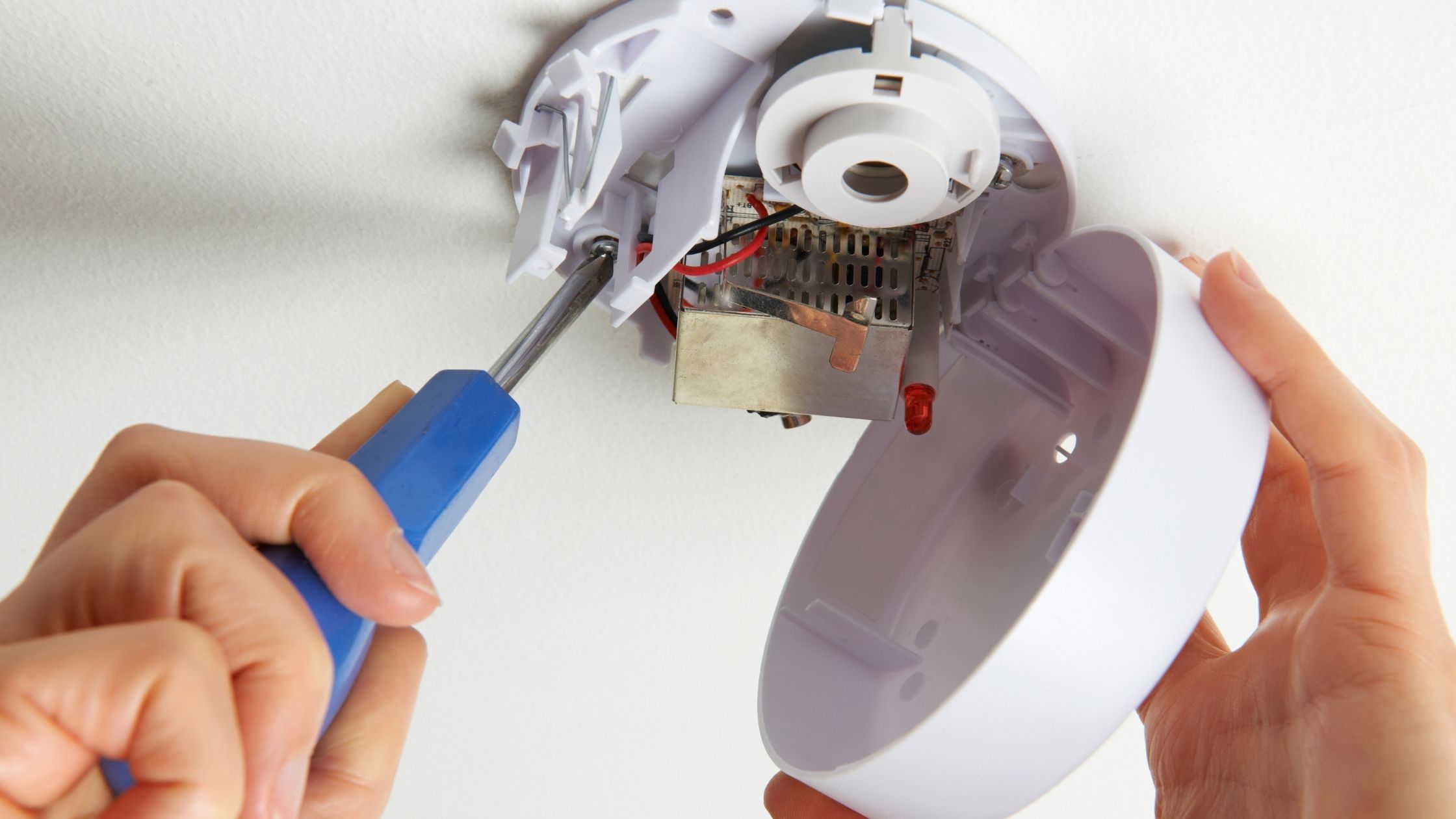
Side note: If you're planning to clean the unit, you can leave the battery out for now.
5. Clean it Up, Buttercup!
While you have the unit down, grab a can of compressed air or your vacuum cleaner (with a brush attachment). Gently clear out any dust, cobwebs, or tiny invaders from the vents and sensor chamber. This simple step can prevent future false alarms or chirps.
6. Check the Expiration Date
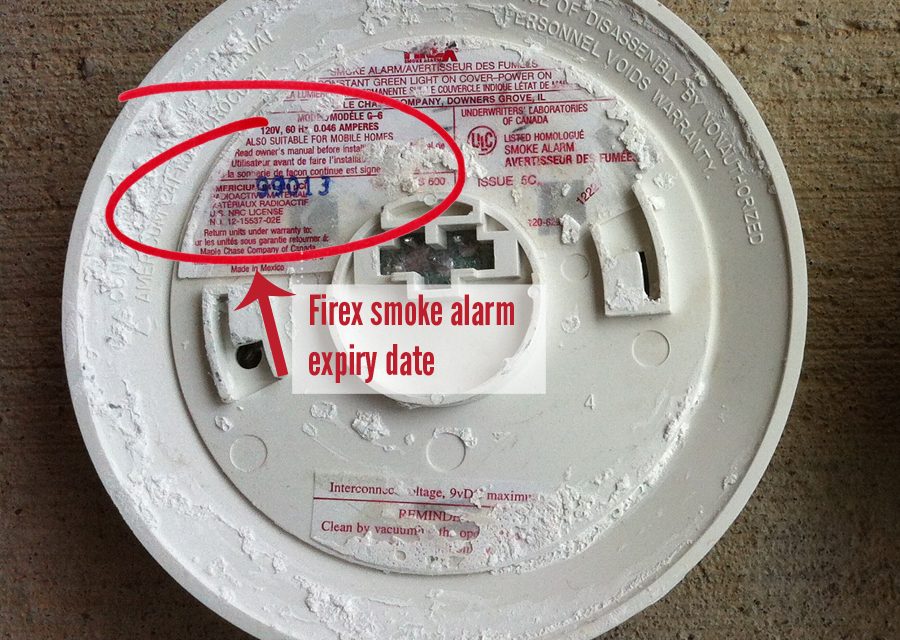
Before you put it all back together, look for a "replace by" or "manufacture date" sticker on the back of the alarm. If it's more than 10 years old (from the manufacture date), it’s time to replace the entire unit. A new alarm is a small price for peace of mind and, you know, not burning your house down.

7. Reconnect and Test
Once you’ve replaced the battery and cleaned the unit (or decided it needs full replacement), reconnect the wire harness, twist the alarm back onto its mounting bracket, and then head back to your electrical panel to turn the power back on.
Wait a minute or two for the alarm to power up. It might chirp once or twice as it recalibrates. Then, press and hold the "Test" button on the front of the alarm. It should emit a loud, continuous siren. This confirms it's working properly. If it doesn't, or if it immediately starts beeping again, you might have a faulty unit that needs replacing.
A Little Perspective...
It's easy to get frustrated by these chirping guardians of our safety, but remember, they're doing their job! They're alerting you to a potential problem, even if that problem is just a dying battery. Taking a few minutes to address the issue can save you a whole lot of sleep (and potential danger) down the line.
So, next time your wired-in smoke alarm starts its late-night serenade, don't just blindly pull out the battery (been there, done that, felt guilty later). Approach it with a little curiosity, follow these steps, and you'll be back to dreaming of puppies in no time. You got this!