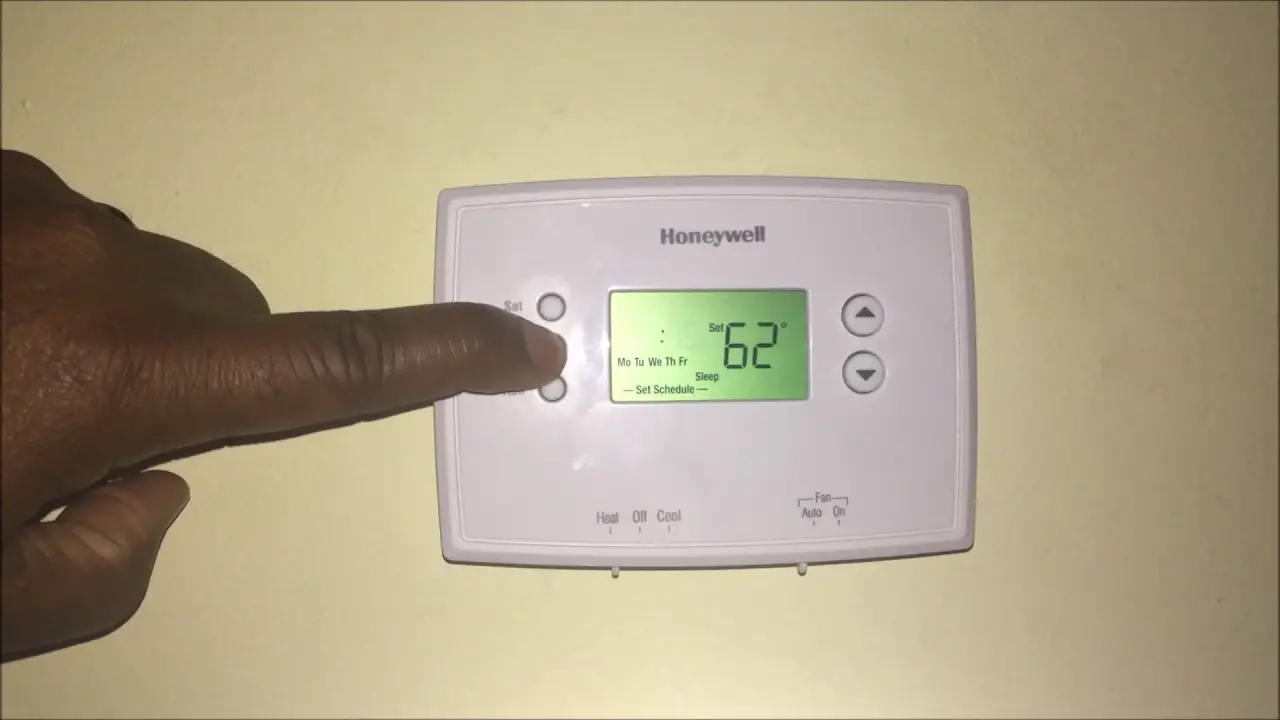
How To Set Time On Honeywell Home Thermostat
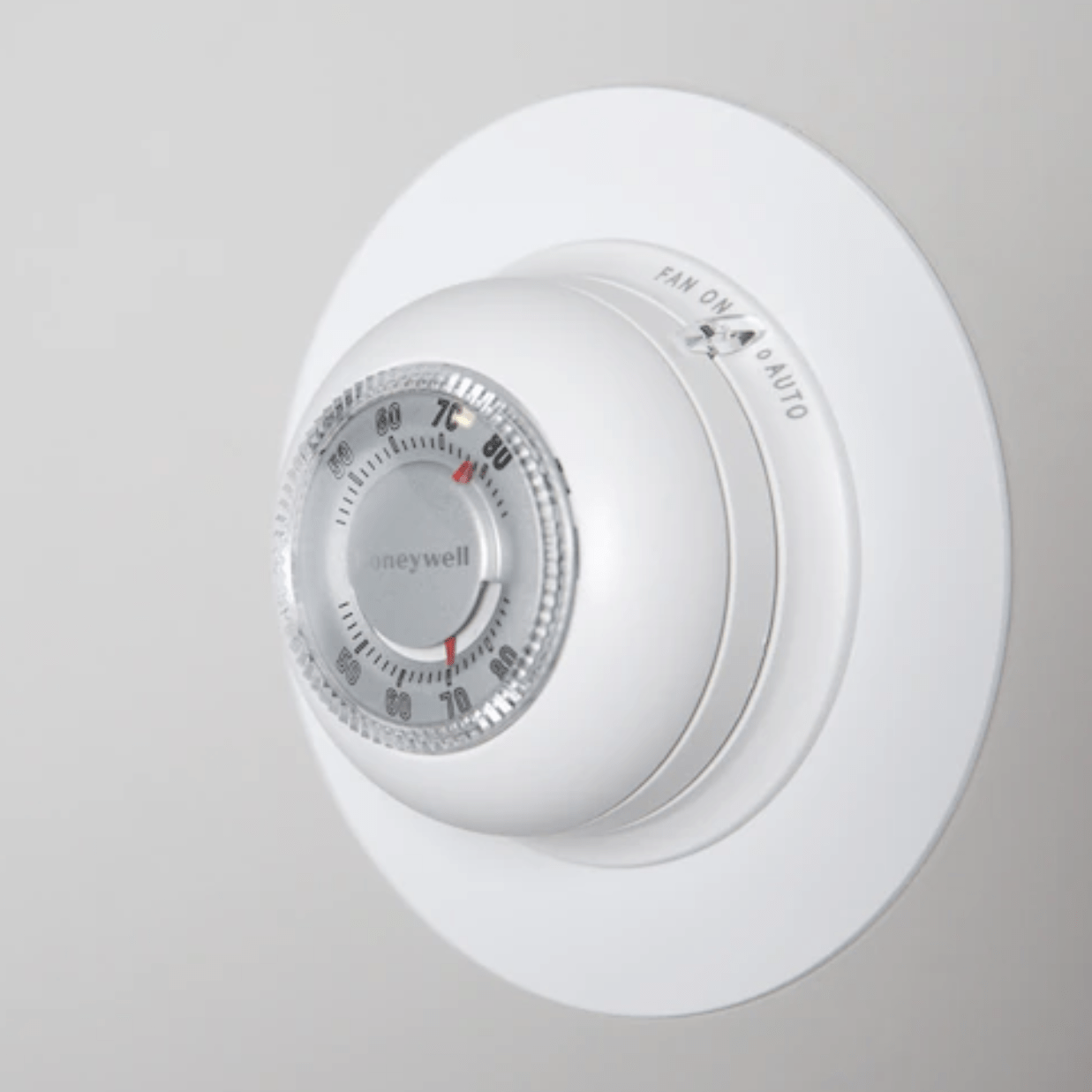
Ever felt that tiny surge of satisfaction when you master a piece of technology in your home? It’s a bit like being a wizard, but instead of spells, you're wielding buttons and menus! Today, we're diving into the delightful world of your Honeywell Home Thermostat to conquer a seemingly small, yet mighty task: setting the time. It might sound trivial, but trust us, getting the time right is the secret sauce to a perfectly comfortable and energy-efficient home.
Why is this such a fun and useful quest? Well, your thermostat isn't just a fancy on-off switch; it's the brain of your home's comfort system. When the time is accurate, it means your programmed schedules (like cooling down before you get home or warming up right before you wake) work exactly as intended. This translates directly into big wins: saving energy, saving money, and ensuring you always come home to that just-right temperature. No more blasting the AC manually because the thermostat thought it was 2 AM when it was really 2 PM!
Ready to give your Honeywell Home Thermostat a little digital magic? While models vary (and if you're ever stuck, your specific model's manual is your best friend!), the general steps are quite consistent and wonderfully straightforward. Think of it as a quick chat with your comfort co-pilot:
Must Read
- Wake it Up: First things first, ensure your thermostat's screen is active. You might need to press the screen or any button to wake it from sleep mode.
- Find the "Menu" or "System" Button: Look for a button labeled MENU, SYSTEM, or sometimes a gear icon. This is your gateway to settings. Press it!
- Navigate to Time Settings: Once in the menu, use the UP or DOWN arrow buttons (or touch the screen arrows) to scroll through the options until you see something like “Set Time”, “Time”, or “Date/Time”. Select it by pressing SELECT or ENTER.
- Set the Hour: You'll usually see the hour flashing first. Use your UP or DOWN arrows to adjust it. Remember to pay attention to AM or PM – this is crucial for schedules! Once set, press NEXT or SET.
- Set the Minute: Now the minutes will be flashing. Again, use the UP or DOWN arrows to set the precise minute. Press NEXT or SET when you’re done.
- Confirm and Exit: Finally, look for a DONE, SAVE, or EXIT button. Pressing this will save your changes and take you back to the main screen. Sometimes, just letting it sit for a few seconds will automatically save the changes too.
And there you have it! You’ve just performed a quick, easy, and incredibly beneficial adjustment. Your Honeywell Home Thermostat is now perfectly in sync with the actual time, ready to execute your comfort schedules with flawless precision. Enjoy the peace of mind knowing your home is always just how you like it, exactly when you like it!