How To Set A Custom Alarm Sound On Android

Ever woken up to that jarring, generic alarm sound that makes you want to throw your phone across the room? You know the one – that insistent BEEP BEEP BEEP that just screams "MONDAY!" Imagine instead starting your day with something that actually makes you smile. That's exactly why setting a custom alarm sound on your Android phone is such a fun, useful, and surprisingly popular little trick! It’s a simple way to personalize your device and, more importantly, to personalize your morning mood.
This isn't just about avoiding a jolt; it's about curating your daily start. For beginners, it's an easy win to make your smartphone truly yours without diving into complicated settings. It’s a gentle introduction to the power of personalization. Families can find it incredibly practical too! Imagine different kids having their own favorite cartoon jingle or a parent's recorded "Time to wake up, sunshine!" as their alarm, making morning routines a little less chaotic and a lot more cheerful. It helps differentiate alarms if multiple people use the same device or simply adds a touch of individual fun. Even for the casual hobbyist who enjoys tinkering, it’s a creative outlet – a chance to experiment with unique sound bites, podcast snippets, or even personal recordings to greet the day.
The possibilities are pretty endless once you get started. You could wake up to the gentle chirping of birds, the calming sound of ocean waves, or even a specific, uplifting chorus from your favorite song (just the chorus, mind you, not the whole track!). How about a funny quote from your favorite movie or TV show, or a recording of your pet meowing or barking? For a practical twist, you could even set a distinct sound for different reminders – a gentle chime for "take medicine" or a more upbeat tune for "time to start dinner." The key is to choose something that brings a positive vibe to your first moments awake.
Must Read
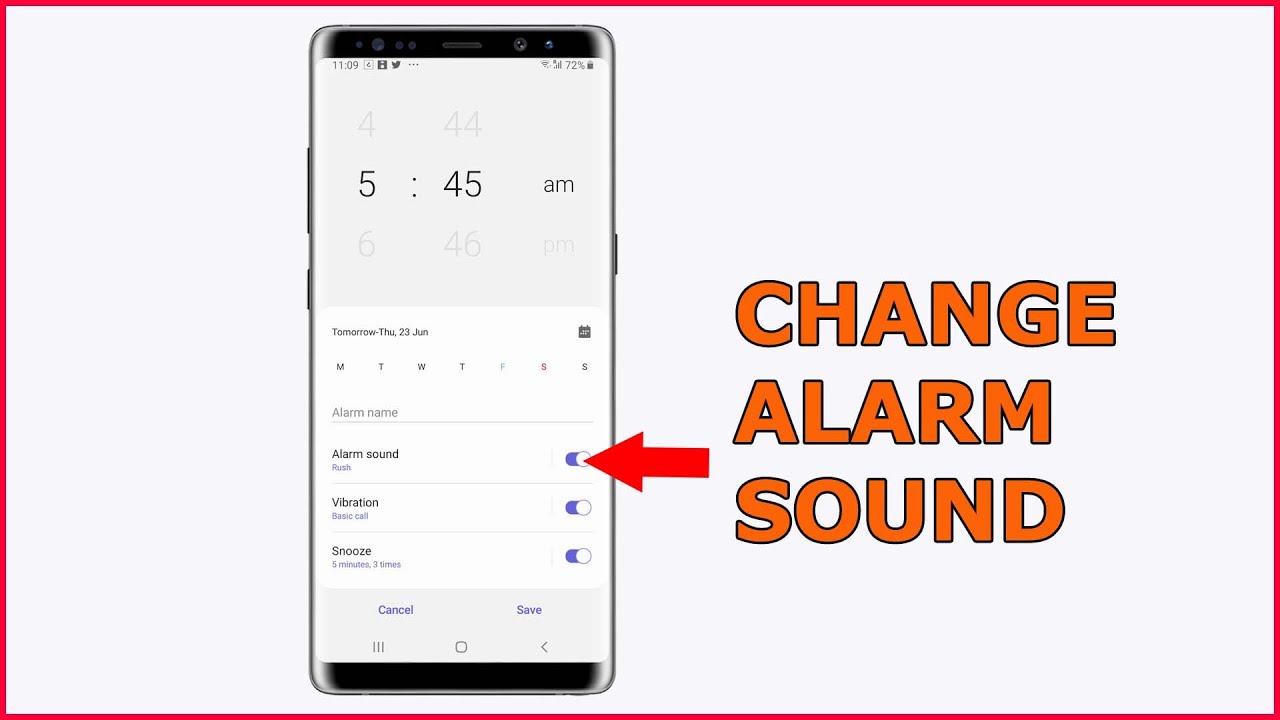
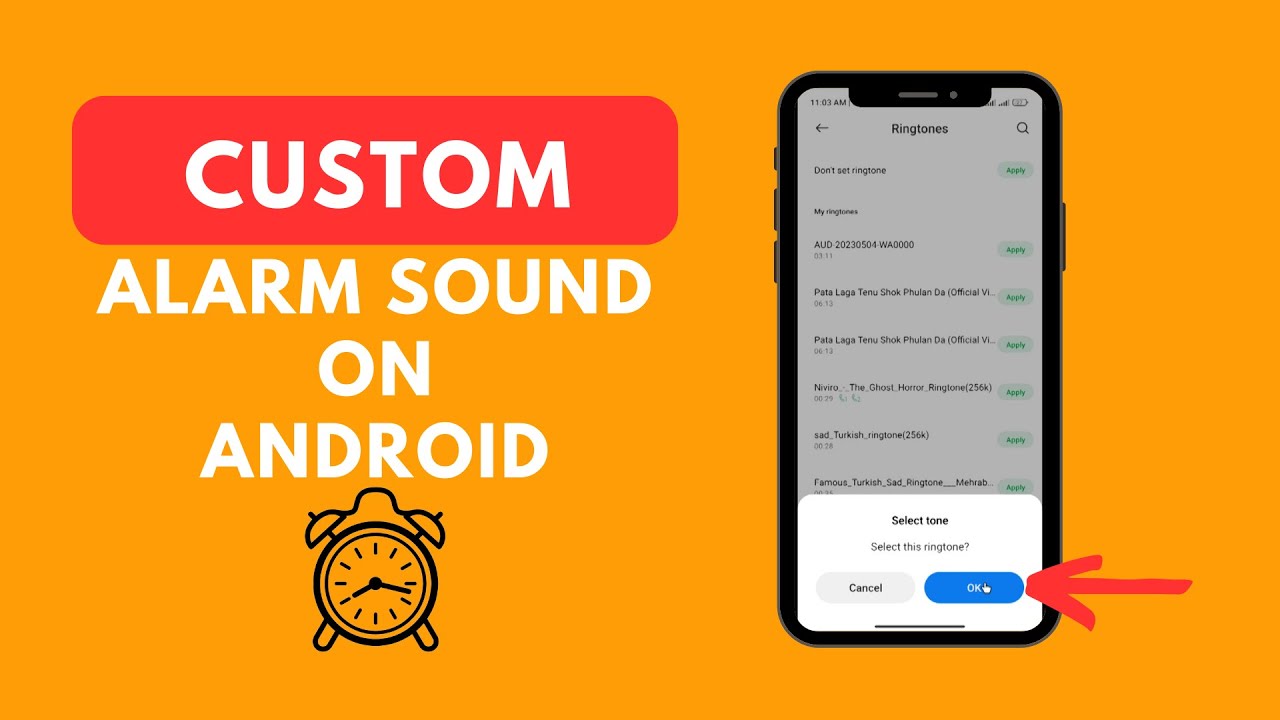
Ready to ditch that generic buzz? Here are some simple, practical tips to get started. First, you need your sound! You can download an MP3 file, record your own voice memo, or even use an app to trim a snippet from a song. Remember to keep it short and sweet – you only need a few seconds to get your attention. Once you have your desired audio file, it's best to place it in a specific folder on your phone. Connect your phone to a computer or use a file manager app on your device to create a folder called "Alarms" or "Notifications" within your phone's internal storage. Copy your sound file into this new folder. Now for the fun part: open your phone's Clock app. Navigate to the "Alarm" section, then either create a new alarm or edit an existing one. Look for the option that says "Alarm sound," "Ringtone," or "Default sound." Tapping on this should give you the option to "Add new" or "Custom." From there, simply browse to the folder where you saved your custom sound, select it, and then save your alarm! Don't forget to test it out beforehand to ensure the volume is just right.
See? A few taps and you've transformed your wake-up call! It's a small change that can have a surprisingly big impact on your morning mood and the general tone of your day. So go ahead, find that perfect sound, and give your Android alarm the personality it deserves. You might just find yourself looking forward to waking up!