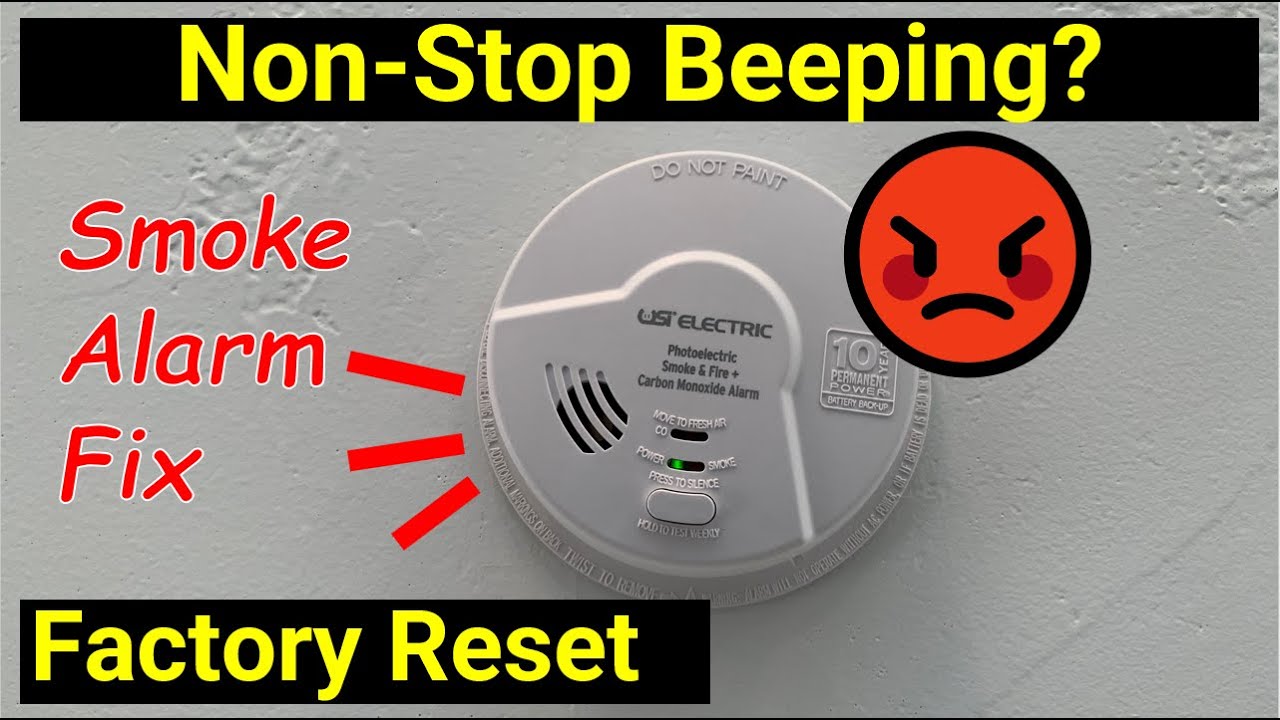
How To Reset A Smoke Alarm

Imagine this: It’s Sunday morning. You’re feeling like a domestic goddess/god, attempting to whip up some fancy pancakes. The aroma of slightly burnt butter is in the air (ahem, it’s called caramelization, okay?). Suddenly, the shrill, ear-splitting scream of your smoke alarm shatters the peaceful quiet. Your dog thinks the world is ending, your cat gives you a look of utter betrayal, and you’re frantically waving a dishtowel at the ceiling like a deranged orchestra conductor. Sound familiar? Because, trust me, we’ve all been there. My personal record for setting off an alarm is burning toast. Just toast. How do you even do that?
So, you’ve managed to silence the banshee with a broom handle (don’t lie, you know you’ve done it). Phew. Crisis averted. But here’s the thing: silencing it isn't always the same as resetting it. And if you don't reset it properly, it's either going to chirp annoyingly at 3 AM a week later, or worse, it won't be ready to scream for real when there's an actual emergency. And we don't want that, do we? Nope. Safety first, my friends, even if it feels like a total pain in the butt sometimes.
Let's get down to business. Resetting a smoke alarm isn't rocket science, but there are a few nuances depending on your model. Think of it like rebooting a stubborn computer – sometimes it just needs a good old power cycle to remember its purpose in life.
Must Read
The "Easy Button" Method (Sometimes)
First, take a good look at your smoke alarm. Many modern units, especially those battery-operated ones, have a small, often recessed "Test/Reset" button. It's usually a tiny little thing, almost like it's trying to hide from you. Don't be afraid to use a pencil tip or a paperclip if your fingers are too big (mine certainly are, especially after that pancake attempt).
- Press and hold this button for 15-20 seconds. You might hear a quick chirp or two, then hopefully, blessed silence.
- Release the button. If it doesn't chirp again within a minute or so, you're probably good!
The Power Cycle Palaver (Most Reliable)
This is often the go-to method for both battery-powered and hardwired units, especially if the "easy button" didn't quite do the trick or if your alarm has been going off for no apparent reason.
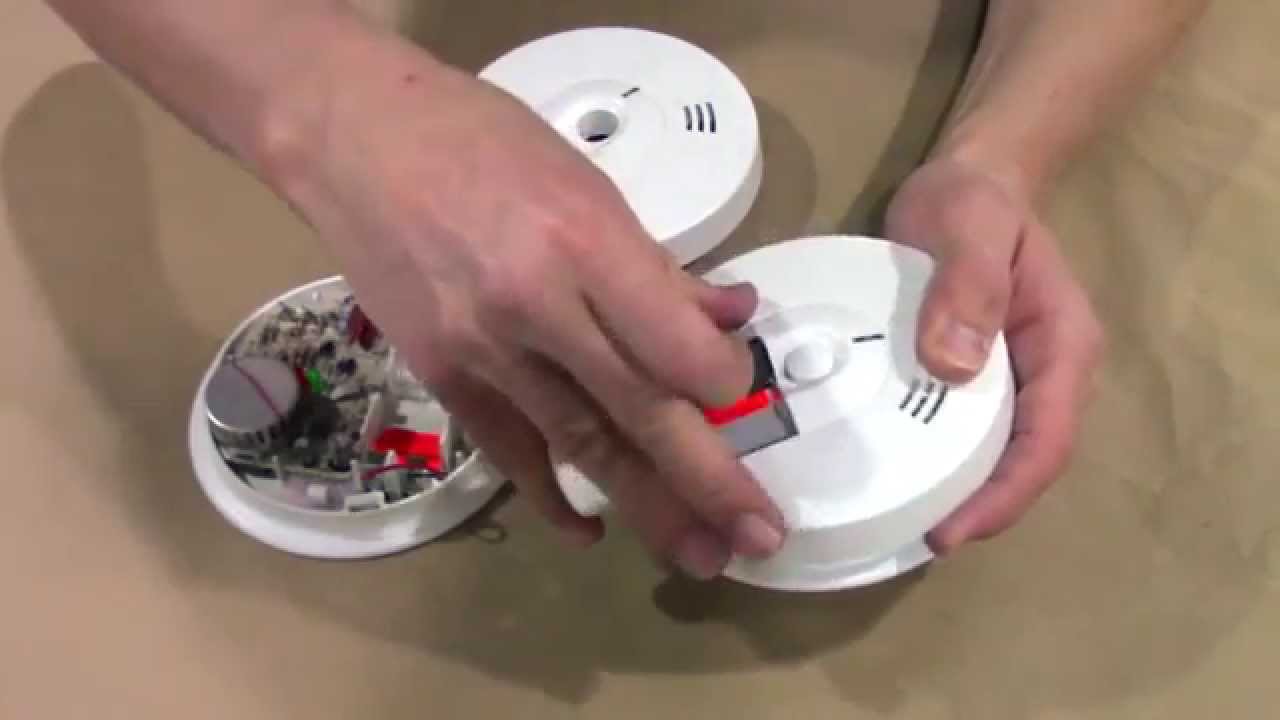
For Battery-Powered Alarms:
- Twist it off its base. Most smoke alarms are mounted on a bracket and twist off easily counter-clockwise.
- Remove the batteries. Yes, all of them. Don't be shy.
- Here's the crucial bit: Wait for at least 1-2 minutes. This drains any residual charge in the capacitor, giving the unit a proper brain dump. Think of it as its little time-out.
- Replace with fresh batteries. Seriously, if you're taking them out, put new ones in. Old batteries are often the culprit for those annoying midnight chirps (the "low battery warning" chirp is truly the sound of pure evil).
- Reattach the alarm to its base. It should click securely.
- Once back on, it might chirp once or twice to confirm it's alive and well. Then, silence!
For Hardwired Alarms (with Battery Backup):
Oh, the joys of interconnected alarms! If one goes off, they all go off. Delightful. Hardwired alarms usually have a battery backup, which complicates things a tiny bit.
- First, remove the battery backup from the specific alarm that's acting up (or all of them if they're interconnected and misbehaving).
- Next, and this is important: you need to cut the power at the circuit breaker for that specific circuit. Please, find the right breaker. Don't go plunging your whole house into darkness unless you're trying to set a mood.
- Wait for a good 5 minutes. Again, let everything drain completely.
- Restore power at the breaker first.
- Then, reinstall the fresh battery backup in the alarm unit(s).
- Listen for the "all clear" chirps. Hopefully, silence follows.
When All Else Fails (Troubleshooting & Safety First)
If you've tried all of the above and your alarm is still acting like a diva, or if it keeps giving you false alarms, it might be time for a tougher call.

- Clean it! Dust and cobwebs can sometimes trigger false alarms. A quick vacuum around the vents can work wonders.
- Check its age. Smoke alarms aren't immortal. They generally have a lifespan of about 10 years. Look for a manufacturing date on the back. If it's over a decade old, it's time to replace it. Period.
- Consider placement. Is it too close to the kitchen, a steamy bathroom, or a drafty window? Relocating it might solve persistent false alarms.
If after all these heroic efforts, your smoke alarm is still throwing a tantrum, or if you're just not comfortable fiddling with the circuit breaker (totally understandable, electricity can be zappy), it might be time to call an electrician or a qualified professional. Your safety (and your eardrums) are worth it.
So, there you have it! The next time your smoke alarm decides to audition for a horror movie, you'll be armed with the knowledge to bring it back to sanity. Now go forth and make those slightly-too-burnt pancakes without fear (well, maybe a little fear, just in case). Stay safe out there!