
How To Remove Background From Video In Davinci Resolve

Hey there, fellow video enthusiast! Ever wanted to make your videos pop? Like, really pop? I'm talking teleport-yourself-to-a-tropical-beach-while-actually-stuck-in-your-bedroom kinda pop. Well, buckle up, buttercup, because we're diving into the wonderfully weird world of removing backgrounds from videos in DaVinci Resolve!
DaVinci Resolve, you say? Isn't that some fancy Hollywood-level software? Relax! It's surprisingly accessible, and hey, who doesn't want to feel a little bit Hollywood, right?
Why Bother Removing Backgrounds Anyway?
Excellent question! Let’s consider the possibilities. Maybe you want to:
Must Read
- Create a super cool music video where you’re dancing on the moon.
- Put yourself in a video game (be honest, we’ve all dreamed of it).
- Replace that messy bookshelf behind you during your Zoom meetings (a total lifesaver!).
- Just, you know, get rid of that awkward family portrait lurking in the background.
The possibilities are truly endless! It's like having a digital invisibility cloak, but way more fun.
Okay, I'm Intrigued. How Does This Magic Trick Work?
Alright, alright, let’s get down to the nitty-gritty (but not too nitty-gritty, because who has time for that?). DaVinci Resolve offers a few different ways to remove backgrounds, and we'll focus on a couple of the most popular – and surprisingly easy – methods.
1. The Chroma Key: Your Green Screen Pal
Ah, the classic green screen. You've seen it in countless movies and TV shows. But guess what? You don't need a million-dollar budget to use it! All you need is a green (or blue) sheet, some decent lighting, and DaVinci Resolve.
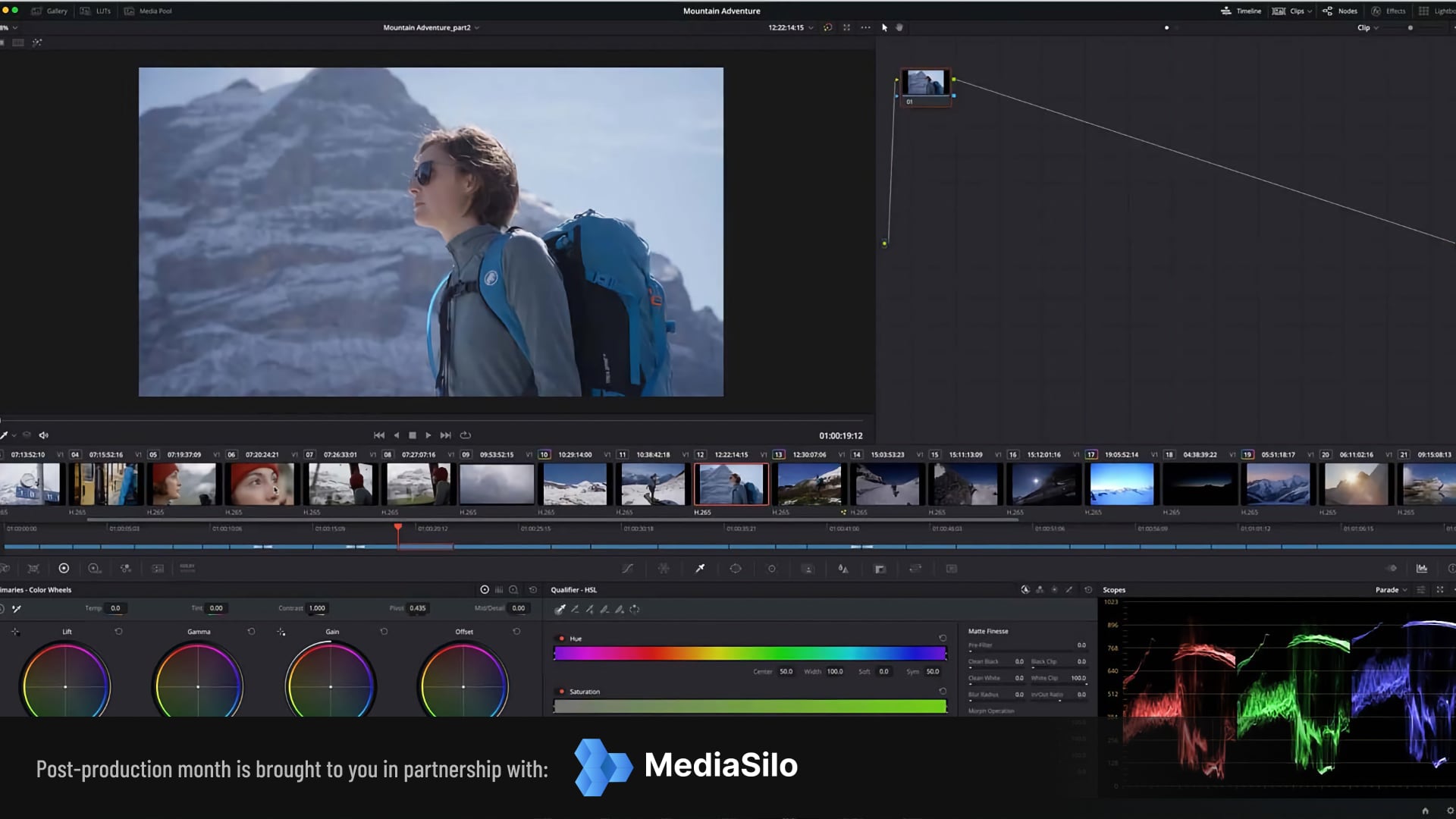
How it works: Basically, you record your video in front of a vibrant green screen. Then, DaVinci Resolve's Chroma Keyer tool magically identifies all the green pixels and makes them transparent. BOOM! Now you can put anything you want behind yourself! It’s like a digital disappearing act.
Fun fact: Back in the day, they used to use sodium vapor lamps and a specific yellow background for early chroma key effects! Can you imagine the headaches?
Pro-tip: Make sure your lighting is even! Shadows are the enemy of a good chroma key. Think bright, consistent light, like you're prepping for a glamorous photoshoot (even if you're just removing that messy bookshelf).
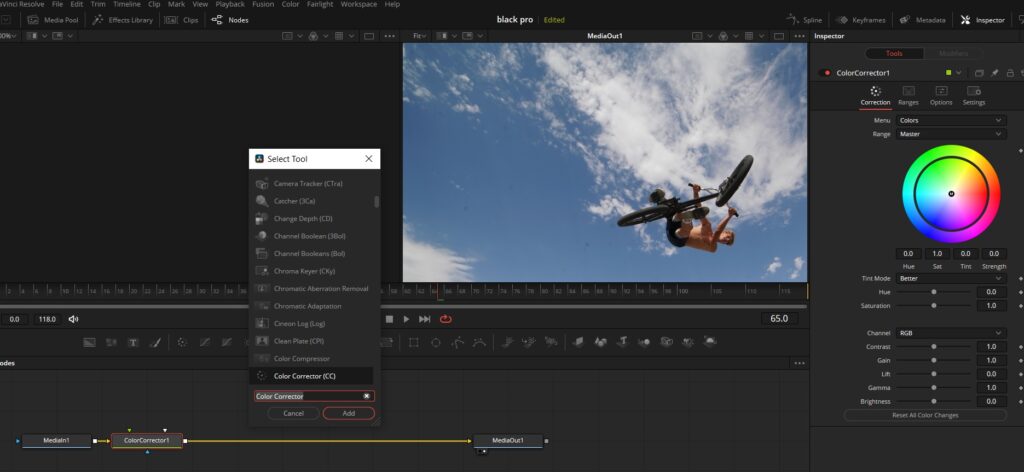
2. The Delta Keyer: No Green Screen? No Problem!
Don't have a green screen handy? No worries! DaVinci Resolve has another trick up its sleeve: the Delta Keyer. This tool is a bit more advanced, but it can work wonders for removing backgrounds from footage without a dedicated screen.
How it works: The Delta Keyer lets you select a range of colors and make them transparent. It's like telling the software, "Hey, see all those pixels that look kinda like that blob over there? Make 'em disappear!"
Warning: This method can be a little trickier than the Chroma Key, especially if your subject has similar colors to the background. Patience, young Padawan! Experimentation is key.
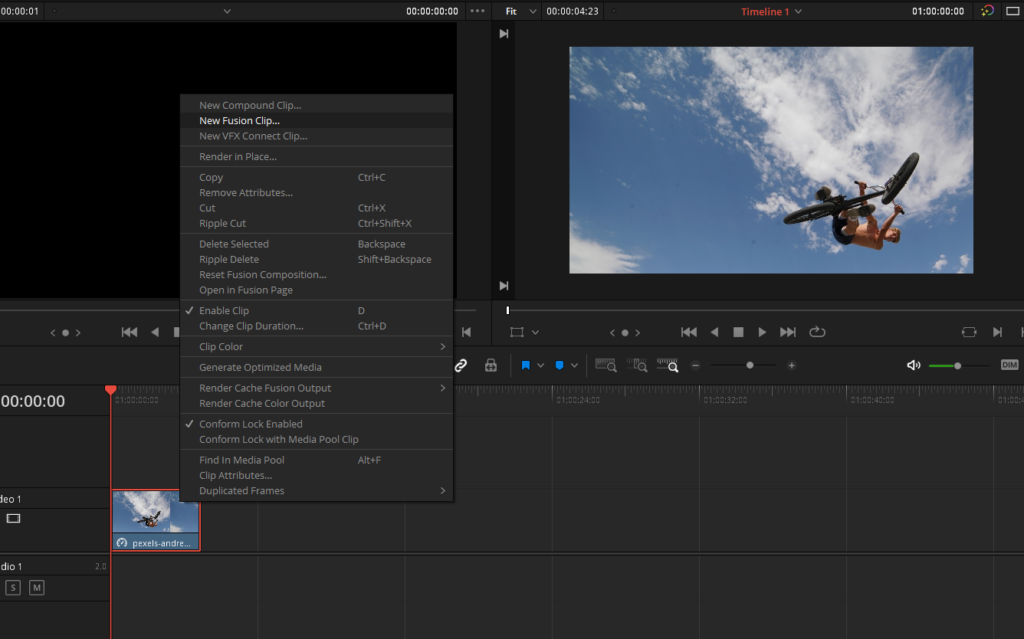
Think of it this way: You're essentially digitally painting your background away, one pixel at a time. It's like a digital Bob Ross, but instead of happy little trees, you're creating happy little transparent pixels.
DaVinci Resolve: Not Just for Professionals!
Don't let the fancy name intimidate you. DaVinci Resolve has a free version that's packed with features! It's a fantastic tool for anyone who wants to up their video editing game.
Plus, there are tons of tutorials online! YouTube is your best friend. Search for "DaVinci Resolve background removal tutorial" and prepare to be amazed by the sheer amount of helpful content.
Final Thoughts: Embrace the Fun!
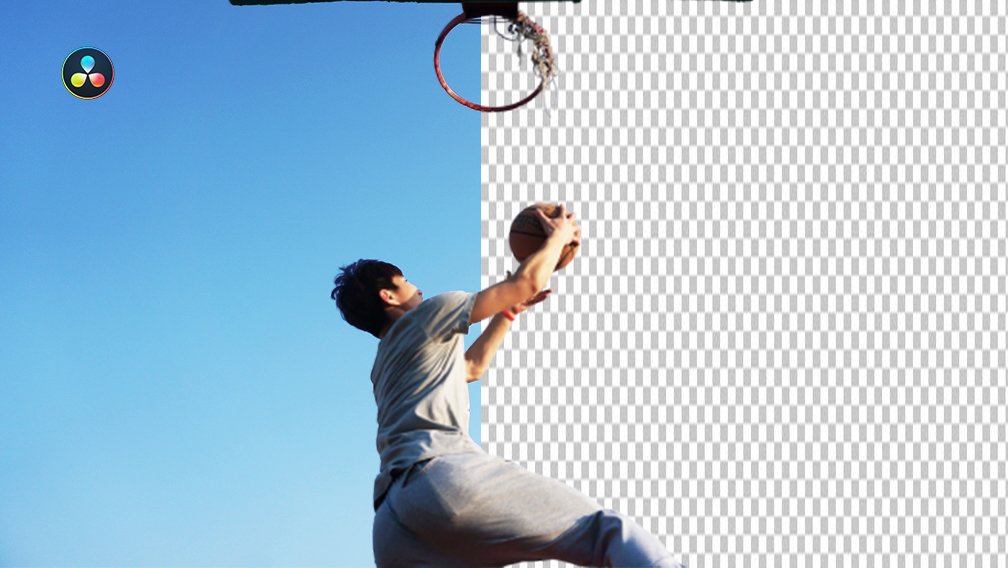
Removing backgrounds from videos is a blast! It's a chance to unleash your creativity and create some truly unique and eye-catching content. Don't be afraid to experiment, make mistakes, and have fun with it.
So, go forth and create! Teleport yourself to Mars, dance with dinosaurs, or simply get rid of that embarrassing photo of you wearing a pineapple costume. The possibilities are limited only by your imagination (and maybe your computer's processing power).
Happy editing!