
How To Receive Stronger Wifi Signal
Hey there, internet surfer! Ever feel like your Wi-Fi signal is weaker than a kitten's meow? We've all been there. That little spinning wheel of doom mocking your attempts to stream the latest cat video. But don’t despair! Boosting your Wi-Fi is easier than you think. Think of it as giving your internet connection a super-powered shot of espresso. Let's dive into some simple tips and tricks to get you back to browsing bliss.
Location, Location, Location!
First things first, where's your router chilling? It’s kind of like real estate – location is everything. Don't hide your router in a closet, behind a stack of books, or tucked away in the basement. Why? Because walls, metal objects, and even large appliances can interfere with the signal.
Imagine your Wi-Fi signal as sound waves. Put a bunch of pillows in front of a speaker, and what happens? The sound gets muffled, right? Same deal with Wi-Fi! Find a central, open location for your router, preferably up high. Think of it as giving your router a stage to perform on!
Must Read
Is your router sitting on the floor? Lifting it even a few feet can make a difference. It’s like giving it a little boost to reach all corners of your home.
Router Placement: Avoid the Interference Zone
Speaking of interference, did you know that other devices can mess with your Wi-Fi signal? Microwaves, Bluetooth devices, and even some baby monitors operate on similar frequencies. These can create a chaotic signal battle.
Think of your router as a DJ spinning tunes. Would you want someone blasting a hair dryer right next to their turntables? Probably not! Keep your router away from these potential disruptors to ensure a cleaner, stronger signal.
Antenna Adjustment: A Subtle Shift, a Big Difference
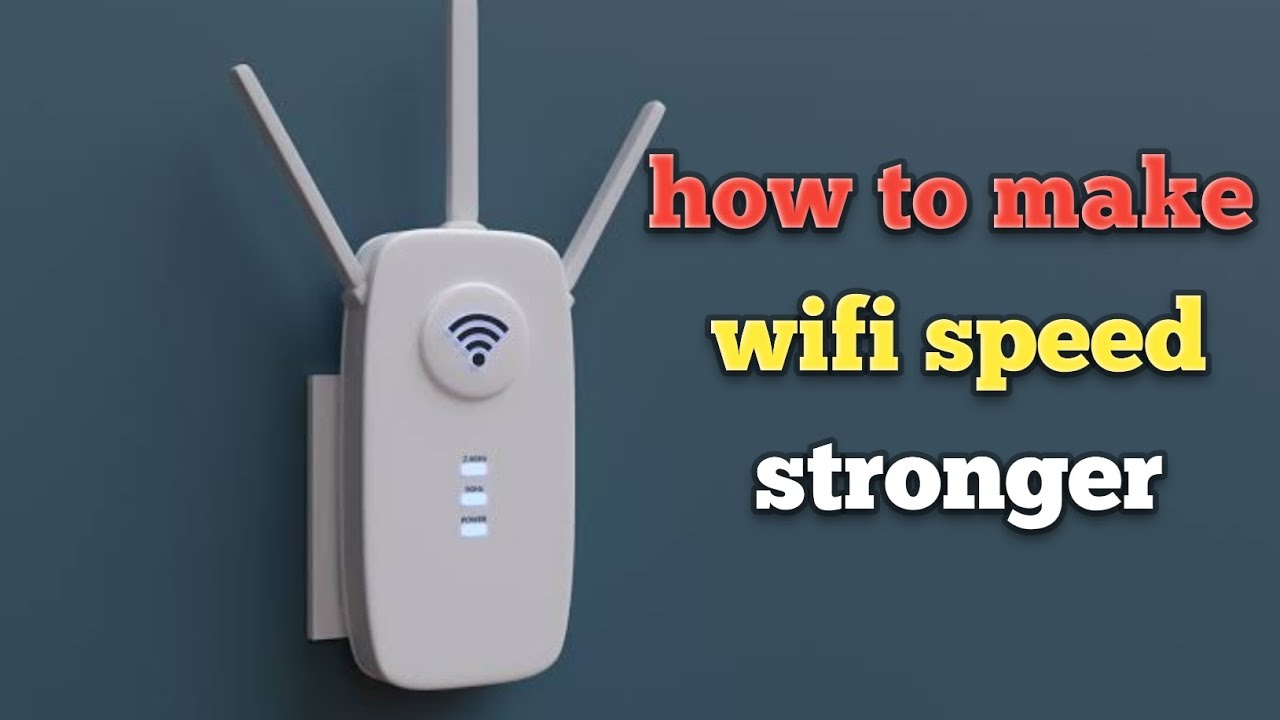
Check out those antennas on your router. Are they pointing in the same direction? Experiment with positioning them vertically and horizontally. This might seem like a small thing, but it can significantly improve coverage.
Why does this work? Different devices and rooms might benefit from different antenna orientations. It's all about finding the sweet spot that broadcasts the signal in the most effective way. Think of it as fine-tuning your antenna for optimal signal distribution. Do you live on multiple floors? Try positioning one antenna vertically and one horizontally for the best coverage.
Is Your Router Up to Snuff? (The Age Factor!)
How old is your router? Is it an ancient relic from the early days of the internet? Routers, like all technology, become outdated over time. An old router might be the bottleneck in your Wi-Fi setup.

Think of it like this: imagine trying to drive a Model T Ford on the Autobahn. It might still work, but it's not going to keep up with modern traffic, right? A newer router with updated technology can handle faster speeds and provide a more stable connection.
Consider upgrading to a newer model with the latest Wi-Fi standards (like Wi-Fi 6 or Wi-Fi 6E) for a noticeable improvement. And remember to keep your router's firmware updated! It's like giving your router a software tune-up to keep it running smoothly.
Channel Surfing: Finding the Least Crowded Frequency
Routers broadcast on different channels within the 2.4 GHz and 5 GHz frequency bands. Some channels are more congested than others, like a crowded highway during rush hour.
There are free Wi-Fi analyzer apps (available for your phone or computer) that can help you identify the least crowded channels in your area. Once you know which channels are less congested, you can change your router's settings to use one of them. This is like finding a shortcut on your commute – less traffic, faster speeds!
Extending Your Reach: Wi-Fi Extenders to the Rescue
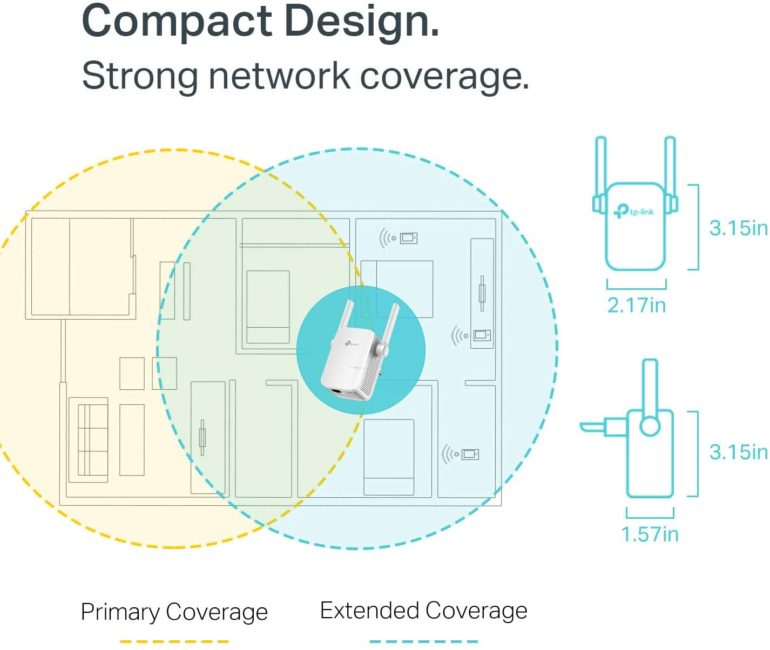
Still have dead zones in your home? A Wi-Fi extender (or repeater) might be the answer. These devices act as mini-routers, picking up your existing Wi-Fi signal and rebroadcasting it to extend the coverage area.
Think of them as relay runners passing the baton. The extender takes the signal from your router and carries it to areas where the signal is weak or non-existent. Place the extender strategically between your router and the dead zone for the best results.
But a word of caution: extenders can sometimes reduce overall speed, so consider this before implementing.
Password Protection: Keep Uninvited Guests Out
Is your Wi-Fi password protected? If not, you're essentially letting anyone use your internet connection. This can slow down your speeds and compromise your security. Make sure you have a strong, unique password to prevent unauthorized access.
Think of it like having an open front door to your house. You wouldn't leave your home unlocked, would you? Protect your Wi-Fi network with a strong password to keep unwanted users out and your connection running smoothly.
So there you have it! A few simple steps to supercharge your Wi-Fi signal and banish the dreaded spinning wheel of doom. Go forth and enjoy a faster, more reliable internet experience! Happy surfing!