
How To Make A Void World In Minecraft Bedrock
Hey there, fellow Minecrafter! Ever wanted to build something... HUGE? Something so epic it deserves its own completely empty space? Well, you've come to the right place! Today, we're diving into the wonderful world of creating a Void World in Minecraft Bedrock Edition. Get ready to say goodbye to pesky pre-generated landscapes and hello to infinite possibilities! (And maybe a little existential dread... Nah, just kidding! Mostly.)
So, What IS a Void World, Anyway?
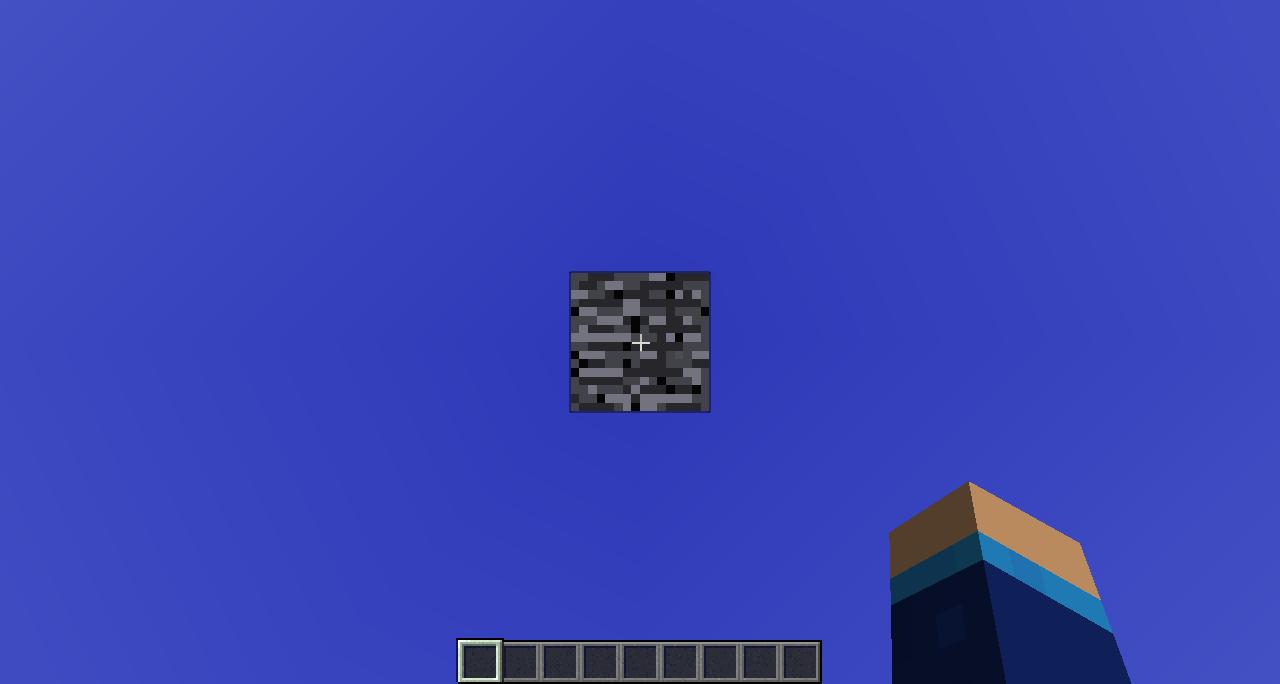
Think of it as a blank canvas. A digital void. A Minecraft-flavored vacuum! It's a world devoid of absolutely everything except you and your block-placing prowess. No trees, no dirt, no annoying creepers lurking around every corner. Just pure, unadulterated emptiness. Perfect for building colossal castles, intricate redstone contraptions, or just experimenting with the physics of falling. (Spoiler alert: you fall... a lot.)
The (Surprisingly Simple) Method
Alright, let's get down to business! Creating a Void World in Bedrock isn't as scary as it sounds. In fact, it's downright easy! You'll need to use a little trickery with world templates, but trust me, it's easier than beating the Ender Dragon with a wooden sword (although, kudos if you've managed that!).
Must Read
Step 1: Download a Void World Template.
This is the key step! Unfortunately, Minecraft Bedrock doesn't have a built-in Void World generator like its Java counterpart. But fear not! The community has come to the rescue! You can find plenty of free Void World templates online. Just do a quick search for "Minecraft Bedrock Void World Template" and pick one that looks appealing. Make sure the site you download from is reputable, though – we don't want any sneaky creepers hiding in the code! (Metaphorically speaking, of course.)
Step 2: Import the Template into Minecraft.
Once you've downloaded the template, you'll usually receive a .mcworld file. Simply double-click this file, and your Minecraft Bedrock Edition should automatically open and import the world. If that doesn't work, you can manually import it through the game settings. Go to Settings > Storage > Worlds, and then click "Import." Find the .mcworld file, and Bob's your uncle – the world is ready!
Step 3: Create a New World from the Template.
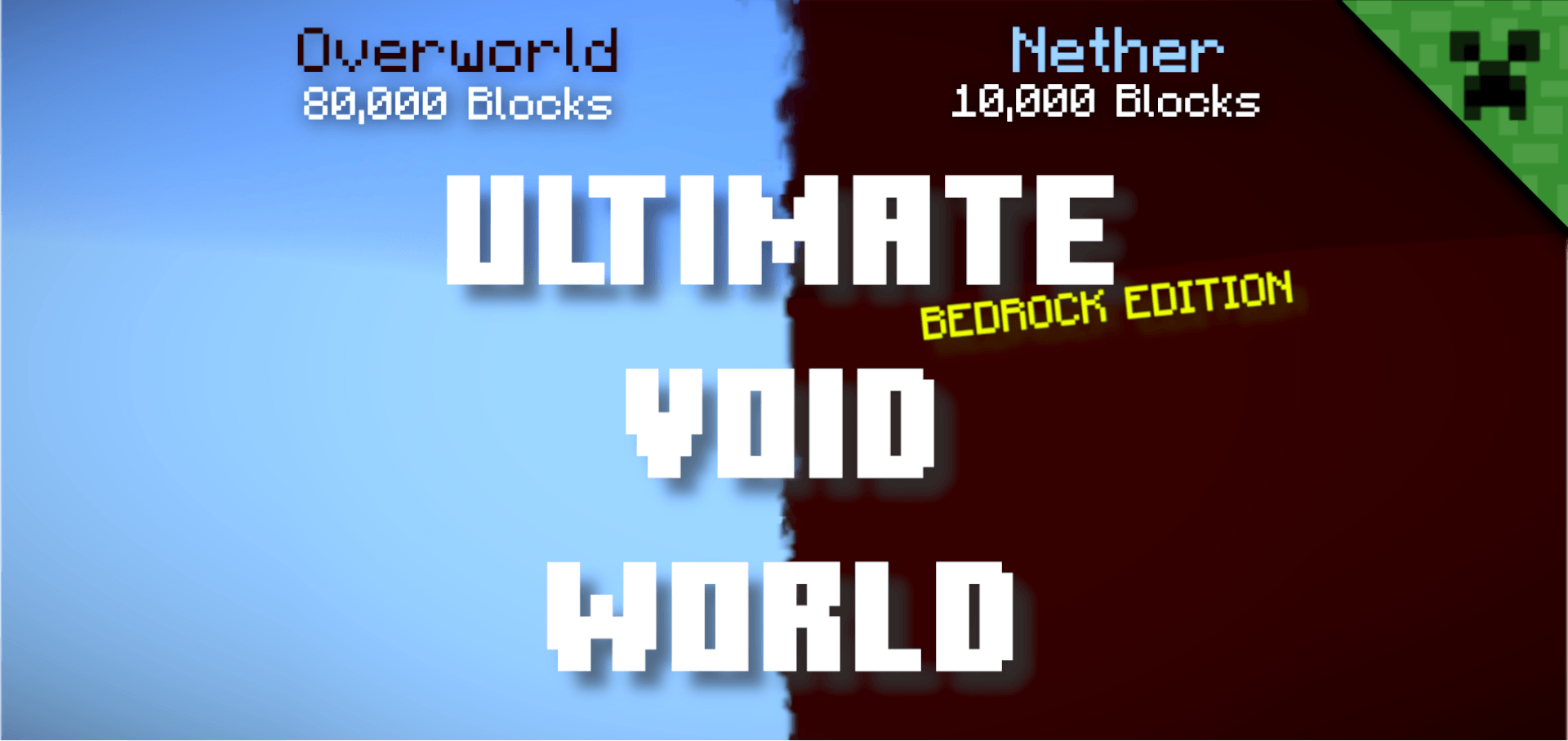
Now comes the fun part! Go to the "Play" screen and click "Create New." Then, select "Create New World." Under the "Templates" tab, you should see the Void World template you just imported. Select it, give your new world a cool name (I recommend "The Voidinator 3000" or something equally awesome), and adjust any other settings you like (difficulty, game mode, etc.).
Step 4: Enter the Void!
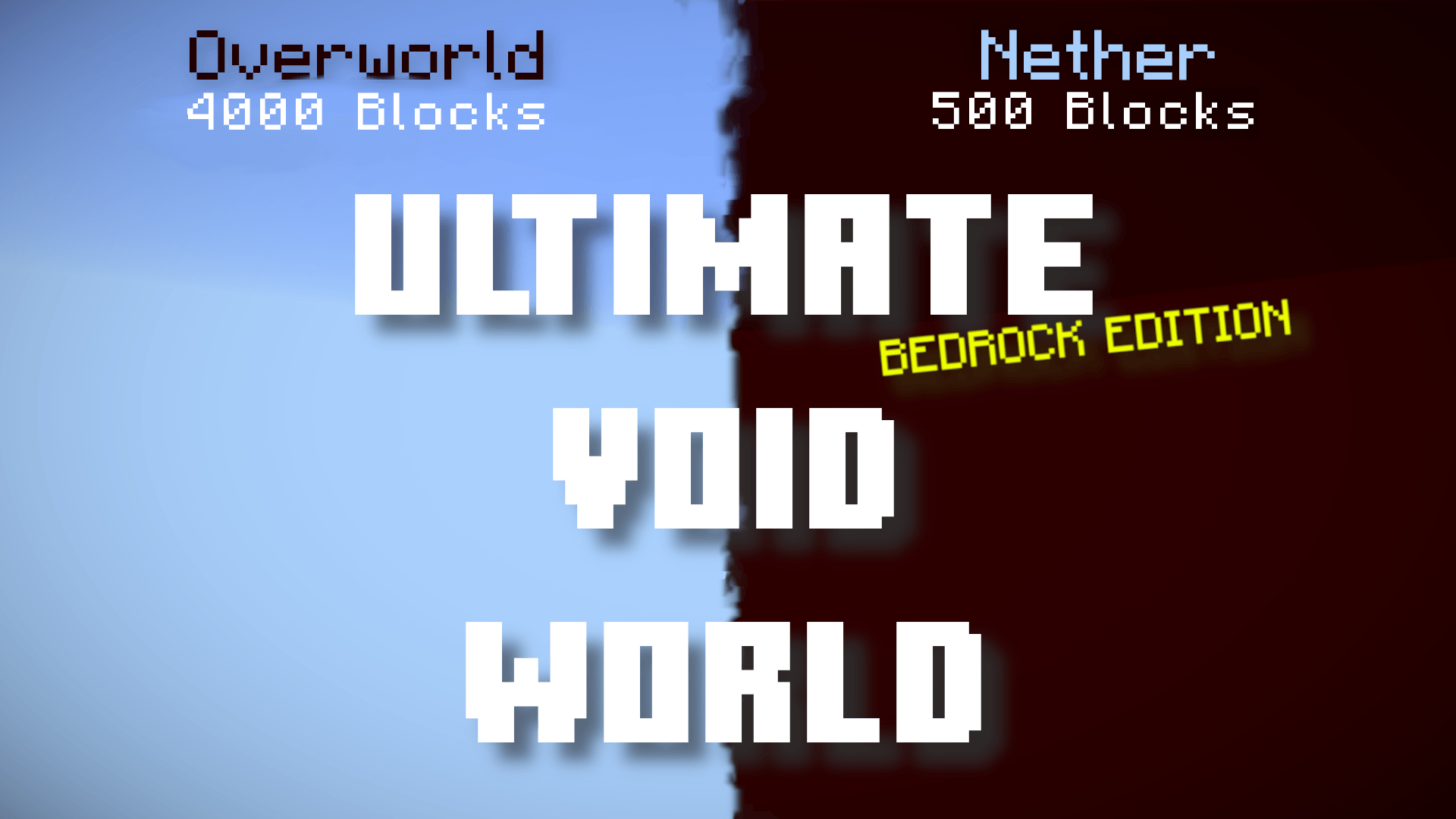
Click "Create," and prepare to be amazed (or slightly underwhelmed by the sheer emptiness, depending on your expectations). Congratulations! You've successfully created a Void World in Minecraft Bedrock! Now go forth and build something magnificent! (Or just fall into the void repeatedly. That's fun too.)
Tips and Tricks for Void World Domination
- Survival Mode? Bring Supplies! If you're planning on playing in survival mode, remember to bring plenty of resources with you. There are no naturally occurring materials in the void, so you'll need to bring everything you need to survive. Think of it like camping... in space!
- Flat Bedrock: Some templates might have a few layers of bedrock below the main build area. This is totally normal and actually quite useful as a stable base. If you don't want it, you can always break it (with enough patience and the right tools... or just Creative Mode).
- Use Command Blocks Wisely: Command blocks can be your best friend in a void world. Need a constant supply of diamonds? Want to teleport to a specific location? Command blocks can do it all! (Just be careful not to accidentally summon 10,000 chickens... unless that's your thing.)
Go Forth and Create!
And there you have it! Creating a Void World in Minecraft Bedrock is a piece of cake (a virtual cake, since you can't actually eat cake in Minecraft... yet). Now that you have your own blank canvas, the possibilities are truly endless. Build the skyscraper of your dreams, design a mind-bending redstone machine, or simply enjoy the tranquility of a world with no distractions. Whatever you choose to do, have fun and let your creativity run wild!
Remember, Minecraft is all about imagination and self-expression. So don't be afraid to experiment, try new things, and most importantly, have a blast! Happy crafting, and may your void be forever filled with awesome creations!
