
How To Install Home Security Cameras
Ever get that little pang of curiosity when you're out and about? Like, what's happening at home right now? Did the package finally arrive? Is your mischievous pet actually napping, or are they attempting a daring counter-top raid? Or maybe you just want that sweet, sweet feeling of knowing everything’s A-OK.
Well, what if I told you there’s a super chill way to satisfy that curiosity and give your home a friendly little upgrade? We're talking about home security cameras, but let's ditch the scary movie vibes and think more along the lines of having a tiny, helpful digital sidekick for your house.
Why Is This Even Cool?
Forget the old-school, complicated systems you might be imagining. Modern home security cameras are less about "big brother" and more about having a friendly set of extra eyes. They’re like giving your home a superpower – the power to show you what's up, even when you're not there.
Must Read
Think about it:
- Got a delivery coming? You can literally watch it arrive. No more guessing games about lost packages!
- Worried about your pets? Catch them napping in the sun, or maybe attempting to learn a new trick (or just being adorably clumsy).
- Kids coming home from school? A quick notification lets you know they’ve arrived safely.
- Just want peace of mind? Knowing your front door is monitored can make you feel a whole lot more relaxed.
Is Installing Them a Herculean Task? (Spoiler: Nope!)
Now, the thought of "installing" anything electronic can sound a bit daunting, right? Visions of tangled wires, confusing instructions, and perhaps a small electrical fire might flash through your mind. But here’s the wonderful truth: for most modern home security cameras, especially the wireless ones, it's about as complicated as setting up a new smart speaker or, dare I say, building a small LEGO set.
Seriously. It’s often a case of plug and play, or more accurately, charge and stick.
Let's Talk About the "How-To" in a Super Chill Way
Okay, so you're intrigued. You like the idea of your home having a friendly digital guardian. How do you actually get one of these cool gadgets up and running without breaking a sweat?
Step 1: Pick Your Spot Like a Pro Detective (But for Fun)
Before you even unbox, take a moment to be a detective. Where would you love to have an extra set of eyes? The front porch to catch deliveries? The backyard to see what mischief your dog is getting into? Maybe inside, to keep an eye on a specific room?

Consider the angle. Can it see what you want it to see? Is there anything blocking its view? Think about a good height – high enough to get a good overview, but not so high it's only looking at the sky. Many cameras today have a super wide-angle lens, so they can see a lot more than you might think!
Step 2: The Magical Unboxing and App Connection
Most modern cameras come with a dedicated app for your smartphone. This app is your command center. Once you unbox your camera, you'll usually be prompted to download this app.
Then, it's typically a simple process of:
- Powering on the camera (many are battery-powered for ultimate freedom!).
- Opening the app.
- Following the on-screen instructions, which often involve scanning a QR code on the camera or simply connecting to its temporary Wi-Fi signal.

Step 3: Mounting Your New Eyes (Easier Than Hanging a Picture!)
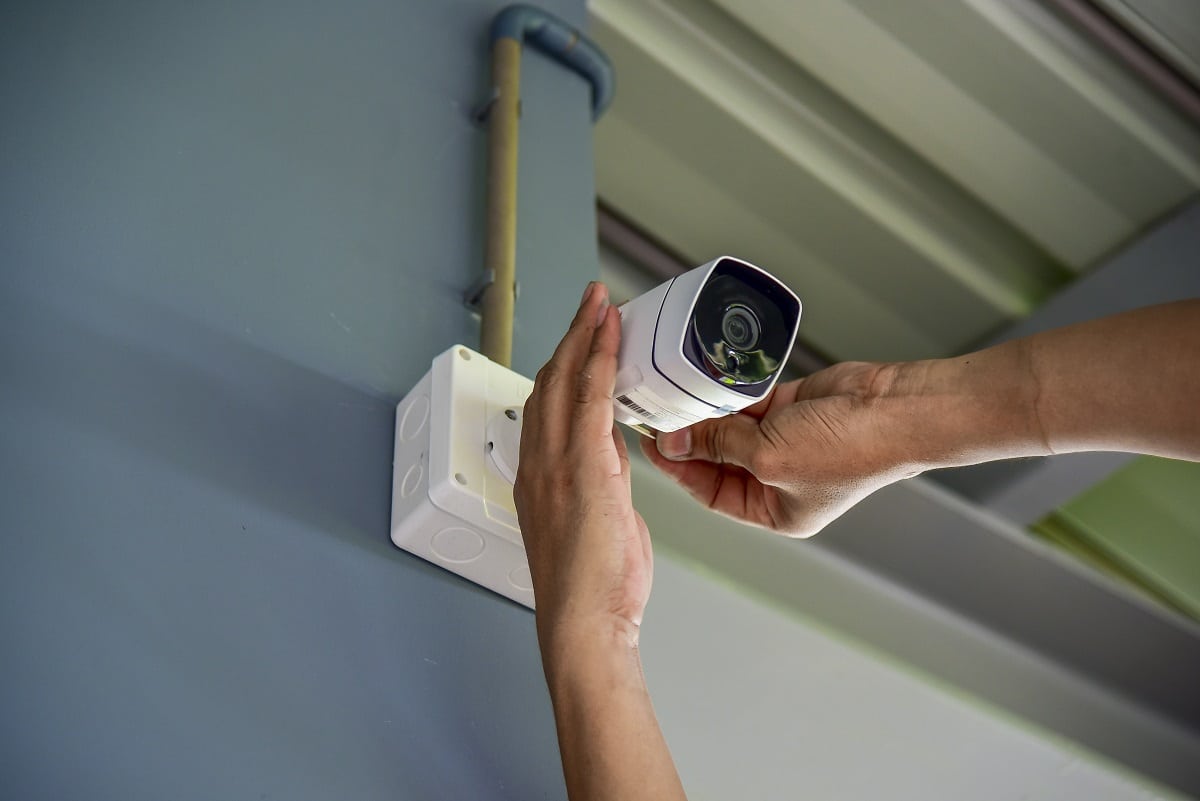
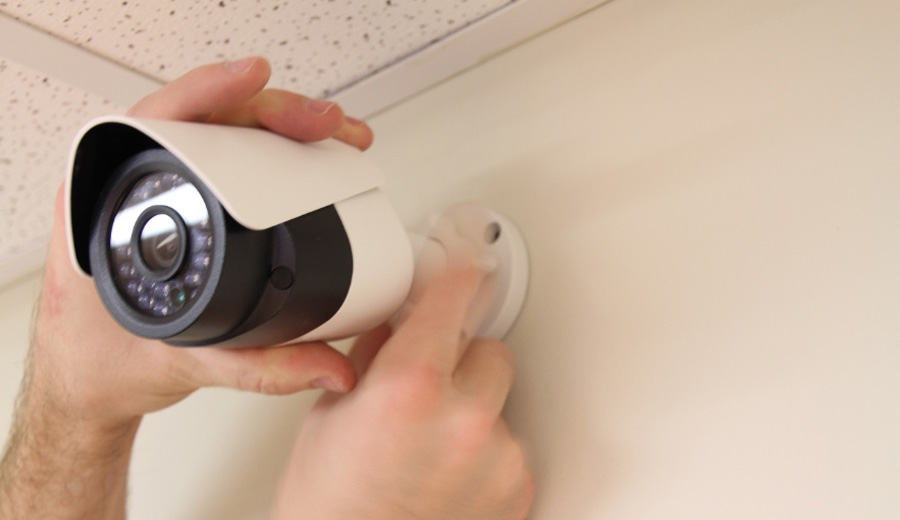
This is where the physical "installation" happens, but again, don't sweat it. Many outdoor cameras come with a simple mounting bracket that you screw into a wall or overhang. Sometimes, it’s just two or three screws – something most of us can handle with a basic drill or even a screwdriver.
For indoor cameras, it's even simpler! Many are designed to just sit on a shelf, desk, or windowsill. Some even have magnetic bases for easy placement. The beauty of wireless, battery-powered cameras is that you can often stick them in place with strong adhesive strips (like Command Strips) if you're not keen on drilling holes.
Step 4: Power Up and Test Drive!
If your camera is battery-powered, ensure it's fully charged. If it's wired, plug it into an outlet. Then, with your camera in its chosen spot, open that app again and do a live check. Walk around in its field of view. Make funny faces. See if it catches everything you want it to.
Most apps allow you to adjust the sensitivity for motion detection, set specific "zones" you want to monitor, and even talk through the camera (how cool is that?). It’s like test-driving a new car, but instead, you're test-driving your home's new superpower!
The Takeaway: It's All About Empowering Your Home
Installing home security cameras isn't a chore; it's an opportunity to empower your home with a bit more awareness and give yourself a hefty dose of peace of mind. It's about satisfying that natural human curiosity and adding a layer of smart convenience to your daily life.
So, if you’ve been on the fence, maybe it’s time to dip your toes in. You might just discover the secret life of your backyard, the precise moment your mail arrives, or simply enjoy the comforting knowledge that your friendly digital guardian is always on watch. Happy watching!