
How To Get Your Fire Alarm To Stop Beeping

Okay, let's just be real for a second. There are few sounds in this world more utterly, soul-crushingly annoying than your fire alarm deciding it's time for a solo concert. Am I right? You know the one: that piercing, insistent BEEP… pause… BEEP… pause… that drills directly into your brainstem. It's not even a full-blown alarm, oh no. That would be too dramatic. This is the passive-aggressive version, the one that makes you question your sanity and consider moving to a silent monastery.
Suddenly, you're Sherlock Holmes, wandering around your home, ears cocked like a confused dog, trying to pinpoint the culprit. Is it the kitchen one? The hallway one? Did a ghost get stuck in the spare bedroom unit? The struggle is real, my friend. The struggle is very real.
Why Is This Little Monster Beeping at Me?
Before you climb on a chair with a baseball bat (tempting, I know), let's figure out why it's performing its impromptu opera. Most often, the villain is pretty predictable.
Must Read
It's usually the low battery signal. Yep, the classic. Your fire alarm is basically saying, "Hey! My juice is running low! Replace me or suffer the consequences of this incessant chirping!" And suffer, you do.
Sometimes, it's a bit more mysterious. Maybe it's just a dust bunny party inside the sensor. Seriously, those little fluffballs can wreak havoc. Or perhaps the unit itself is just old and expired. Fire alarms have a shelf life, usually around 7-10 years. They don't last forever, just like that carton of milk you keep forgetting about.
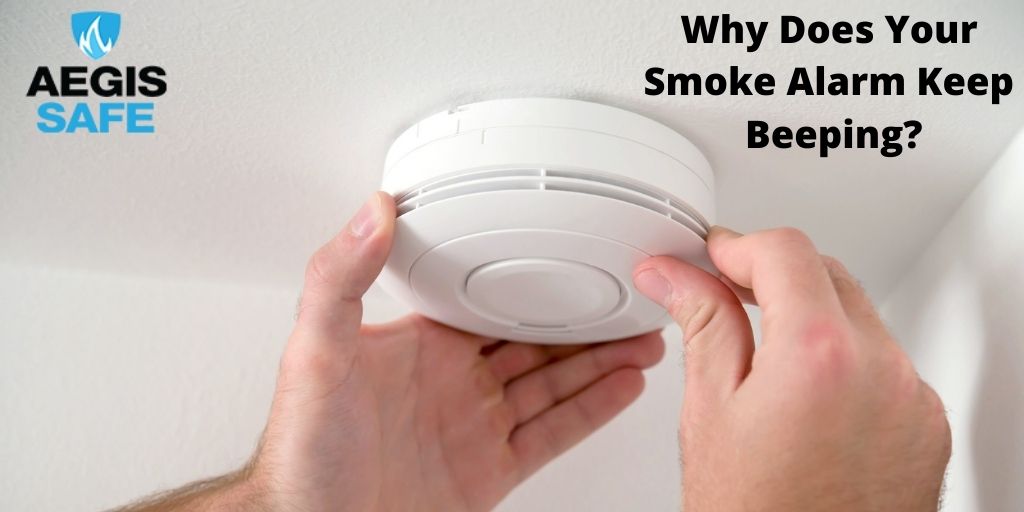
And then there's the obvious one: you just cooked something a little too enthusiastically. Burnt toast, a smoking pan, or that time you tried to deep-fry a whole turkey indoors (don't recommend). In that case, it's doing its job, bless its little heart. But still annoying, right?
Alright, How Do I Make It STOP?!
Deep breaths. We've got this. Here's your battle plan for achieving sweet, sweet silence.
Step 1: Silence the Immediate Crisis (Temporarily)
First things first, most modern alarms have a "hush" or "test" button. Press that bad boy! It might silence it for a few minutes, giving you a precious window of calm to gather your thoughts. If it's a smoke-related false alarm, open windows, turn on fans, and wave a towel like your life depends on it. Get that air moving!
Step 2: Find the Annoying Culprit
This is where your inner detective shines. Listen carefully. Which unit is it? Go from room to room. Sometimes, they have a little blinking LED light that indicates which one is the needy one. Stare it down. You'll know.
Step 3: The Battery Swap (The Main Event)
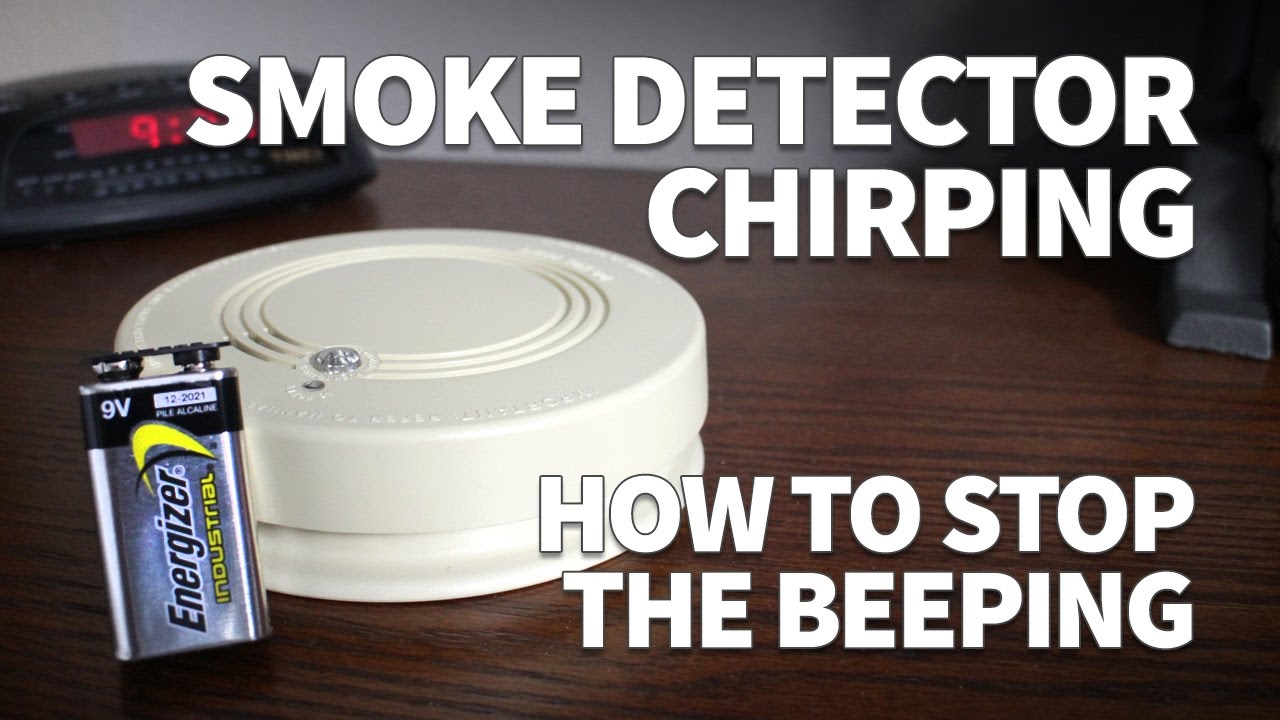
Okay, this is the most common fix. Grab a sturdy chair or, even better, a step ladder. Safety first, my friend, we don't need another emergency. Twist or slide the alarm off its mounting bracket. Most units will have a little compartment on the back or side for the battery. This is usually a 9-volt battery, but some might take AA or AAA. Just check!
Pop out the old one. See that little date on it? Probably ancient. Now, here's the crucial part: wait about 15-30 seconds before putting the new battery in. This "resets" the sensor. Then, snap in a fresh, glorious new battery. Give it a gentle push to make sure it's snug.

Before you re-mount it, press that test button again. It should chirp loudly, briefly. If it does, you're golden! If it still chirps the low battery signal, double-check the battery is fresh and properly inserted. And maybe just make sure it's the right kind of battery. It sounds obvious, but hey, sleep deprivation does weird things to us.
Step 4: A Little Spring Cleaning Never Hurt
If a new battery didn't do the trick, or if your alarm looks like it's been through a lint factory, it's time to clean. Gently use a vacuum cleaner brush attachment to suck any dust or cobwebs from around the vents and openings. Don't use cleaning sprays or liquids directly on the unit. These things are sensitive, remember?
Step 5: When All Else Fails… Replace It
If your alarm is still giving you grief after a fresh battery and a good clean, or if you notice it's older than your first crush, it might just be time for a new one. Look for the manufacture date on the back. If it's pushing a decade, it's probably just retired. Go ahead, treat yourself to a shiny new one. Your ears (and your peace of mind) will thank you.
A Few Friendly Reminders (Because I Care!)
Please, please, please don't just take the battery out and forget about it. I know it's tempting in the heat of the moment, but these little guys save lives. Safety first, always!
Also, make it a habit to test your alarms monthly and replace batteries at least once a year. When you change your clocks for Daylight Saving Time? That's a super easy way to remember!
There you have it! You've successfully battled the beeping beast and emerged victorious. Go on, pat yourself on the back. You've restored peace and quiet to your domain. Now, about that coffee… mine's gone cold from all this drama.