How To Get Motion Blur In Valorant

Let's be honest, Valorant isn't exactly known for its breathtaking cinematic visuals. It's a game built on precision, snappy reflexes, and the satisfying thwack of a perfectly placed headshot. But sometimes, you stumble across a video, a particularly cool frag highlight, or even just a screenshot, and you think, "Wow, that looks… smooth. Almost like a movie." The secret? Motion blur! While not natively supported in the game, adding motion blur in post-production is a common technique used to elevate Valorant content to the next level, making it more visually appealing and dynamic.
Now, you might be thinking, "Motion blur? Isn't that just a fancy effect?" And you wouldn't be entirely wrong. But beyond pure aesthetics, motion blur serves several practical purposes. In the real world, our eyes don't perceive motion as a series of perfectly crisp, individual frames. Instead, they blend successive images together, creating a continuous, blurred experience. This is why fast-moving objects appear streaked or indistinct. Motion blur in video games attempts to mimic this natural phenomenon, making on-screen movement feel more fluid and less jarring. This can lead to a more immersive and comfortable viewing experience, especially during fast-paced action sequences.
You've probably seen motion blur in countless movies, TV shows, and other video games. Think about a car chase scene – the blurring of the background as the vehicle speeds by. Or consider the sweeping camera movements in an epic battle scene. Motion blur adds a sense of speed, intensity, and scale. In Valorant, it can transform a simple clip of you clutching a round into a mini-masterpiece. Common applications include highlight reels, montages, cinematic intros, and even just adding a touch of polish to your gameplay recordings.
Must Read
So, how do you achieve this coveted effect in your own Valorant videos? Since the game itself doesn't offer a native motion blur setting (and honestly, you probably wouldn't want it for actual gameplay – precision is key!), you'll need to rely on video editing software. Here are some practical tips to get you started:
1. Choose the Right Software: There are plenty of video editing programs available, ranging from free and open-source options like DaVinci Resolve to more professional, subscription-based suites like Adobe Premiere Pro. Experiment to find one that suits your skill level and budget. Most modern editing software offers motion blur effects.
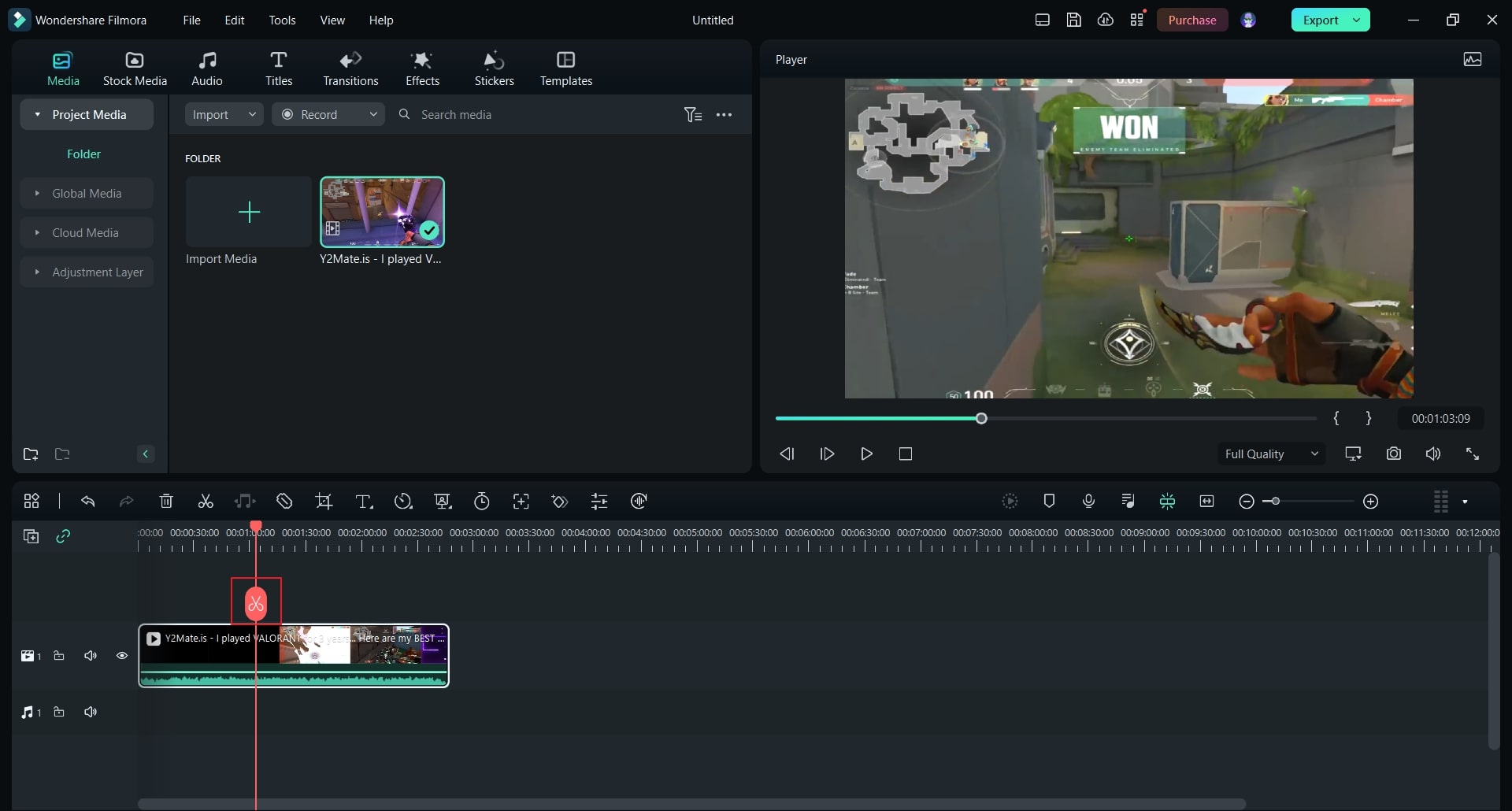
2. Capture High-Quality Footage: The better your source footage, the better the final result will be. Aim for at least 1080p resolution and a smooth frame rate (60fps or higher is ideal). This gives you more data to work with in post-production and prevents the motion blur from looking pixelated or artificial.
3. Experiment with Settings: Each editing program will have its own specific motion blur settings. Play around with parameters like "shutter angle," "blur length," and "samples" to achieve the desired look. Too much blur can make your video look messy and unclear, while too little might not be noticeable at all. Subtlety is often key.

4. Use it Sparingly: Motion blur is a powerful tool, but like any effect, it's best used in moderation. Overuse can detract from the clarity of your gameplay and make it difficult to follow the action. Consider applying it selectively to specific clips or moments that you want to emphasize. For example, use it during fast camera movements or when a player is dashing or using an ability.
5. Watch Tutorials: YouTube is your friend! Search for tutorials specifically related to adding motion blur in your chosen editing software. There are countless resources available that can guide you through the process step-by-step.
By following these tips, you can elevate your Valorant videos with the power of motion blur, creating more visually stunning and engaging content for your viewers. Good luck, and happy editing!