
How To Get More Storage On Your Phone For Free
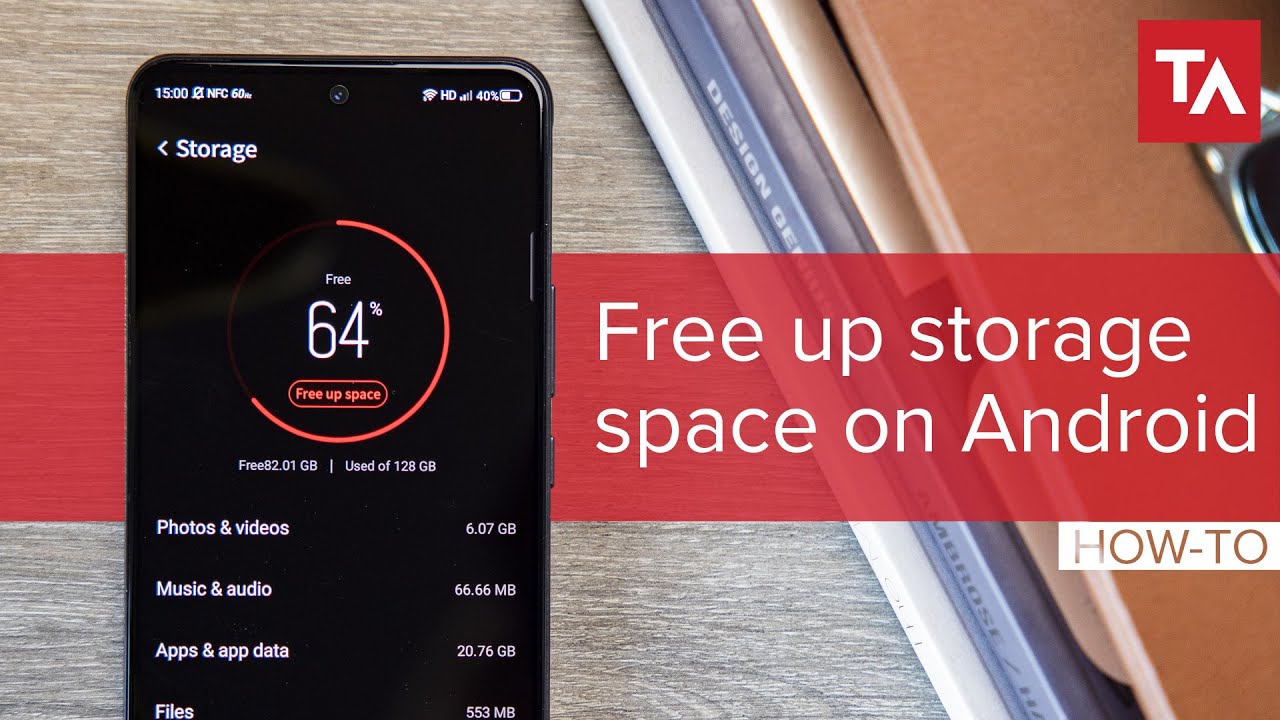
Ever feel like your phone is yelling at you? Specifically, yelling, "STORAGE FULL! DELETE EVERYTHING!" It's like your digital roommate is suddenly a neat freak, demanding you Marie Kondo your entire life, pixel by pixel. We've all been there. You try to take a picture of your cat doing something ridiculously cute, and BAM! No storage. The existential dread sets in. Do you delete the video of your niece singing off-key? The screenshots of important information? It's Sophie's Choice, but for your digital life.
Fear not, fellow phone-storage sufferers! You don't need to buy a new phone (though, let's be honest, we've all considered it). There are ways to wrangle that digital beast and reclaim your precious gigabytes, all without spending a dime. Think of me as your digital decluttering guru, minus the incense and chanting (unless you're into that, then by all means, chant away!).
Embrace the Cloud (It's Not Just for Rain)
The cloud. It sounds so…ethereal. But really, it's just someone else's computer where you can stash your stuff. Think of it like a digital attic, but without the spiders and questionable family heirlooms. Services like Google Photos, iCloud, and Dropbox are your best friends here.
Must Read
Google Photos, in particular, is a lifesaver for photo hoarders (guilty!). You can set it to automatically back up your photos and videos, and then (and this is the magic part) delete them from your phone's storage. Poof! Gone, but not forgotten. They're safely tucked away in the cloud, ready to be retrieved whenever you need to reminisce about that questionable fashion choice you made in 2012.
Don't forget about other files too. Important documents? PDFs? Cloud storage is your digital filing cabinet. It's far better than emailing them to yourself repeatedly (we've all been there too, right?).

The Great App Purge
Be honest, how many apps do you have on your phone that you haven't used in, like, six months? I’m betting it’s more than you think. Those apps are just sitting there, taking up valuable space and silently judging your lack of commitment. It’s time for a spring cleaning, but for your apps.
Go through your phone and ask yourself: "Have I used this in the last month? Will I actually use this in the future?" If the answer is no to both, delete it! You can always re-download it later if you suddenly develop a burning desire to play that obscure puzzle game from 2017. But realistically, you probably won't.
:max_bytes(150000):strip_icc()/001_free-up-storage-on-iphone-4178432-e1048d2c41d747f58834cb1c1c8648cb.jpg)
Pro-tip: On iPhones, there’s a feature called "Offload Unused Apps." It automatically removes apps you haven't used in a while, but keeps the app icon and data on your phone. So, if you decide you do need that app again, it's a quick download away.
Conquer the Cache Monster
Every app you use creates a "cache," which is basically temporary data that helps the app run faster. Over time, this cache can grow into a monstrous, storage-eating beast. It's like a digital dust bunny, multiplying in the corners of your phone's memory.
Luckily, taming the cache monster is easy. In your phone's settings, you can usually find an option to clear the cache for individual apps. Do this regularly, especially for apps like Facebook, Instagram, and YouTube, which tend to accumulate a lot of cached data. It's like giving your phone a little spa day.
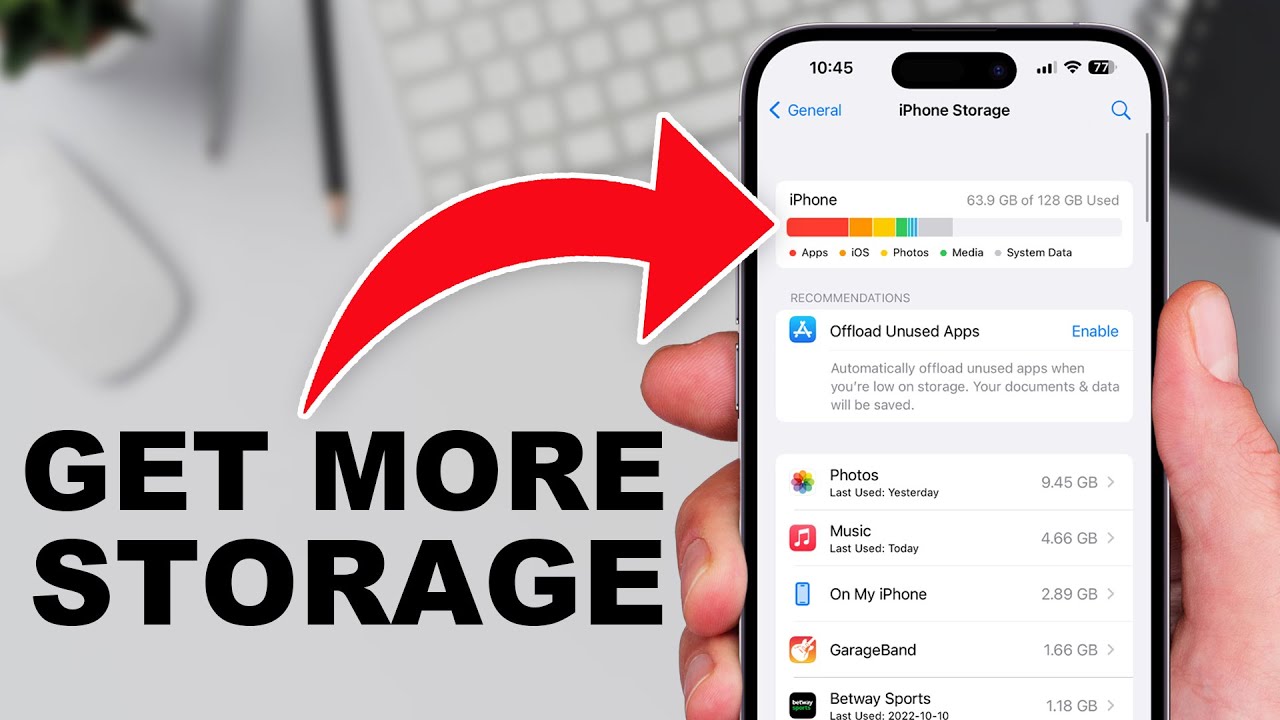
Tackle Downloads (The Hidden Culprits)
Remember that PDF someone emailed you last year? Or that funny meme you downloaded and forgot about? Downloaded files often lurk in your phone's storage, taking up space without you even realizing it.
Take some time to sift through your Downloads folder (it's usually in your Files app). Delete anything you don't need anymore. You might be surprised at how much space you can free up!
Live in the Moment (Less Photo, More Experience)
Okay, this might sound a little "woo-woo," but hear me out. We live in a world where we feel the need to document everything. But sometimes, the best way to enjoy an experience is to put your phone down and just…be there.
Instead of taking 50 photos of the sunset, take one or two and then just enjoy the view. Instead of recording the entire concert, record a snippet and then dance your heart out. You'll not only free up storage, but you'll also be more present in the moment. And that, my friends, is priceless.
So, there you have it. A few simple steps to reclaim your phone's storage and banish the dreaded "Storage Full" notification. Now go forth and conquer your digital clutter! Your phone (and your sanity) will thank you.