
How To Get An At&t Technician To Your House

Okay, imagine this: You're finally settling down for a chill evening. Popcorn's popped, the perfect documentary (or, let's be real, a questionable reality TV show) is cued up on your streaming service of choice. You hit play… and then the dreaded spinning wheel appears. Or worse, the screen just goes black with a cryptic error message. Your Wi-Fi symbol? It’s doing its best impression of a ghost – utterly gone. You glance at your AT&T modem, and those usually comforting green lights are either a fiery red or just... gone. You poke it. You unplug it. You count to thirty (because that's the magic number, right?). You plug it back in. Nothing. The spinning wheel of doom persists. The popcorn grows cold. Your evening plans? Utterly derailed.
Sound familiar? Because, trust me, it’s a tale as old as time for anyone relying on a home internet connection. You've tried all the basic tricks, consulted the ancient texts of Google, and perhaps even offered a small sacrifice to the tech gods. But alas, the digital void remains. At this point, dear reader, you’re past the DIY stage. It's time to call in the big guns: an AT&T technician. But how, exactly, do you coax one of these highly sought-after individuals to grace your humble abode?
First Things First: Have You Really Tried Turning It Off and On Again?
I know, I know. It's the oldest trick in the book. And you probably just rolled your eyes so hard you saw your brain. But honestly, before you even think about dialing that customer service number, give your router and modem a good, solid restart. Unplug both of them for at least 60 seconds. Grab a drink, contemplate the meaning of life, then plug them back in. Wait five minutes for them to fully boot up. Check all the cables – are they snug? Are any chewed by a rogue pet? (Happens more than you think!) It sounds basic, but you'd be surprised how often this works. Plus, the first thing an AT&T rep will ask you to do is exactly this. So, save yourself the polite back-and-forth.
Must Read
Also, if you haven't already, download the myAT&T app. It often has built-in diagnostic tools that can tell you if there’s a known outage in your area or if your equipment is simply having a bad day. It might even prompt you to restart your gateway remotely. Worth a shot, right?
Making the Call (or Chatting Online)
Okay, the basic resets didn't work. The app is giving you the digital shrug. It's time to communicate with a human (or a very advanced AI). You have a couple of options here: phone or online chat.
The phone usually involves navigating the infamous phone tree. Have your AT&T account number and the service address handy. You’ll be asked for them repeatedly. You might also want to grab a snack and a good book because, depending on the time of day, you might be in for a bit of a wait. The hold music? It’s an experience. Embrace it. You might even find yourself humming along.
Online chat, accessible through the AT&T website or app, can sometimes be quicker for initial contact. You type, they type. It’s less personal but often efficient for getting through the first layer of troubleshooting. Whichever you choose, be prepared to describe your problem clearly and calmly. Remember, the person on the other end is trying to help, even if you’re pulling your hair out.

Speaking to a Human (who will ask you to restart again)
Once you’re connected to a customer service representative, they'll likely run some diagnostics from their end. This is where they'll ask you to confirm that you’ve tried restarting your equipment (see? I told you!). They might also ask you to check specific lights on your modem or unplug/replug a particular cable. They’re essentially doing their best to resolve the issue remotely, because frankly, it’s cheaper and faster for everyone if they can fix it without sending someone to your house.
Be patient, answer their questions, and cooperate with their instructions. This phase is crucial. They need to exhaust all remote options before they can justify dispatching a technician. The key is to let them determine that a technician is necessary. If you push too hard for a tech too early, they might politely guide you back through basic troubleshooting steps anyway.
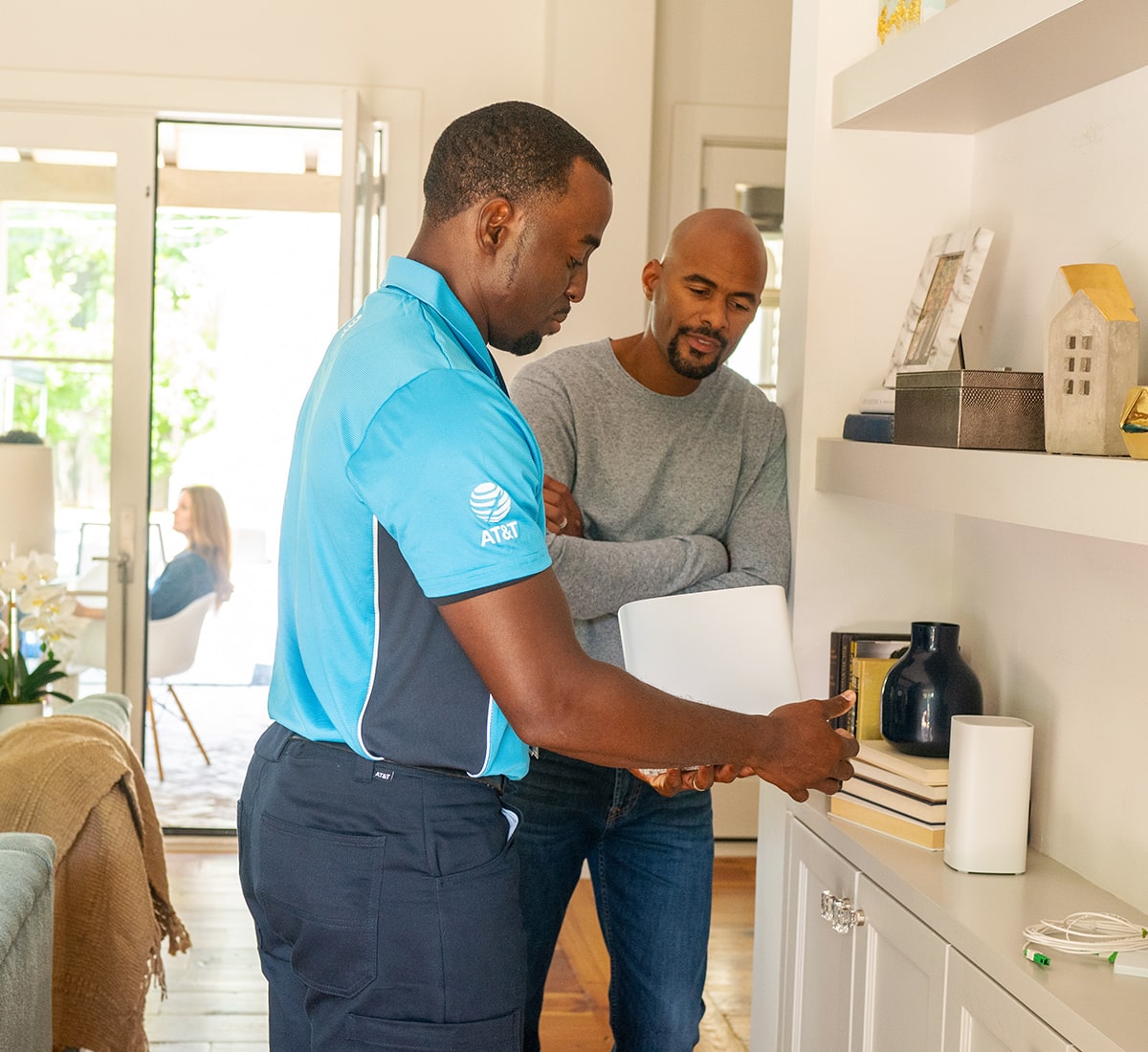
Scheduling the Visit: The Window of Opportunity
Aha! The golden words! "It sounds like we need to send a technician." This is your victory dance moment (internally, of course). The representative will then give you available appointment slots. These are usually in multi-hour windows – think 8 AM to 12 PM, or 1 PM to 5 PM. Yes, it can feel a bit like waiting for Santa, but that’s just how it works with field service appointments.
They’ll confirm your contact information, the address, and the nature of the problem. Make sure to get a confirmation number or, even better, a text message with the appointment details. This way, you have proof and can easily check the status or reschedule if life happens.

Prepping for the Tech's Arrival
When your appointment day arrives, here’s a quick checklist to make things smooth:
- Be Home: Obvious, right? But seriously, ensure someone 18 or older is there during the entire appointment window.
- Clear the Path: Make sure the AT&T equipment (modem, router, main wall jacks) is easily accessible. Don’t make the tech play hide-and-seek with your modem behind a pile of old magazines.
- Pet Control: If you have pets, especially enthusiastic ones, consider putting them in another room for the duration of the visit. It’s safer and less distracting for everyone.
- Describe the Problem (Again): When the technician arrives, give them a clear, concise rundown of what’s happening. Be specific! "My internet died" is less helpful than "My internet lights are red, and I can't connect on any device."
The technician will perform their own diagnostics, both inside and outside your house, to pinpoint the issue. They might replace equipment, check line signals, or even run new wiring if necessary. They are the experts, after all!
And just like that, with a bit of patience and strategic communication, you’ll have an AT&T technician at your door, ready to bring your digital life back from the brink. Soon, you'll be back to your streaming, gaming, or endlessly scrolling, as if the internet outage was just a bad dream. You got this!