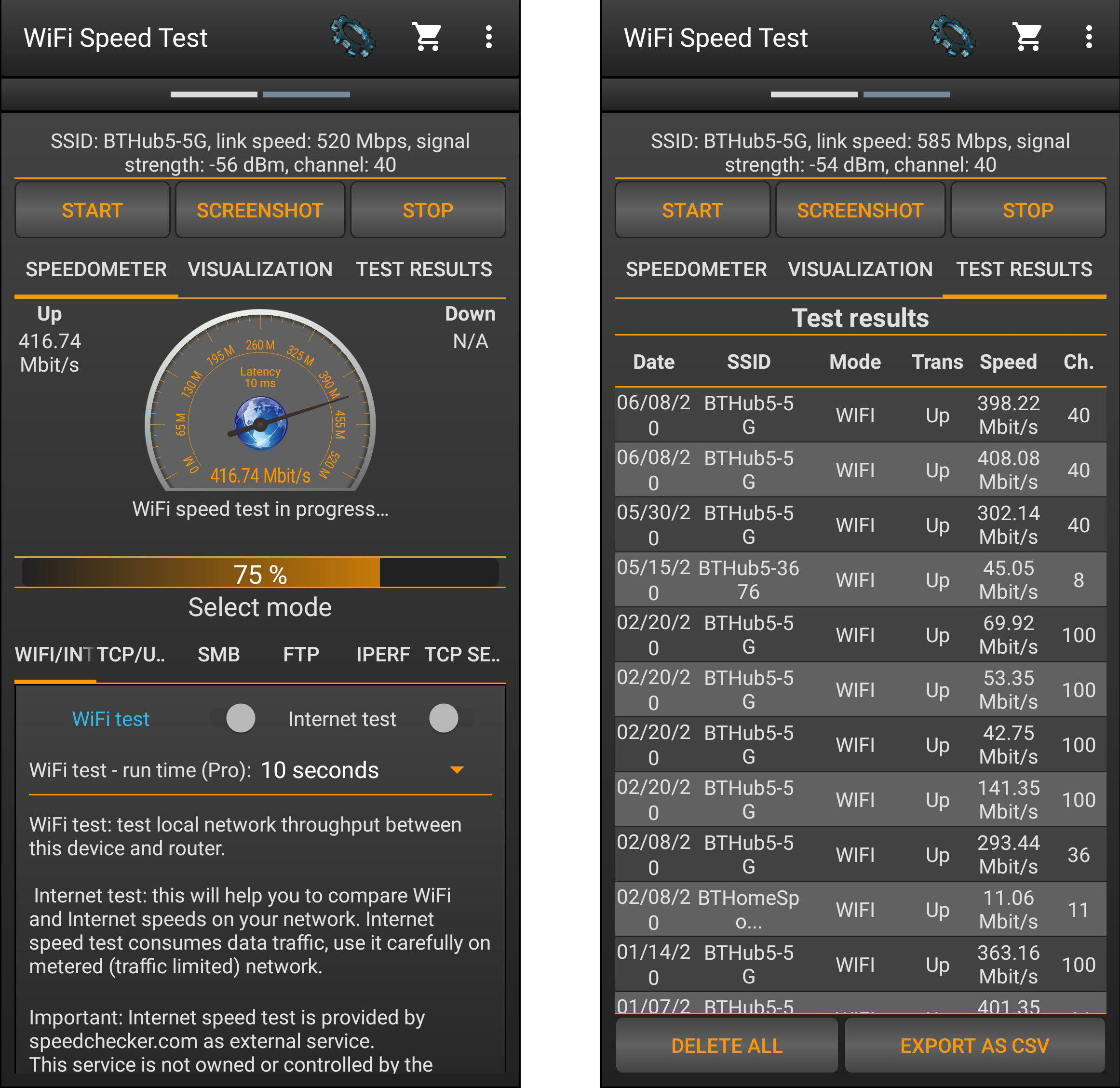
How To Find Out Wifi Speed

Let's face it, we're all a little obsessed with our Wi-Fi. Whether it's for binging the latest streaming sensation, dominating in online games, or simply staying connected with friends and family, a strong and speedy internet connection is no longer a luxury, it's a necessity. We rely on it so heavily that even a momentary blip in service can send us into a mild panic. And in this age of constant connectivity, knowing how to check your Wi-Fi speed is like knowing how to check the oil in your car - it's a fundamental skill that can save you a lot of frustration.
So, why bother checking your Wi-Fi speed? Well, understanding your connection's performance offers a whole host of benefits. Firstly, it helps you troubleshoot issues. Is your Netflix buffering constantly? Is your Zoom call choppy? Knowing your Wi-Fi speed can help you determine if the problem is your internet connection or something else, like a faulty device or overloaded server. Secondly, it helps you optimize your setup. Maybe your router is in a bad location, or perhaps your internet plan simply isn't up to par with your usage. Knowing your speed provides the data you need to make informed decisions about upgrades and adjustments. Finally, it helps you hold your internet service provider (ISP) accountable. You're paying for a specific level of service, and knowing your actual speed ensures you're getting what you're paying for.
We use Wi-Fi speed tests every day, often without even realizing it! Consider these scenarios: Video conferencing for work or school demands a certain upload and download speed to ensure a smooth, lag-free experience. Gamers need low latency and high speeds to maintain a competitive edge. Streaming services like Netflix, Hulu, and Disney+ require a minimum speed to play videos in HD or 4K. Even just browsing the web becomes a frustrating experience with slow Wi-Fi. Think about how often you're impatiently waiting for a webpage to load – that's often a sign of a slow connection.
Must Read
Now for the practical tips! Checking your Wi-Fi speed is surprisingly easy. There are numerous free online speed tests available. Simply Google "internet speed test" and you'll find options from reputable sources like Speedtest by Ookla or Google's own speed test. Before you run the test, here are a few things to keep in mind for more accurate results:
- Close other applications: Make sure no other programs are downloading or uploading data while you're running the test. This includes things like streaming videos, downloading files, or even cloud backups.
- Connect directly to your router (if possible): For the most accurate results, connect your computer directly to your router using an Ethernet cable. This eliminates any potential interference from your Wi-Fi signal.
- Test multiple times: Run the speed test several times at different times of the day. This will give you a better average speed and help you identify any periods of slow performance.
- Understand the numbers: The speed test will typically show you your download speed, upload speed, and ping (latency). Download speed is how quickly you can receive data from the internet, while upload speed is how quickly you can send data. Ping measures the delay in data transfer and is particularly important for online gaming. Faster is generally better, but what constitutes "fast enough" depends on your specific needs.
By regularly checking your Wi-Fi speed and understanding the results, you can take control of your internet experience and ensure you're getting the most out of your connection. So, go ahead and run a speed test – you might be surprised by what you discover!