
How To Favorite Items In Terraria

Shiny Loot and Why You Gotta Keep It!
Ever played Terraria and felt that surge of excitement when you finally snag that rare sword? Or maybe you meticulously crafted the perfect set of armor after hours of mining? You've earned it! Now, let's make sure you don't accidentally trash it. That's where favoriting comes in.
Think of favoriting like putting a big, sparkly "DO NOT DELETE" sticker on your precious pixels. It's like giving your digital treasures a VIP pass to your inventory. It's super easy to do!
The Magic Button: Alt + Click!
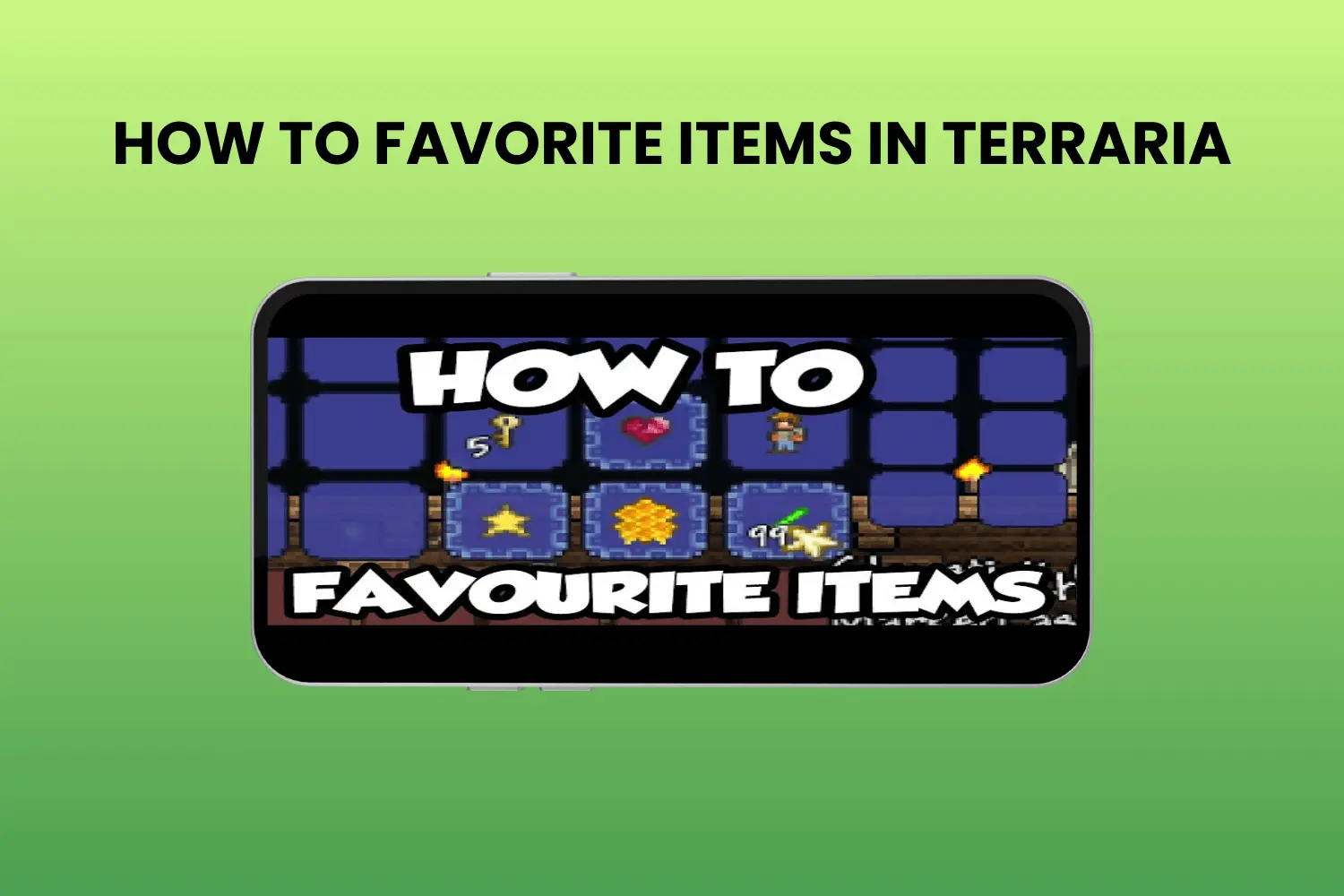
Okay, here's the secret. Ready? It's seriously simple. To favorite an item, just hold down the Alt key (or whatever key you've bound in settings!) and click on the item. Voila! The item will now have a little border around it, showing it's been favorited.
Must Read
It's like telling Terraria, "Hey, this item is special! I need this!" Consider it your personal digital vault for awesome gear.
It's also useful for keeping track of the materials you want to keep, for instance, you may favorite ores and bars that you need for building a house.

Protecting Your Precious Possessions
Why is this so important? Well, imagine this: you're on a massive mining expedition. Your inventory is overflowing with dirt, stone, and a whole bunch of other random stuff. You need to clear some space fast.
Without favoriting, you might accidentally quick trash that super rare item you spent hours trying to get. Heartbreak! But with favoriting, you can safely use the Quick Trash feature, knowing your favorited items are safe and sound. It's like having an extra layer of protection against clumsy fingers.
No one wants to accidentally sell their favorite weapon to a merchant, right? Favoriting helps prevent those little disasters. You can still sell it if you want, you just have to actively work at it.

Un-Favoriting, Because Sometimes You Change Your Mind
Okay, so what if you favorite something and then realize you don't need it anymore? Easy peasy! Just do the same thing again: hold down the Alt key and click on the item. The border will disappear, and the item is no longer favorited.
It’s like taking away that VIP pass. "Okay, you've had your fun, back to the regular inventory!"
Beyond Just Gear: Favoriting for Organizing
Favoriting isn't just about protecting your best loot. It's also a fantastic way to organize your inventory. Maybe you want to quickly identify all the ingredients you need for a particular potion. Favorite them!
Or perhaps you're building a massive castle and want to keep all your building materials together. Favorite those blocks! It's a simple trick that can make a huge difference in keeping your inventory clutter-free.
A Little Thing That Makes a Big Difference
Favoriting is a small feature, but it's one of those little things that makes Terraria so enjoyable. It adds a layer of convenience and protection to your adventures. You don't have to be scared of selling or trashing important blocks or tools.
It's all about keeping your hard-earned loot safe and sound, so you can focus on exploring, building, and battling your way through the world of Terraria.
So, next time you're playing Terraria, remember the magic of the Alt + Click. Favorite those awesome items and enjoy the peace of mind knowing your treasures are safe. Happy adventuring!
Terraria is calling; protect your pixels!