How To Connect Phone To Vpn
Ever feel like you're whispering secrets into a crowded room when you use your phone online? You're sharing passwords, browsing history, and even location data, often without realizing who might be listening in. That's where a VPN, or Virtual Private Network, comes in! Think of it as your personal, invisible tunnel across the internet, shielding your online activity from prying eyes.
So, why are VPNs so popular? Well, imagine you're traveling and using public Wi-Fi at an airport or cafe. These networks are notoriously insecure, making you vulnerable to hackers. A VPN encrypts your data, turning it into an unreadable jumble for anyone trying to intercept it. It's like sending your information in a locked box that only you and the VPN server can open. This protects your sensitive data, like banking details or email passwords.
But VPNs aren't just for travelers. Many people use them to bypass geo-restrictions, allowing them to access content that's not available in their country. Streaming services often have different libraries depending on your location, and a VPN can make it appear as if you're browsing from another country, unlocking a whole new world of entertainment. It's also useful for gamers who want to connect to servers in different regions or protect themselves from DDoS attacks. Another common use case is simply enhancing privacy; some individuals just want a heightened sense of control and anonymity when using their phone.
Must Read
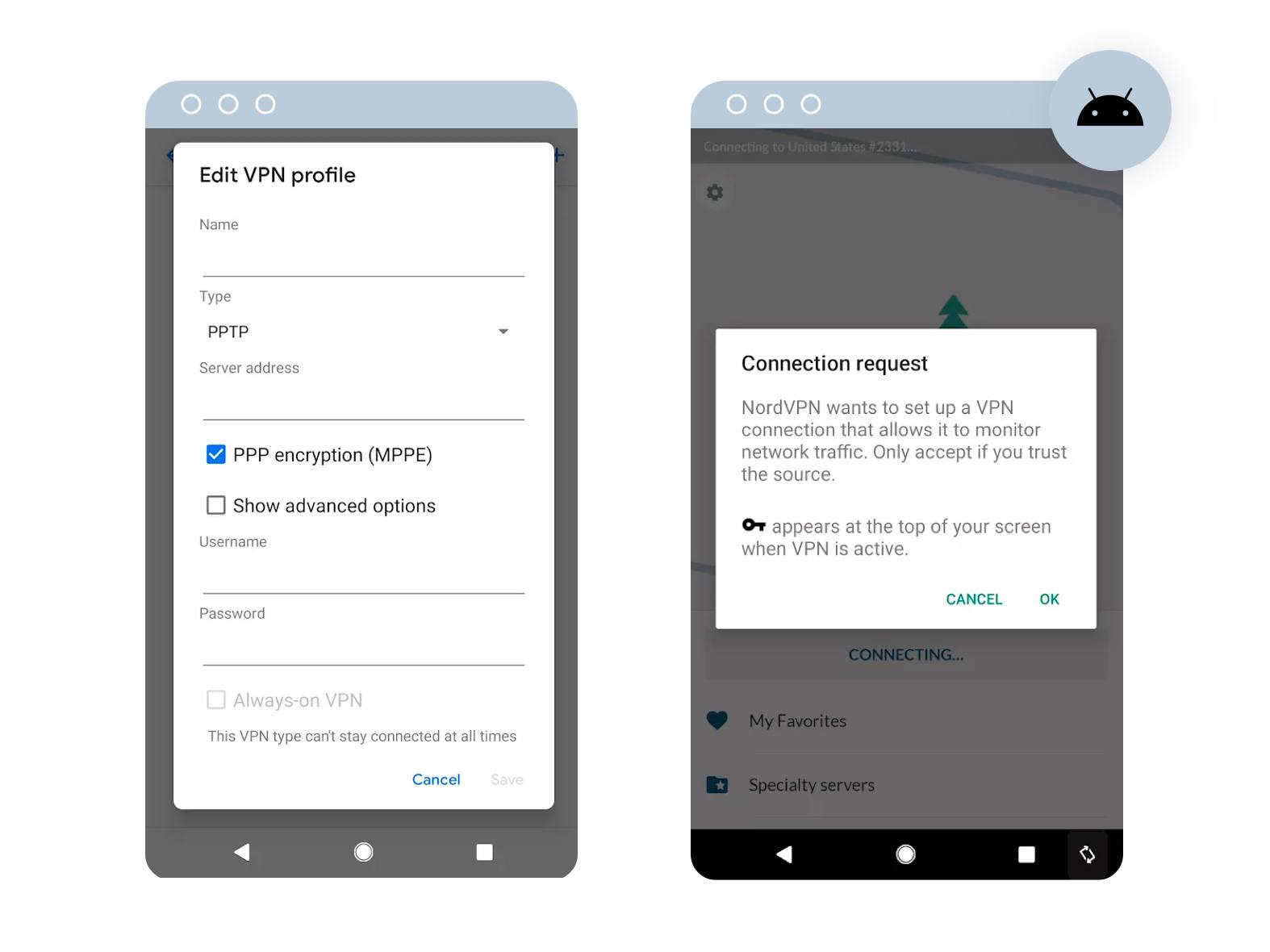
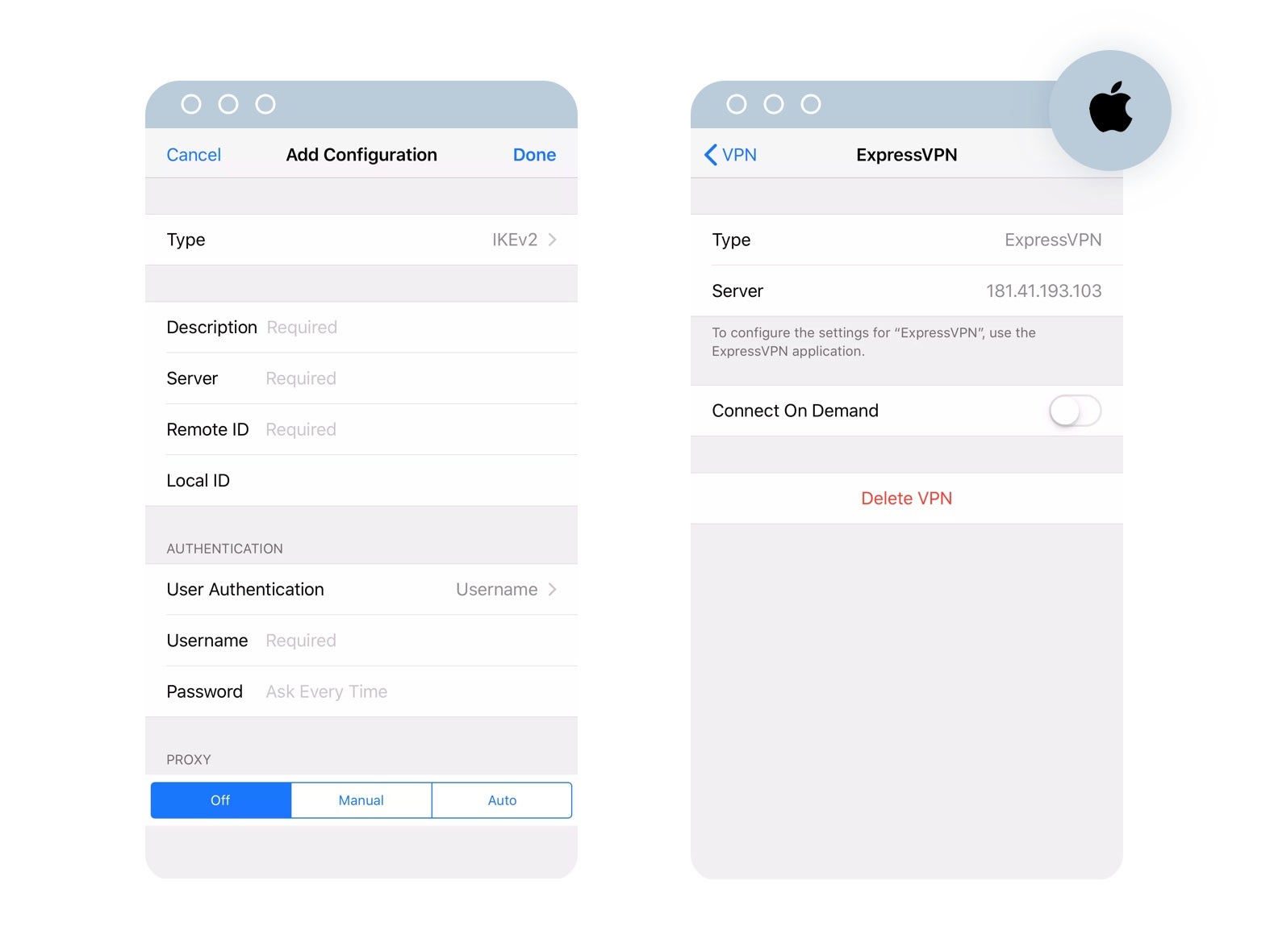
Okay, so how do you actually connect your phone to a VPN? Here's the good news: it's usually pretty straightforward! First, you'll need to choose a VPN provider. There are tons of options out there, both free and paid. Do your research! Free VPNs might have limitations or even sell your data, so opt for a reputable provider with a clear privacy policy if you value your security.
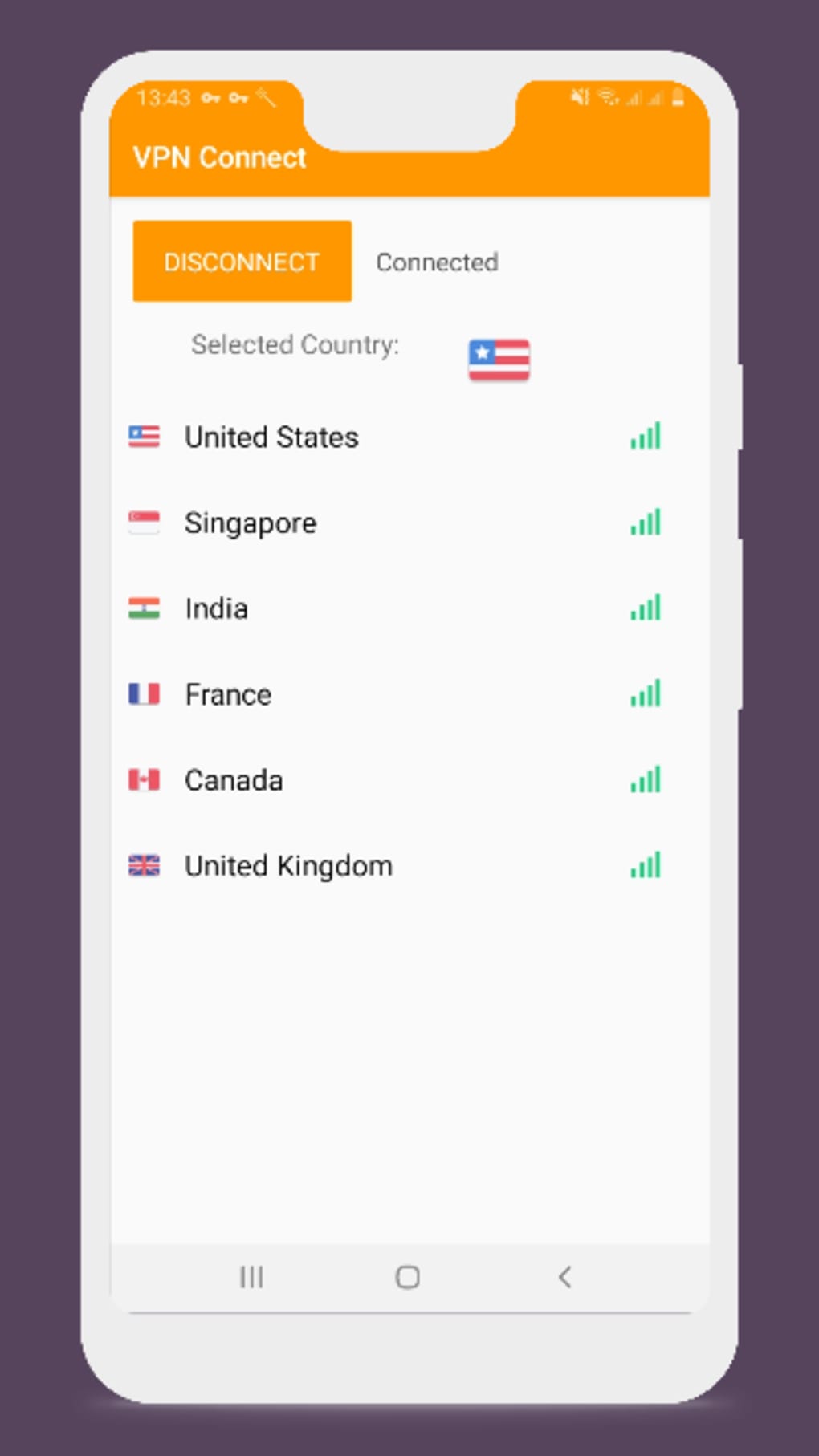
Once you've chosen a VPN, download their app from the App Store (iOS) or Google Play Store (Android). Install the app and follow the on-screen instructions to create an account or log in. Then, within the app, you'll usually see a big "connect" button. Tap it, and the app will establish a secure connection to a VPN server. Some apps let you choose which country you want to connect through, giving you control over your virtual location.
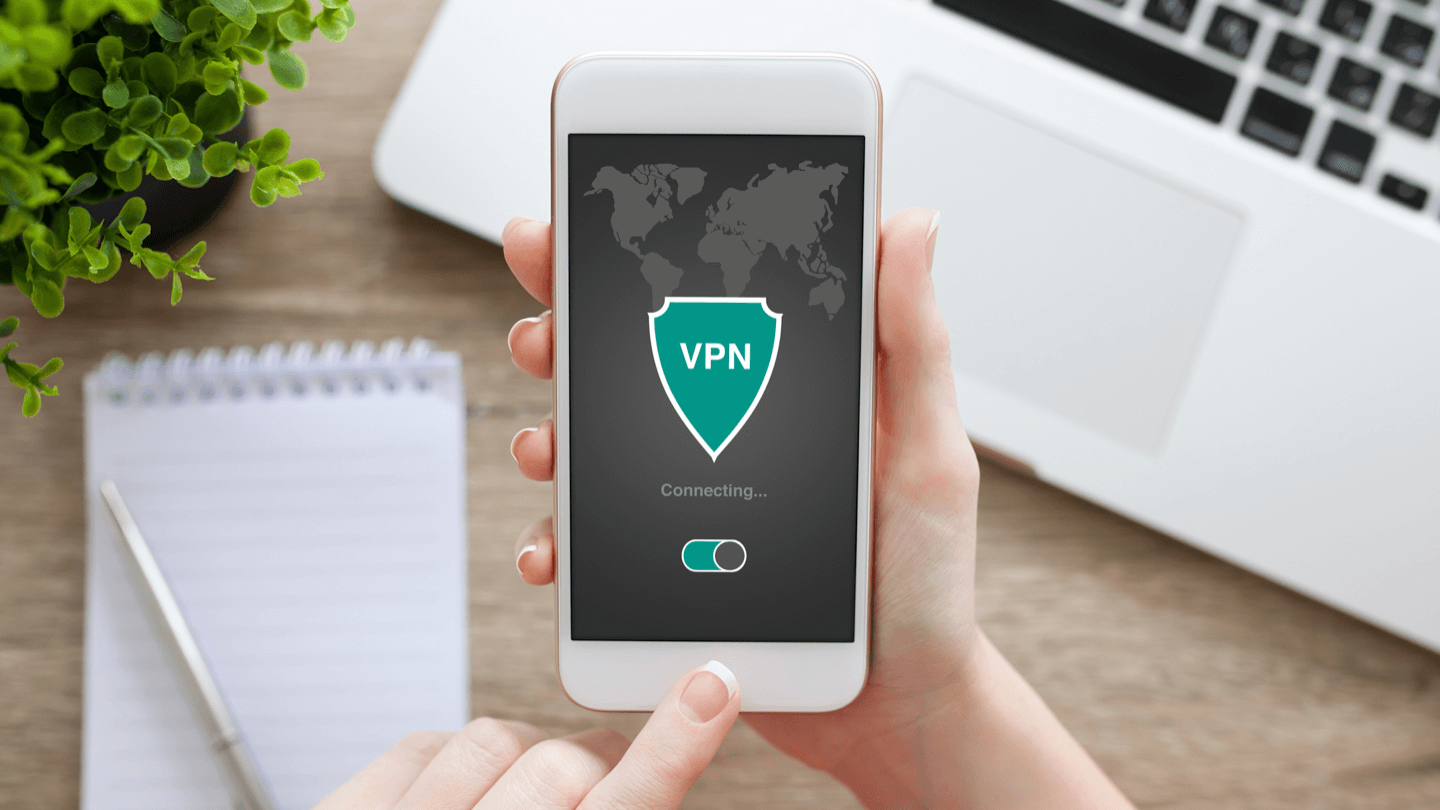
To enjoy your VPN more effectively, here are a few tips. First, test your connection. After connecting, visit a website that shows your IP address to verify that it's different from your actual IP address. Second, consider using the "kill switch" feature, if your VPN offers it. This feature automatically disconnects your internet if the VPN connection drops, preventing your data from being exposed. Third, regularly update your VPN app to ensure you have the latest security patches. Finally, be mindful of the websites and apps you use, even with a VPN. A VPN can protect your data in transit, but it can't prevent you from falling victim to phishing scams or malware if you're not careful.
By taking these steps, you can enjoy a safer and more private mobile browsing experience, giving you greater control over your online footprint. So, go ahead and unlock the power of VPNs and browse with peace of mind!