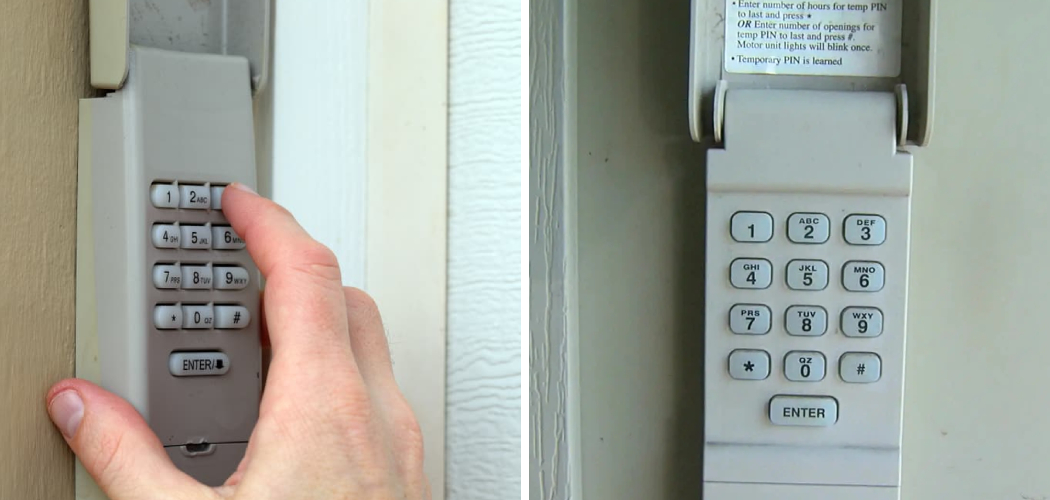
How To Connect Keypad To Garage Door

Ever found yourself juggling groceries, kids, or even just your morning coffee, while fumbling for your garage door remote? Or maybe you've wished you could let the dog walker in without having to hand over a spare remote or key? If so, you're in for a treat! Connecting a keypad to your garage door is one of those surprisingly satisfying and game-changing home improvements that makes daily life just a little bit smoother. It's a popular choice for a reason – it offers a blend of convenience, security, and a touch of modern magic right at your fingertips!
The beauty of a garage door keypad lies in its simplicity and versatility, making it a fantastic addition for just about anyone. For beginners to home DIY, it’s an incredibly straightforward project that offers a huge sense of accomplishment without needing specialized tools or electrical know-how. You’ll be amazed at how easy it is to set up! For families, the benefits are immense. Imagine the kids getting home from school without needing a key they might lose, or a remote that could get misplaced. Grandparents, babysitters, or even house guests can be given temporary access codes, making visits much easier. And for the more tech-savvy hobbyist, while it's a simple device, it's a fundamental step towards a more automated and connected home, offering practical control right where you need it most.
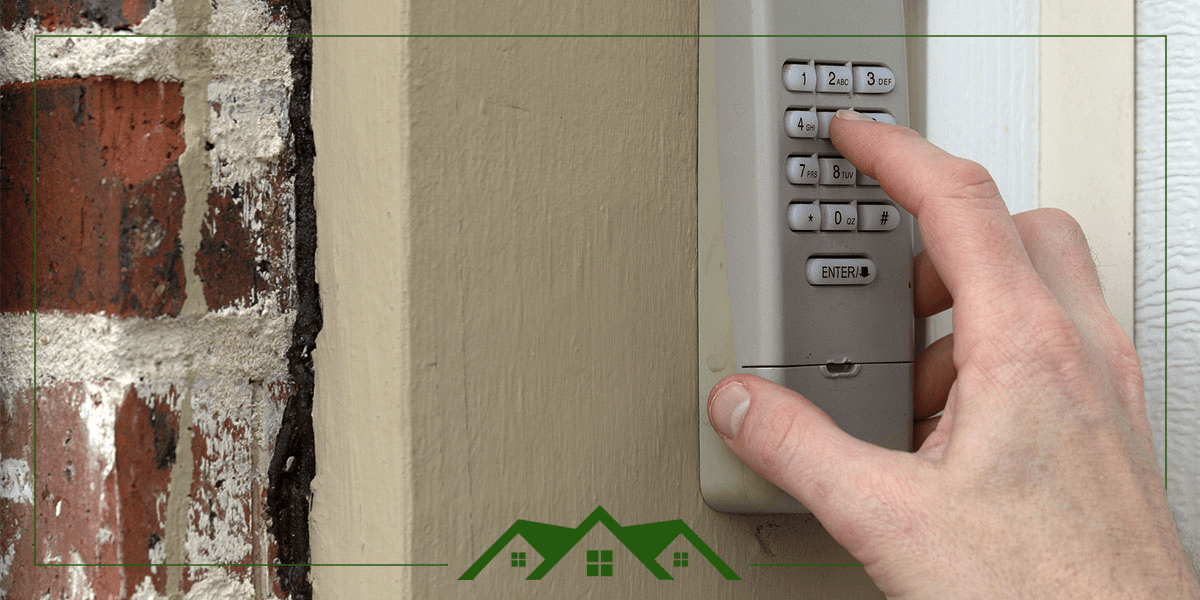
Most modern garage door openers are compatible with wireless keypads, and there's a wide range of options out there. You'll find popular brands like LiftMaster, Chamberlain, and Genie all offer their own specific keypads, though many universal options also exist. Some advanced systems even let you create temporary codes that expire after a certain time or number of uses, perfect for a contractor or delivery person. The basic function remains the same: a secure, wireless way to open and close your garage door with a simple PIN, freeing you from the tyranny of misplaced remotes or forgotten keys.
Must Read
Ready to make your life a little easier? Here are some simple, practical tips to get you started on connecting your keypad:
- Check Compatibility First: This is crucial! Before you buy, peek at your garage door opener's motor unit. Note the brand and model number. Most keypads specify which brands or frequencies they work with. You might also look for a "learn" button on your opener, as its color often indicates compatibility.
- Read the Instructions (Seriously!): While the process is generally similar across brands, each model has its unique quirks. The manufacturer's instructions are your best friend here.
- Locate Your "Learn" Button: This little button, usually on the back or side of your opener's motor unit, is the key to syncing your keypad. Pressing it puts your opener into "learning mode" for a short time.
- Program Before Mounting: It's always a good idea to program your keypad and test it out before you permanently mount it to your wall or door frame. This saves you hassle if there are any issues.
- Choose a Smart Location: Mount your keypad at a comfortable height, out of direct sunlight and heavy rain if possible, and where it's easily accessible but not an obstruction.
- Fresh Batteries: Most keypads run on standard AA or AAA batteries. Pop in some fresh ones to ensure reliable operation from day one.
Connecting a keypad to your garage door isn't just about adding a gadget; it's about adding a layer of effortless convenience and peace of mind to your daily routine. It's a small investment in time and money that pays dividends every single day. So go ahead, embrace the simplicity and enjoy the feeling of pressing a few buttons for instant, secure access to your home!