How To Clear Yellow Triangle On Dsc Alarm
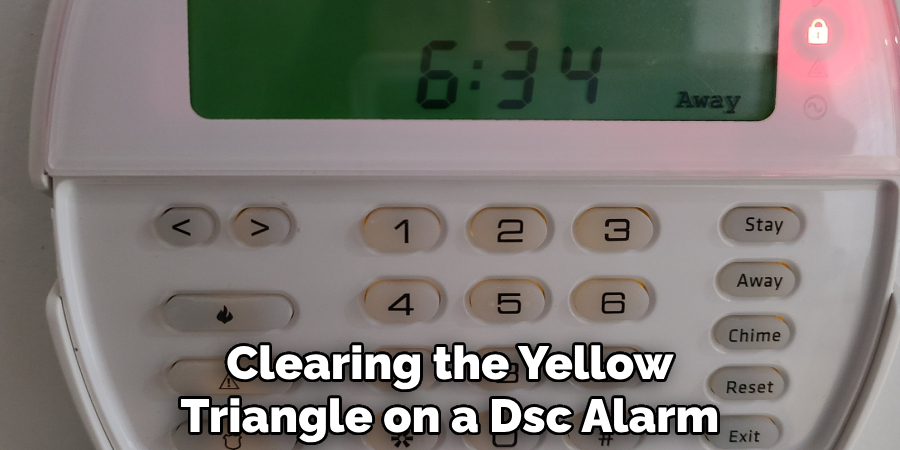
Oh, hey there! Grab a coffee, pull up a chair. So, you've got that pesky yellow triangle staring back at you from your DSC alarm panel, huh? Ugh, I know. It's like your house is giving you the side-eye, silently judging your life choices. But seriously, that little illuminated troublemaker can be super annoying, right? It just sits there, glowing, a constant reminder that something, somewhere, isn't quite right. Don't sweat it, though. We're gonna tackle this together, like a couple of DIY heroes, because usually, it's not as scary as it looks!
What's the Deal with That Pesky Yellow Triangle?
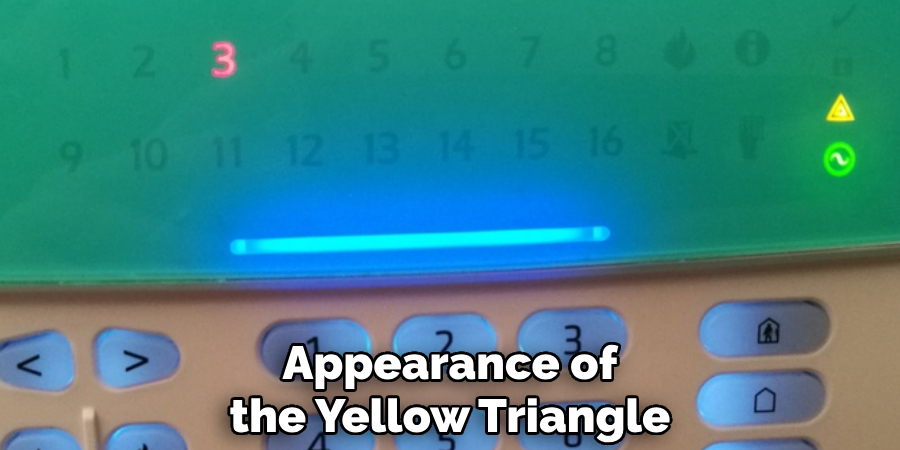
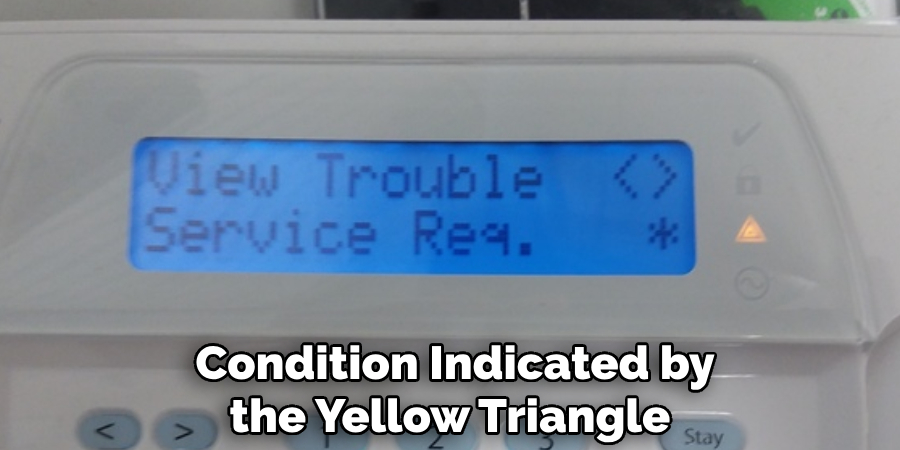
Think of the yellow triangle as your alarm system's way of saying, "Hey, friend! There's a little hiccup in paradise!" It's not a full-blown emergency (that's what the siren is for, thank goodness!), but it's a notification that there's a trouble condition. It could be anything from a dead battery in a window sensor to your system just needing a good old-fashioned time update. The good news? Most of these issues are super easy to fix yourself. Let's dig in!
First Things First: Let's Decode That Mystery! (2, baby!)
Alright, before we even *think about fixing anything, we need to know what the problem actually is. Your DSC panel isn't just a pretty face; it's got secrets! To unlock them, simply press 2 on your keypad. Go ahead, I'll wait. Ta-da! See? Now you should see one or more numbers light up (or blink) on your keypad. These are your trouble codes. Sometimes it'll even scroll the message across a fancy LCD screen. Each number corresponds to a specific issue. Let's break down the most common ones!
Must Read
Common Culprits and How to Tame 'Em:
1. Battery Blues (Trouble Code 01)
Ah, the classic! If you see "01" or "Low Battery", it usually means your main system battery is running low. This is a big, rectangular battery inside your main alarm panel (usually in a beige metal box in a closet or basement). These guys last about 3-5 years. If it's old, it's probably time for a replacement. You can grab one online or at a local electronics store. Make sure to unplug your transformer *first, then disconnect the old battery, plug in the new one, and then plug the transformer back in. Easy peasy!
2. Power Outage Party Crasher (Trouble Code 02)
Seeing "02" or "AC Loss"? This means your system isn't getting its main power from the wall outlet. Did you have a recent power outage? Sometimes, when the power flickers, the system needs a moment to realize it's back. Check the outlet where your alarm transformer is plugged in (it's that chunky plug, often beige, usually near your main panel). Is it loose? Is the outlet working? Sometimes the transformer itself can go bad, but usually, it just needs a good, firm connection. Give it a wiggle or try a different outlet (temporarily, just to test).
3. Sensor Shenanigans (Trouble Code 03, 04, 05)
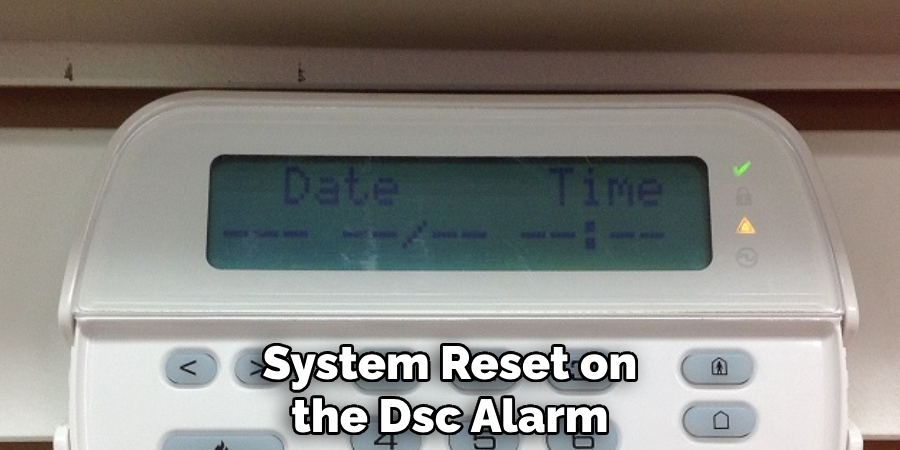
Okay, these are all about your sensors playing hard to get. When you press 2, and then 3, 4, or 5 lights up, press * again to see *which zone is causing the grief.
- Trouble 03: Sensor Fault - This often means a sensor (like on a window or door) is open when it shouldn't be, or it's not communicating properly. Is a window slightly ajar? Did a magnet fall off? Give it a good look-over.
- Trouble 04: Sensor Tamper - Oh, the tamper! This means a sensor cover has been removed or is loose. Think tiny little tamper switches inside the sensor that pop up when the cover is off. Go around and make sure all your motion detectors, door sensors, etc., have their covers snapped on tightly.
- Trouble 05: Sensor Supervision - This means your system hasn't heard from a specific wireless sensor in a while. It could be a dead battery in that specific sensor (not the main panel battery!), or it's just out of range. Check the battery in the sensor it's calling out!
4. The Silent Treatment (Trouble Code 06 - Communication)
Ah, "06" or "Communication Trouble". This one means your alarm system couldn't call out to the monitoring station (if you have one). This is often linked to a phone line issue (if you still have a landline for your alarm) or your cellular communicator module acting up. Did your internet go out? Is your phone line dead? For cellular communicators, sometimes a quick power cycle of the alarm panel (unplug AC, then battery, wait a minute, plug battery, then AC) can help it reconnect. If it persists, and you have monitoring, it's probably time to call your alarm company.
5. Time Warp! (Trouble Code 07 & 10)
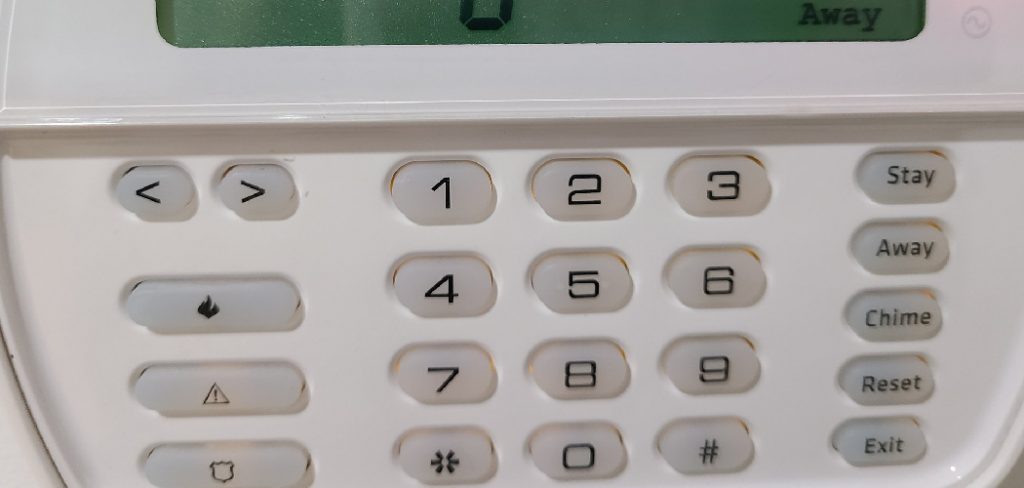
Hah! These are the easy ones! "07" or "System Time" and "10" or "Loss of System Time" simply mean your system has lost its time and date settings. Maybe after a power outage, it just got confused. To fix this, press 6, then your Master Code, then 1. Now, enter the time in HHMM format (e.g., 0930 for 9:30 AM, 2130 for 9:30 PM) followed by the date in MMDDYY format (e.g., 011524 for January 15, 2024). Press # to exit. Boom! Time travel fixed!
6. Wireless Woes (Trouble Code 08 - Wireless Device Low Battery)
This is often confused with "01." If you see "08", it means a specific wireless device (like a motion sensor, door contact, or smoke detector) has a low battery, not the main panel. After pressing *2, then 8, you'll need to press * again to find out which zone is crying for a fresh AA or CR123A. Find that sensor, pop in a new battery, and you're golden! This happens a lot with frequently used doors or high-traffic areas.
7. Tamper Tantrums (Trouble Code 09 - System Tamper)
"09" or "General System Tamper" is less common but still fixable. It typically means the main control panel box (that beige metal box in your closet) has its cover removed or not seated properly. There's often a small tamper switch inside. Make sure the cover is securely closed and screwed down if it has screws. Sometimes, if you've been poking around in there, you might have accidentally triggered it.
Okay, It's Fixed! Now How Do I Banish the Triangle?
Phew! Once you've identified and hopefully fixed the issue (replaced the battery, closed the window, snapped on the cover, set the time), the yellow triangle might still be glaring at you. Don't worry, it's just being a drama queen. To clear it, simply press the # key a few times. Sometimes, arming and then disarming your system will also do the trick. If you've done the fix correctly, the triangle should vanish like a ninja in the night. Success!
When to Wave the White Flag (and Call a Pro)
Look, while most of these are totally DIY-able, there are times when it's best to call in the cavalry. If you've tried everything, double-checked your work, and that stubborn triangle just *will not go away, it might be something more complex. Or maybe you're just not comfortable poking around with wires, and that's perfectly okay! Your alarm company or a local technician can usually sort it out quickly. Don't feel bad about reaching out for help; sometimes, peace of mind is worth every penny.
So, there you have it! Your guide to conquering that yellow triangle. Most of the time, it's just a little bit of detective work and a quick fix. You're now officially a DSC alarm system whisperer. Go forth and enjoy a trouble-free, triangle-free, perfectly secure home!